

Disposable email address, also known as throwaway email or temporary email redirect service is a useful service when it comes to subscribing to an unknown newsletter when you are forced to. Temporary email address is a so-called anti-spam solution, it is easy to use. Use this email address to sign up for a service you are only planning to use once and receive the confirmation e-mail in your temporary anti-spam inbox.
See More ▼ 12 Anonymous, Secure And Encrypted Private Email Service Providers
There are many methods in fighting spam or junk emails, you can purchase the best anti-spam filter and yet spammers will keep on sending emails to your inbox. For me, the best method is to create a temporary email address, also known as disposable email address. Something like spoofing, only legal.

Disposable email – is a service that allows to receive email at a temporary address that self-destructs after a certain time elapses. It is also known by names like : tempmail, 10minutemail, throwaway email, fake-mail or trash-mail. Many forums, Wi-Fi owners, websites and blogs ask visitors to register before they can view content, post comments or download something. Temp-Mail – is the most advanced throwaway email service that helps you avoid spam and stay safe.
1. Gmail Temporary Email
Free, Max 30 Alias
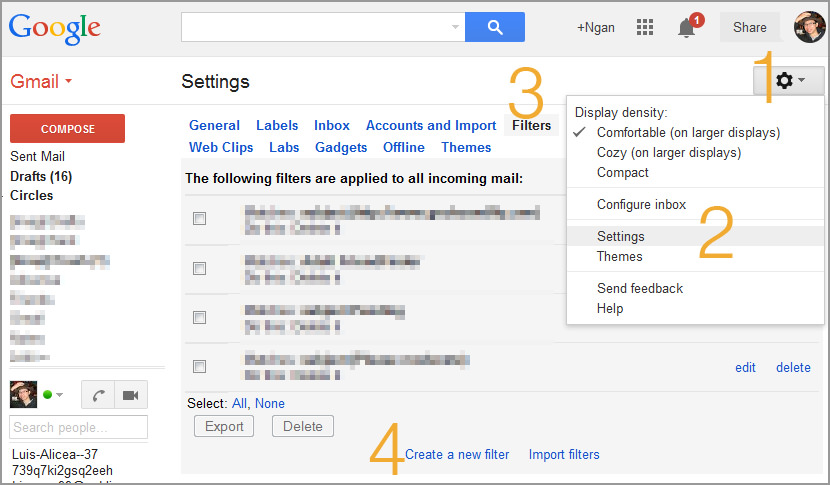
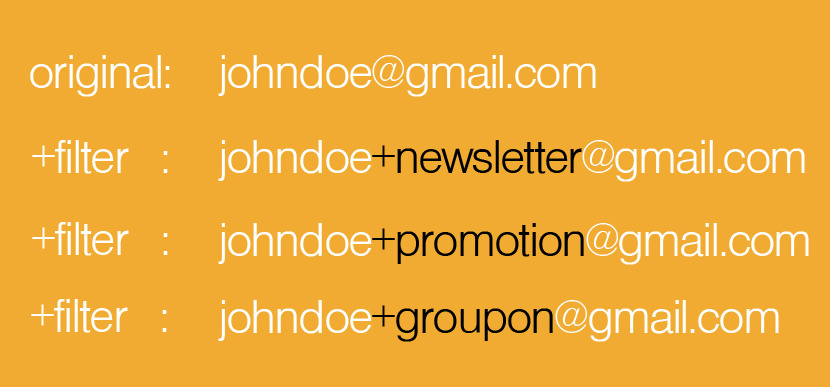
Instant Disposable Google Gmail Addresses. Assuming that you need to sign up for a service by “MakeMoneyOnline” which requires you to first sign up with their mailing list or newsletter, but you’re afraid spammers might get your address and spam your inbox with nonsense. We’ll call the list “makemoneyonline”. Sign up with the list using the address “danny+makemoneyonline@gmail.com”. Email to that address will still come to your “danny@gmail.com” address even though the “To:” will include that “+makemoneyonline” in it. Then set up Gmail filters to filter that +makemoneyonline email past the inbox to a specific label.
- Step 1 – Click on the ‘nut’ button
- Step 2 – Go to ‘Settings’
- Step 3 – Click on the ‘Filter’ tab
- Step 4 – Click on the link ‘Create new filter’
Gmail doesn’t offer traditional aliases, but you can receive messages sent to your.username+any.alias@gmail.com. For example, messages sent to jane.doe+notes@gmail.com are delivered to jane.doe@gmail.com. You can set up filters to automatically direct these messages to Trash, apply a label or star, skip the inbox, or forward to another email account.
It is instantaneous, unlike Hotmail where you have so many steps. The drawback is you can’t delete or remove the email address. Furthermore, you might have validation issues this is because all emails are forwarded to the original address, therefore, when you validate the incoming email, CompanyX believes that you are emailing from a different email account, thus denying you access.
2. Hotmail Outlook Alias
Max 10 Alias Per Year
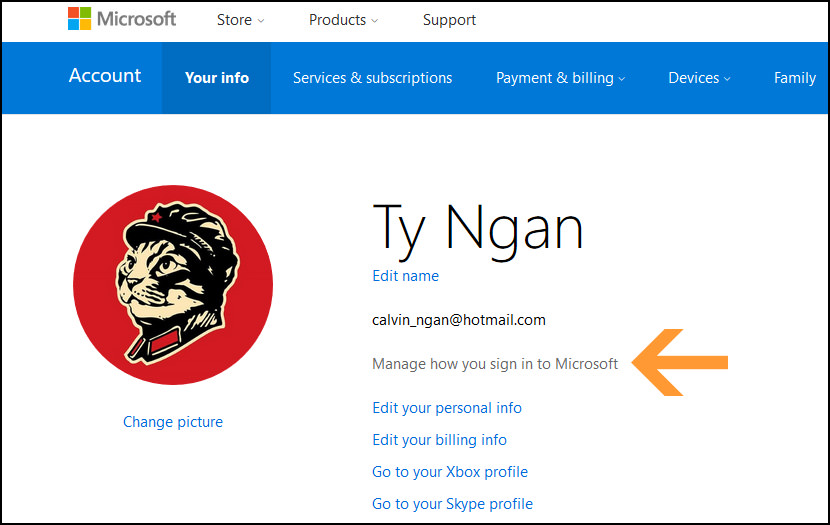
Manage aliases on your Microsoft account! You can change the way you sign in and show up by adding aliases to your Microsoft account. An alias is an additional account name that can be an email address, phone number, or Skype name. It uses the same inbox, contact list, and account settings as the primary alias.
You can sign in to your account with any alias—they all use the same password. Some reasons to use aliases on your account include: You’re ready for a new email address, but don’t want to lose all your settings and data and if you want the flexibility of having several aliases that share the same subscriptions and inbox.
- Step 1 – Sign in to the Microsoft account website.
- Step 2 – Select Your info.
- Step 3 – Select Manage your sign-in email or phone number.
- Step 4 – Select Add email or Add phone number.
- Step 5 – Follow the instructions to set up and verify your new alias. If you chose Add email, you have the option to use an email address that you already have, or you can create a new Outlook.com email address.
3. GuerrillaMail
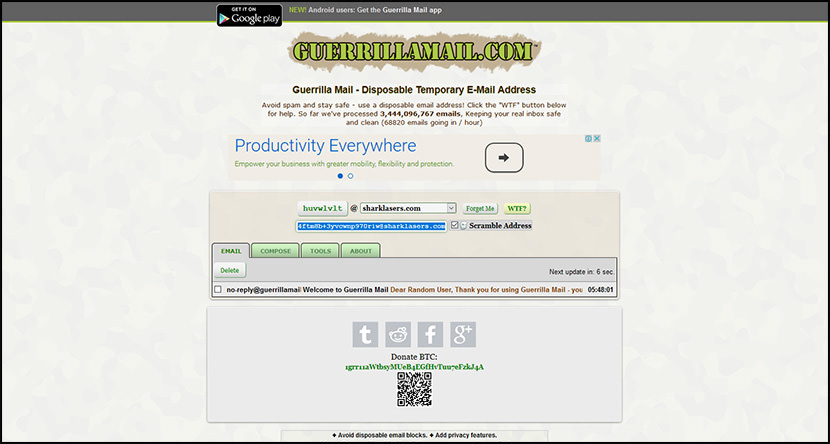
GuerrillaMail let you get a temporary email address for 60 Minutes only, from what I understand, it comes without much limitation, the only drawback is the very short 60 minutes expiry. Avoid spam and stay safe – use a disposable email address!
4. Email On Deck
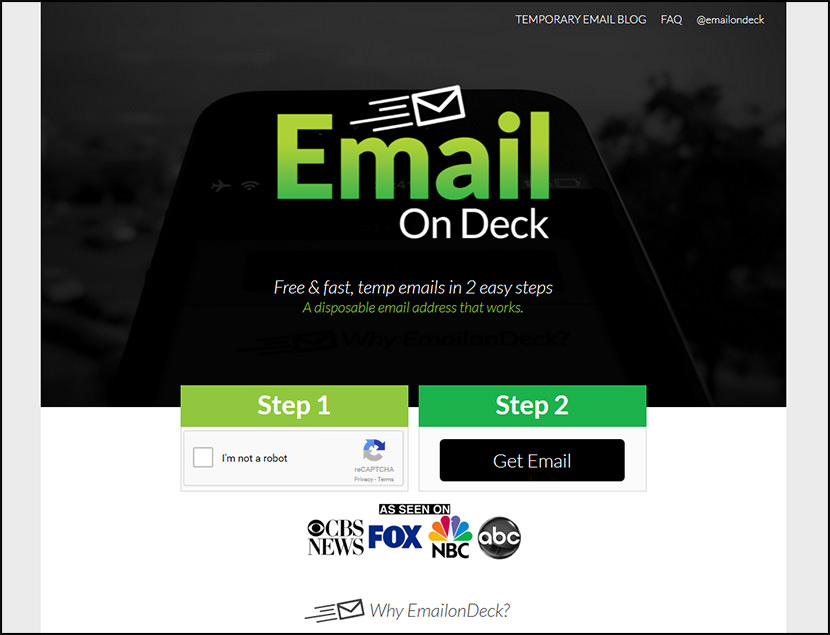
EmailOnDeck.com is the premier site for all things relating to temporary, disposable and throwaway email addresses. They want to help you avoid SPAM, protect your online privacy, and stop you from having to give away your personal email address to every company and person on the internet who insists on you giving it to them.
We work hard and will continue to work hard to give you a disposable email address that works with any site or app. They hope to help give you back the control of deciding who you want to give your personal info to. Stay safe out there.
- EmailonDeck is always simple and free
- Create temp emails fast in just 2 easy steps
- Used by professionals all around the world
- Protect your privacy by not allowing spam in your personal inbox
- Emails are constantly being securely deleted
5. TempMail
Free, 1 Hour Only
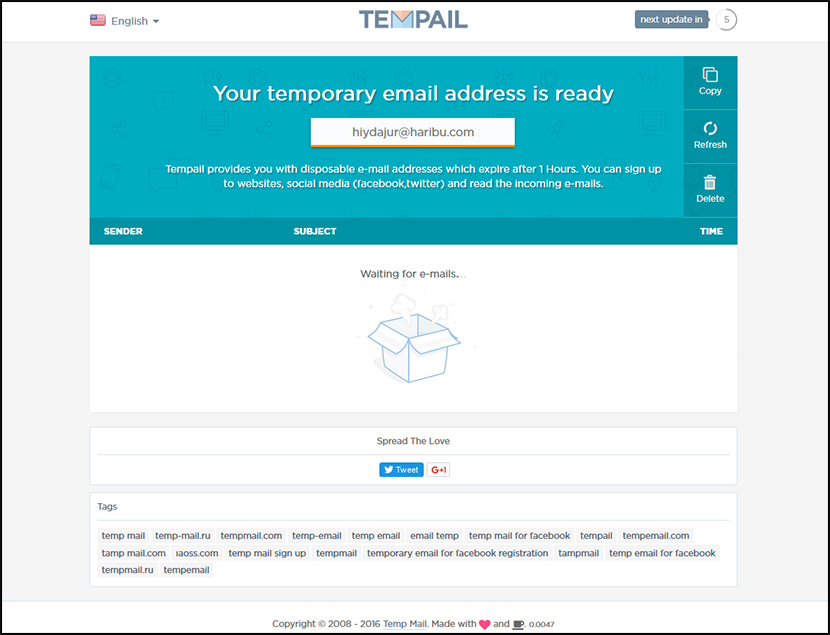
Tempail provides you with disposable e-mail addresses which expire after 1 Hours. You can sign up to websites, social media (facebook,twitter) and read the incoming e-mails.
6. Mailinator
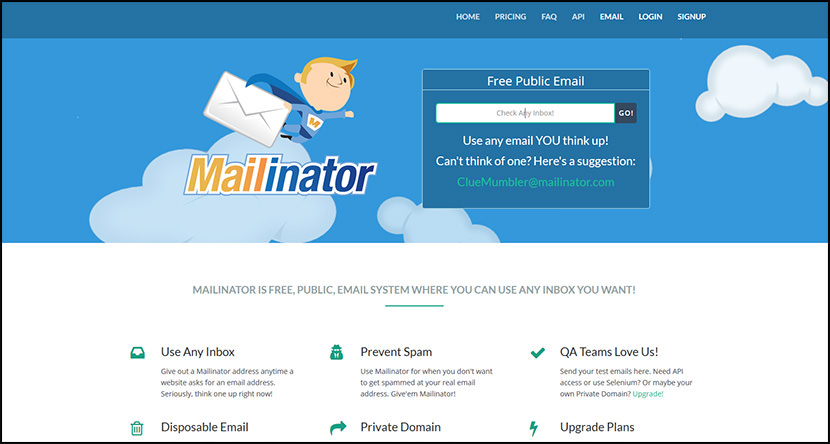
Mailinator is one of the industry’s leaders and all time favorite, it is considered as the most reliable disposable email service. Some of the limitations are the acceptance of text only emails. The good thing about Mailinator is the ability to choose a unique domain name for your temporary email address. Mailinator is a Free, Public, Email system where you can use ANY inbox you want!
- Use Any Inbox – Give out a Mailinator address anytime a website asks for an email address. Seriously, think one up right now!
- Prevent Spam – Use Mailinator for when you don’t want to get spammed at your real email address. Give’em Mailinator!
- QA Teams Love Us! – Send your test emails here. Need API access or use Selenium? Or maybe your own Private Domain? Upgrade!
- Disposable Email – Mailinator public email is auto-deleted after a few hours. Email to Mailinator is in the public domain.
- Private Domain – Attach your domain to Mailinator. Get every email address for your private domain in One, big, (private), inbox!
- Upgrade Plans – Upgrade your Mailinator account to get privacy, storage, your own private domain, and API access!
7. AirMail
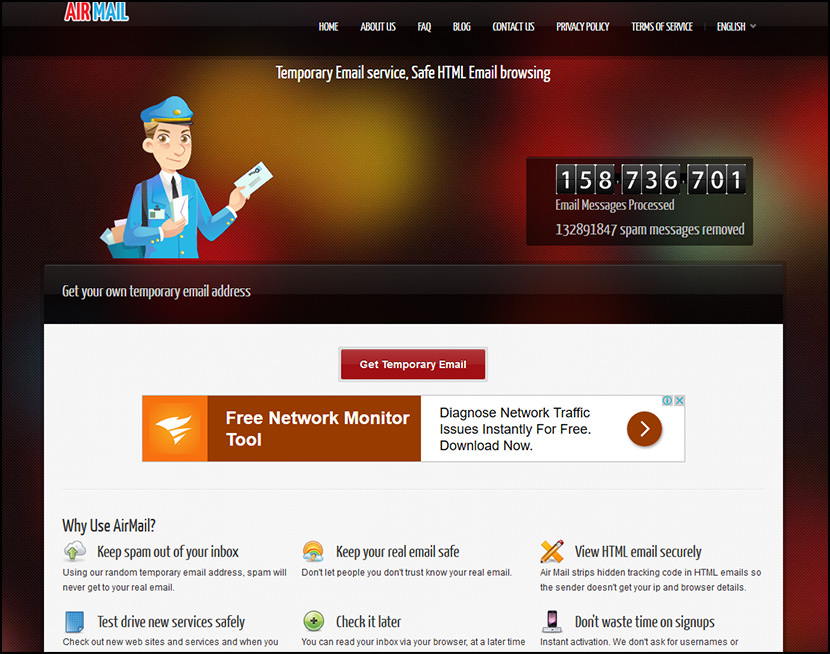
AirMail is a free temporary email service, you are given a random email address you can use when registering to new websites or test-driving untrusted services. All emails received by AirMail servers are displayed automatically in your online browser inbox.
- Keep spam out of your inbox – Using their random temporary email address, spam will never get to your real email.
- Keep your real email safe – Don’t let people you don’t trust know your real email.
- View HTML email securely – AirMail strips hidden tracking code in HTML emails so the sender doesn’t get your ip and browser details.
- Test drive new services safely – Check out new web sites and services and when you are ready, give them your real email.
- Check it later – You can read your inbox via your browser, at a later time using a unique URL.
- Don’t waste time on signups – Instant activation. They don’t ask for usernames or passwords
8. 10 Minute Mail
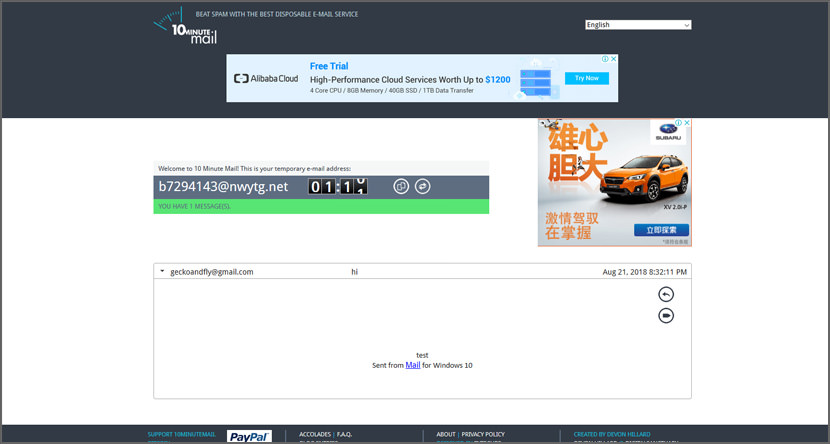
10 Minute Mail will give you a temporary e-mail address for 10 minutes. Any e-mails sent to that address will show up automatically on the web page. You can read them, click on links, and even reply to them. The e-mail address will expire after 10 minutes.
Why would you use this? Maybe you want to sign up for a site which requires that you provide an email address to send a validation email to. And maybe you don’t want to give up your real email address and end up on a bunch of spam lists. This is nice and disposable. And it’s free. Enjoy!
9. Temp Mail
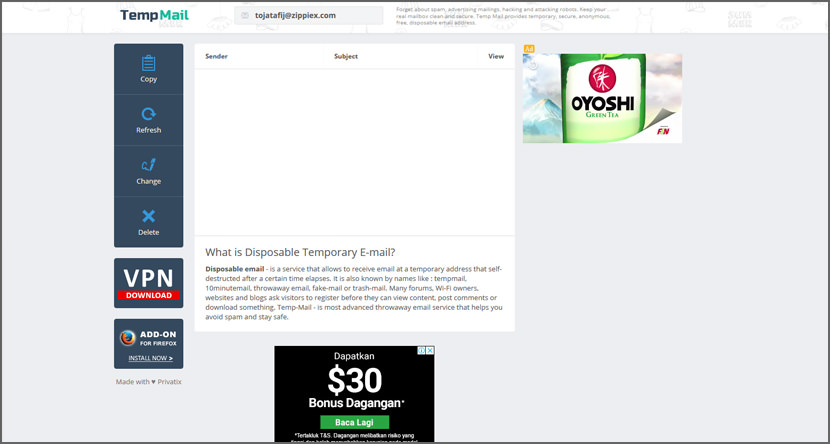
Temporary anonymous email service is specifically designed to protect your privacy. This service has appeared relatively recently. Answers to frequently asked questions will help you to clarify the service offered and to immediately make full use of their convenient and fully secure service.
10. Nada
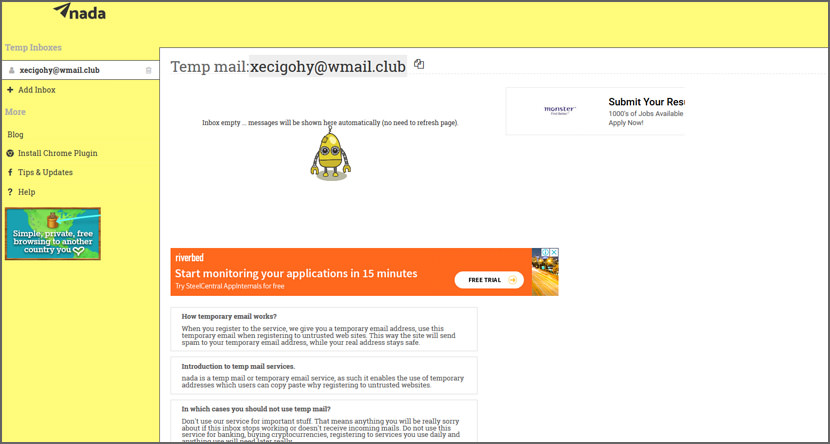
nada is the next version of Airmail which is a very successful temporary disposable email service created in Feb 2013. AirMail still works and will continue to work in the foreseeable future, but it’s age is showing. It’s not mobile friendly and does not support attachments nada is the result of getting lots of excellent feedback from users on what they are looking for in a disposable email service.
nada is a free temporary email service, you are given a random email address or you can choose one you like, and you can use it when registering to new websites or test-driving untrusted services which require an email for login.
11. Bluc Club
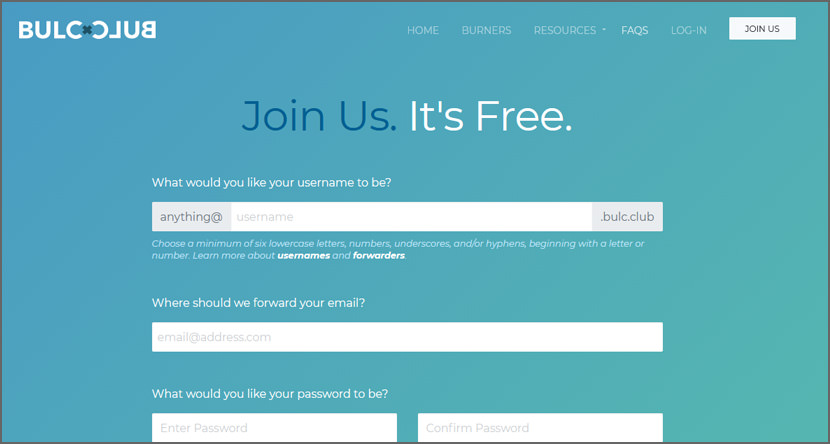
Welcome to Bulc Club! They are a 100% free Membership-based email filtering and forwarding service. Their sole purpose is blocking spam, protecting Member privacy, and helping Members achieve Inbox Zero. And while that sounds pretty simple, sometimes things can get confusing.
Bulkmail is any form of unsolicited email, also called spam or junk mail. Are they replacing your email address? Nope, they’re simply protecting it from the outside world. You’ll still use your email address the way you normally do to contact friends and family, but you’ll no longer use it to subscribe to newsletters, contests, or services online.
Instead, Bulc Club automatically creates email addresses that forward mail to your private email address (or “forwarders”). This way, when the bank or mortgage or subscription service decide to sell your information, they’re only selling one of their forwarders, not your personal email address.
12. MailTemp
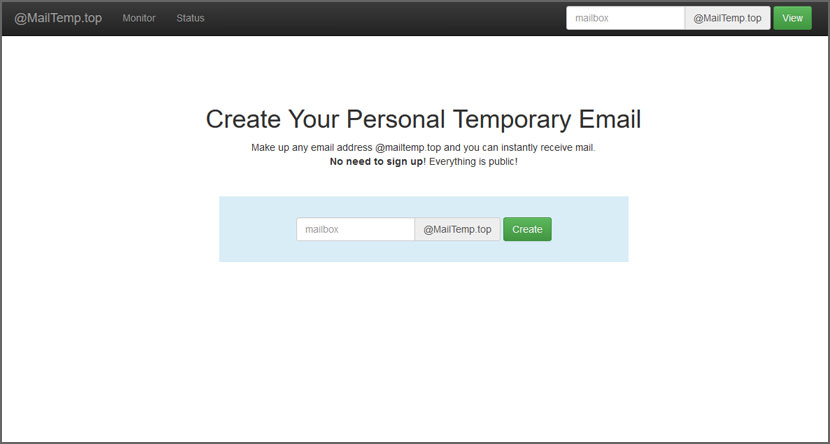
Create Your Personal Temporary Email! Make up any email address @mailtemp.top and you can instantly receive mail. No need to sign up! Everything is public!




stop my spam is a fake email generator free and without inscription :)
http://trashmail.ws – fast and easy to use!
Know any good free disposable email forwarding? Like now dead Kasmail?
more spams?
Burner Emails
Disposable Email is the answer to email spams
do not spam my inbox!
haha, that’s funny, here is what i found:
We recommend that a new improved service temporary address.
– You can register accounts for any networks including Facebook
– Very fast
– Everything is done automatically
– Support for all languages and encodings
A few more:
Thanks for the complete list.
You can get a 3 hour disposable email address here as well :)
I like igotmymail.com, It have more than 60 domains email.
BulcBurners are free, disposable, single-use email addresses. They’re automatically-generated, authenticated through the forwarding address, last for a week (or after first use), and protect your anonymity: https://www.bulc.club/burner/
new domains every day. Will most likely not be blocked by any blacklist or services like block-disposable-email.com ;-)
FAKE…..
I have used Gishpuppy for years. For the last few weeks, or so, I have not been receiving email via Gishpuppy, and I see that they are no longer accepting donations or new registrations. I’ll appreciate any comments.
There are lots of free email forwarding and temporary disposable email addresses listed here: https://www.reddit.com/r/emailprivacy/wiki/index
Doesn’t work. Most email lists will ask for another email and don’t permit mails with +
I’ve found some websites that following my entering a temporary email address will then ask for my mobile phone number for delivery of a second verification code.
Of course there are disposable phone numbers out there as well, but by the time you get all that together the initial Log-In has timed out, …Waskily Wabbitts!
I use this one https://www.tempmailaddress.com/
I use mailgutter.com Faster than other services.
Sometimes, I gotta use these temporary emails when certain sites block resources and ask to sign up for their newsletter, although, I don’t want to sign up. Thanks! Gonna come handy. :D
Outlookmail.com is quick and doesn’t get sniffed out as a disposable adress like GuerrillaMail and similar disposables that put the ‘temp’ designation extension within the email addy. What’s up with that… lol
Why the one of most and large disposable email services not in the list?
Good post thanaks sir.
hey, chrome extension with multiple disposable services and with autofill ? tx
Temp Mail is fast and secure also doesn’t require any registration. I have tried alot of services but this one works for me best!
Don’t forget about ahem.email. It is a great, lightning fast disposable email service with an easy to use API for dev and qa teams.
clipmails is Email generator and temporary email address without any registration no spam and totaly free
I always use – tempinbox
Fast temp mail service with new domains every month.
Bulc Club 2.0 was recently launched with a host of new features, a simpler, more intuitive interface, and a more robust spam filtering engine. All Members get 100% free unlimited email forwarders and email filtering and it only takes one minute to join our club. Let’s end spam together, forever.
Disposable email addresses is very useful to keep our real email less spam, while on the same time we can easily register for forums, etc. But popular disposable email providers often got blacklisted by anti-disposable system.
Easy to use and ads free
I offer access to email addresses under the domain caltiger.net.in as a free, anonymous disposable email service for all those in India who lost access to their mailboxes when India’s second largest ISP went out of business.
Hopefully this message will not be treated as spam be allowed to remain on in the comment section so that it may help many Indians who have used email addresses under this domain, for their banking and government profiles, regain access long enough to enable them to change it.