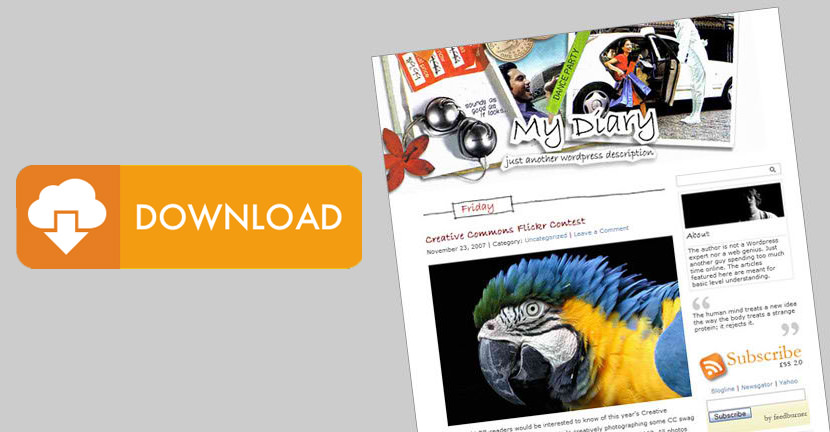
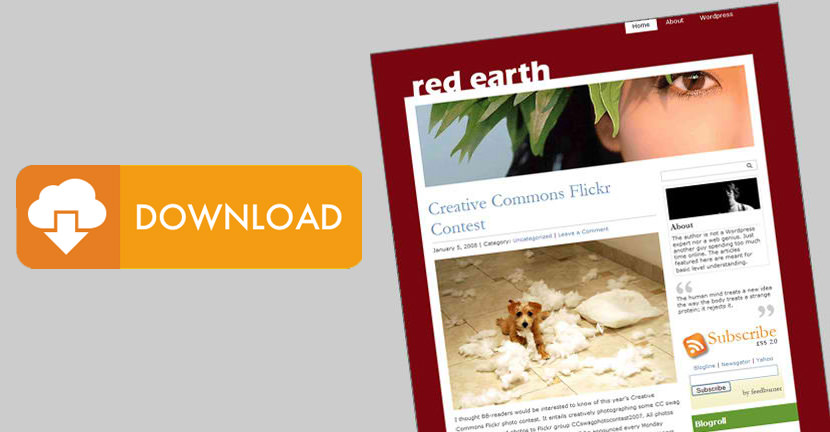
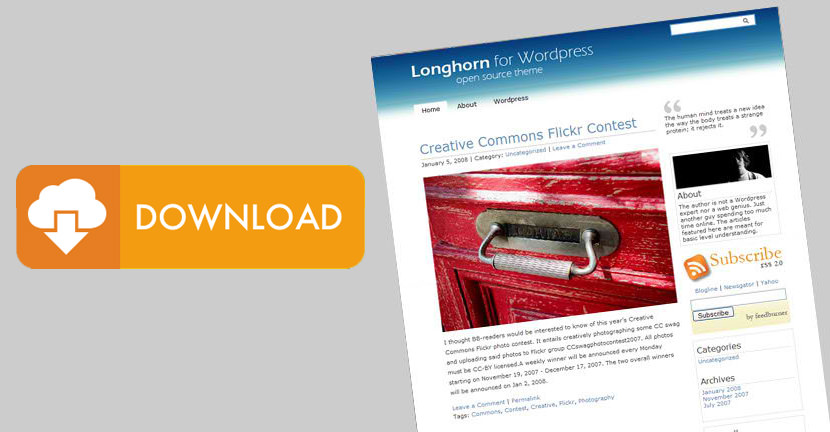
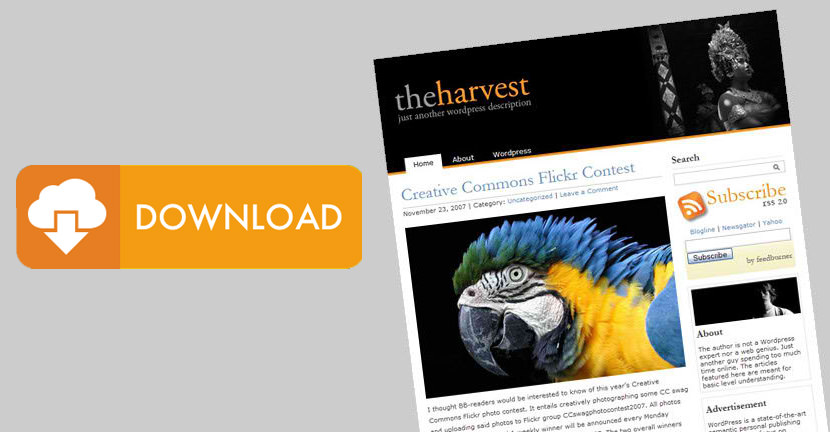
StudioPress Black – Photography Wordpress Theme

May 10, 2008 · Filed Under Wordpress Themes 
↓ Sponsored Links

StudioPress - Photography Wordpress Theme

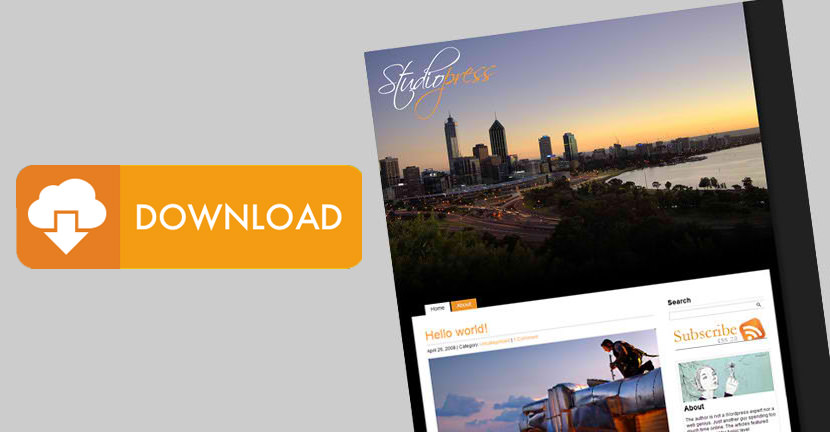
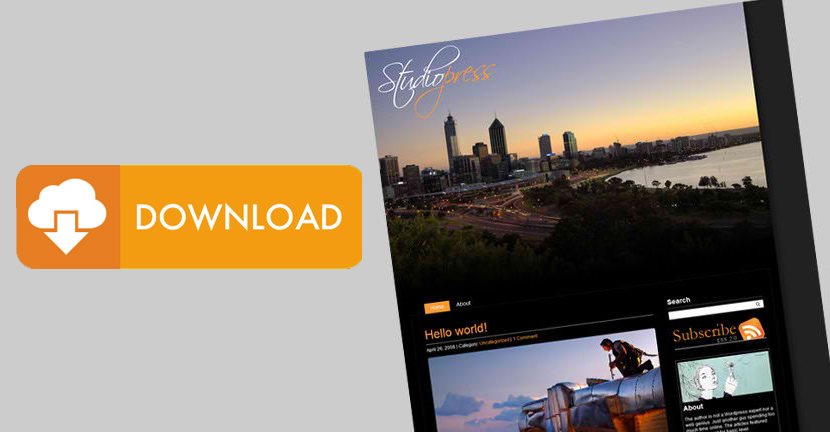
StudioPress is a two column Wordpress theme crafted for photographers coded and submitted by Danny Archer, it was designed with simplicity in mind and uses the Scriptina font for the title heading. StudioPress comes in two varieties – black and white.

The Photoshop file for the header is included in the download. Don’t know how to use Photoshop or don’t own it? No promises, but I can edit the header for you and give it your site name and slogan.

StudioPress is compatible with:

  • Internet Explorer 6 and 7
  • Opera Browser
  • Mozilla Firefox
  • Apple’s Safari.

On that little fly icon and credit in the footer, go ahead and remove it if you wish to, I have no quarrel over it. Customize the theme as you like, after all, you paid for the domain name and hosting, right?

Updates:
Version 1.0 | 10 May 2008

Two Column Wordpress Theme

Related Posts with Thumbnails
Tags: , , , , , , , , ,

Related Articles

Similar posts you may be interested in based on past browsing


Comments


  1. Paolo

    May 15th, 2008
    1

    Great theme, looks really sharp and high class. Is there a way to have it centered?

    thank you


  2. GeckoFly

    May 15th, 2008
    2

    centered? I’ll see what I can do about it, but u should give it a try by tweaking the codes, it is not that hard. :)


  3. Guillermo

    May 20th, 2008
    3

    awesome work on this theme.


  4. Keith

    May 25th, 2008
    4

    Great theme! Thank you. But is there any documentation? I am having a few problems with the sidebar & comments.


  5. GeckoFly

    May 25th, 2008
    5

    What kind of error? can u give me the screenshot and what browser are u using? the url of the web?


  6. Keith

    May 26th, 2008
    6

    Thanks for replying.
    - Im having problems getting ‘recent comments’ in the sidebar. when i add the widget it doesnt show up.
    - what is sidebar 2 for? it seems to delete anything in sidebar 1.
    - is it possible to have extra pages under ‘parent’ pages? They dont seem to show up when i create them
    - is it lightbox enabled?
    Thanks again.


  7. Keith

    May 27th, 2008
    7

    Hi Danny, my comment has gone – is it possible to email you – i’ve forgotten what I wrote!


  8. LukeD

    May 28th, 2008
    8

    I love this theme so much that I’m tempted to switch from Blogger to Wordpress just to use it.

    Do you have an instructional post somewhere on how to use custom templates on Wordpress?


  9. Keith

    June 5th, 2008
    9

    Hi again, I am now live with the theme. Would appreciate a heads-up if you can’t reply, just so I know.
    It would be helpful to know how I find the theme’s rss address so I can change your ‘gecko’ one as well.
    Thanks


  10. Dan N

    June 9th, 2008
    10

    I love the theme and was also wondering what it would take to center the theme. For me a smaller header (done) and centered with the shadow on both sides would be perfect. Great work, please email me if possible!


  11. GeckoFly

    June 9th, 2008
    11

    hey there everyone, i don’t get it why would anyone want to center the theme, it is suppose to be like a photo album, since there are so many request, i’ll get one done right after my thesis. thanks for the support.


  12. Dan N.

    June 26th, 2008
    12

    I just wanted to follow up, I did alter the theme/CSS to get everything centered. The only other thing I didn’t really like was the header size (which seems really huge even on 1280×800 desktops, so I shrunk it down. Check it out and tell me what you think: http://www.liquidinplatic.com

    With permission of the author, I’d like to make the centered CSS file available.


  13. Dan N.

    June 26th, 2008
    13

    My site url had a typo in my last post, it is http://www.liquidinplastic.com Sorry about the second post here.


  14. Kelvin

    July 4th, 2008
    14

    Hi geckofly, very nice theme indeed. adsolutely clean and beautiful.

    i am with the others though. would prefer to have it centered. its more to an eye position.
    say like i am using a 22inch lcd. the whole thing would align to the left and it makes the right side very empty leaving about 600px of emptiness.

    thanks very much for the effort and sharing.


  15. Daniel

    July 8th, 2008
    15

    Good day to you all, seeing that I had the time and measure to play around with this theme. I had it done it to display it in center. It’s going to appear in my blog at http://danielctw.com.

    Really did learn a lot through this theme. May take another day before I put it up


  16. Mike

    September 24th, 2008
    16

    Great Theme, a fresh and clean look, I should test it :)


  17. irman

    December 15th, 2008
    17

    thanks for a themes


  18. 6 temi per un photoblog con WordPress | Bloggare

    January 14th, 2009
    18

    [...] StudioPress è un tema a due colonne scaricabile gratuitamente. E’ indicato per tutti quelli che oltre alle fotografie vorrebbero anche avere spazio per inserire dei testi. [...]


  19. Robertv

    February 3rd, 2009
    19

    Just tried this as it looks promising.
    I wanted to change the banner and uploaded my own at 750×300approx. It wraps and tiles which looks horrible. I’d prefer the page to fix the logo. Is there an easy way to do this?

    Sure the banner should be just that, a banner, not a massive image that pushes everything WAY down the screen?


  20. fretbuzz

    February 24th, 2009
    20

    Great Theme, but none of my sidebar widgets I use showup. Is there widget support or am I confused? How do I get them to show?


  21. Magnus

    March 3rd, 2009
    21

    Nice theme!
    But it seems that my widgets doesn’t work, or can I activate them somehow?
    And how to change height of the header without screwing the whole layout up?

    Thanks


  22. Magnus

    March 3rd, 2009
    22

    I figured it out.
    Check out my temporary page that I’m working on right now, using Gecko&Fly’s Studiopress Black -> http://www.hyndis.se/wordpress/


  23. fretbuzz

    March 4th, 2009
    23

    @Magnus – I checked out your temp site, but didn’t notice any correction to the widgets. Did you figure something out yet?


  24. Magnus

    March 4th, 2009
    24

    @fretbuzz – It was easy, just the other sidepanel under active widgets. I changed on my site now.. everything else will disappear and you can add whatever you want as usual.


  25. Magnus

    March 4th, 2009
    25

    @fretbuzz – It was easy, just change the other sidepanel under ‘Active widgets’. I changed on my site now.. everything else will disappear and you can add whatever you want as usual.

    (Sorry for dubblepost, correct some things)


  26. Magnus

    March 4th, 2009
    26

    Oh, and another one. Any questions about this theme are welcome in the latest post at my temp-page as there isn’t much response here, I’m happy to help as much as I can.
    Changes I’ve made will be posted in the sidepanel.


  27. Magnus

    March 4th, 2009
    27

    @fretbuzz
    Btw… don’t do that.. it’s damn to much work to delete and add the widgets to sidepanel 1 if you want to change theme.


  28. DanielCtw

    March 5th, 2009
    28

    I’ve been receiving queries regarding the centering of the theme. I will be uploading the theme in center position when I get back home after work.


  29. Mango

    March 6th, 2009
    29

    What do I have to do to just have _1_ sidebar? I don’t want to choose between sidebar 1 and sidebar 2, I can only add widgets to sidebar 2 to make them turn up on my page… :/ and by adding widgets to sidebar 2 it’s cause a problem if you want to switch theme. So what’s up with the 2 sidebars, why can’t it be just ONE as in all other themes? help, please mail your reply!!


  30. Hyndis

    March 10th, 2009
    30

    Solution for the “widget-problem” edit your ‘r_sidebar.php’

    Find the line:

    and replace it with:

    so, just remove the “2″ in this line…


  31. Hyndis

    March 10th, 2009
    31

    ouch.. couldn’t type the code here.. i’ll put it on my page for those who have problem..


  32. Jeff Fraser

    March 17th, 2009
    32

    I am having trouble with this theme in IE6. It works fine in every other browser I have tested. In IE6 the content (photos and text) are shifted left into the black space between the edge of the page and the white content background (I’m using the White version of this theme).

    I swapped out the original css file (minus any modifications I’ve made) and it does the same thing.

    Any ideas?


  33. JuedM

    March 20th, 2009
    33

    WOW! This is a nice Theme and I intend to work with it for now – maybe change to the White….hmmm

    Nice! Thanks


  34. addam

    April 27th, 2009
    34

    Dan N. & Magnus, what did you do to not have the tiling issue & shift of nav bar when shrinking the size of the header.jpeg file? really screws up the nav bar when i change the height size with a new banner image. . .suggestions?

    cheers


  35. Johnathan Thomas

    May 22nd, 2009
    35

    Magnus, how did you get the header to change images in your test page?


  36. Marco

    July 30th, 2009
    36

    Hyndis how you make a slideshow on top of Your web ?


  37. Marco

    July 30th, 2009
    37

    Also still problem with theme stick on left of browser. Is anyone fix this problem ?


  38. LATTY

    October 11th, 2009
    38

    Hello, Love the theme and i love the position to the left it makes the theme unique.

    I do have one question tho. Is there any way to make the category pages show full posts instead of just post title?

    http://www.wastedspaces.net/spaces/category/dj-mixes/

Leave a Reply