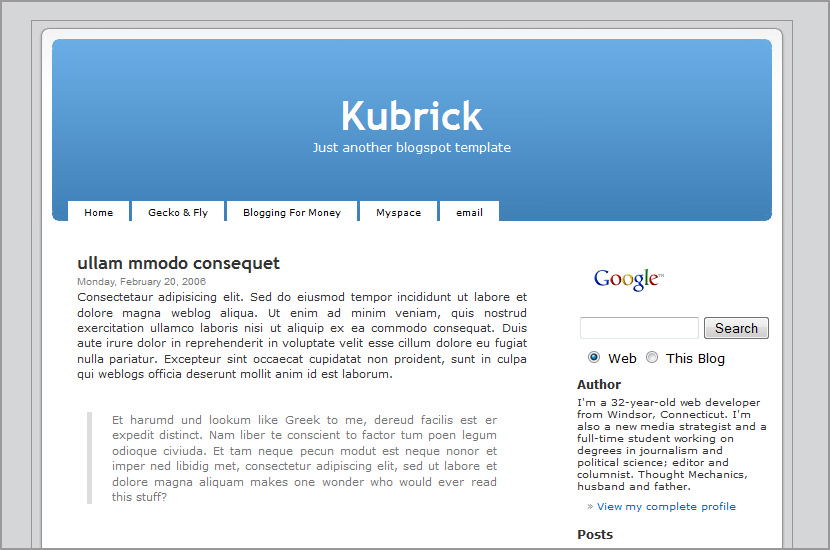
Kubrick Blogger Template

April 27, 2006 · Filed Under Blogger Templates 

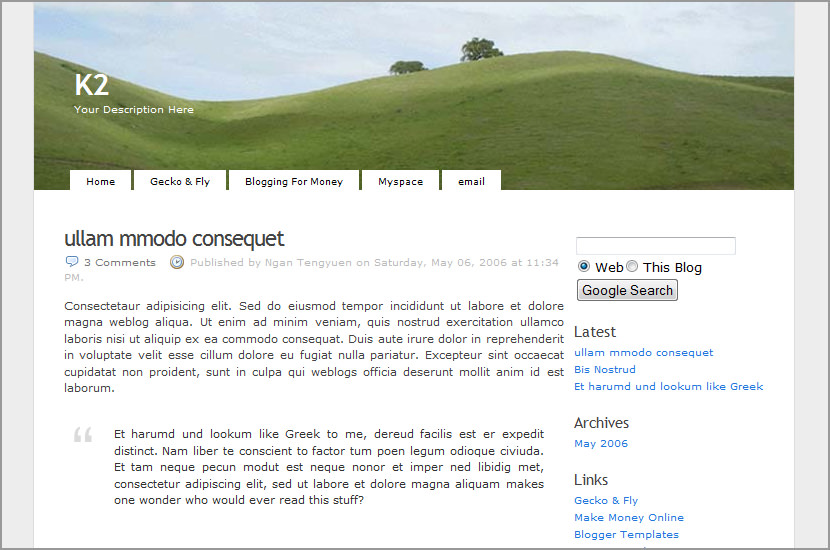
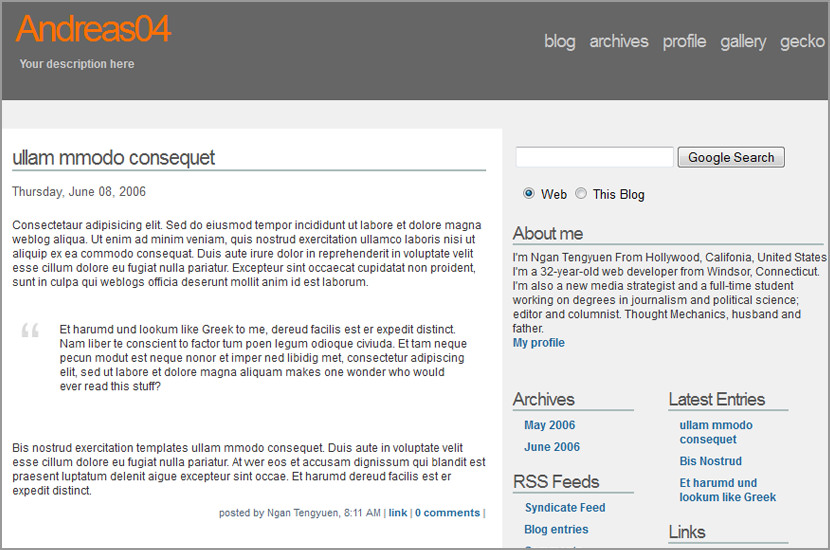
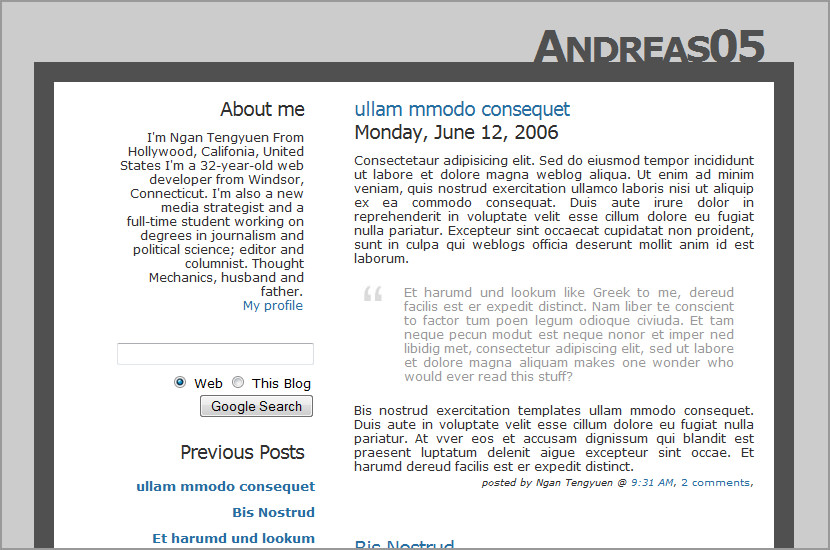
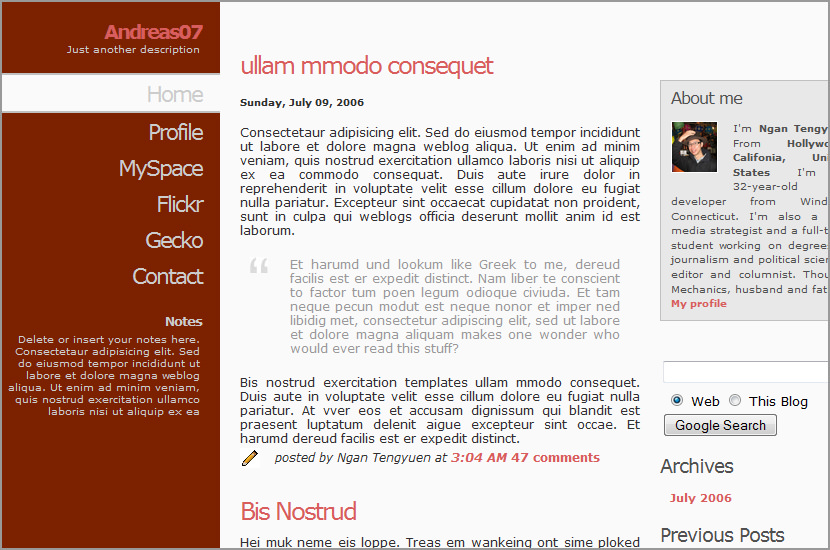
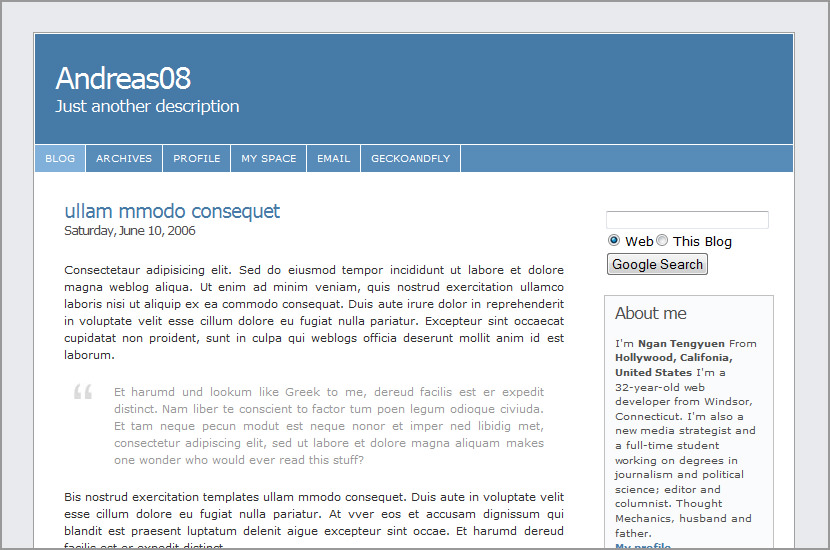
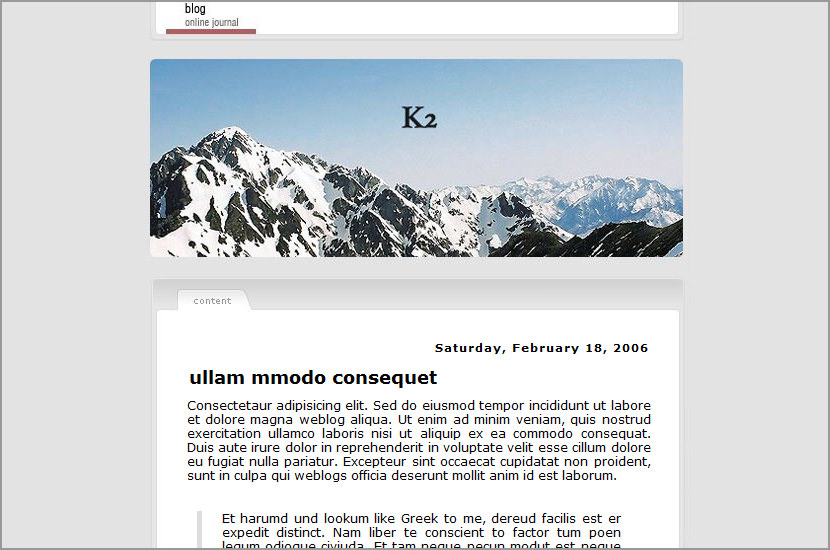
kubrick_blogspot_template.jpg

Kubrick Blogger Template

Version History
27th Apr 2006 - Release
09th May 2006 - Added tab browsing.
23th May 2006 - Tab error fixed for IE

Technorati Tags: , , ,

We Recommend

Stories you may be interested in based on past browsing

Comments


  1. EM Ostling

    May 30th, 2006
    1

    I downloaded your “Kubrick” template, but the code in the text file does not produce the layout shown in this posting.


  2. John Hood

    May 31st, 2006
    2

    I’m considering refreshing my blog’s template and Kubrick caught my eye!


  3. mumsgather

    June 20th, 2006
    3

    I tweaked around and fixed it myself. Thanks again and keep up the good work.


  4. Brandon

    July 12th, 2006
    4

    Is there a way I can edit the Header so it will display my own image? I know how to do this with regular Blogger templates but that method didn’t work with this one. I guess because it originally can from WordPress.

    Please Email me or comment on my blog!


  5. admin

    July 13th, 2006
    5

    Find the line


    #kheader {
    background: url("http://photos1.blogger.com/blogger/7994/1253/1600/kubrickheader.jpg") no-repeat bottom center #73a0c5;
    }

    replace the http://photos.XXXXXXX.XXX/XXX/XX/XXXX/XX/kubrickheader.jpg with your own image. recommended resolution is 760 x 200.


  6. Myndz

    August 20th, 2006
    6

    hi could you tell me how to get the name of the author who posted the comment to show when you click on each individual post please.

    Could you also tell me how to get a ‘previous’button on the individual post pages as it only has a next button so far.

    thanks alot


  7. admin

    August 20th, 2006
    7

    usually it will show as admin right? and about the previous button link, try upload a photo and in the image set the desire url. for example:

    Change this:


    into this:


    It should be something like that.


  8. Myndz

    August 20th, 2006
    8

    no, i mean when someone posts a comment it just shows the comment and the time it was posted not the author of the comment. i would like it to show the author of the comment as well as the time

    and by the previous button link, i mean i would like to have a next and previous buttons to scroll through posts using those buttons. thanks for the reply


  9. Brandon

    August 21st, 2006
    9

    For some reason the “supernav” buttons are up to high on my header. Go take a look and please tell me what I am doing wrong!


  10. admin

    August 21st, 2006
    10

    the demo version works fine, you must have toyed with the code, try adjusting the code. Usually its the padding. Below is one of the few lines of code that determine the position of the button. Try adjusting the “margin: 0 0 0 -360px;”


    #supernav {
    font: bold 9px/9px Verdana, Lucida Grande, Arial, Helvetica, Sans-Serif;
    position: absolute;
    top: 202px;
    left: 50%;
    width: 720px;
    margin: 0 0 0 -360px;
    padding: 5px 16px; /* duplicate the tab size */
    text-align: left;
    display: block;
    }


  11. Brandon

    August 21st, 2006
    11

    That worked perfectly.

    Thank You


  12. Brandon

    August 21st, 2006
    12

    Well it did…… It looks ok in the preview but when you publish it it screws it up.


  13. Brandon

    August 23rd, 2006
    13

    Please help me! When I publish my blog (after adjusting the margins) it shifts the supernav the the middle instead of being in the left corner! I really dont know why, please help!


  14. admin

    August 23rd, 2006
    14

    hmm… would it be possible if you paste the whole code again? or maybe it because of the older browser ur using. what version of browser ur using?


  15. Brandon

    August 23rd, 2006
    15

    I am using the latest version of Firefox…”Mozilla/5.0 (Macintosh; U; PPC Mac OS X Mach-O; en-US; rv:1.8.0.6) Gecko/20060728 Firefox/1.5.0.6″ I can send you a copy of the code if you need it.


  16. Brandon

    August 23rd, 2006
    16

    I dont really want to have to paste the code again because I have links, a counter, and I have a different header. It would be a big pain if I did that.


  17. John

    September 6th, 2006
    17

    Ugh, this is annoying! This is like the third template I have copied the WHOLE entire code (correctly, it’s not like I didn’t get parts of it in there - I’m not stupid) and it gives me this message:

    “Your template could not be parsed as it is not well-formed. Please make sure all XML elements are closed properly.
    XML error message: The markup in the document preceding the root element must be well-formed.”

    It does this when I copy/paste the code, it also does it when I upload it straight from kubrick.txt.

    What’s going on!?


  18. Ravishankar Shrivastava

    September 11th, 2006
    18

    Hi,
    Thanks for good job!

    This design is simple, yet useful!!

    Thanks again


  19. Ronny Somby

    November 23rd, 2006
    19

    Hi, and thanks for the template, it’s very nice.

    One thing thou. I have the same problem as someone else (myndz) here mentioned with the comments. When you go to a post to view the comments, the comments doesnt display the author. I have to say i have translated the displayed text fields to norwegian (they didnt work before either).

    example can be seen here (pardon my norwegian): http://www.romskip.net/2006/11/death-on-road-etter-8mnd-med-venting.html#kommentarer

    Any suggestions?


  20. Ronny Somby

    November 23rd, 2006
    20

    Found it.

    Add ## to the ## section.

    It does exactly what is says.


  21. Manu

    December 15th, 2006
    21

    I can not do it. Could you tell me how to get the name of the author who posted the comment to show when you click on each individual post? please
    look my blog http://tdnadie.blogspot.com

    Please i need help


  22. thinchhia

    December 16th, 2006
    22

    thank you for this theme(kubrick).i love it..but i have a problem which is when visitors post comments their name never appear and shown as blank.help me solve this problem.thank you


  23. Ronny Somby

    December 18th, 2006
    23

    to show author of comments add
    #$BlogCommentAuthor$#
    to
    #BlogItemComments#
    section.

    change the ## with


  24. Ronny Somby

    December 18th, 2006
    24

    crappy html comment shait.

    If anyone has this problem email me ronny@romskip.net


  25. cybersix

    January 8th, 2007
    25

    really nice and like it…
    I want to modify the code so that i can make 2 sidebar like this:
    content|sidebar1|sidebar2
    like http://www.liewcf.com.
    So, how can i do that?


  26. cybersix

    February 28th, 2007
    26

    Really nice template…Is there any 3-column template for old blogger(
    i mean (content-sidebar-sidebar2) template….


  27. patchay

    April 11th, 2007
    27

    I don’t know why my nav menus drop below the blog header when viewed in Firefox, but look great in IE7.

    Can anyonne help me solve this problem based on my codes below?

    #supernav {
    font: bold/1.5em “Trebuchet MS”, Verdana, Arial, Sans-serif;
    position: absolute;
    left: 50%;
    width: 750px;
    margin: 0 0 0 -360px;
    padding: 5px 16px; /* duplicate the tab size */
    text-align: left;
    display: block;
    top: 210px;
    }

    Hope to hear from u soon. Thanks!


  28. Beto

    August 23rd, 2007
    28

    Hello, i have one problem!

    When I am going to put the code happens the following error

    “Your template could not be parsed as it is not well-formed. Please make sure all XML elements are closed properly.
    XML error message: The markup in the document preceding the root element must be well-formed.”

    I love this template, good work, please help me?????

    Thanks!


  29. cemil

    December 14th, 2007
    29

    hi admin. help me please.

    XML error : Content is not allowed in prolog.

    WHAT MUST I DO ? regards


  30. cemil

    December 15th, 2007
    30

    XML : The markup in the document preceding the root element must be well-formed.


  31. Ethereal

    March 21st, 2008
    31

    Please help, when i try to put it into blogger it gives me this error mesg.

    “Your template could not be parsed as it is not well-formed. Please make sure all XML elements are closed properly.
    XML error message: The markup in the document preceding the root element must be well-formed.”

    what is going on? What am I doing wrong?


  32. Gen

    March 27th, 2008
    32

    same thing here.

    “Your template could not be parsed as it is not well-formed. Please make sure all XML elements are closed properly.
    XML error message: The markup in the document preceding the root element must be well-formed.”

    can you please configure this problem for those of us who have the SAME EXACT problem? ^^;

    thank you! :D

Leave a Reply