Make Money Online
Earn Money With Images
Ranking for the Keyword 'Money'
NASA and the Zero Gravity Pen
The End of Blogging for Money
Truth About Making Money
Pixelotto is Dead
How to Make Money Online
PAY YOUR DAD'S BILL
Humor + Life Log
Maths Will Make You Mad
Funny Presentation Crits
ATM Machine runs on Windows XP
The Indian Superman
World Trade Center Poster
Disney Plagarise Lion King Story
Colour Optical Illusion
Quit Smoking Advertisement
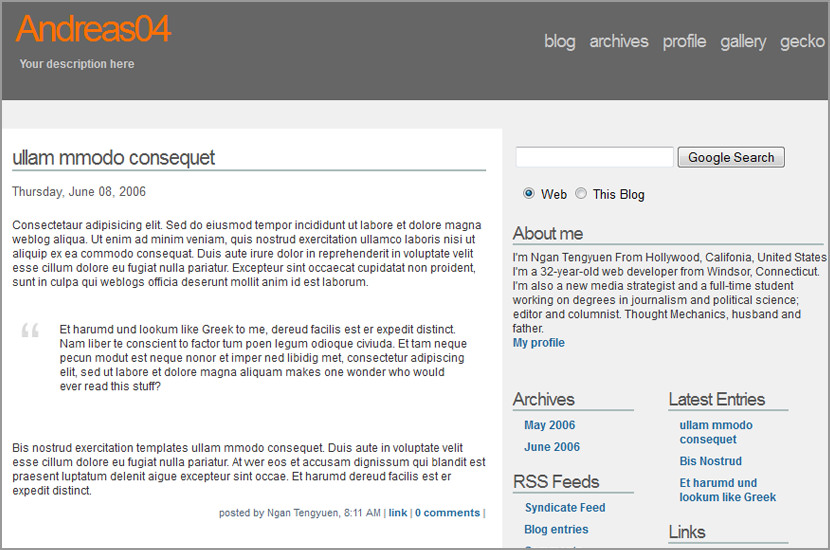
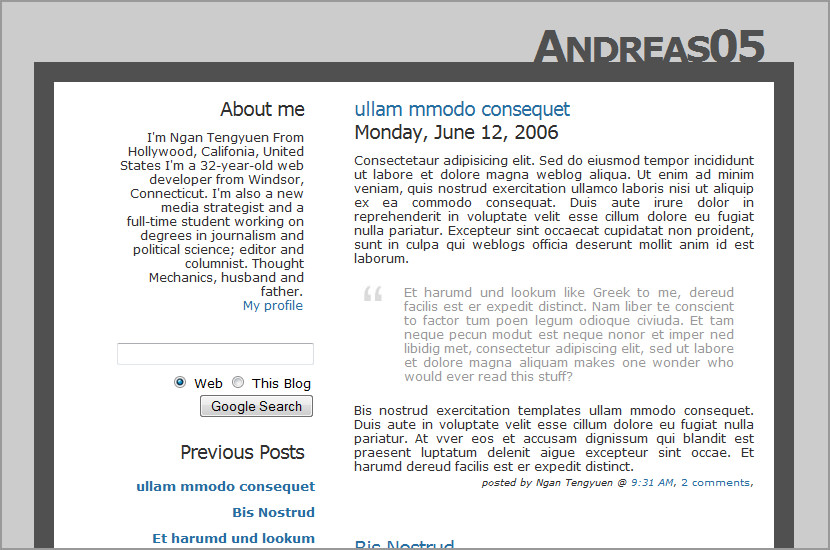
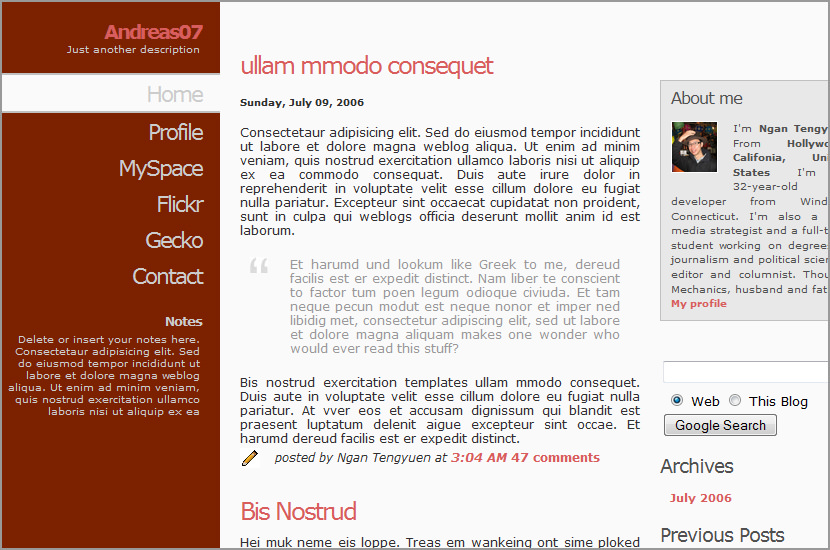
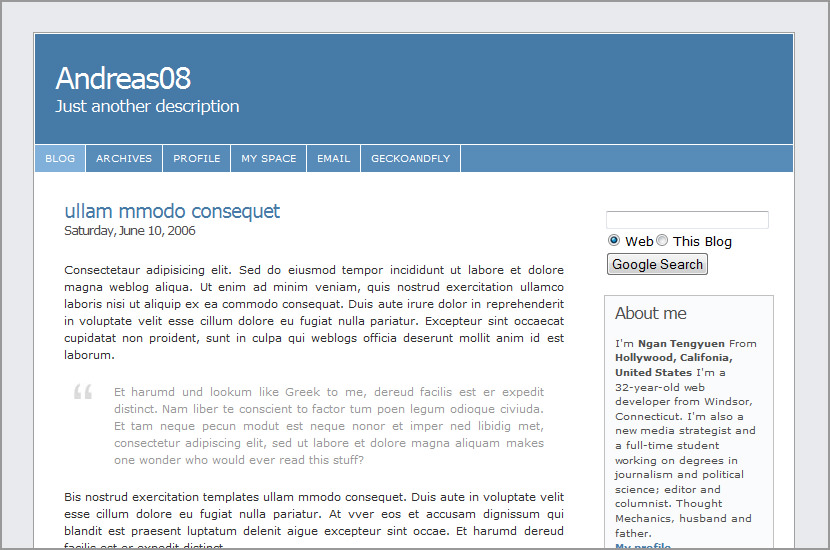
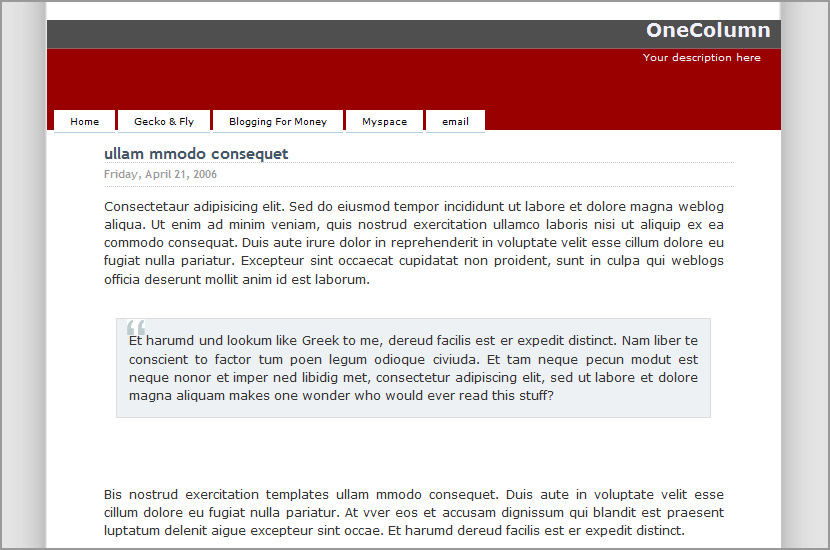
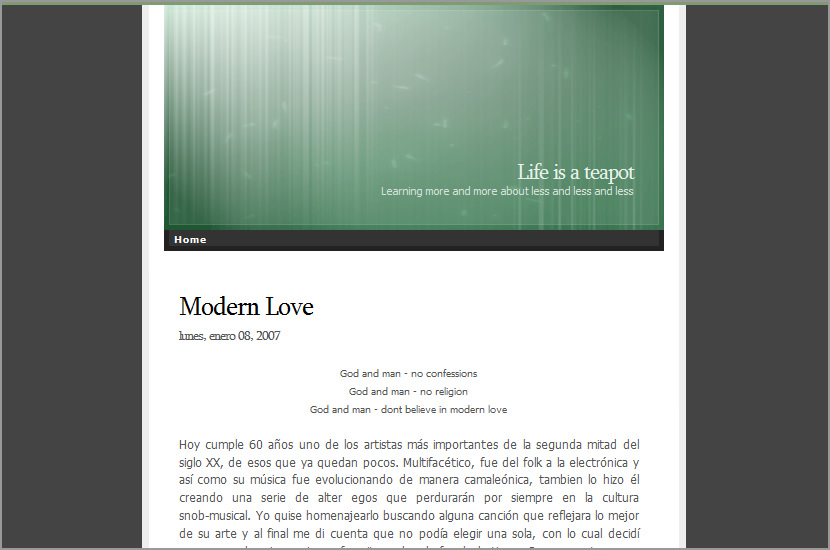
One Column Blogger Template

One Column Blogger Template
- Click here for Demo
- Original design by WPTheme.info
- Download the One Column Blogger Template Code
Version History
27th Apr 2006 - Release
03th May 2006 - Fixed missing jpeg.Thanks StijnV for the pointer
11th May 2006 - Added tab browsing
23th May 2006 - Tab error fixed for IE, blog’s body now align with header and footer.
Technorati Tags: Blogspot Template, Blogspot, Blogger Templates, Blogspot Templates
![]() | ![]() | ![]() | ![]() | ![]() | ![]() | ![]() | ![]() | ![]() | ![]() | ![]() | ![]() | ![]() | ![]() | ![]() |
Related Articles:
Comments
Leave a Reply


Stijn V.
on May 3rd, 2006Hello. I noticed that the body has a background image, but the url to the image doesn’t seem to be complete. It refers to “url(img/b-slice.jpg)”. Is the original image available for download somewhere? Thank you.
Gecko
on May 3rd, 2006http://photos1.blogger.com/blogger/7994/1253/1600/find.gif
http://photos1.blogger.com/blogger/7994/1253/1600/arrow.gif
http://photos1.blogger.com/blogger/7994/1253/1600/bullet1.png
http://photos1.blogger.com/blogger/7994/1253/1600/b-slice.jpg
Here is the code, sorry for the mistake.the other image small.jpg is no longer in use. thanks for the pointer and support. :) thanks alot.
Stijn V.
on May 3rd, 2006Ah, thank you very, very much. I will try them on the template at once. Cheerio!
Stijn V.
on May 3rd, 2006Hoping that I don’t sound too much like Steve Jobs here, there is just one more thing: “.post-info” also seems to use a background image.
krisz
on August 28th, 2006howdy!
i wish to change the font of the header. where should i do that? sorry for causing the incoveniance :)
krisz
on November 10th, 2006hi, agian!
i’ve been trying to change the header’s maroon red to less vivid colour. but withou avail.
your pointers would be appreciated
Many thanks
stijn v.
on November 12th, 2006@ krisz: Here are some pointers
1) Change header font: change the “X” in the following code to the font-family of your choice. Know that only standard fonts are allowed. Use Google if you need some examples.
#header h1 {font-family: X;}
2) Change header background color: This one is a little tricky. The header color is decided by an image you link to in “#header”. What you can do is remove it and enter your color where “X” is.
#header {background: X;}
krisz
on November 21st, 2006done it!
Many thanks!
Hartanto
on December 9th, 2006I just use this template, Thanks. btw, “email” button on the header doesn`t work. :(
Stijn V.
on December 9th, 2006That’s because they are just default links. If you like, you can simpy edit them so they point to the places you want.
Carmen
on January 14th, 2007I have just pasted the code for this one column to my site but the following error message caem out. Pls help. thks
“Your template could not be parsed as it is not well-formed. Please make sure all XML elements are closed properly.
XML error message: The content of elements must consist of well-formed character data or markup.”
Rob O.
on January 14th, 2007I’m using a slightly modified version of this “One Column” template. I’d like to move the style code out of the page HTML to make them a bit easier to maintain and make template mods much easier too since I’d only have to change them in one place.
But I’m not very savvy with this stuff and while I took a stab at moving the code to an external CSS file, the footer formatting is getting hammered a bit. Any suggestions would certainly be appreciated. You can see what I mean on this test page:
http://www.2dolphins.com/ext_css_test.html
Stijn V.
on May 1st, 2007Are you guys aware that this website linking directly to your downloadfiles?
http://www.blogtemplates.org/2007/03/one-column-blog.html
I noticed this page when I looked at my stats. The site has a couple of Google Ads, I’m not sure if you guys are getting any shared revenue for your work.
J.Carlos
on July 27th, 2007Hello. I’m trying to use this template in my blog, but the following message appeared:
“Your template could not be parsed as it is not well-formed. Please make sure all XML elements are closed properly.
XML error message: The content of elements must consist of well-formed character data or markup.”
Any comments would be appreciated. Thanks.
ppl
on April 8th, 2008i m getting the same error with j.carlos .
please help.
ppl
on April 8th, 2008heyy carlos i have fixed the problem with revertign the template to classic.
Revert template to classic.
thanks
Catatau
on May 1st, 2008It doesnt work in blogger beta??
Mar
on May 3rd, 2008I’d love to remove the picture frames and sorry to bother you with this elementary question but I have no clue on how to…thanks for your help!