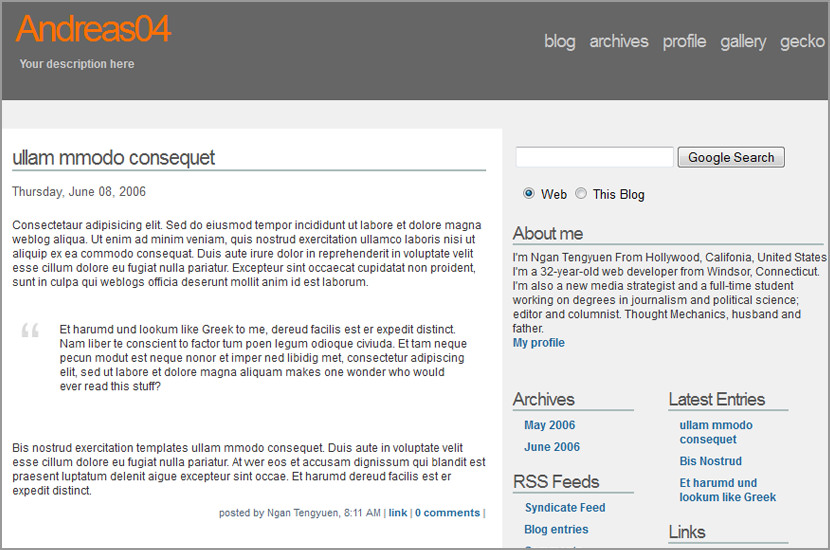
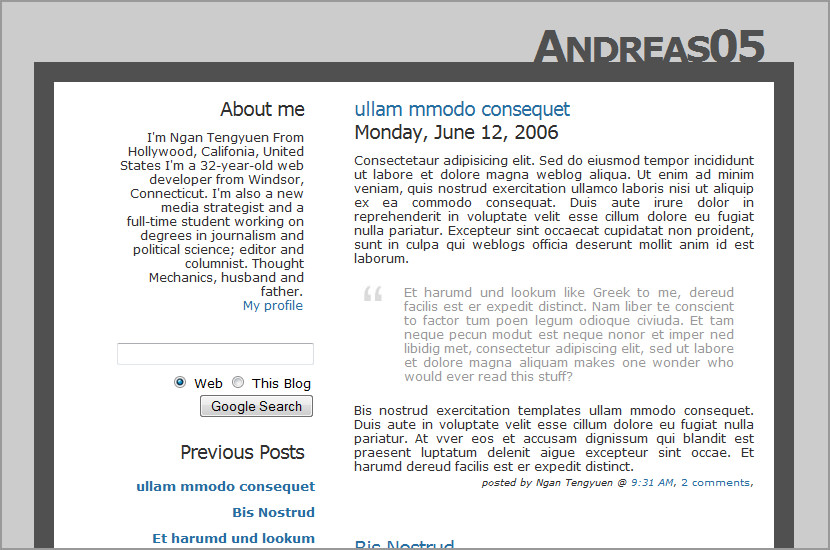
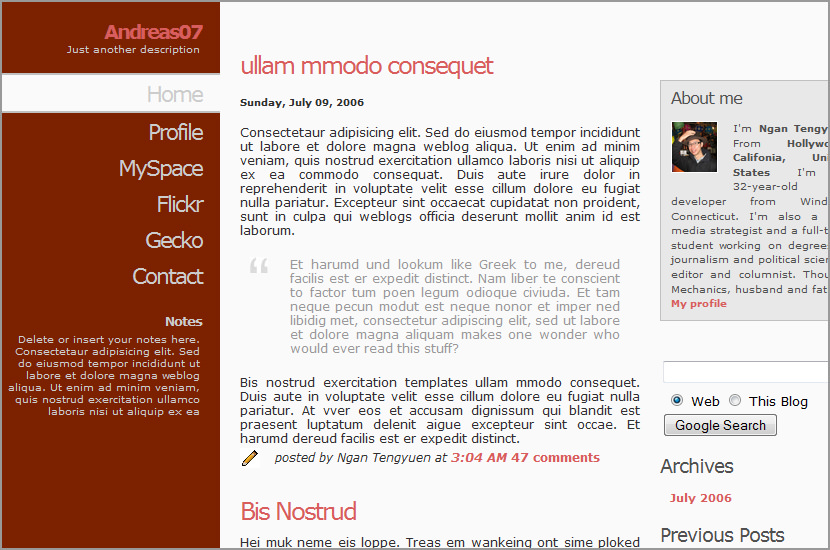
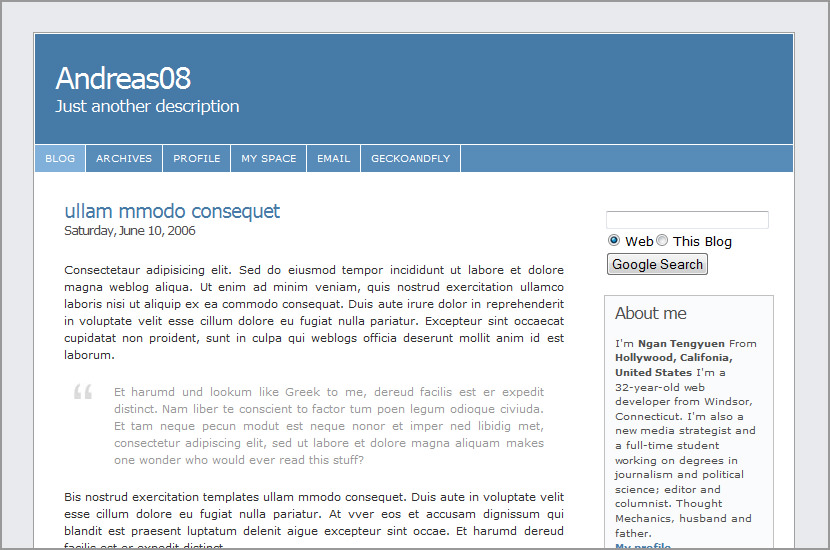
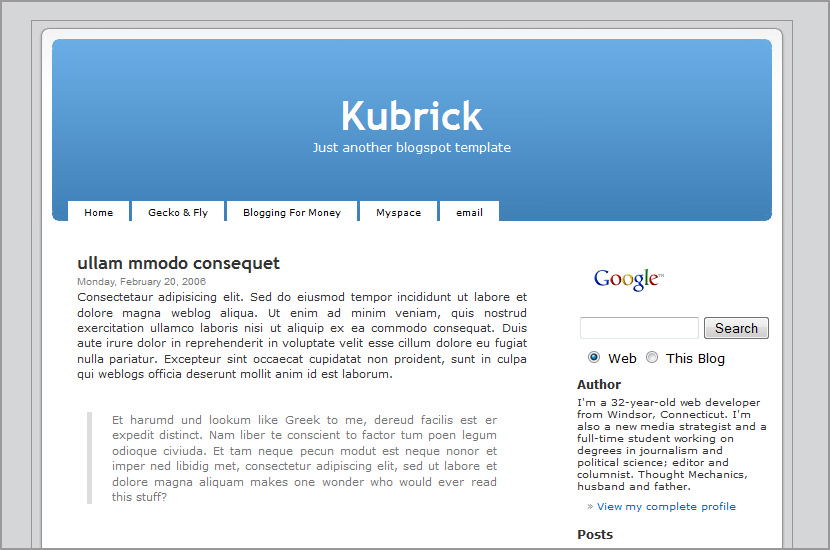
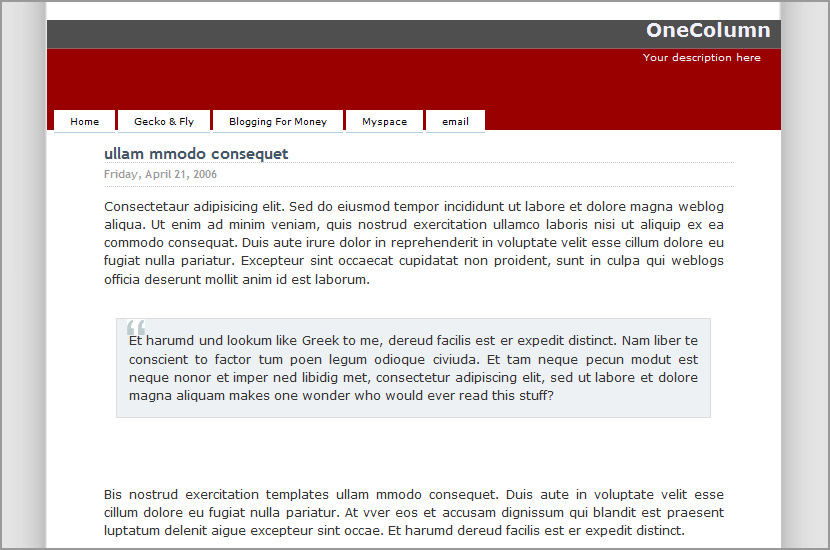
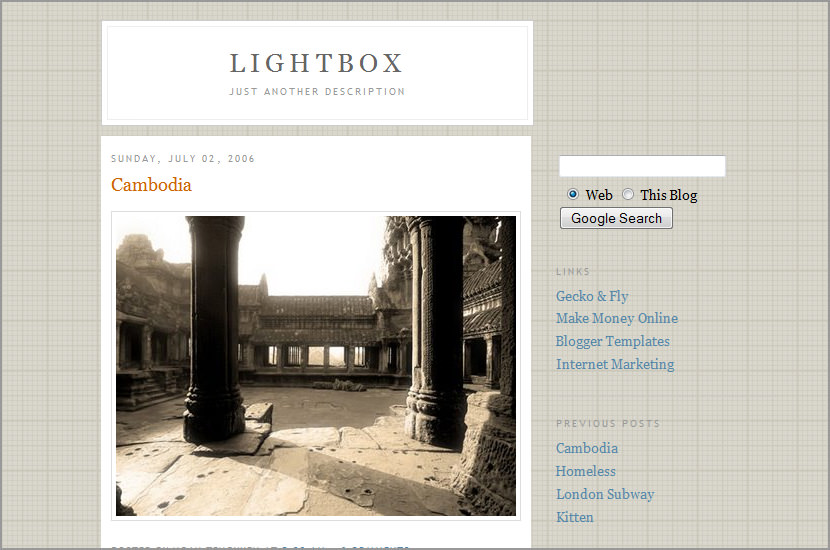
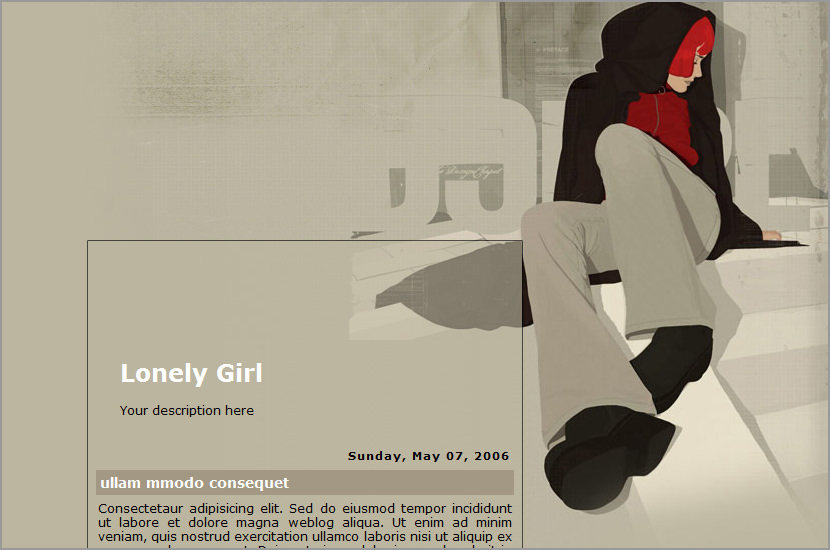
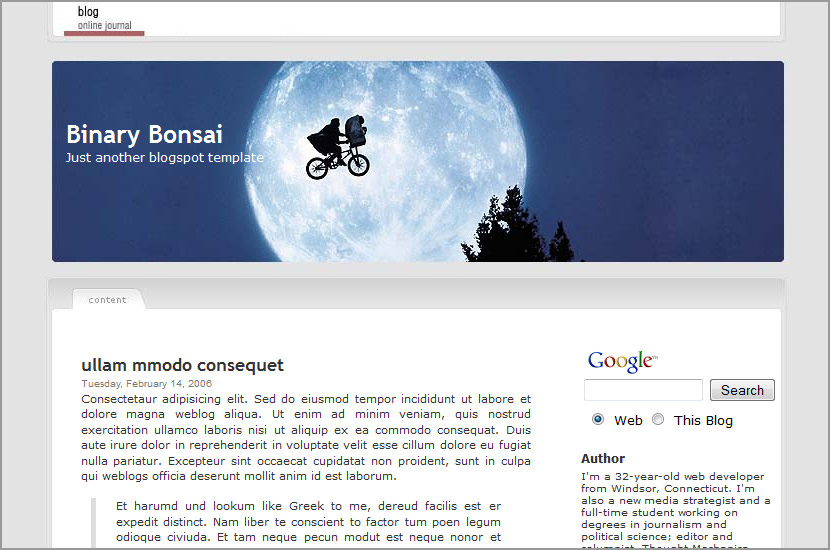
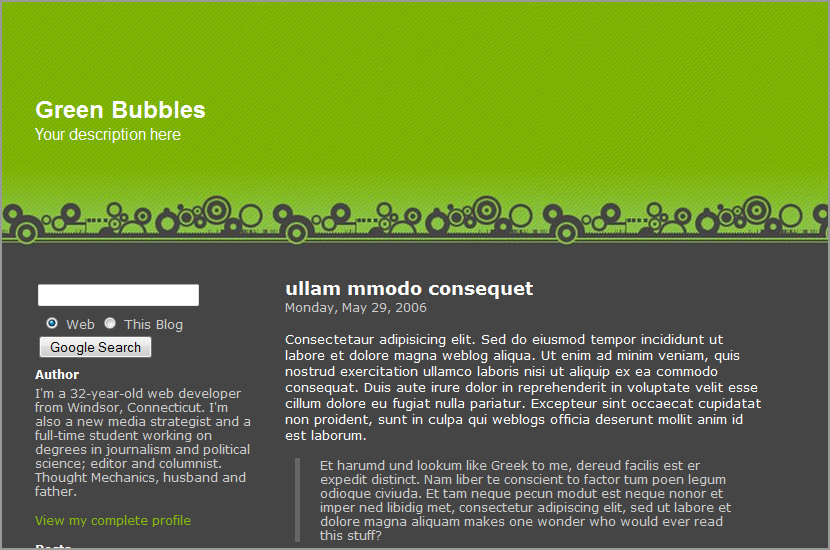
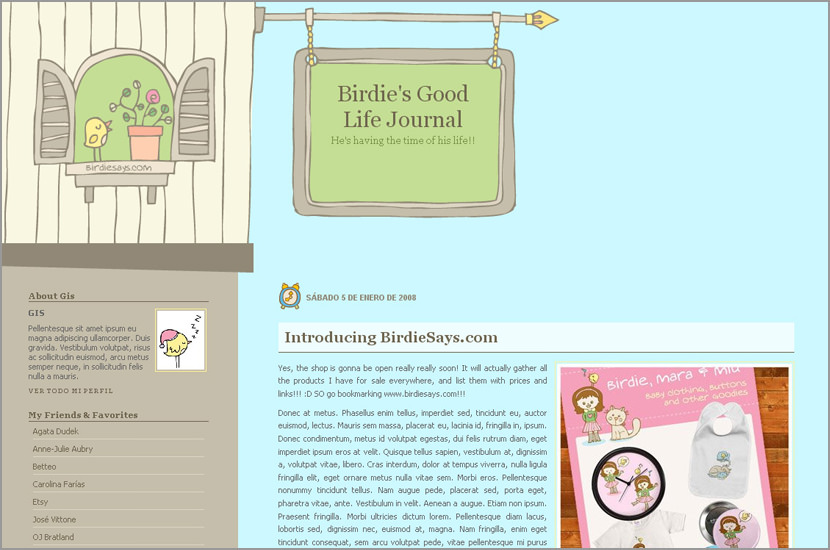
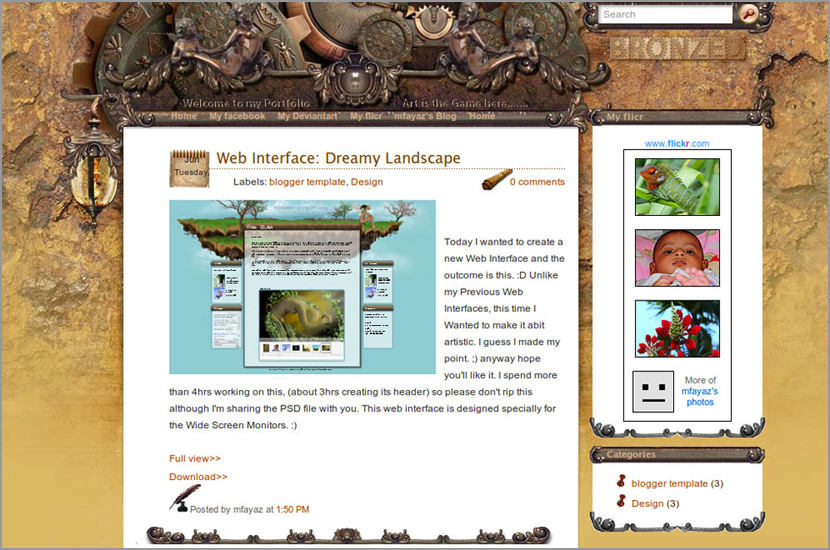
Andreas02 Blogger Template
May 27, 2006 · Filed Under Blogger Templates
↓ Sponsored Links
↓ Sponsored Links

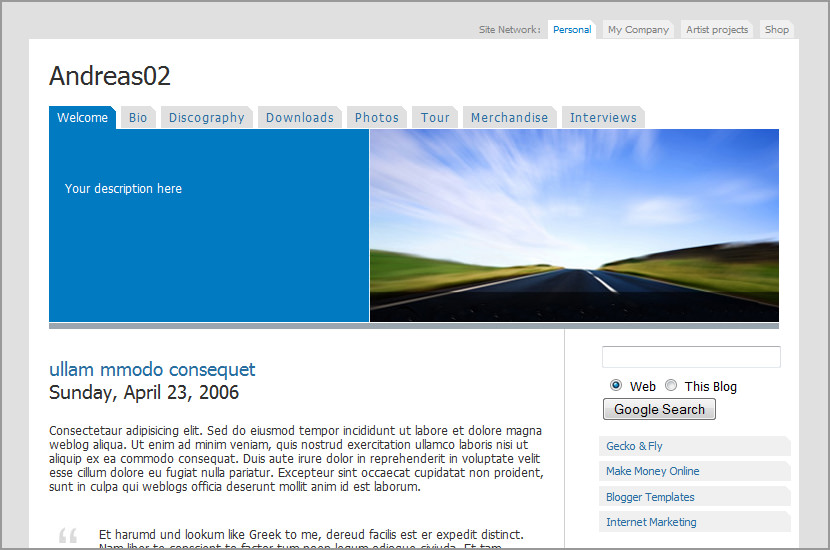
Andreas02 Blogger Template
- Click here for Demo
- Original design by Andreas Viklund
- Download the Andreas Blogger Template Code
Version History
27th May 2006 – Release
11th June 2006 – Updated with IE fixes
Related Articles
Similar posts you may be interested in based on past browsing
Comments
Leave a Reply

william
June 1st, 2006heya, awesome awesome template… i was considering changing to wordpress (upskilling in the process!) but found this template instead.
a few things though,
- it appears that the date on a post is more overwhelming than the actual title, how can we edit the html so the date is smaller everytime we make a new post?
-secondly, all those navitabs are great, but how you make each one have its own blurb in the blue area? forgive my ignorance! (is it also possible to have a different pic for each tab and posts underneath? I guess you can edit the picture easily, but what do you paste into the href area of the code?)
-finally, such a peculiar thing, but i would love to display my name as william° but in this script it comes up as william° for some reason with the A there.. anyway to get around this?
thanks again.. its an excellent template, im sure some others will be asking these n00b questions in future as well!
admin
June 2nd, 2006ok, lets see….
- the original CSS code is by Andreas Viklund, booted to blogger without any changes. If you want a smaller date text, try edit the CSS code.
- different pic in each tab can be done, but require more coding and time… which is what I don’t have. but you can try http://www.sothink.com/ and check out their java/flash tabbing feature.
- about the “william°”… … maybe its the type of default font used. try making arial as the default font.
will
June 10th, 2006k thnx!
dani
June 11th, 2006Great template you got here! I was able to use it in my blog and edit some stuffs. But there’s one thing: I can’t fix the error in the words when an apostrophe is used. Can you please tell me how to fix that?
One more thing, can you tell me how to adjust the margin so that I could give more space for the sidebar? I personally think it’s a bit narrow…
I really love this template. I hope you could help.
admin
June 11th, 2006i too find the sidebar a little too small… i’ll try and modify the original code by andreas. thanks for the comment.
dani
June 11th, 2006Thanks for the reply. I hope you could fix the error with the apostrophes. I’ll look out for your modification. :)
will
June 13th, 2006dani, it may have to do with the same issue I was having,
try changing the font type?
just an idea :)
goodbiz
June 22nd, 2006how to put this template into my blogspot? I’ve just open a new account with blogspot but not sure how to put this template in..
pls advise..
KellyC
July 5th, 2006Hello – I love the template, but would like to put my own photo in the place of the photo at the top right. How can I do this?
Thank you for your help!
Christine
July 12th, 2006I’m with Kelly on this one..how to change the picture? i don’t have photoshop, so is just putting a picture I have on a host site, then cutting and pasting enough?
Thank you, thank you, thank you!!!!
Christine
July 12th, 2006Ok, I figured out how to replace the photo. Thanks anyway!
If it’s not too much too ask, how do I add pages for the different tabs? None of them click to anywhere but down. This is probably a dumb question!!!?
Thanks again.
Kaileena Suza
July 16th, 2006I got some bugs/problem in comments jscript check my site with IE
Firefox forgives it.
Dontan
August 3rd, 2006Thank you for your contribution. I been struggling to design my own but never make it..
Lori
August 4th, 2006**Updated with correct email address**
How do I program the pages for each of the different tabs (Bio, Discography, etc.)? I’m new to programming, but I catch on quickly. Do you know of any site where I can find out how to do this?
Thanks.
patricia
August 15th, 2006Hi! really cool template, i’ve catched it for my travel blog! Thank you for your work!! Just one thing, maybe dumb question but… the external links and comments open in the same window where my blog is, so can I do something so that links and comments open into another window. I know next code for links:
URL name
But this is not enough and works only on links…
What can I do??
Thank you very much!!!
Daep
August 16th, 2006M sorry, I have a question to ask you. Is it possible to create a subpage in blogger. For example, http://www……..blogspot.com/subpage. I like your template but I can’t create the link to those tabs. Thanks beforehand.
admin
August 16th, 2006i don’t think so, the only way to do it to create another blog with the exact layout as ur subpage.
Mimi
August 27th, 2006Your HTML cannot be accepted: Tag is not allowed:
Hello, just discovered your template, love it but cannot added to my blog spot
i get the message posted just here
Can you please pleas help
thanks a million
Mimi
admin
August 27th, 2006is it? are u using the blogger beta version? i need to update the code for blogger beta
Beerbrat
September 5th, 2006Hi, great templates you have. Notice one thing though, the rss feed for this particular one doesn really work. Any thing we can do with the codes?
Mikhail
October 31st, 2006Great template.
I have modified it a bit (font sizes mainly), and translated what I could to Bulgarian, now works great for my blog.
However I’m concerned about the blogger beta. We are going to be forced to use it sooner or later. And the template will become unusable. Are you going to create a version for it?
I’d give it a try, but am not sure that can do it, my CSS knowledge is limited to say the least.
Owen
December 6th, 2006Got everything to work and I like how it looks like. But it is not allowing me to add any photos.
Any help will be appreciated.
thanks!
Dop Troutman
December 8th, 2006This would be perfect for my blog. Does it work with Blogger Beta version??
Eric
January 5th, 2007How do I decrease the Date Stamp for posts? it is as big, if not bigger than the title of my Post.
Linnie
January 22nd, 2007I like this template, but I can’t seem to download the code properly: no html whatsoever in the file ‘andreas02.txt’. What’s going on? Please help! Cheers.
mike
February 11th, 2007when i try to paste de code in my blog, apears this message:
error message in XML: The content of elements must consist of well-formed character data or markup.
I don’t now what’s hapen?
can someone help me?
heri
February 27th, 2007It’s very personal template for me, thank’s guy’s… appreciated…
George
March 16th, 2007thx for your good template, but i cant take it into my blog, and there r a lot of error take out,
4example:The element type “p” must be terminated by the matching end-tag “”.
i really hope you 2 help me. I really like this template. pls ! my e-mail address is dream.guo@gmail.com
thank you vrey much!
Rajenadra Kumar G
April 14th, 2007Hi,
I am quite naive in the bloggers circle, i have a blog running, can you please healp me in switching from surrent template Andreas02 template.
I mean the exact steps i have to follow in order to change, as i am not very good in HTML, it would be very nice if you could explain me the things step by step.
This is a grat template, keep up the good work.
Thanks in Advance
Rajendra
Hummie
May 26th, 2007I also got an error while trying to use it.
error message in XML: The content of elements must consist of well-formed character data or markup.
I love this heading on this template! I would love to have it on my blog to help clean up things…I am wondering if I cannot just utilize the heading section of the template on my own blog somehow.
I like my own blog with the minimu stretched thing so I have more room for photos as it goes out to the edges, but I love the header on this template!…so clean!
dilek
May 30th, 2007Hi, Andreas. I use this template.
I have problems with the letters special letter or letters such “ü” or “ö”. Can you help me to solve this problem?
Thanks for the answer!
Dilek
WizardMan
May 30th, 2007Hi,
Thank you for an awesome template. I have a question. I’ve used this template for my BLOGGER site but for some reason when I post new articles they all get posted without a AM or PM option. So if I add a post at 14:30 it posts it as 2:30 and my posts on technorati.com all come up as old posts not new ones. Is there a way to change the time format on the post. I’ve changed the BLOGGER settings but that hasn’t helped.
alexandretta
June 26th, 2007Nice template Andreas, tanks for shared it.
shrimphead
July 9th, 2007tried to installed at http://shrimphead.blogspot.com but xml parse error! :(
anyone can help??
agung
July 13th, 2007Great work! This definitely is an awesome theme and thanks very much for releasing it. Not everyone releases the Theme they are using :-).
(like this >> http://beautyindesign.com/demo/index.php?option=com_content&task=view&id=32&Itemid=50 :) )
Well done! This definitely is going to be my theme.
thankyou…
moe
August 17th, 2007nice. but i don’t know how to open it
arisu
October 14th, 2007Mensagem de erro de XML: The value of attribute “href” associated with an element type “null” must not contain the ‘<’ character.
this error is showing me when i try to save the model.
BlueWind
October 27th, 2007i’m getting xml error!
GrahamClarkAustralia
November 4th, 2007Your blogger template looks great and I’m keen to give it a go but when I try to use the template I get the following error:
Your template could not be parsed as it is not well-formed. Please make sure all XML elements are closed properly.
XML error message: The value of attribute “href” associated with an element type “null” must not contain the ‘<’ character.
What can I do to fix this error?
Regards, GrahamClarkAustralia
Karthik
November 29th, 2007Hi Andreas,
I downloaded this template and wanted to configure it as per my scene but saw your copyright message below. So, just wanted to confirm… Can I tailor it to my requirement? BTW, my blog is an online resource bank for SAP consultants with free downloadable code and several step-by-step guides. Awaiting reply & consent :)
bing
April 1st, 2008Hi! great template. i really love this design! I saw it first to one of my contacts, from then on i can’t sleep, ’cause I really have to get that kind of template, finally its here. Just 1 problem, Is it possible to change the banner? or at least the color of it?
Kindly reply plss…plss…!
Thanks! ;D
Wordpress Skins for BLOGSPOT Templates « Charity Cho Li-Ying
April 16th, 2008[...] Download Ancreas02 [...]
Karko
April 27th, 2008Is there any way to put another sidebar on the right side of the template?
By the way – the template is great.
Idgie
April 30th, 2008Great template – thanks so much for sharing. I have an e-magazine thru Blogger that I’ve never moved but I really really need “pages” now so the tabs you made add those and you don’t have to go to a new webpage. (Well, you do, but it’s not noticeable!)
Thank you!
abou
December 7th, 2008how to change the header photo? this had been a dilemma for me for about a year now. i dont know how to change the header photo
thanks
ririx
December 10th, 2008template for download
kalyan
December 17th, 2008Thank you sooooo much !!
U r a Superstar !!
Ryan
May 24th, 2009Your template could not be parsed as it is not well-formed. Please make sure all XML elements are closed properly.
XML error message: The value of attribute “href” associated with an element type “null” must not contain the ‘<’ character.
How do i over come this? email me please.
zaphod
July 1st, 2009Hi,
I’d like to use this great template, but for my needs I have to modify it in some points.
Cause I’m a really newbie I need your help.
1) how can I hide the blogger-navbar?
In some blogs they say that the command:
display none;
positioned on a special place in the code will do that, but in the code of “Andreas2″ there is no code-line like the one mentioned in the blogs.
2)how can I hide “older posts” , “newer posts” and “start-side” (home)
I really would appreciate your help.
THX
Zaphod
prast
August 10th, 2009after googling, i knew that this code is not well formed because all of you use new style of blogspot… try to revert it into classic style (under template code)… just watch the bottom of edit html page…