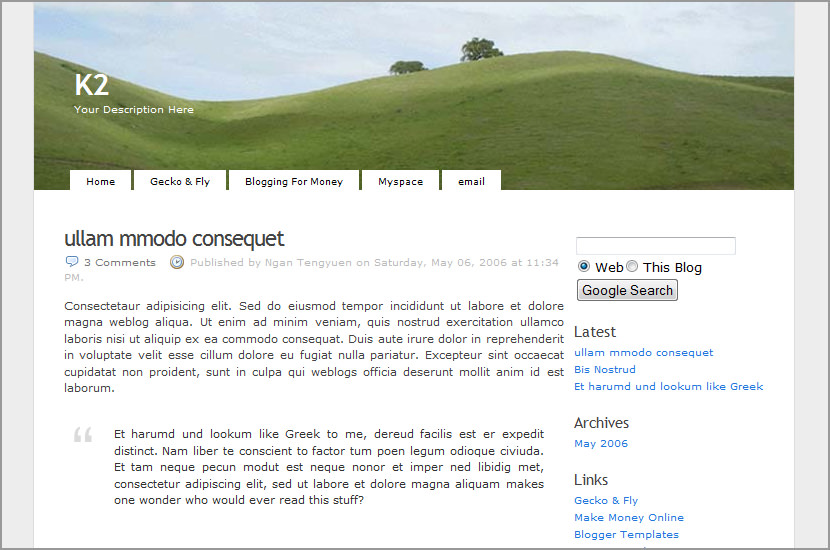
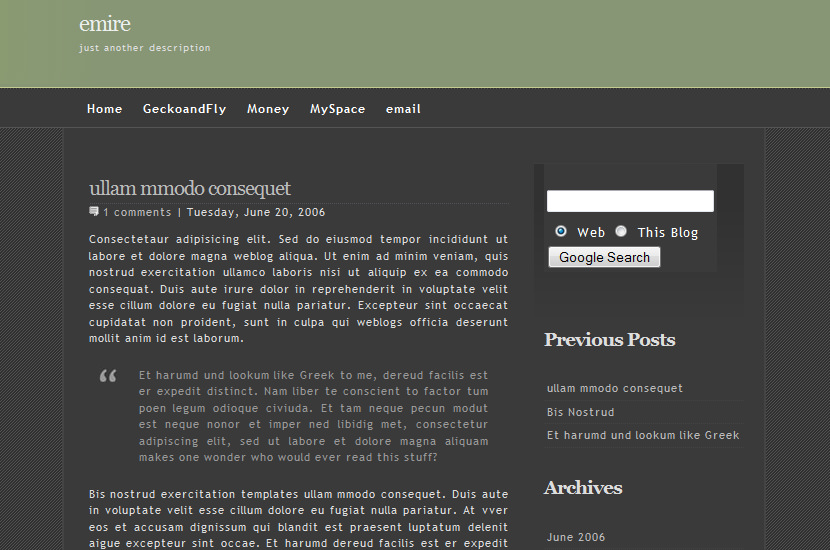
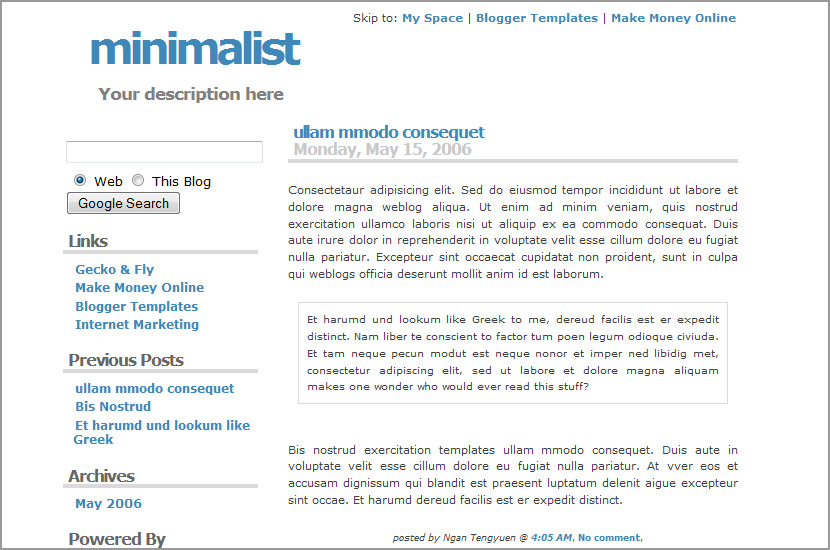
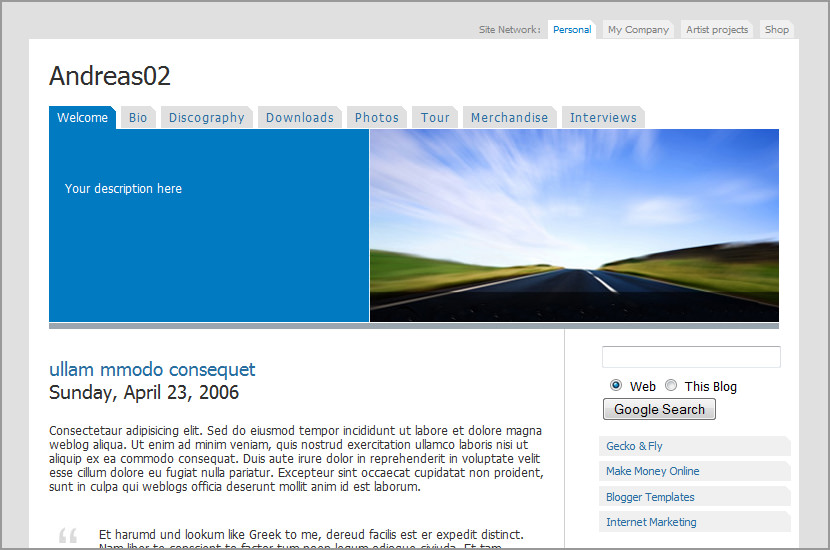
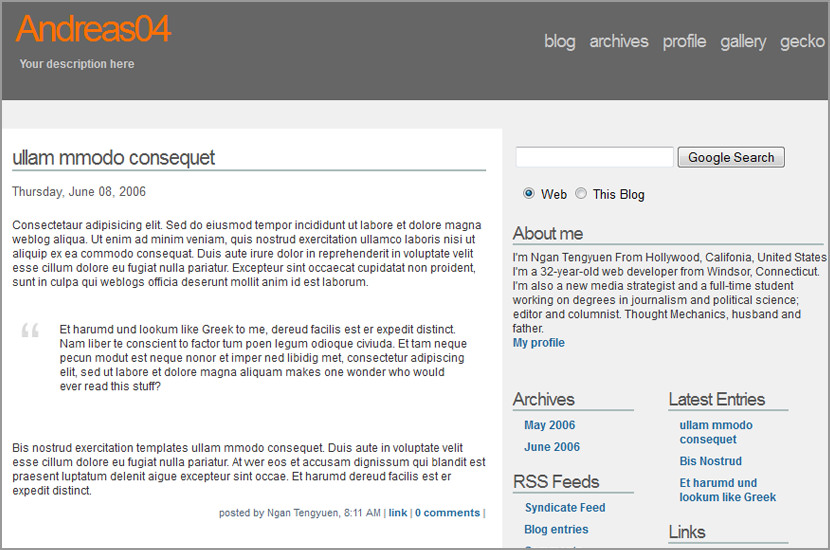
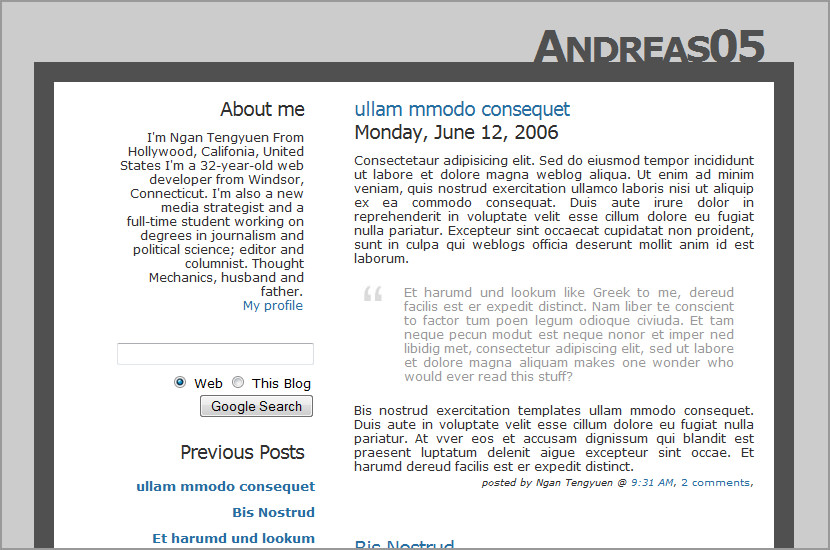
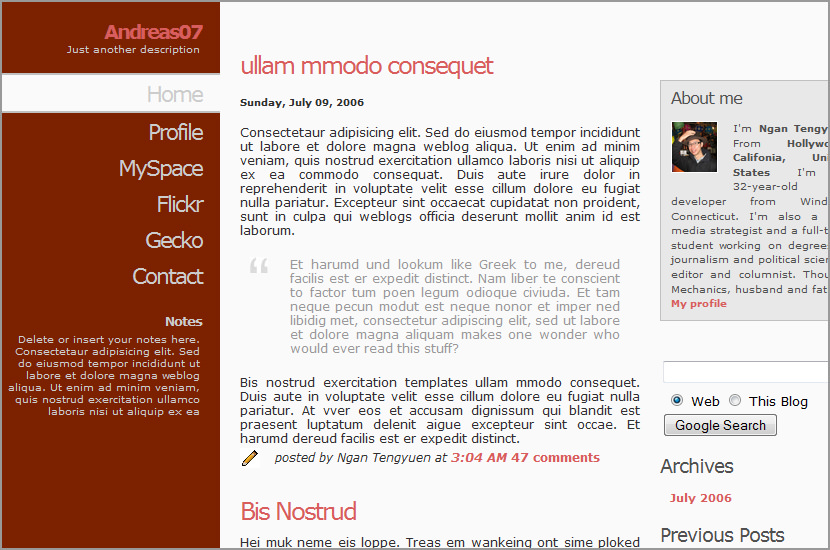
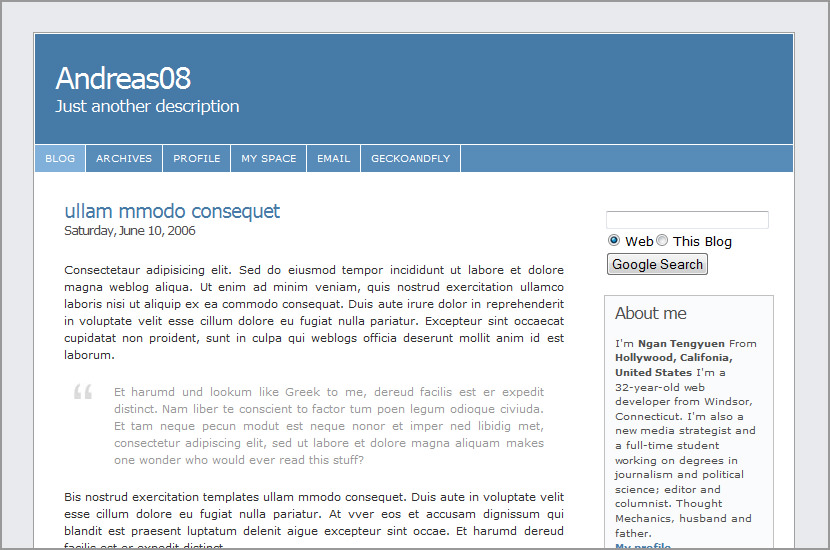
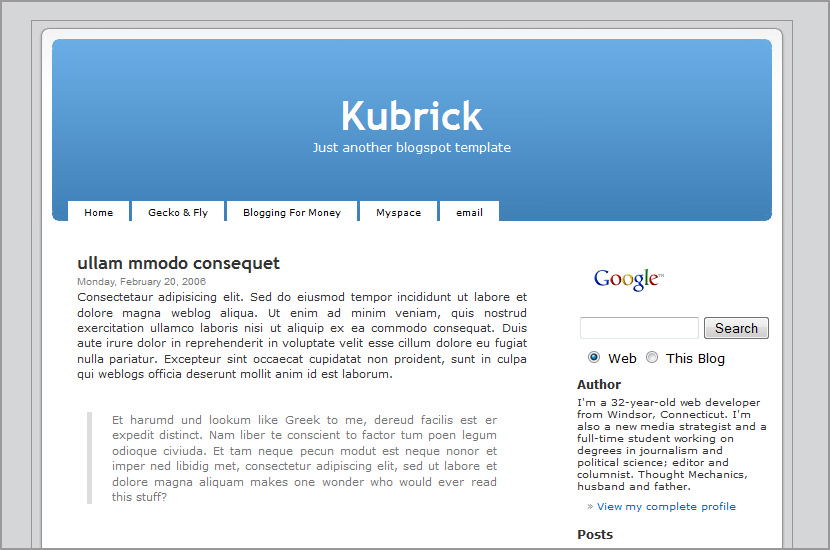
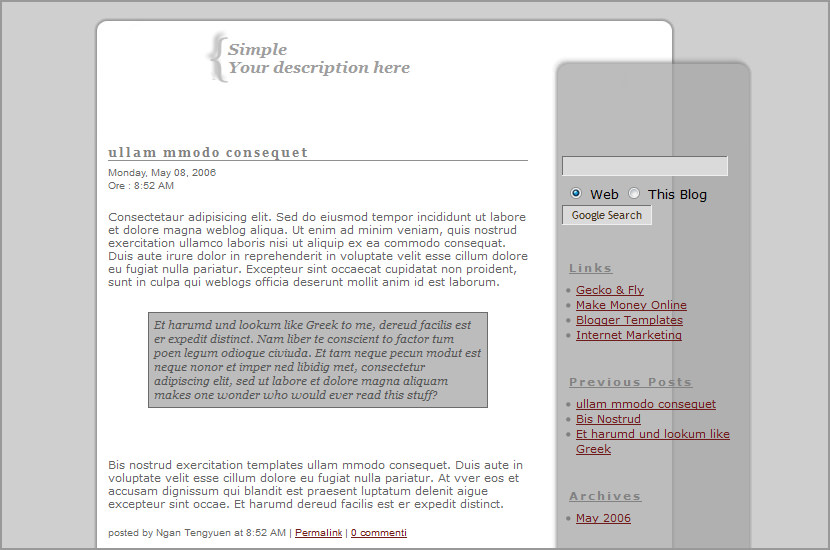
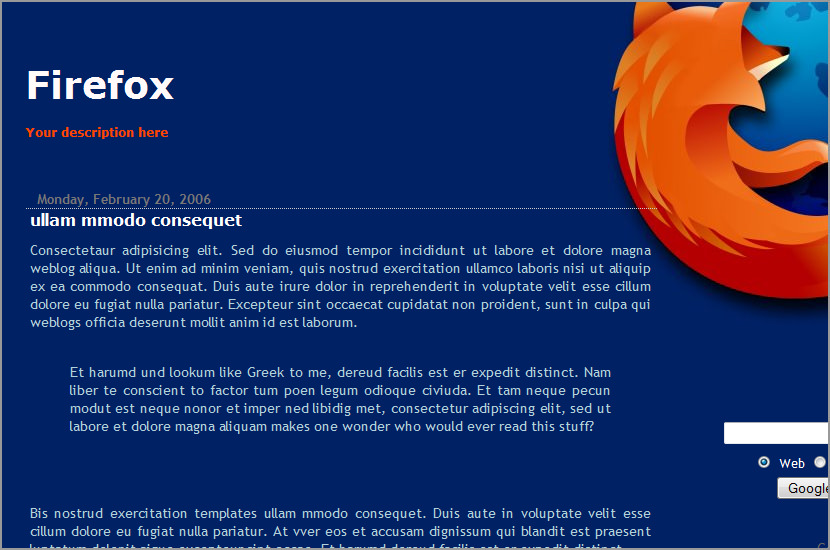
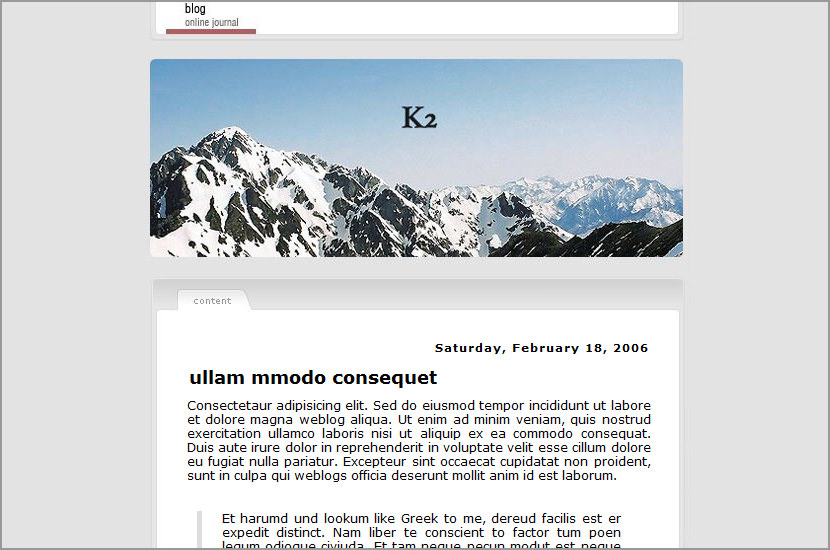
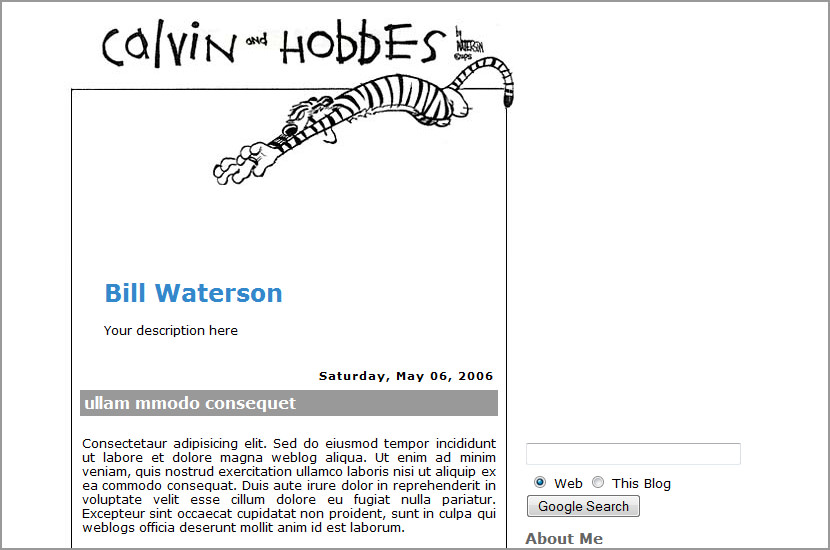
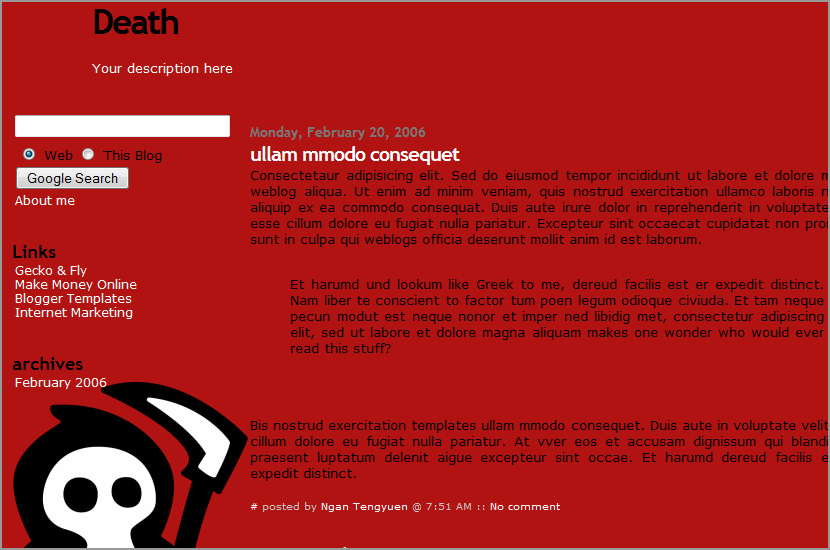
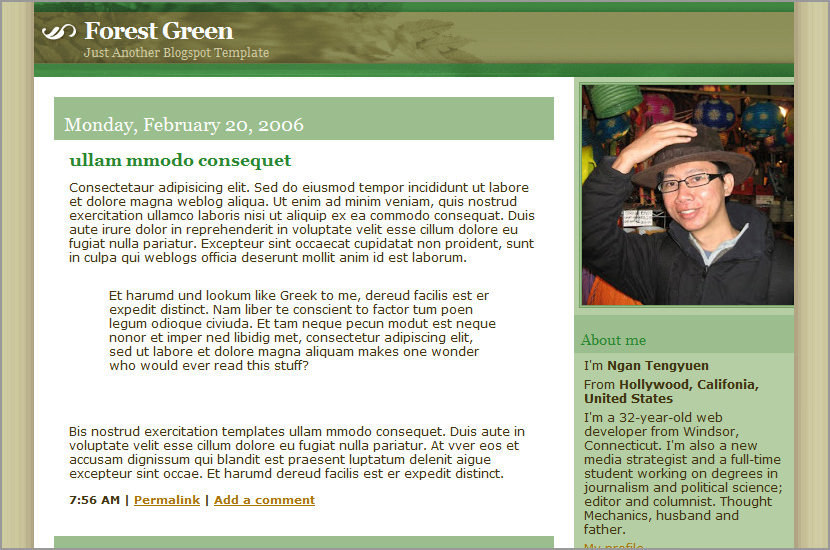
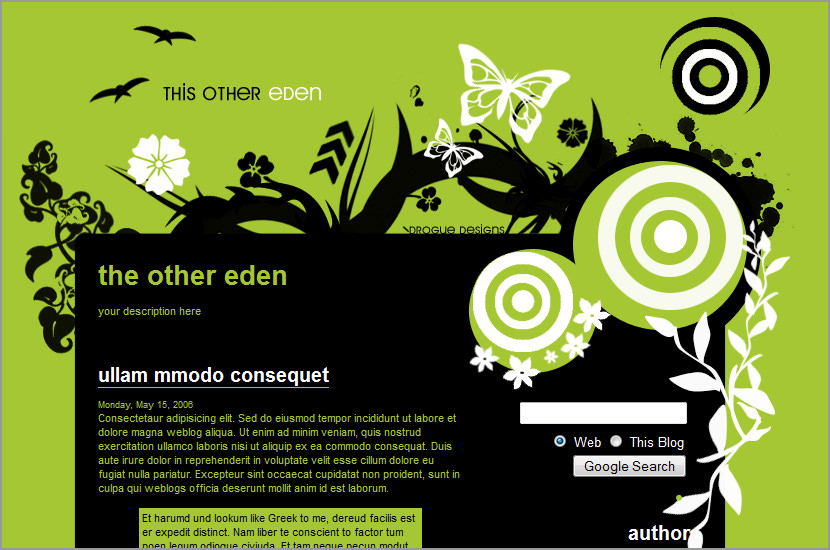
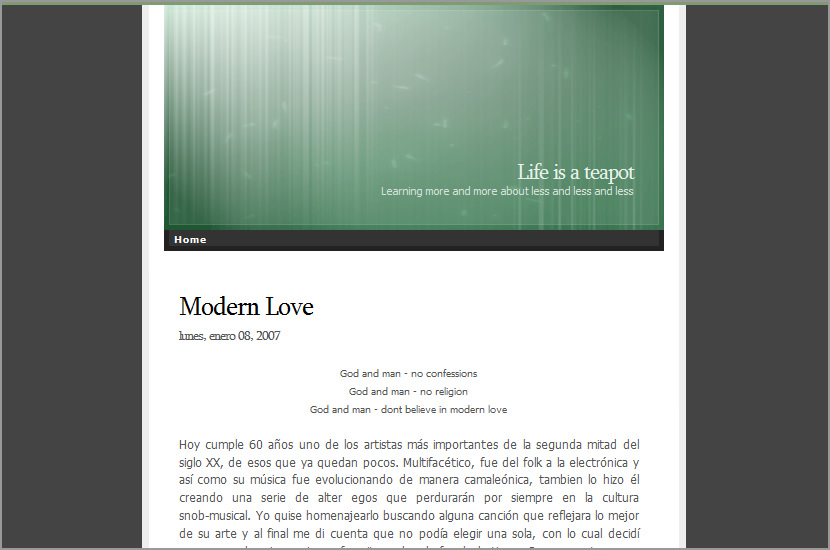
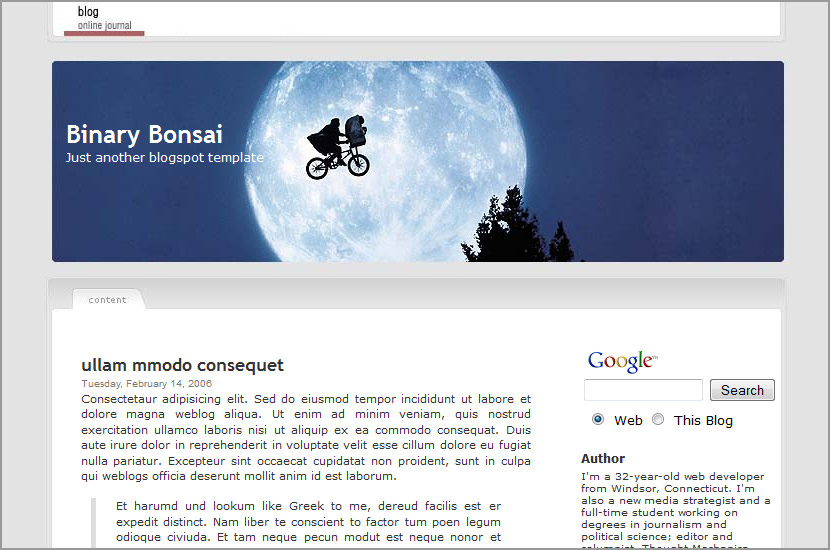
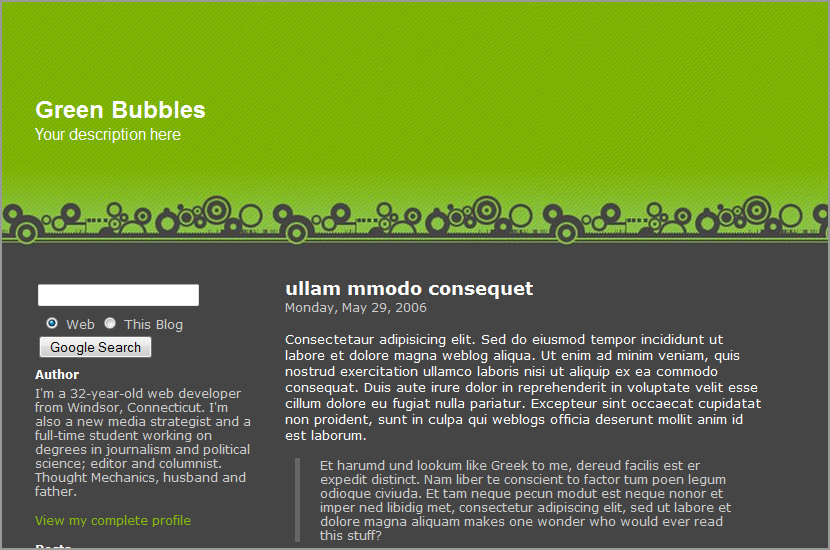
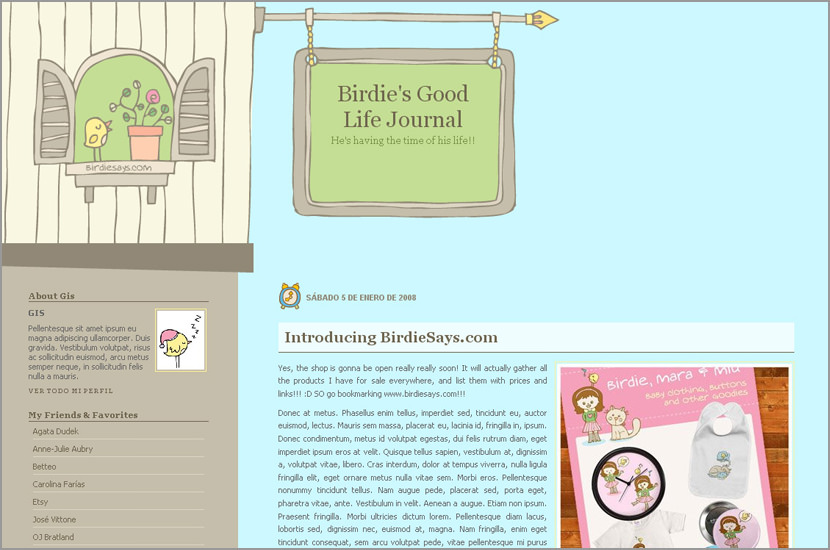
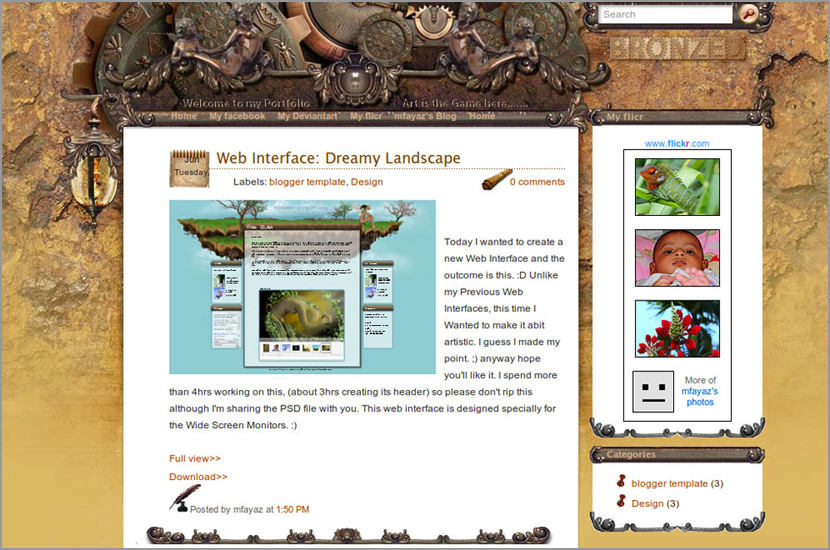
K2 Blogger Beta Template

kubrick k2 blogspot template
K2 Blogger Beta Template

Version History
10th Dec 2006 - Release
17th Dec 2006 - Updated with extra spacing

Technorati Tags: , , ,

Translate to EnglishÜbersetzen Sie zum Deutsch/GermanПереведите к русскому/RussianΜεταφράστε στα ελληνικά/GreekVertaal aan het Nederlands/Dutchترجمة الى العربية/Arabic中文翻译/Chinese Traditional中文翻译/Chinese Simplified한국어에게 번역하십시오/Korean日本語に翻訳しなさい /JapaneseTraduza ao Português/PortugueseTraduca ad Italiano/ItalianTraduisez au Français/FrenchTraduzca al Español/SpanishOversetter til Norsk/Norwegian

Related Articles:


Comments

  1. dEEPAK

    on December 11th, 2006
    1

    Thnx.. Had been waitin for this :)
    will be updating my blog soon..

  2. FIdo

    on December 11th, 2006
    2

    Still waiting for other beta templates:)

  3. speechless

    on December 11th, 2006
    3

    why can’t i use this blog template on my blog?!?!?!?! i just switched to beta and this doesn’t work!

  4. barneybb

    on December 11th, 2006
    4

    I had been putting together a K2 template for Blogger using your classic template. Thencame the change to Beta. For some reason the Beta version of K2 does not have half of the functions of the classic one. Where is the About Me section?

    Also I had a nifty hack to show a Flickr slideshow as a post. Any ideas how I get this to work, as this looked super cool?

  5. Blogcrowds

    on December 11th, 2006
    5

    @ speechless, what’s not working? At my test blog http://blogcrowds.blogspot.com/ everything works fine, labels and all.

    Please elaborate

  6. barneybb

    on December 12th, 2006
    6

    I would like to include the list of contributors and latest posts list on the sidebar (see link).

    I also tried pasting in the code to my existing blog and there were no spaces between each of the posts.

    Forgive my ignorance. I’m new to html, yet alone xml, but am very eager to learn. Thanks for your help.

  7. speechless

    on December 12th, 2006
    7

    when preview the blog, all i can see is a white page, with some letters… let’s do this: i’ll put this template on my blog untill you can see it, please give me some feedback so i can change it into this template correctly or to the previous one, ok?* thankx

  8. Blogcrowds

    on December 12th, 2006
    8

    @speechless
    it looks like you are still using the classic template, in the template setting click customize template and go through the upgrading process than paste the code.

    @barneybb
    In blogger beta, you can add features under template –> page elements. This should work for About Me sections etc.

    As for the spaces between each post, I have a time stamp there, I’m not sure if I remove it (done in the settings) space will show it, if not then the css will have to be changed

    Also please post questions at Blogcrowds as it is more convenient etc.

  9. speechless

    on December 13th, 2006
    9

    thankx :D

  10. sakis

    on December 15th, 2006
    10

    Excellent!!!

  11. Mike Chapel

    on December 18th, 2006
    11

    How can I xhange the labels and edit like :

    Gecko & Fly
    Blogcrowds

  12. Smarties

    on December 25th, 2006
    12

    Hello…
    I tried this template on IE, but it doesn’t appear in the right way. How can I fix this?

  13. Nanai

    on December 25th, 2006
    13

    #11

    You have to expand the widget template in the HTML editor and then look for the links and change it (use the search to find it).

    Now I have a question to Blogcrowds. I’m trying to use the K2 template but I have a problem with the sidebar. As default, you have three widgets active: Tags, Labels and Blog Archive. When I try to add another widget, for example a text box or a image box, or another link box, something weird happens.

    The new boxes don’t appers next to the older ones; they appers in the bottom of the blog, just under to the “Suscribe to” line.

    If I take the new box over the older boxes, the first one for example, original boxes appears under the “Suscribe to” line too.

    Too, the basic boxes haven’t got the edit icon in their bottom-right side, althrought I can edit them in the f*ck-editor.

    Hope you can help me with this problem :)

    See ya.

  14. angelus

    on December 29th, 2006
    14

    Yes It´s happening the same for me as it happens to 13 (nanai) .
    Please respond =)

  15. Eric

    on January 4th, 2007
    15

    Please fix the crazy spacing issue on the sidebar. Whenever I try to use it on my blogger account, the archive and labels are way to spaced out and everything breaks to a new line, and uggggggh!!!! Please just fix it, I’d like to update my template to beta but I can’t until this is fixed. For an example of my problem, please see http://www.freewebs.com/ericleamen/BloggerProblem.JPG

  16. Tommy Johnny

    on January 4th, 2007
    16

    Happens for me to. :(
    Every new items goes at the bottom of the sidebar. Please help!!!

  17. Diatribe

    on January 5th, 2007
    17

    I think I just figured out a solution to my and a few others problem with the widget spacing.

    Find the piece of CSS code in the HTML editor bit that starts with .secondary { …………

    Replace all of it with the below code:
    (obviously you can change the font etc)

    .secondary {
    font: 1em/1.5em ‘Trebuchet MS’, Verdana, Arial, Sans-Serif;
    padding: 20px 0 10px;
    margin: 0;
    color: #666;
    position: absolute; /*_padding: 30px 0 10px;
    _margin-left: 0%;
    _margin-right: -4%;
    _width: 26.5%;*/ /* IE hack */
    width: 200px;
    left: 550px;
    }

    It work fine on my blog but have only tested it in FF on a mac so I’m betting that on a PC in IE it’ll fuck up.

  18. Tommy Johnny

    on January 7th, 2007
    18

    Cool! As you said Diatribe, it works fine in FF on my mac. The problem still remains when I try to see my blog (www.tommydoyle.blogspot.com) in safari and IE. Thanks a lot, I’m very happy my blog is working on a browser!

  19. BeatsMe

    on January 10th, 2007
    19

    I would like to ask if there’s a way to install haloscan in this template…

    I couldn’t figure out this by myself…

    Thank you

  20. Hong Kong Reader

    on January 12th, 2007
    20

    I was testing out the template, and I still get spacing issues on the sidebar. Also, how do I delete the links? They’re cool, but I don’t need them.

  21. Marcelo

    on January 14th, 2007
    21

    Diatribe…. Thanks you, thanks you, thanks you! Using your correction, my blog works perfectly.

  22. Marcelo

    on January 14th, 2007
    22

    Someone knows how to put the “date” before the “Title” of an article? Like the Demo page of this template (http://k2-blogger-beta-template.blogspot.com/)

  23. Chris

    on January 17th, 2007
    23

    Can someone lend me a hand? I’m trying to insert a rotating banner script for my header image, but i don’t know how to accomplish that with this template. Here’s the script:

    var banner= new Array()

    banner[0]=”http://static.flickr.com/84/269053449_acad87a793_o.jpg”
    banner[1]=”http://static.flickr.com/95/269053438_4ef5a3983e_o.jpg”
    banner[2]=”http://static.flickr.com/96/269053404_44a3b0eda8_o.jpg”
    banner[3]=”http://static.flickr.com/108/269053262_608edbdda4_o.jpg”
    banner[4]=”http://static.flickr.com/98/269053232_6f7c6f994a_o.jpg”
    var random=Math.round(4*Math.random());

    document.write(”");
    document.write(”#header {”);
    document.write(’ background:url(”‘ + banner[random] + ‘”) no-repeat left TOP;’);
    document.write(” }”);
    document.write(”");

    Where should I insert this, what should I delete, etc?

  24. Eric

    on January 19th, 2007
    24

    Can someone help me! I want to know how to make the Title and Description disappear from my blog header. I’ve got specially designed banners. Please help!

  25. MLVC

    on January 19th, 2007
    25

    Thanks Diatribe - that worked perfectly.

    BUT - now whenever I am on a single post page, the body background ends with the post and does not extend to cover my links.

    Any ideas on how to fix this???

  26. Linnea

    on January 21st, 2007
    26

    I am putting up K2 on my blog, requires some adjusting but it looks real nice!
    #13: Had the same problems like you when adding new widgets to the sidebar. I solved it by deleting the quickedit image. Add the widget in “Page elements”, then go to “Edit html”, Expand widget templates and find and remove the tag that says (in the far end of the code).

  27. Eric

    on January 21st, 2007
    27

    Got another glitch for ya! Can anyone figure out how to fix this: http://www.freewebs.com/teen-tech/BloggerGlitch2.JPG ? Thanks for all your help!

  28. Eric

    on January 21st, 2007
    28

    Just to clarify, the glitch is that my sidebar goes off the page. Here’s the pic again: http://www.freewebs.com/teen-tech/BloggerGlitch2.JPG

  29. boobs4you

    on January 21st, 2007
    29

    Congratulations ! Very good Template!

  30. Heewon Lee

    on January 27th, 2007
    30

    Hello!

    I really like your ‘K2′ template; but I am having some problems:

    1. After Google ads and search are inserted, a small bug image shows up, which brings up the edit box after clicking. How can I erase it?

    2. How do I insert Google ad units the top (bottom of logo image) or at the bottom (top of your copyright statement). I tried many things, but they did not work.

    3. How do I replace logo image with my own image?

    Such a good template, but too much having problems with Google ad units.
    I really appreciate your help. Thank you.

    Heewon Lee

  31. aizwaikcha

    on February 8th, 2007
    31

    hello Sir,

    I tried using your template for my blog. Your template is very nice.
    I have changed the header picture. Everything is fine except that I’m not able to see my sidebar properly. Only the first widget is visible, rest all goes to the end of the page. Can you please help me with this?

    Thanks in advance.

  32. aizwaikcha

    on February 8th, 2007
    32

    Especially in mozilla firefox browser. I forgot to mention that.

  33. ridhaz

    on February 12th, 2007
    33

    Helo, first i would like to saya thanks for the template.

    But I have problem at the sidebar and footer,
    pls see image link below:

    Footer: http://www.imagehosting.com/show.php/213023_footer.jpg.html

    Sidebar:http://www.imagehosting.com/show.php/213030_sidebar.jpg.html

    help me solve the problem.

    thx

  34. kenshiz

    on February 15th, 2007
    34

    Hi there! can i ask one q?
    how to make a post that can contains such as java script. (not just html)
    Thanxz!

  35. Fernando

    on February 15th, 2007
    35

    I want to know how to make the Title and Description disappear from my blog header.

    I did it for the main page but when I click on any of the labels the tittle appears again.

    How can I make it diseppear ??

  36. ian d

    on February 19th, 2007
    36

    thanks for this great template!
    i’m having one main problem - anytime the left column is longer than the right, anything found in the left column simply rips through the white box and continues into the gray area at he bottom of the page. you can see this here: http://entrepreneuringecology.blogspot.com/search?updated-max=2007-02-16T16%3A51%3A00-05%3A00&max-results=5

    anyway, how do i stop this from happening?

    thanks again.

  37. ian d

    on February 19th, 2007
    37

    correction. anytime the right column is longer than the left.

  38. ian d

    on February 19th, 2007
    38

    changed the site, the problem detailed can be seen here now:
    http://entrepreneuringecology.blogspot.com/2007/02/two-thirds-of-all-energy-generated-in.html

  39. MakaniMike

    on February 27th, 2007
    39

    absolutely adore this template.

    however I’m having some trouble with the sidebar. Specifically I am having trouble adding widgets to it (in blogger (not more) beta).

    if i add the “about me” widget, all other widgets are shoved down in the sidebar until the point where the mainbody ends.

    if i add other widgets besides the about-me, then it will take only one further widget correctly. all others will once again be shoved downwards until the point where the mainbody ends. (see also my blog)

    any idea as to how to solve this problem?

  40. MakaniMike

    on February 27th, 2007
    40

    ok. i should’ve just read the comments…

    got it! :)

    thx again for the excellent design!

  41. Threnody

    on February 28th, 2007
    41

    I’ve got K2 installed, but something strange is happening. It looks fine on the home page, but whenever I go into a non-home page (permalink, archives, etc) the banner image is there with no text or tabs.

    See for yourself
    http://zerothink.blogspot.com vs
    http://zerothink.blogspot.com/2007/02/born-again-blogger.html

    Can anybody help me out with this?

  42. Todd

    on March 4th, 2007
    42

    Thanks so much! I was getting so tired of Blogger’s templates…. I installed this template last night and things more or less look exactly how I want them to now: http://toddalperovitz.blogspot.com/

  43. ezou

    on March 5th, 2007
    43

    hello all,
    first I really really liked this template and believe me I searched alot before finding be4 saying this.
    but unfortunately the template was too “bright and joyful” for my blog, so tweaked it, sorry for the word tweaked, u can say I overhauled it.
    So my question is: is this legal? can I use it?
    for now I’ve put it just on a template test blog, please check link.
    If it is OK, thank you I’ll leave the credits at the bottom, if not well sorry I’ll delete it and try searching for a new one, or build one from scratch.
    Anyway thanks.

  44. Eric

    on March 13th, 2007
    44

    Is it possible to change the text at the bottom of the page that says “Older Posts”? If it is, please tell me how! Thanks!

  45. Mel

    on March 16th, 2007
    45

    I must comfess, I have never programmed in HTML prior to this. But I tried out the template, and added in a few items by trial and error. Managed to get my website up in 1 day. Thanks for the template! You guys are great!

    If you have time, please suggest more ways I can improve my blog at
    http://melooi.blogspot.com/

  46. Corceca

    on March 25th, 2007
    46

    I’ve made some adjustments to the template, but I can’t figure out how to make the “Previous Entries” actually link to anything. I see from someone else’s source code that doing something like:
    Previous Entries

    I just don’t know what to input here: updated-max=2007-03-01T22%3A47%3A00%2B08%3A00&max-results=10
    at the percentages. Can anyone help?

  47. Seyhan

    on March 26th, 2007
    47

    Everyone having the alignment problem, you should expand your widgets and delete this in each it solved my problem. The “.secondary” editing doesn’t solve it.

  48. Corceca

    on March 28th, 2007
    48

    In other words, I am wondering whether there is a “Previous Entries” link that can be placed at the bottom of the page, that will link to another page with previous posts. Blogger does this in its new templates, but since you have to use a classic one for this template, I’m wondering how to make it work.

  49. Ramiro

    on April 6th, 2007
    49

    Hi! First, i love your template. I updated it and it’s working just fine, but i have a problem with the labels, maybe becaouse of blogger, i don’t know yet. But as my blog is an oldie, i hava labeled old posts. Some categories have more than 30 posts to show, but when you click on the label, it shows only a limited number of them, the other can’t be read through the label system. Any idea? Somebody? Thnx.

  50. clau

    on April 7th, 2007
    50

    Hi!
    Thank you for give us good news always.
    The only problem I have now is that I don´t know how to change the links on the top.
    Do someone now how to do it?!
    Thank you
    bye

  51. Prashanth

    on April 9th, 2007
    51

    Hey, thanks for the K2 template. I’ve been using the same for a while.

    Now I’m thinking of having same K2 template with 2 sidebars on the right, like in the template - Andreas04. This is because the single sidebar present now is very long and makes it boring for my viewer.

    Is it possible to provide one? thanks in advance :)

  52. disconnected

    on April 9th, 2007
    52

    Hi, I love K2 and I’ve got it all up and running. However, I can’t find a way to change the “home” button on the menu bar. Everytime I click it, it just displays it cannot be found. I’ve tried to remove the source, but everything just goes haywire. I think the source is something along the lines of “data:blog.homepageUrl”. Any suggestions?

  53. Minerva

    on April 16th, 2007
    53

    Thank u for this beautiful template! i used this one (with some changing ;D) for my blog site. Hope u like it!
    xoxo
    Minerva

  54. choppy

    on May 11th, 2007
    54

    Hi,

    I’m having problems using the sidebar.
    When I insert more than one widget, for ex, archives and links, one stays at the top and the other one goes near the footer.
    Anyone knows why?

    thanx

  55. [Template] Templates for Blogger « Cyril’s Blog

    on May 16th, 2007
    55

    [...] K2 [...]

  56. boobs4you

    on May 17th, 2007
    56

    Is it possible to hide the sidebar in postings ?

  57. Jason

    on May 22nd, 2007
    57

    How the heck do you remove blog title and description from banner image?

  58. lloyd

    on June 3rd, 2007
    58

    How come the right column is too narrow in IE, but okay in firefox? Any way to fix this?
    Please email if you know! Thanks.

  59. daylight@midnight

    on June 12th, 2007
    59

    What do you open the XML file in with a Mac?

  60. rita

    on June 14th, 2007
    60

    hi,
    i would like to change the links oh the header. is that possible?

  61. Reap3r

    on July 14th, 2007
    61

    are there any expanded or three column version?
    thanks man

  62. David

    on July 21st, 2007
    62

    I have tried and tried…but how do I change the top buttons from GeckoandFly and Blogcrowds…I can’t find where to do that?

  63. Marion

    on September 16th, 2007
    63

    Each time I try to edit the html on my blog, I simply cut and paste the text on the wordpad doc downloaded from here into the ‘edit html’ tab on my blog. Each time I get this error message…
    Your template could not be parsed as it is not well-formed. Please make sure all XML elements are closed properly.
    XML error message: The processing instruction target matching “[xX][mM][lL]” is not allowed.
    what am I doing wrong?

  64. videoexplorer

    on September 27th, 2007
    64

    It’s the best template has ever I found. Thank you.

  65. paraesthesia

    on October 7th, 2007
    65

    Hello,
    I really like this template, and I’ve used it on my blog
    However, I think the entry column and the widgets are too close to each other. Is there a way to adjust the margins of the entry column? I have minuscule knowledge on html so I don’t really know how to edit this. Anyway, thank you. Hope I get a reply. :)

  66. Moi

    on December 13th, 2007
    66

    Hi people. Nice, nice template. Two questions though:

    How come it goes beserk every time I want to change the header image? It seems so sensitive, I don’t get it. What line should I change?

    And how do I change to colour of the top links? Hugs.

  67. arief

    on April 2nd, 2008
    67

    Hi people. Nice, nice template. i have one problem about my blog:

    I want to change the header image?

    How can I change my blog performance like : “http://urbanmainframe.com/folders/css/fixed_header/”
    What line should I change?
    Thanks.

  68. Knoxville Films

    on April 9th, 2008
    68

    To get rid of the header description so it doesn’t appear over your custome image header, delete the following code from your template:

    #headr .description {
    text-decoration: none;
    color: white;
    }

    h1:hover {
    text-decoration: underline;
    }

Leave a Reply