

Category: Computer and Internet Security » Parental Control
How to set up a free family, home and child internet filter? Which is the best parental internet filter? The best way to filter not family friendly websites and materials for your underage children is to set up the filter right inside your router.
Related Article 😍💰👉 11 Best Parental Control Apps For iOS And Android Smartphones Addicts
This automatically blocks all devices (Xbox, Playstation, Cell phone, Laptop, Tablets etc) from accessing inappropriate explicit material including sites that feature mature content.
Typical Router Setup Instructions (Filter Entire House)
We are not able to provide a step by step screenshot of every router from Linksys to Netgear, from Belkin to Asus, this is because every manufacturer uses a different user interface.
- Step 1 – Enter the IP address of your router in a Web browser. Usually it is 192.168.1.1 or 192.168.0.1 or 192.168.1.254.
- Step 2 – Enter the username and password. Usually it is both “admin” and “admin”.
- Step 3 – Navigate through the router menu system and locate the DNS Server settings.
- Step 4 – Key in the primary and secondary DNS. (The user interface will be more or less the same as shown in the image below.)

Norton ConnectSafe and OpenDNS FamilyShield DNS
You have 2 choices, Norton and OpenDNS. Both are equally good and they are free to use.
Norton ConnectSafe:
- Primary/Preferred DNS: 199.85.126.20
- Secondary/Alternate DNS: 199.85.127.20
OpenDNS FamilyShield:
- Primary/Preferred DNS: 208.67.220.123
- Secondary/Alternate DNS: 208.67.222.123
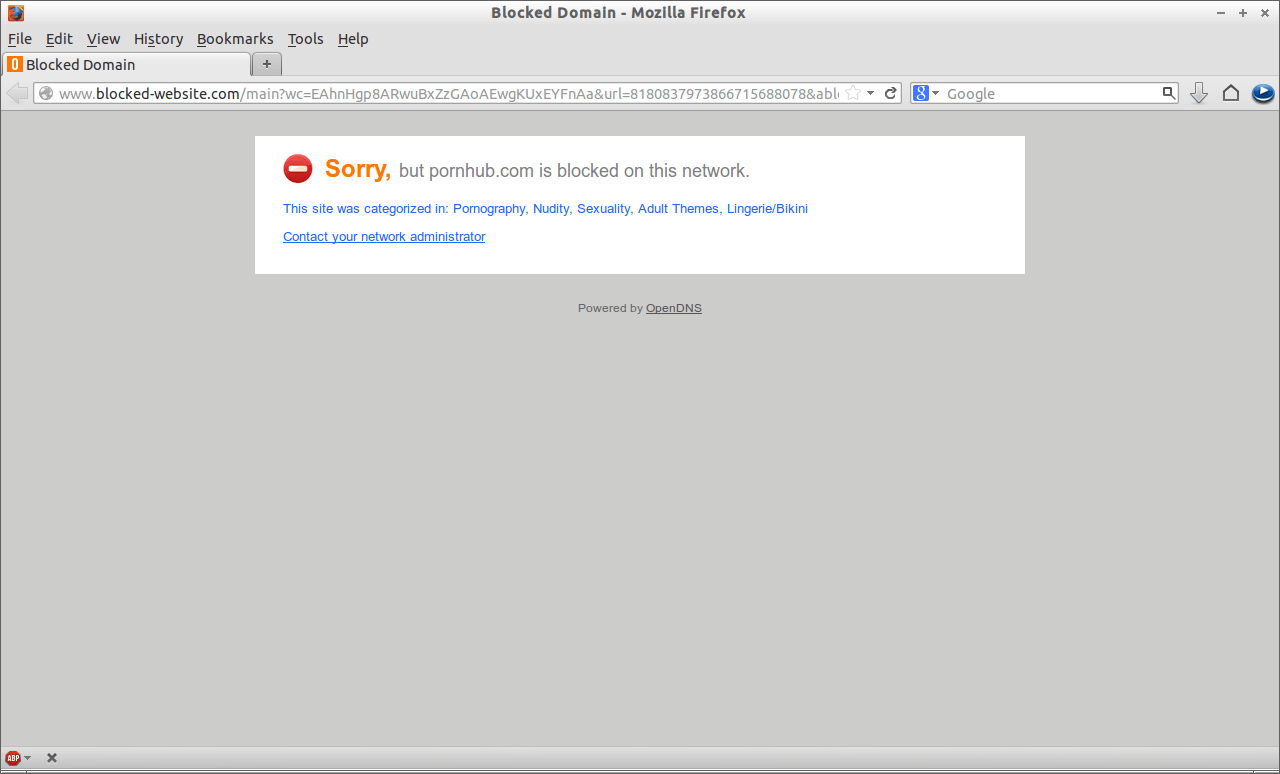
Remember to save the new settings and reboot your router. Now all devices using the router to access the internet will have its content filtered. Personally, I prefer OpenDNS over Norton. OpenDNS is well known for its parental control reputation.
Today’s families have an array of Internet-connected devices in their homes, from computers to gaming consoles to smart phones. OpenDNS is the only Internet parental controls solution that empowers parents to manage Web access across every device that accesses the Internet on your home network. This includes phones and computers that your kids’ friends bring into the house, giving parents peace-of-mind that their kids are protected regardless of how they’re accessing the Internet.
Parental Controls Debate – Pro and Con
Remember, the sword cuts both ways. Too much control is as bad as no control, what if your daughter was inappropriately assaulted and she is seeking more info online because she is not comfortable talking to her parents? What if your son was introduced to smoking and was denied googling for more info on the bad effect of smoking?