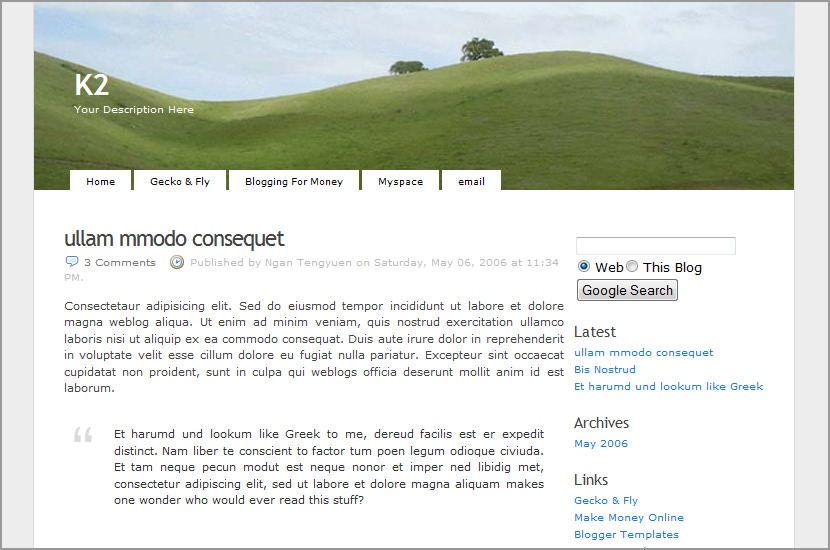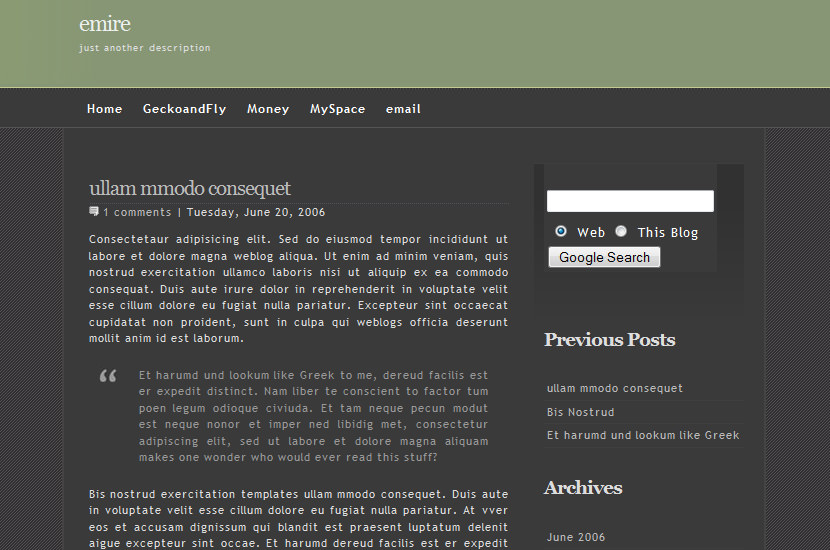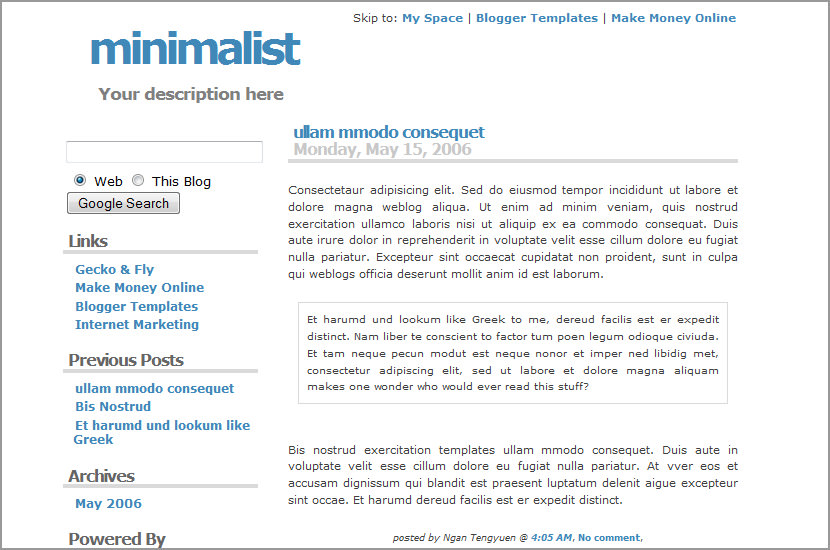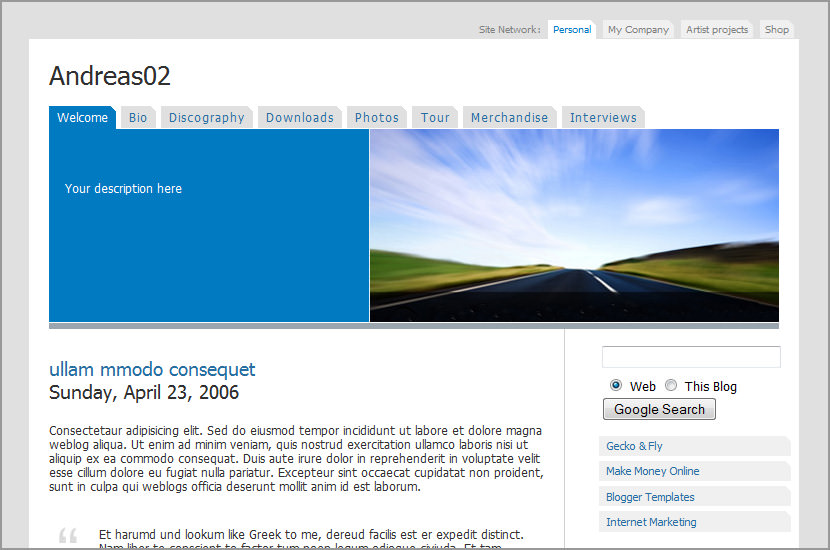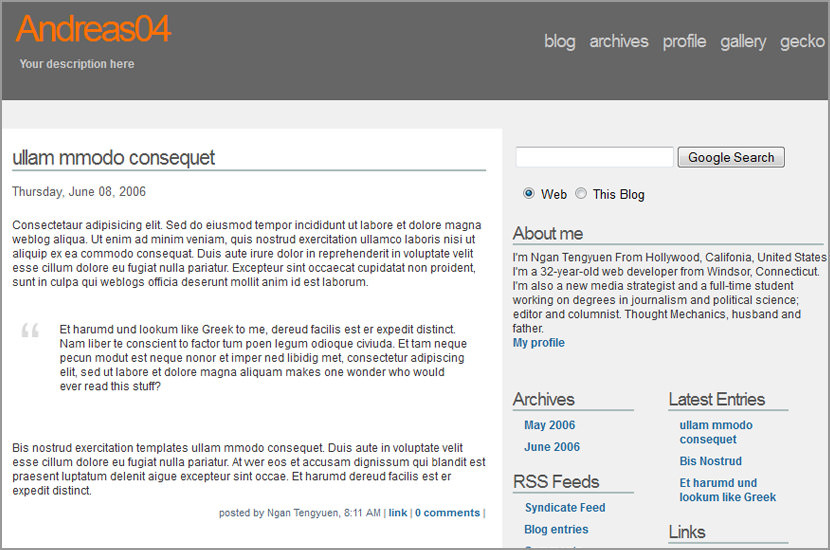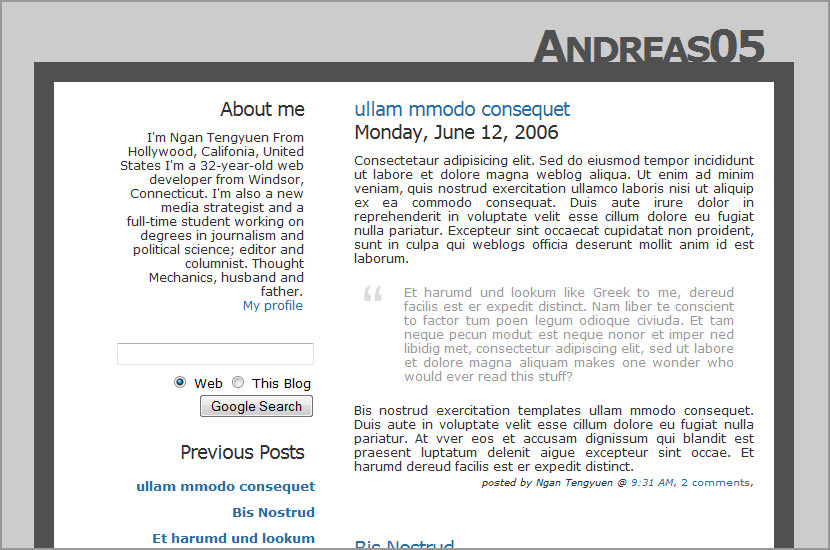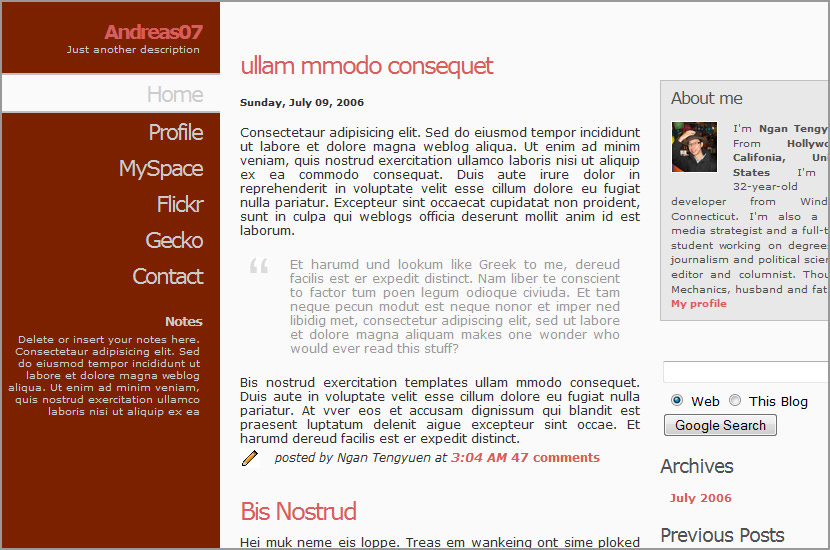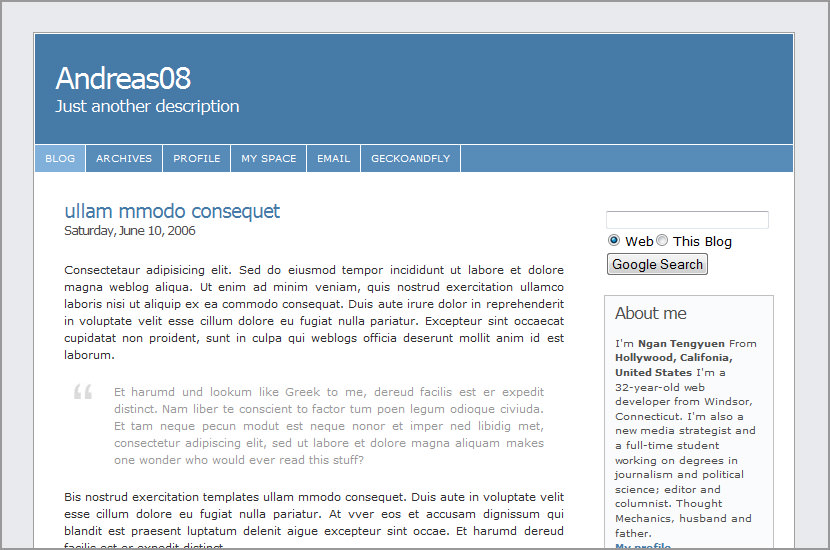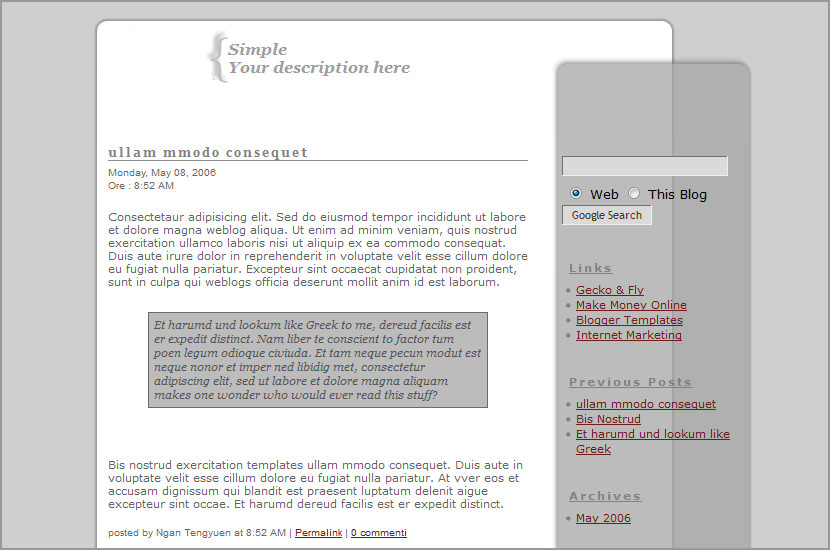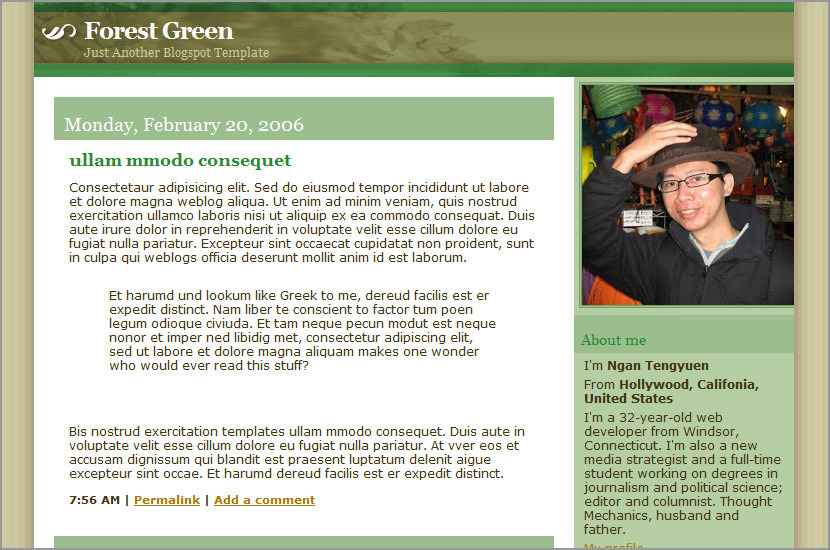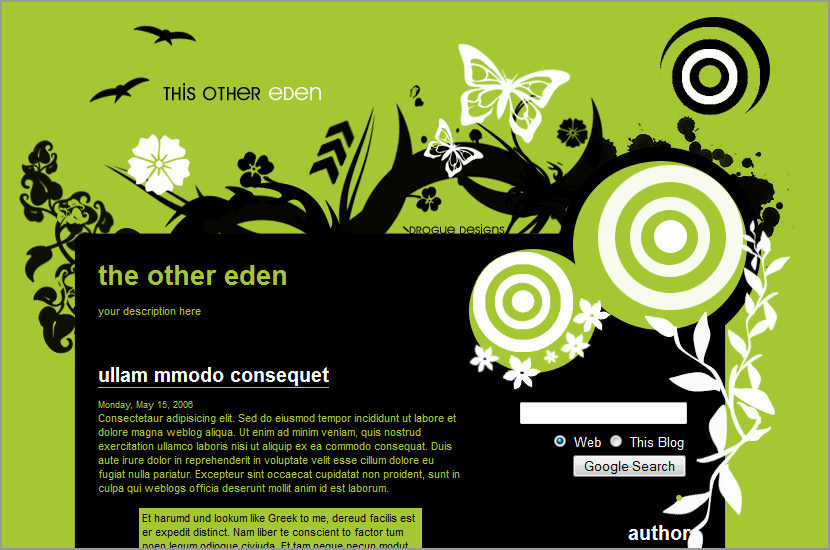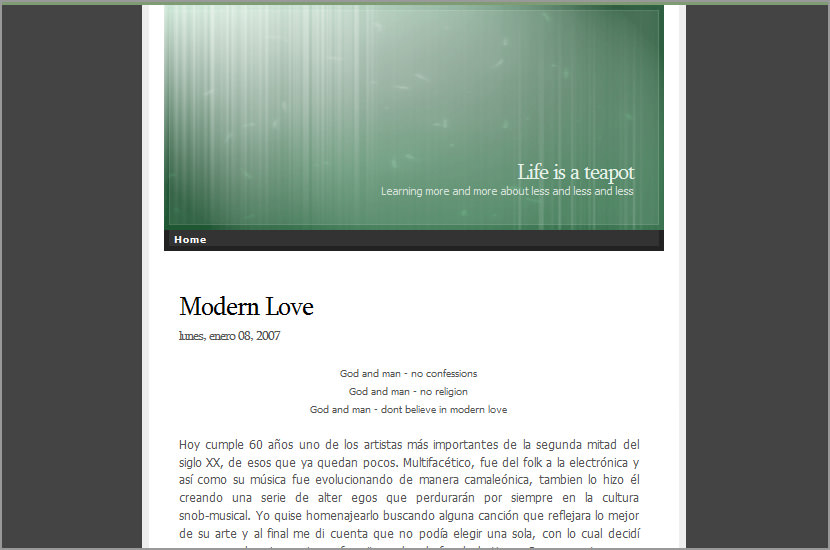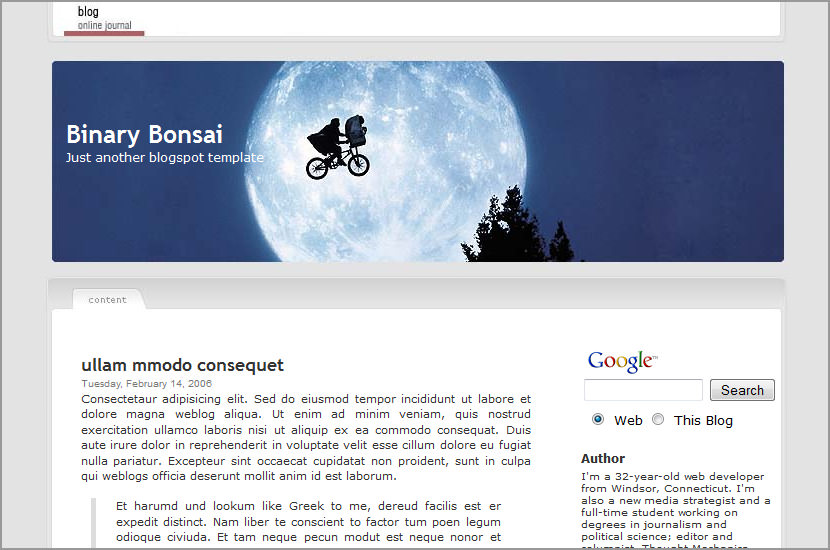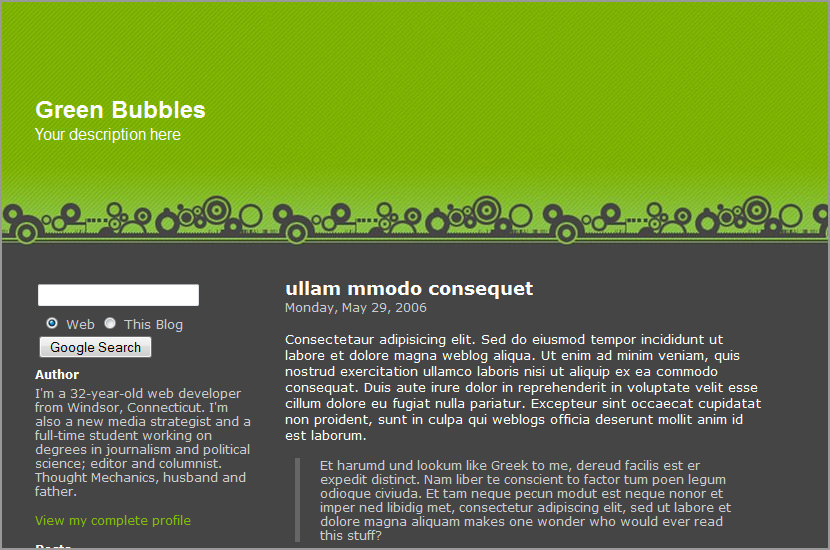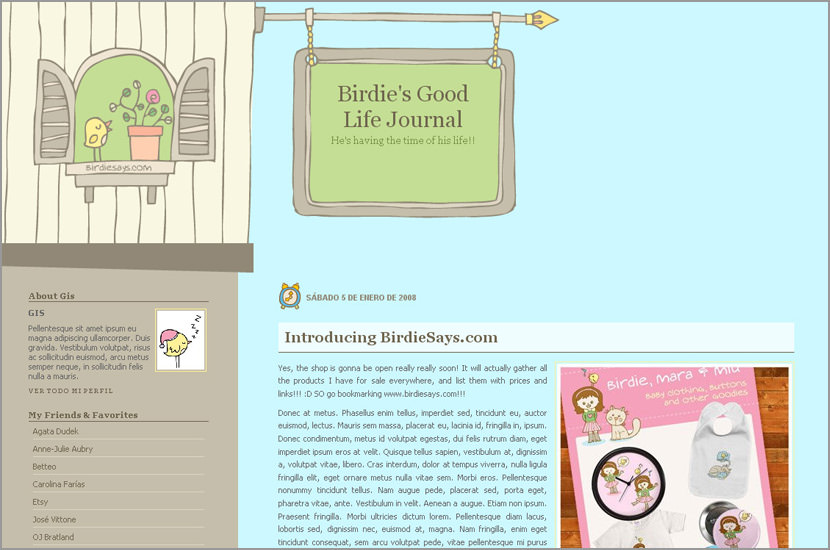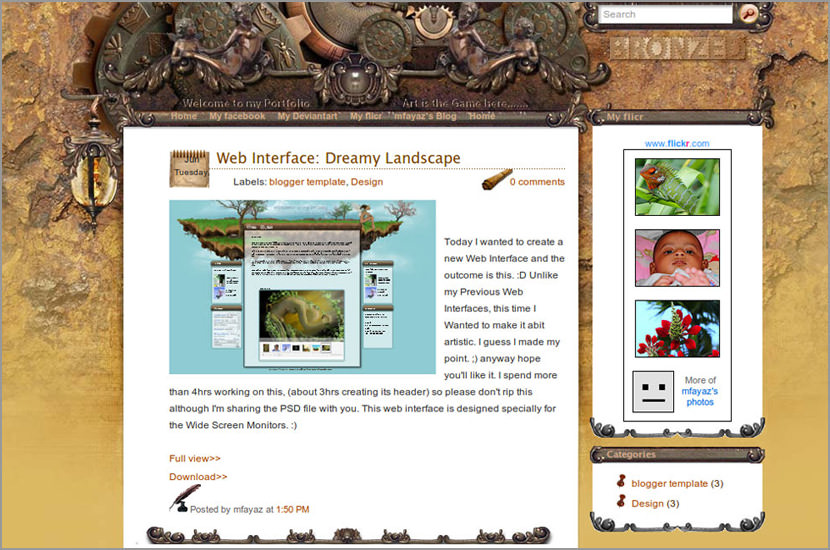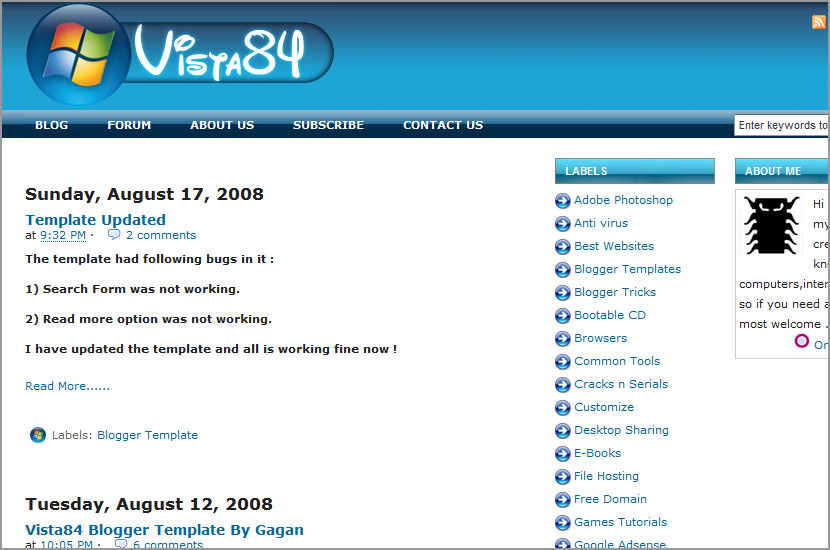

Andreas04 Blogger Template

June 9, 2006 · Filed Under Blogger Templates 
↓ Sponsored Links

blogger templates
Andreas04 Blogger Template

Related Posts with Thumbnails
Tags: , , ,

Related Articles

Similar posts you may be interested in based on past browsing


Comments


  1. adresaklumea

    June 13th, 2006
    1

    very nice :) but i’m interested in a 3 columns template : left bar/main/rightbar .
    i’m thinking to Andreas04 modified


  2. roosterweb

    June 21st, 2006
    2

    How do get the navbar to go back on? I do not understand which .css line is hiding it. Please respond as soon as possible, so my blog does not get deleted.

    I love the template by the way, but I do not want to start using it until I can figure this out.

    Thanks.


  3. roosterweb

    June 21st, 2006
    3

    nevermind, I figured it out. I had to take off the tags around the tag.

    just to let anyone else know who might be wondering.


  4. JH

    July 8th, 2006
    4

    Doesn’t show the quick edit link on Item Page. On IE, the last letter of the Blog Title is chopped quarterly.


  5. JH

    July 8th, 2006
    5

    Doesn’t show the quick edit link on Item Page. In IE, the last letter of Blog Title is chopped quarterly.


  6. Nadia

    July 21st, 2006
    6

    Hi there!!!

    I liked this template, but my blog is in spanish and it shows funny signs instead of accents…. áéíóú…. i really miss them!!! Can the language be changed???

    Thanks!


  7. dogfaceboy

    September 5th, 2006
    7

    I don’t get it. I download the code, and it’s not code. It opens in Text Edit, and it’s all formatted text that can’t go into a template.


  8. Mad

    September 7th, 2006
    8

    For some reason the title bar is not even on my blog. Is there a way to fix the formatting so that it is a straight box?


  9. Carlos

    September 9th, 2006
    9

    Hi!

    I love thid template! Do you think that will be a silimilar version to Blogger Beta? If yes, when?
    Thanks.


  10. MCB

    October 19th, 2006
    10

    Nadia> my blog being in French, I had the same accent problem. In the 6th line, you have to have this written :

    Dogfaceboy>open the .txt file with dreamweaver, then you’ll have the code !

    To all : does anybody know how to fix the very-squeezed-comments-problem ?????

    Thanxalot


  11. MCB

    October 19th, 2006
    11

    Nadia> part of my answer got lost on the way, so : in the 6th line, change the charset to charset=UTF-8


  12. Mod

    November 1st, 2006
    12

    Anybody got some more information as to how to restore the blogger Navbar?

    Which tags should i remove in the template?
    Any other solution?

    Thanks!


  13. Mod

    November 2nd, 2006
    13

    Hey!

    I figured it out, remove the “noembed” tags in the code lines shown below to show the google navbar.

    Like here http://iptvpc.blogspot.com


  14. Hello

    November 17th, 2006
    14

    Hi, I put it into the html editor and it says it cannot display because it is not well formed, how do i get around this?


  15. Melissa

    December 4th, 2006
    15

    Sometimes the content in my sidebar goes to the bottom of the page. How do I fix this?


  16. laogao

    February 21st, 2007
    16

    The content of elements must consist of well-formed character data or markup.

    why?

    Thanks


  17. cybersix

    February 28th, 2007
    17

    how do i add image to header instead of empty grey?


  18. erch

    March 26th, 2007
    18

    i like this template..
    but i can’t make this in ie, but still run in firefox…

    why if run in ie sidebar turn down like this http://e-commercial-expedition.blogspot.com/


  19. Juang

    June 12th, 2007
    19

    Minimalist and eye catching. . .Very nice


  20. Jessica

    June 14th, 2007
    20

    Hey I really like this template. I was trying place the template on my blog but I can’t. it keeps on showing me this prompt: Your template could not be parsed as it is not well-formed. Please make sure all XML elements are closed properly.
    XML error message: The content of elements must consist of well-formed character data or markup.
    I’ve tried going through the code to see if there were any mistakes, but didn’t find anything.
    Any ideas?


  21. GeckoFly

    June 14th, 2007
    21

    I think you need to open the file with Wordpad instead of using Internet Explorer 7.


  22. dOnna

    June 29th, 2007
    22

    great template! i like it very much! simple yet elegant! :) i would just want to change some things though. how do i interchange the places for archives, links, latest entries, etc? i would want the latest entries to be first (left) and beside it is the links (right). below the latest entries is the archives and beside the archives is the rss feeds.. how do i do that?


  23. dOnna

    June 29th, 2007
    23

    never mind, i figured it out already! :)


  24. ULWAN

    December 9th, 2007
    24

    how to changethe structureofthe labelsto be horizontal?fromvertical


  25. sop

    August 4th, 2009
    25

    The Code doesn’t work. Following error observed

    We were unable to save your template
    Please correct the error below, and submit your template again.
    Your template could not be parsed as it is not well-formed. Please make sure all XML elements are closed properly.
    XML error message: The content of elements must consist of well-formed character data or markup.

Leave a Reply