

Hard Disks are relatively cheap now, however, if your desktop or laptop is powered by a 128GB SSD, chances are, you’ll always run out of disk space. You will always be bombarded with “Your startup disk is almost full” error. If your Microsoft Windows or Apple macOS are always running out of space, the first thing you need to do is to uninstall unwanted apps or remove system features not used frequently.
See More ▼ 16 Free Deep Registry Cleaners – Optimize & Boost PC Speed
Having said that, to better clean your system of junk files, you will need a disk space cleaning utility that allows for a better and easier cleaning of temporary files, unwanted files, and more. This is a short term solution to a long term problem. The best option is to upgrade to a larger capacity SSD or move all files to an external hard disk. How to find and delete all junk files on Windows 10 PC? Download these amazing tools now.
1. BleachBit
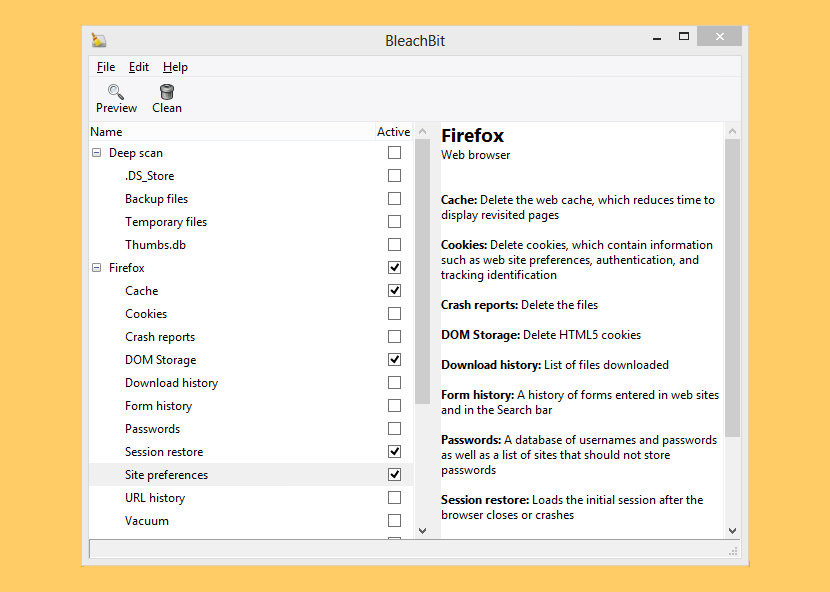
When your computer is getting full, BleachBit quickly frees disk space. When your information is only your business, BleachBit guards your privacy. With BleachBit you can free cache, delete cookies, clear Internet history, shred temporary files, delete logs, and discard junk you didn’t know was there.
Designed for Linux and Windows systems, it wipes clean thousands of applications including Firefox, Internet Explorer, Adobe Flash, Google Chrome, Opera, Safari,and more. Beyond simply deleting files, BleachBit includes advanced features such as shredding files to prevent recovery, wiping free disk space to hide traces of files deleted by other applications, and vacuuming Firefox to make it faster. Better than free, BleachBit is open source.
- Free hard disk and SSD disk space
- Reduce the size of backups and the time to create them by removing unnecessary files
- Maintain privacy
- Improve system performance (by vacuuming the Firefox database, for example)
- Prepare whole disk images for compression (common for “ghost” backups and virtual machines) by wiping free disk space
02 – PureRA
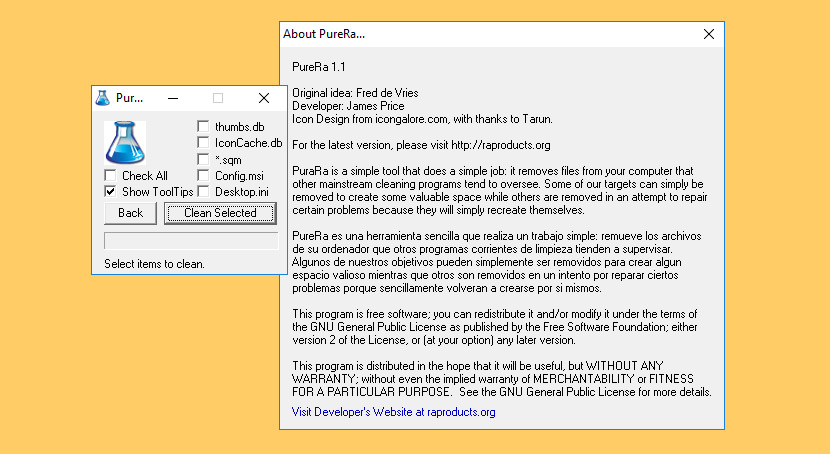
PuraRa is a simple tool that does a simple job: it removes files from your computer that other mainstream cleaning programs tend to overlook. Some of their targets can simply be removed to create some valuable space while others are removed in an attempt to repair certain problems because they will simply recreate themselves.
03 – Clean Master for PC
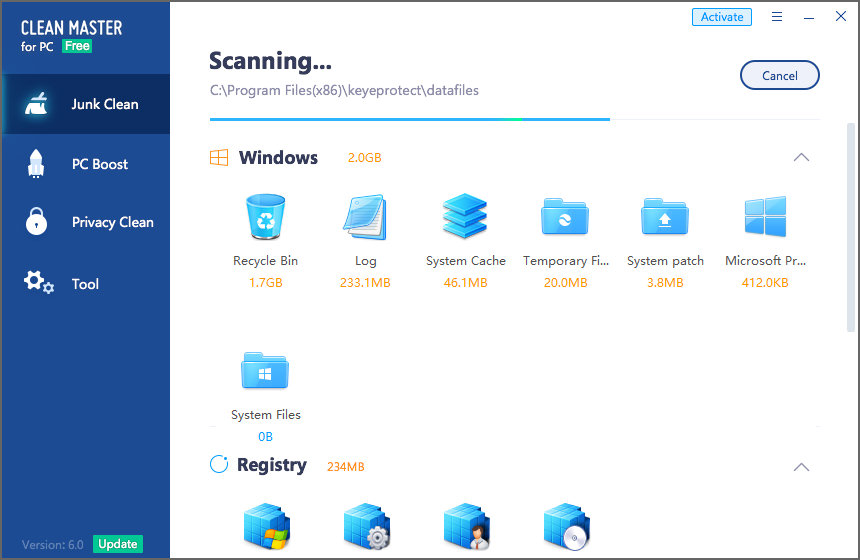
Computer running slow? Piled up with junk files? Privacy leak? Clean Master for PC provides you the most powerful junk cleaning and privacy protection and makes your computer run like brand new! Clean Master will improve your device’s performance by cleaning junk files, optimizing device memory, providing complete protection against viruses and managing the software you installed. As shown in the screenshot above, Clean Master was able to identify a total of 4GB potential junk files that can be removed from the system.
- Junk Clean – Their advanced system scans 1,000+ programs. With one click, you can clean residual system junk files to completely free up your computer storage!
- PC Boost – Optimize PC, improve speed, and resolve all lagging issues.
- Privacy Clean – Fix privacy risks, block unwanted access, and resolve privacy disclosure risks once and for all.
4. Wise Disk Cleaner
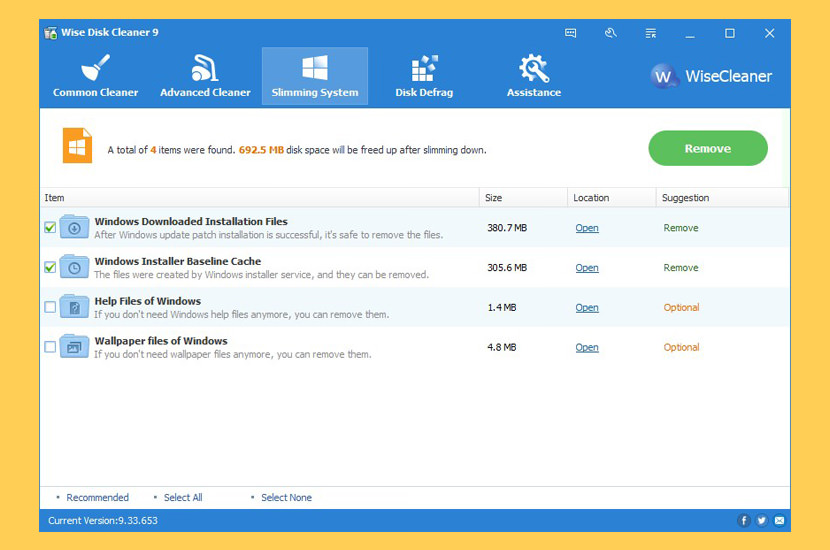
Securely Cleans Up Useless Files and Makes Your Computer Run Faster. Over time, junk files, temporary files, all kinds of system files and other items you do not need at all accumulate on your Windows Computer. Those useless files take up valuable hard disk space and slow down your computer. Wise Disk Cleaner can delete these unnecessary files on your hard disk to free up disk space and make your computer run faster. It also provides many custom options to allow advanced users to clean up more files they don’t need. Equipped with advanced algorithms, Wise Disk Cleaner can scan and remove them within seconds, making it one of the most efficient disk cleaners out there.
Improve Your PC performance by defragging and re-arranging files on Your Disk. Your hard disk drive will get fragmented over time. Fragmentation makes your hard disk do extra work that can slow down your computer. The ‘Disk Defrag’ feature of Wise Disk Cleaner can rearrange fragmented data so your disks and drives can work more efficiently. ‘Disk Defrag’ also offers you a clear graphic chart of the selected drive, letting you know the drive usage at a glance. You can also use it to analyze and defragment any external storage devices.
5. KCleaner
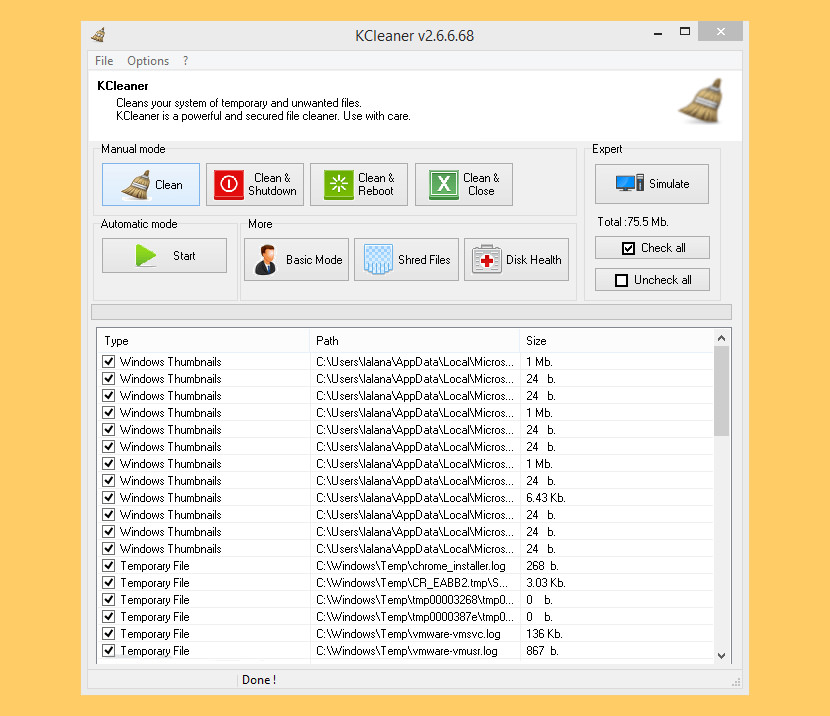
KCleaner is designed to be the most efficient Hard Disk cleaner, tracking every useless byte in order to give you all the resources you may need for your documents, music, pictures, movies. It is the first product of this kind featuring a full automatic mode, which works in the background so that you don’t have to worry about when to launch it.
- Detects and cleans temporary and useless files (cache, unused setup files…)
- Automatic mode working in background
- Secured file deletion method
- Expert mode : let users control any file deletion done by KCleaner
6. CCleaner
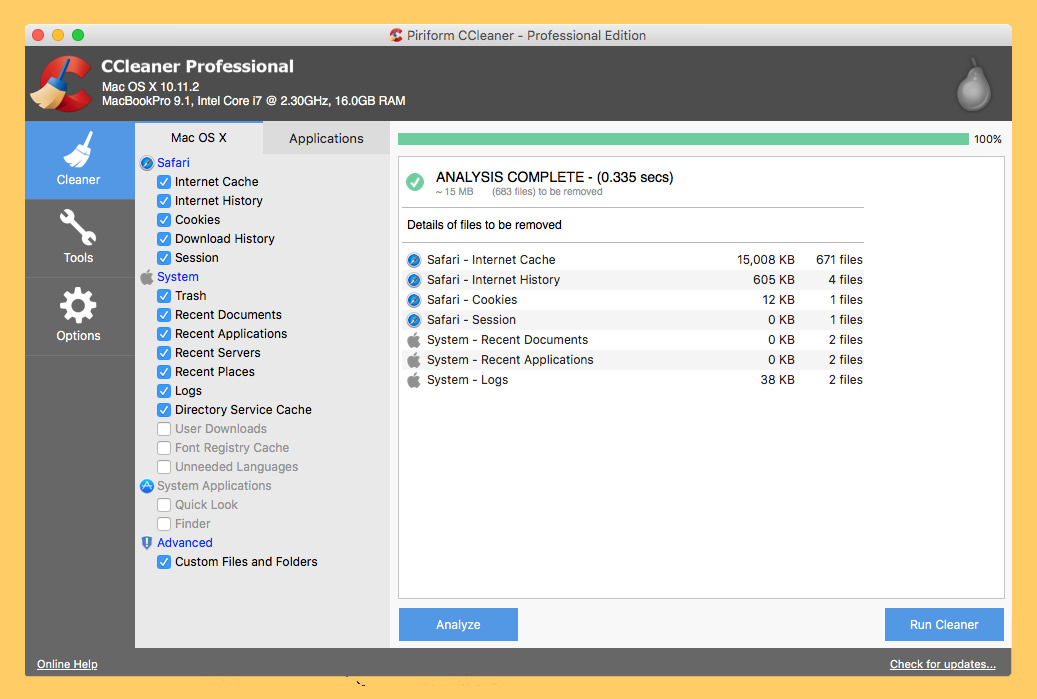
Is your computer running slow? As it gets older it collects unused files and settings which take up hard drive space making it slower and slower. CCleaner cleans up these files and makes it faster instantly. CCleaner is the number-one tool for cleaning your Mac. It protects your privacy and makes your Mac faster and more secure! CCleaner, the most popular temporary-file-deleting tool among Windows geeks, now even has a version for Mac.
- Faster Computer – A Mac collects junk and unused files just like a PC. Find and remove these files with the click of a button so your Mac can run faster. Speed up boot times with easy management of Startup items.
- Reduce Clutter – Clean your Mac of old clutter. Clear up your recycle bin, temporary files and folders, broken permissions and more. Remove installed programs with the click of a button.
7. Total PC Cleaner
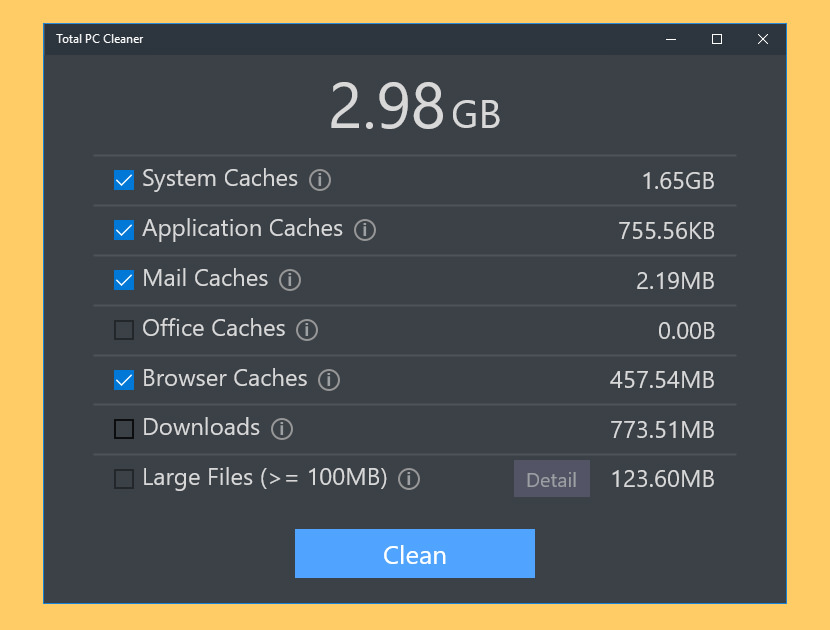
Free Disk Space Clean Up, Optimize Memory & Windows System. Best free PC cleaner in 2018. Optimize and clean my PC. Keep your computer clean and fast with Total PC Cleaner. It lets you clean your PC’s cache and big files. It has everything you need for a free computer cleaner. User comments “This is the best pc cleaner in Microsoft store”. It scans your whole computer to clean up junk files, speed up your PC, and boost its performance. With just a few clicks, you can selectively remove files from the following categories:
- System Caches
- Application Caches
- Mail Caches
- Office Caches
- Browser Caches
- Downloads
- Large Files
8. Avira Cleaner Express
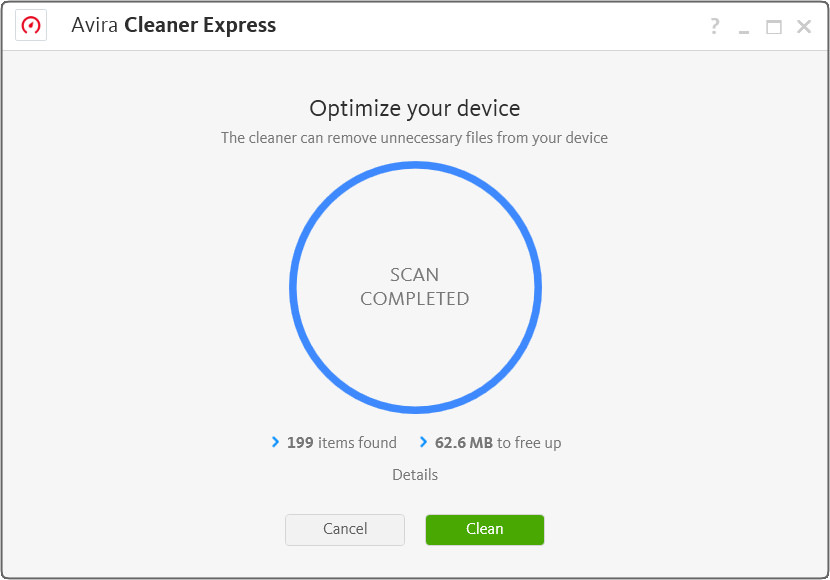
No Avira Connect / Avira Launcher not bundled. It removes unnecessary files from your device, optimizing storage performance with Avira Cleaner Express, only available for Windows 10 and via the Windows App store.
9. Ashampoo WinOptimizer’s Drive Cleaner
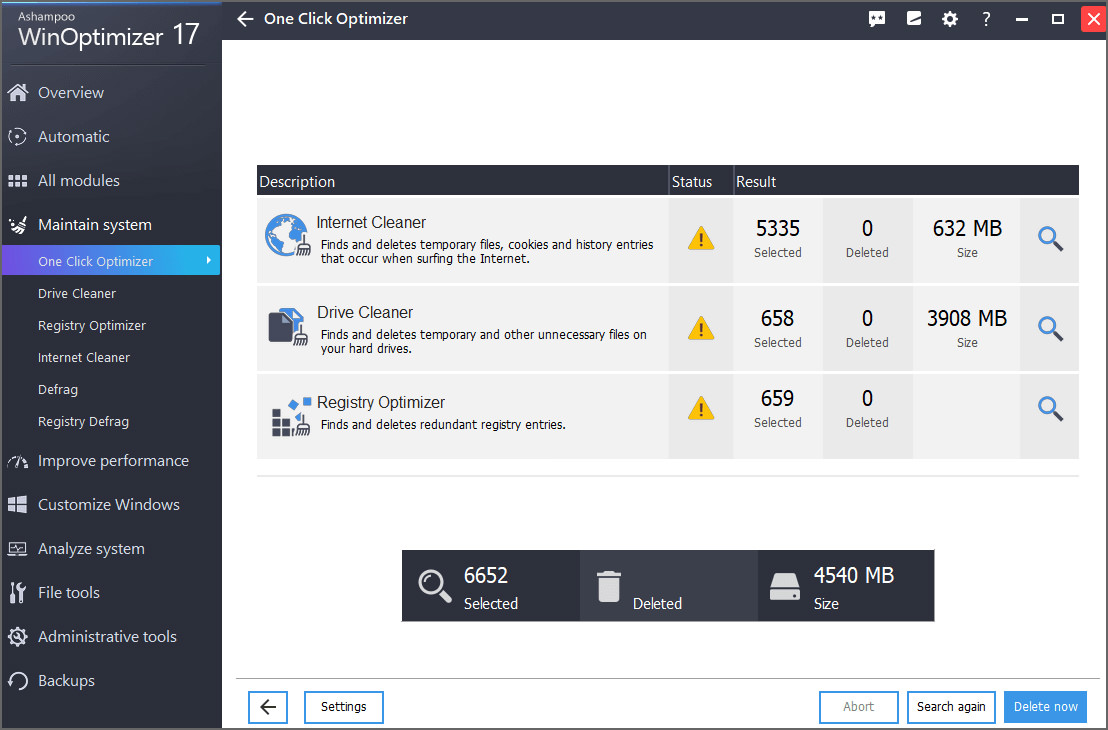
Ashampoo WinOptimizer is a powerful system optimization tool that cleans your disks and keeps your machine running at constant speed. It also protects your privacy and allows you to customize Windows. Experience the next generation of the legendary One Click Optimizer. New search algorithms and continuously updated browser support gives you optimum results! Orphaned files, program remains and temporary files are removed safely and efficiently. Three cleaner modules scan you system for clutter and reclaim gigabytes of space for you!
10. Comodo System Utilities
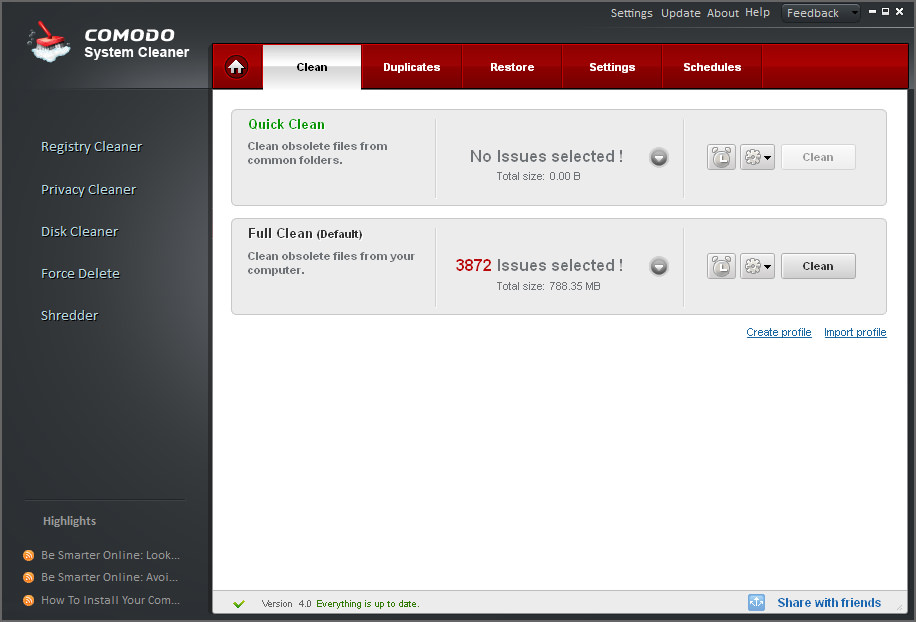
Disk Cleaner is a utility that boosts up your computer speed by removing the unwanted junk from the system. It searches your PC hard disk for unnecessary files and then clean them up to make more disk space free like it will empty the recycle bin, removes windows temporary files, removes internet temporary files, removes downloaded program files, delete duplicate files and unnecessary archives etc. With Comodo System Utilities disk cleaner you can either quick clean i.e clean obsolete files from common folders or select full clean which cleans obsolete files from your computer.
11. IObit Advanced SystemCare
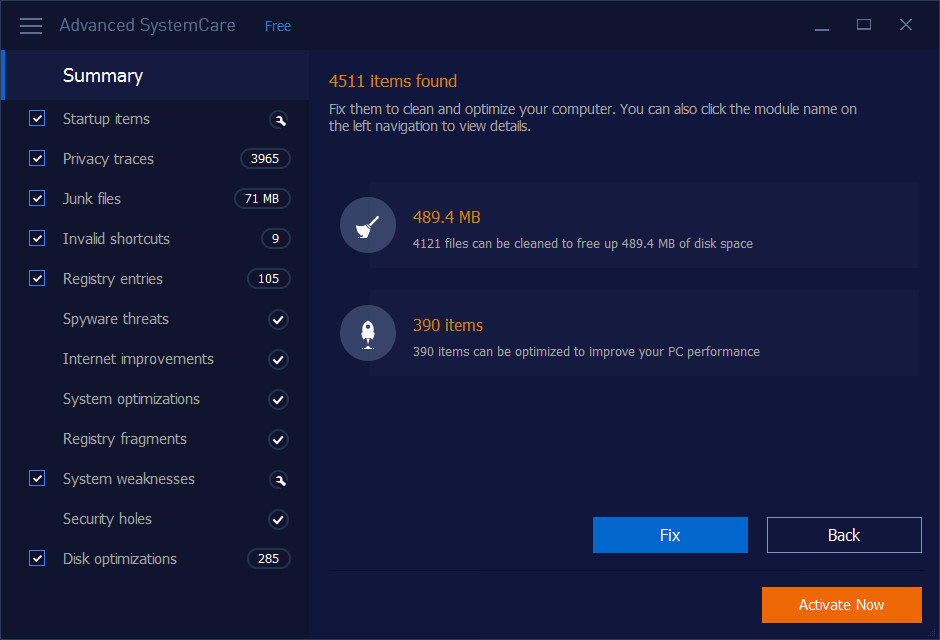
Over 250,000,000 Users’ Choice for Cleaner, Faster PC. One-Click to Optimize PC & Protect Privacy in Real Time. Your computer would have various problems as it gets older and this is where Advanced SystemCare 10 could offer help. Apart from the all-in-one feature, Advanced SystemCare is the best PC cleaner and registry cleaner utility for your Windows based PCs.
With its help, users can clean up all kinds of junk files, sweep private information, and accelerate internet speed to enjoy faster & cleaner PCs. What’s more, the new Startup Optimization module of Advanced SystemCare 10 can quickly scan startup items and make users disable unnecessary ones to boost startup time. Download it now to free from slow PC! Works great on Microsoft Windows 10.
12. EaseUS Partition Master
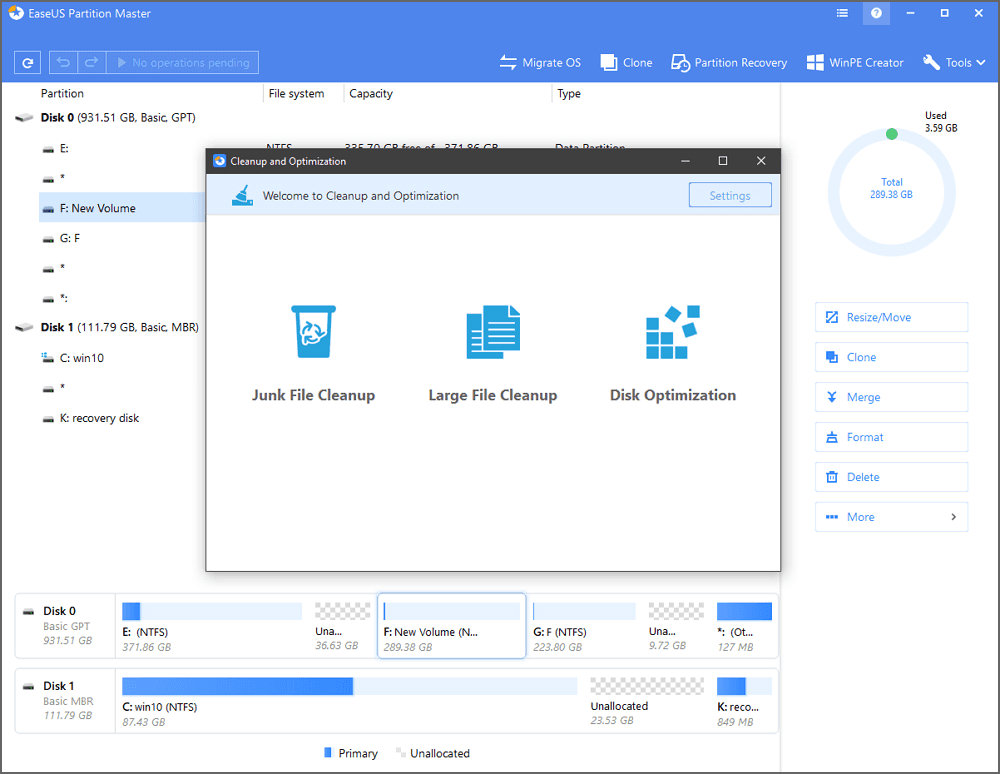
EaseUS free partition manager takes the risk and difficulty out of resizing partitions on hard disks. It can be used without any special training: improved performance and disk space managment are just a few clicks away. It may be a partition manager but it does come with a junk file cleaner too. Clean up junk files and unneeded large files to free up storage space and optimize disk performance.
13. PrivaZer Cleaner
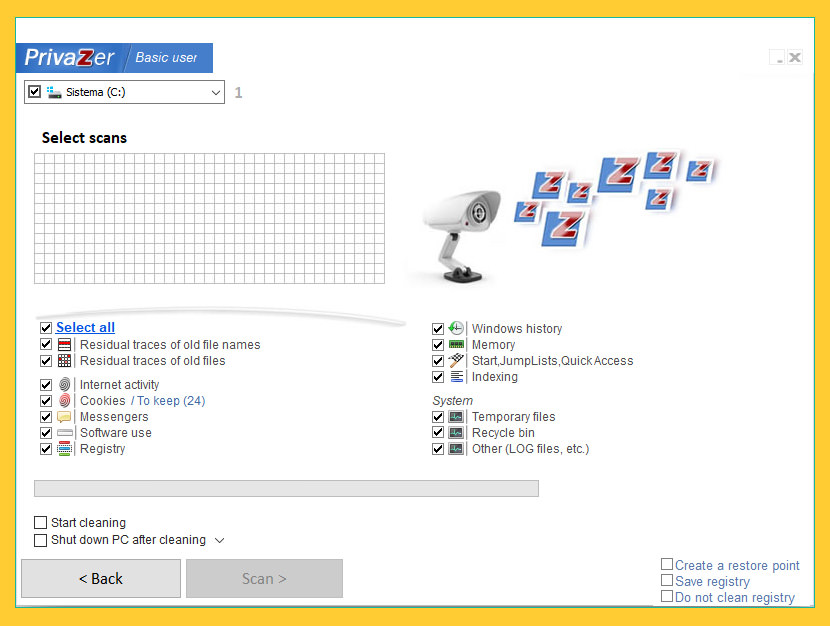
When you use your PC (at home or working at your office), go on the Internet, watch a video, download, copy/remove files on your PC, install/uninstall or use software, etc…, you always leave sensitive traces. With simply one click, PrivaZer is able to clean securely
- Internet browsers
- Index.dat
- Cookies
- Cookies Tor
- Cookies Flash
- Cookies Silverlight
- DOM Storage
- IndexedDB
- AppCache
- Registry
- RAM
- Pagefile.sys and Hiberfil.sys files
- Use of software
- Messengers
- Histories of visited websites, videos, software, opened docs, etc
- Jumplists
- Recycle bin
- Temp files
- Log files
- Invalid Prefetch entries
- Indexing service
- ThumbCaches, Thumbs.db
- Residual traces of deleted files
- Free space
- File table (MFT or FAT)
- INDEX attributes in MFT
- USN Journal, etc
14. Kaspersky Cleaner
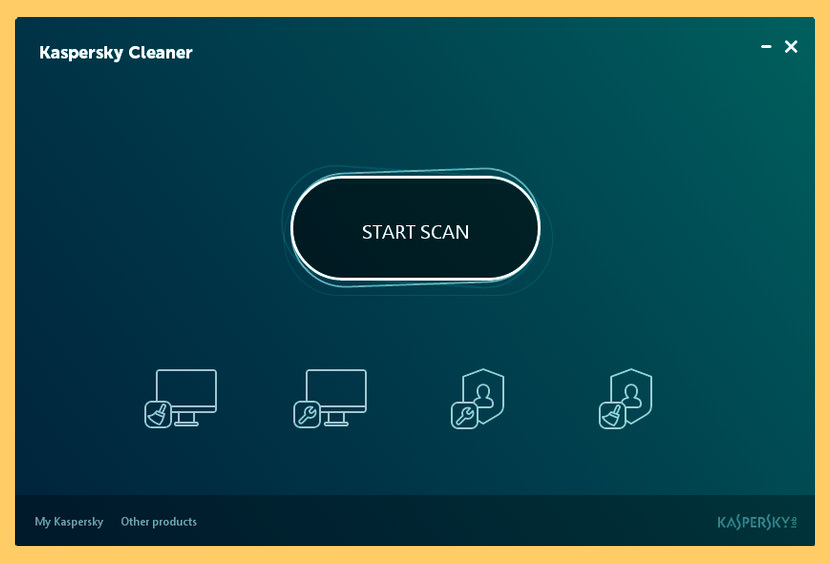
[ Discontinued ] Kaspersky Cleaner helps you wipe away your Internet search history, remove cookies and delete stored passwords – so there’s less chance of your personal information falling into the wrong hands. By cleaning away unused data & managing your PC’s settings, Kaspersky Cleaner helps you ensure your PC can keep performing as it was designed to.
- Helps you remove junk from your PC
- Clears browsing history & cookies
- Helps preserve your PC’s performance
15. Baidu Cleaner
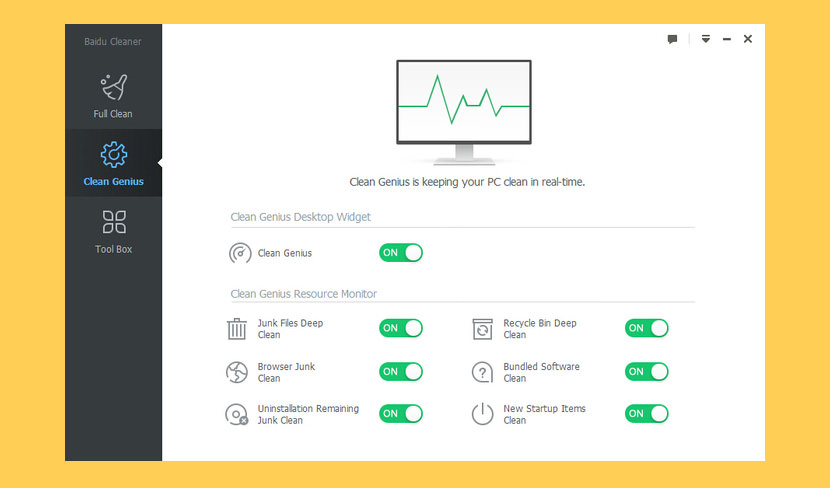
[ Discontinued ] Baidu Cleaner is the most powerful PC optimization tool in the world. It offers comprehensive cleaning, and a smart junk cleanup reminder system. Baidu Cleaner also has the ability to detect leftover files that remain on your hard drive after uninstalling programs, and can help you fully remove unwanted, bundled software.
- Intelligent Maintenance – Detect your PC’s problems intelligently in real-time. Get reminded when it’s time to clean. It’s the smart PC maintenance software you deserve.
- Software Uninstaller – Auto-detect bundled software and malicious software and uninstall it in seconds. Manage all of your software conveniently and keep your PC ultra-clean.



Try Krojam Cleaner and junk files will be cleaned in just a single click.
Krojam Cleaner is not free.
You can delete it manually first if it work properly or delete all junk file then its fine or you can use good third party software to remove junk file on your mac.
Use the Manyprog PC Cleaner program to clean your computer. It is safe and does not delete any important files.