Ricoh is a huge global technology firm specializing in office imaging equipment, well known for the commercial and industrial printers. If you are looking for Ricoh device drivers or any other useful software for your Ricoh equipment, you’ve came to the right place. We’ve got you covered.

How to download Ricoh printer driver? Right here, the driver works with generic mode or device-specific mode by models in accordance with designated driver version or later on Windows XP, 8, Vista, 10, 11, Server 2012 and many more.
- Download PCL6 Driver for Universal Print – PCL 6 driver to offer full functions for Universal Printing. This driver enables users to use various printing devices. The availability of functions will vary by connected printer model.
- Download PCL6 V4 Driver for Universal Print – This PCL6 driver supports the V4 architecture, which Microsoft introduced as its next-generation driver architecture, and offers universal printing. In addition, by installing the complementary V4 Driver Utility from the Windows Store, this driver provides an enhanced printing experience for Windows Store apps.
- Download PS Driver for Universal Print – This PS universal print driver provides significant compatibility with various printing devices, users can enjoy the simple management and easy operation with a single driver. The availability of functions varies by connected printer model.
- Download PS V4 Driver for Universal Print – This PS driver supports the V4 architecture, which Microsoft introduced as its next-generation driver architecture, and offers universal printing. In addition, by installing the complementary V4 Driver Utility from the Windows Store, this driver provides an enhanced printing experience for Windows Store apps.
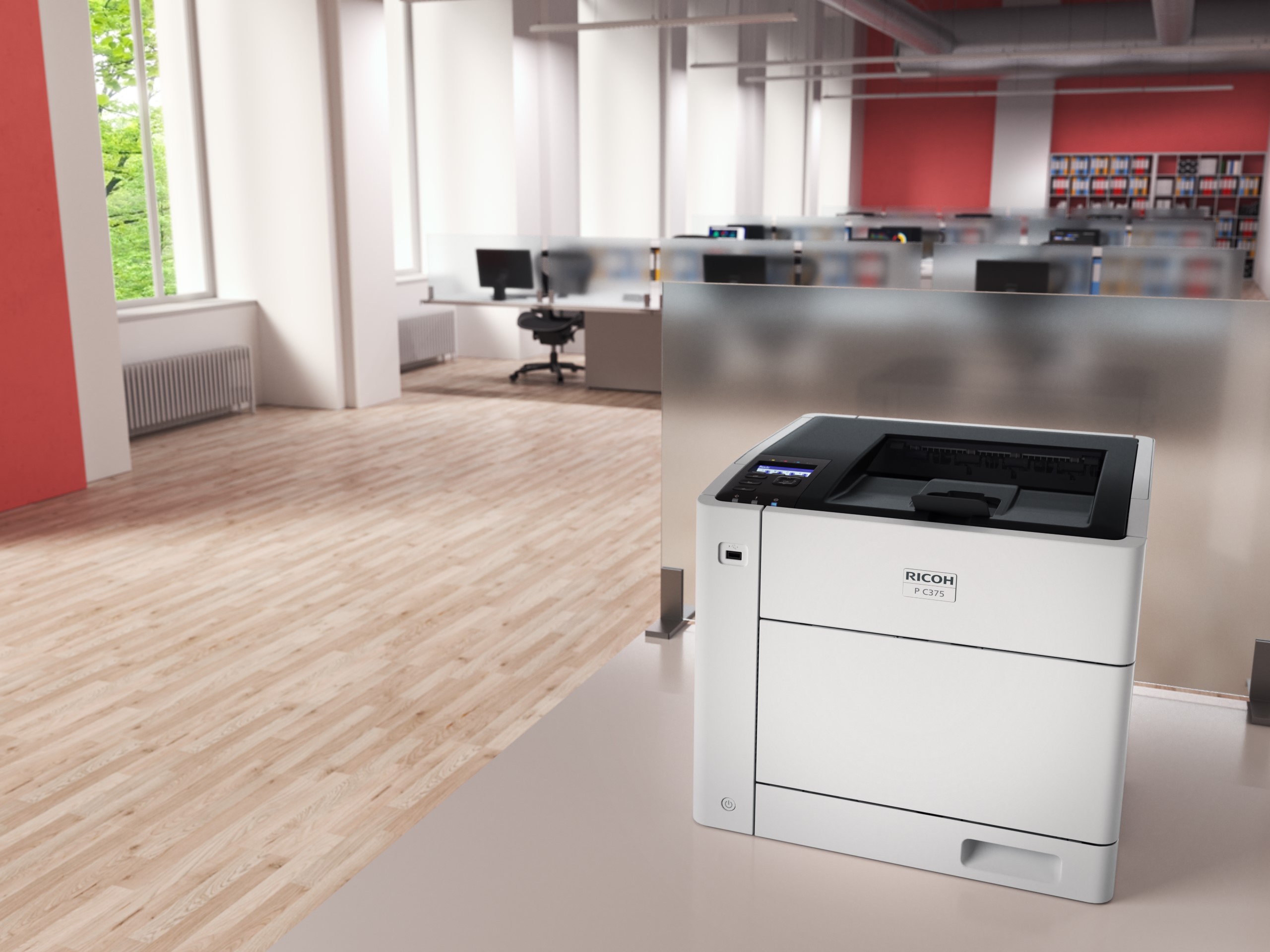
Any hardware devices in Windows, including printers, require drivers to work with Windows. It is recommended that you download and install the latest printer driver for the printer. Installing the latest printer driver might resolve known issues with the printer, increase performance, or add additional capabilities.
If a printer is having issues install the printer driver or isn’t responding, downloading and installing the latest printer drivers can often resolve these problems. These drivers are compatible with the following printers:
- Color MFPs
- DSc 930 / 935 / 1020 / 1025 / 1030 / 1045 / 1060 / 1120 / 1220 / 1225/ 1230 / 1245 / 1260 Series
- GS 3020c / 3021c / 3025c / 3030c / 3045c / 3160c Series
- IM C300 / C400 / C2000 / C2500 / C3000 / C3500 / C4500 / C5500 / C6000 Series
- M C2001
- MP C305 / C306 / C307 / C401 / C406 / C407 / C501 / C2003 / C2004 / C2011 / C2094 / C2503 / C2504 / C2594 / C3002 / C3003 / C3004 / C3502 / C3503 / C3504 / C4502 / C4503 / C4504 / C5502 / C5503 / C5504 / C6003 / C6004 / C6502 / C6503 / C8002 / C8003 Series
- Black and White MFPs
- DSm 923 / 928 / 933 / 940 / 950 / 1525SP / 1530SP / 1533SP / 2525SP / 2530SP / 2535SP / 2540SP / 2550SP / 2560SP / 2625SP / 2630SP / 2635SP / 2640SP / 2650SP / 2660SP
- IM 350 / 430 / 550 / 600 / 2702 Series
- MP 301 / 305 / 401SPF / 402SPF / 501SPF / 601SPF / 2001SP / 2352 / 2501SP / 2553 / 2554 / 2555 / 2852 / 3053 / 3054 / 3055 / 3352 / 3353 / 3554 / 3555 / 4002 / 4054 / 4055 / 5002 / 5054 / 5055 / 6002 / 6054 / 6055 / 6503 / 7502 / 7503 / 9002 / 9003 Series
- Printers
- P 501 / 502 / 800 / 801 / C600
- SP 400DN / 450DN / 3600DN / 3600SF / 3610SF / 4310N / 4510DN / 4510SF / 4520DN / 5200S / 5210SF / 5210SR / 5300DN / 5310DN / 6430DN / 8300DN / 8400DN
- SP C320DN / C340DN / C342DN / C352DN / C360DNw / C360SFNw / C360SNw / C361SFNw / C440DN / C730DN / C830DN / C831DN / C840DN / C842DN Series
- Wide Format MFPs
- MP CW2200SP / CW2201SP / W6700 / W7100 / W8140 Series
- Production Printers
- Pro C5100S / C5110S / C5200S / C5210S / C7100 / C7110 / C7200 / C7210 Series
- Pro 8100 / 8110 / 8120 / 8200 / 8210 / 8220 / 8300 / 8310 / 8320 Series
- TotalFlow Print Server R-62 / R-62A / R-61A / R-61 / R-60A / R-60