Category: Freeware and Software Reviews » Internet Web Browser
What is an enterprise browser? An enterprise browser such as Chrome Enterprise for Business is a web browser specifically designed for security. Unlike traditional consumer browsers, an enterprise browser comes with enhanced security features to protect company data and resources while ensuring smooth access to web applications and SaaS tools.
Related Article 😍💰👉 10 Open Source Browsers – Hide IP, No Tracking, & Block Ads
An enterprise browser works by incorporating security measures directly into the browser’s architecture. This ensures that every interaction with web applications and cloud resources is protected and compliant with corporate policies.
1. Download Google Chrome Browser Enterprise
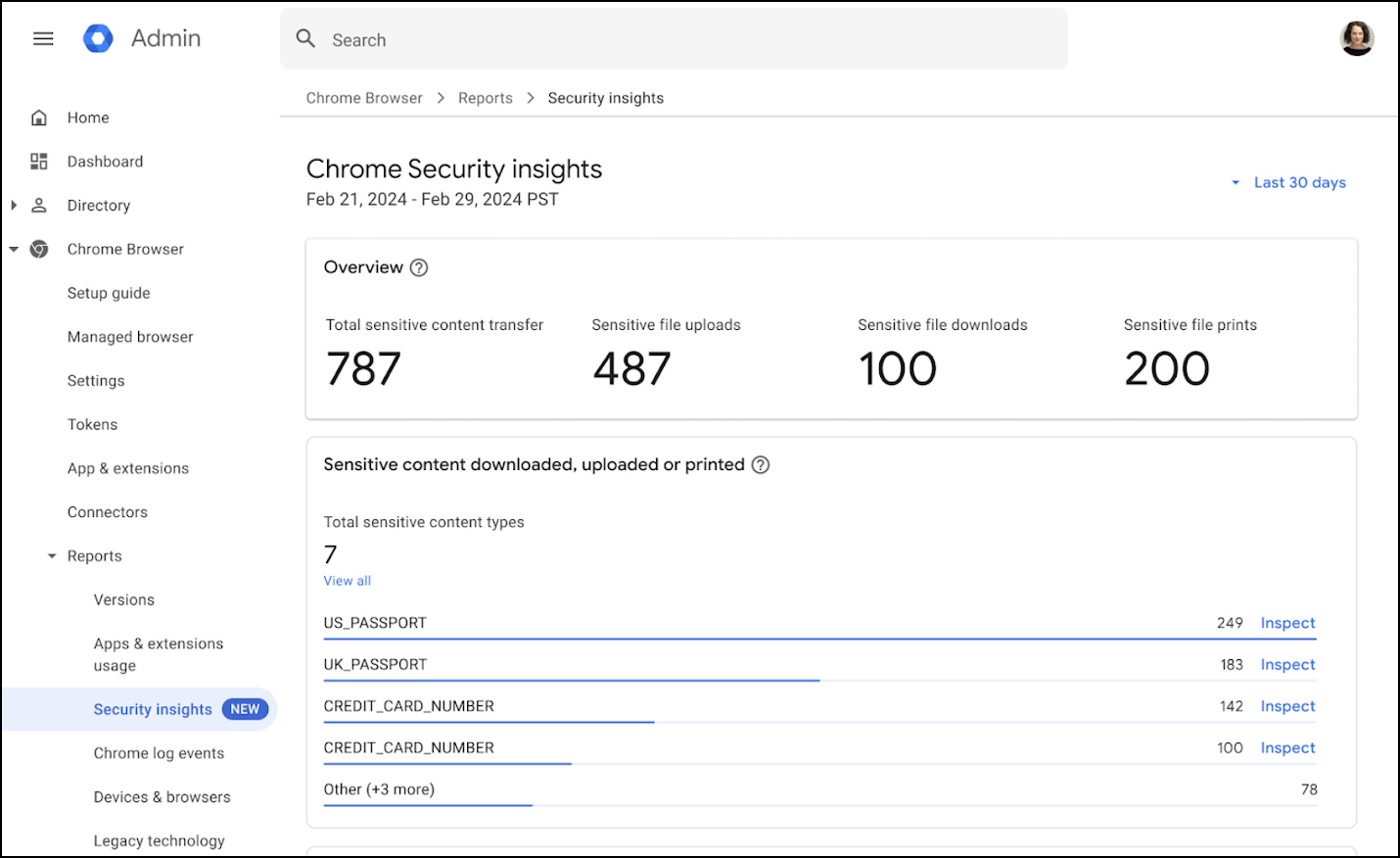
Download Google Chrome Enterprise Core (Free) brings enterprise controls and easy integrations to the browser users already know and love. In addition to the browser itself, it offers organizations a built-in and scaled approach to security, centralized browser management controls, and open integration, enabling businesses to be more innovative, productive, and secure.
There are also additional advanced protections that organizations can purchase, including enhanced data protections and Zero Trust access controls.
- Browser reporting – Get reporting on apps, extensions, versions and more.
- Cloud-based management – Manage browser policies, settings, and more from the cloud across operating systems.
- Extension security and management – Manage extension requests and permissions.
- Third-party integrations – Connect Chrome Enterprise with security and reporting tools you’ve already invested in.
- Safe browsing malware and phishing protections – Keep users away from visiting harmful sites.
- Security insights – Get visibility into risky users, sensitive data transfers and other security events.
- Password protections – Prevent corporate password reuse.
2. Island Enterprise Browser
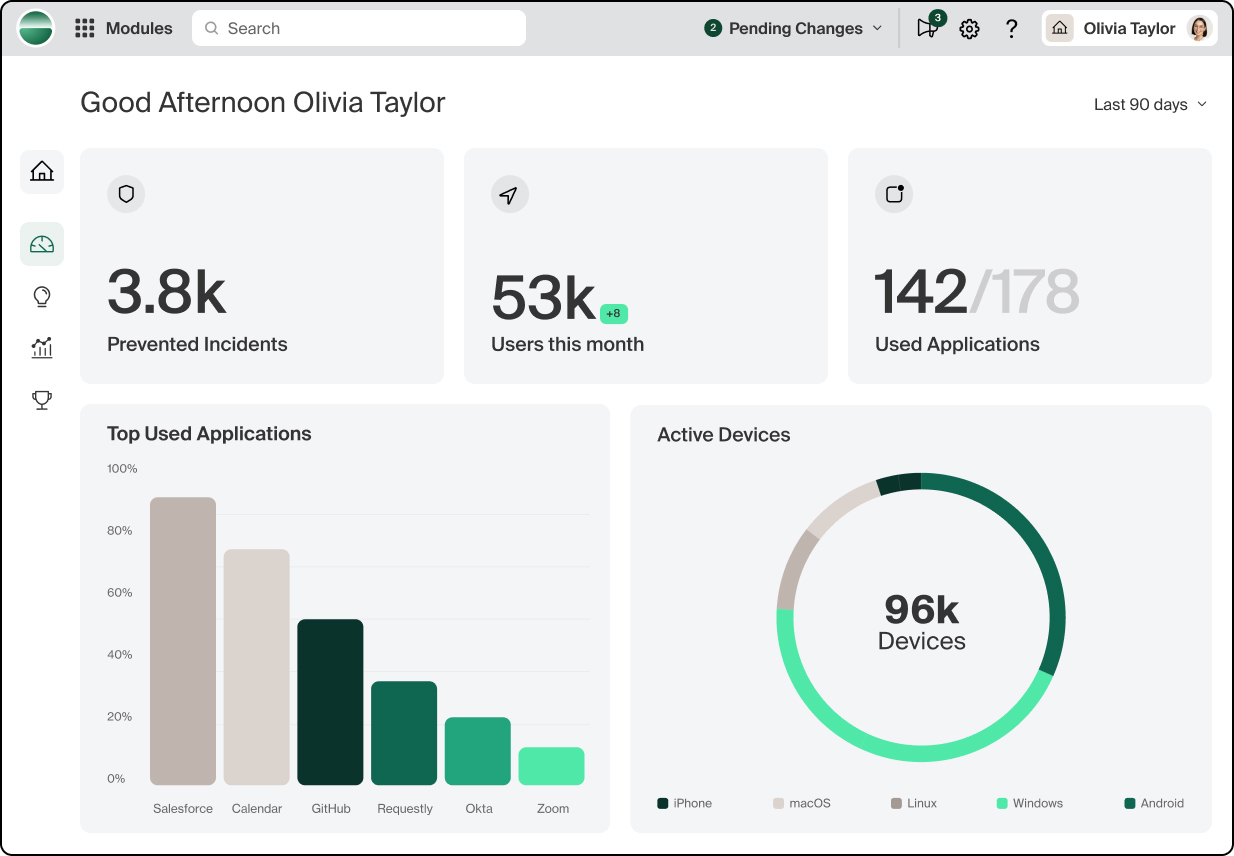
Productivity, access, and security, built in – not bolted on – to the browser itself. Welcome to the next chapter of the modern enterprise workspace. Island is the ideal workspace.
Where accessing apps and data is simple, yet fundamentally safe. Work is fast, efficient, and productive, yet completely under your control. And security, networking, data protection and identity are already inside.
- SaaS and web apps gave us unprecedented flexibility, but took away control over our own data. The Enterprise Browser gives you both.
- Eliminate human error and insider threats by adding a layer of visibility and control to any admin interaction. All without writing a single line of source code.
- Imagine your zero trust architecture powered by the browser itself. Zero trust is the security framework of choice for the modern enterprise.
3. Prisma Secure Enterprise Browser
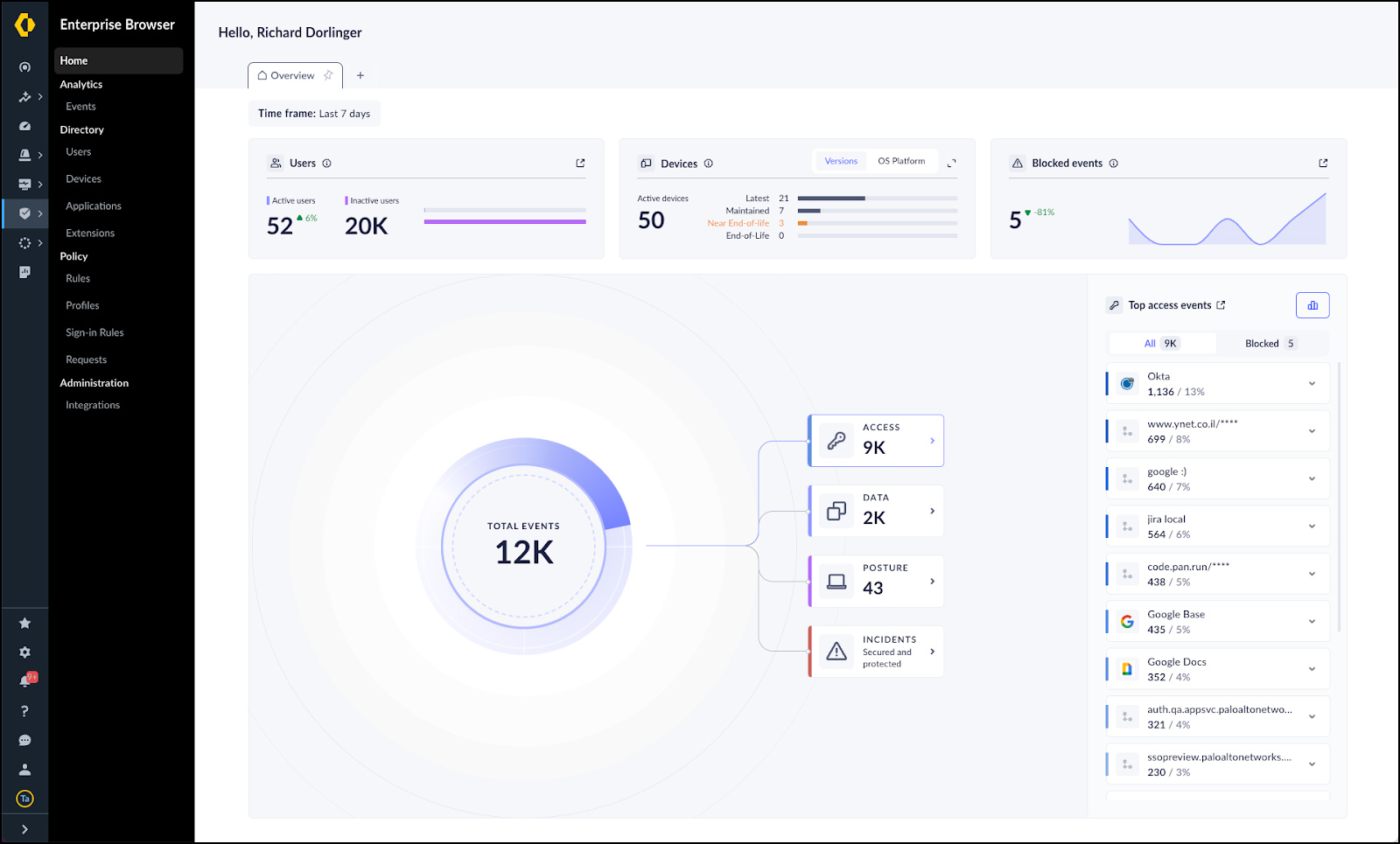
Prisma Browser (formerly Talon) extends SASE protection seamlessly to every device, bringing unmatched agility, security, and control to your business. Stops zero-day exploits, reassembly attacks, AI phishing, and malicious extensions with three integrated security modules—Advanced Web Protection, Advanced eXtension Security, and Advanced Browser Protection.
4. Seraphic
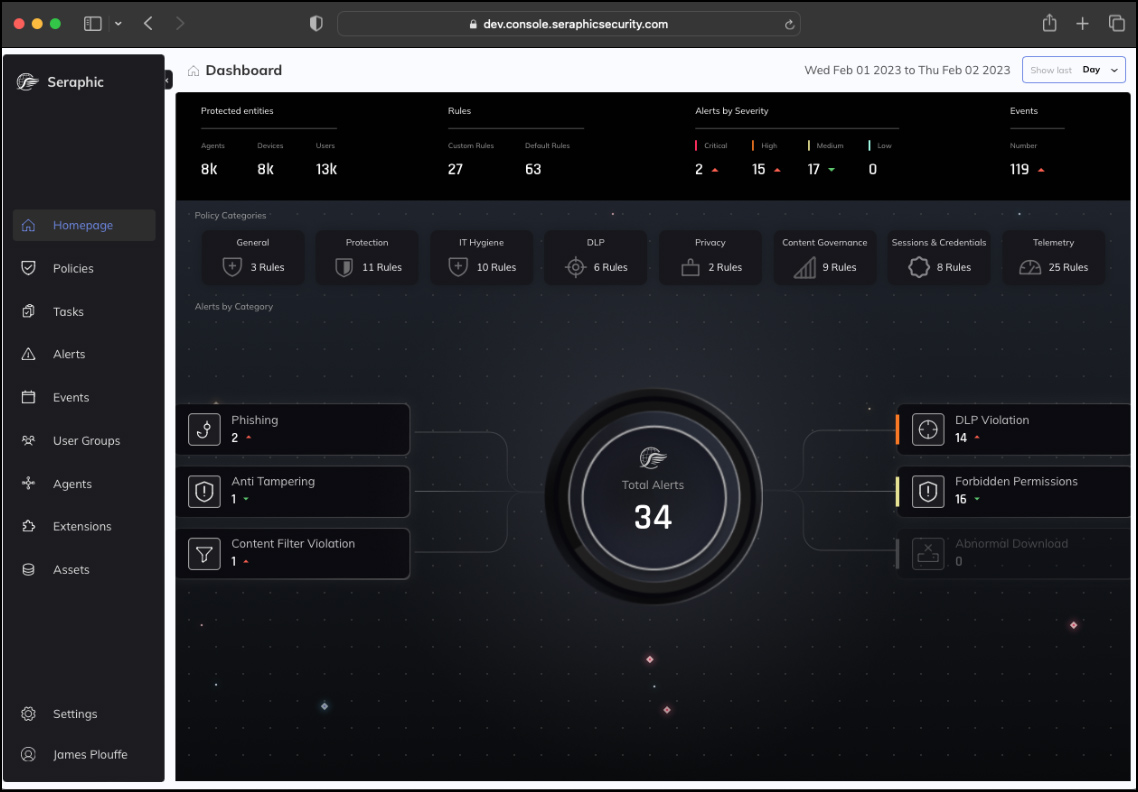
Turn Any Traditional or AI Browser into a Secure Enterprise Browser. The Browser Security Platform to protect your data and workforce while they use the browser they love. Seraphic goes beyond browser security to protect Electron-based SaaS desktop applications. Using the same powerful JavaScript-based agent, Seraphic delivers full threat prevention, data protection, and access control – no matter where or how your users work.
- Protect users & endpoints – Block phishing, malware, and advanced browser-based threats in real time without impacting performance or user experience.
- Secure corporate data – Prevent data leakage with granular controls over uploads, downloads, clipboard, screen-sharing, printing, and more, without compromising productivity.
- Secure AI adoption – Protect against data leaks, prompt injection, and shadow AI. Seraphic gives you visibility and control over how users and AI tools interact with sensitive data.
- Secure remote access without VPN/VDI – Enable secure access to corporate apps from any location or device without the complexity and cost of traditional VDI or VPN.
5. LayerX
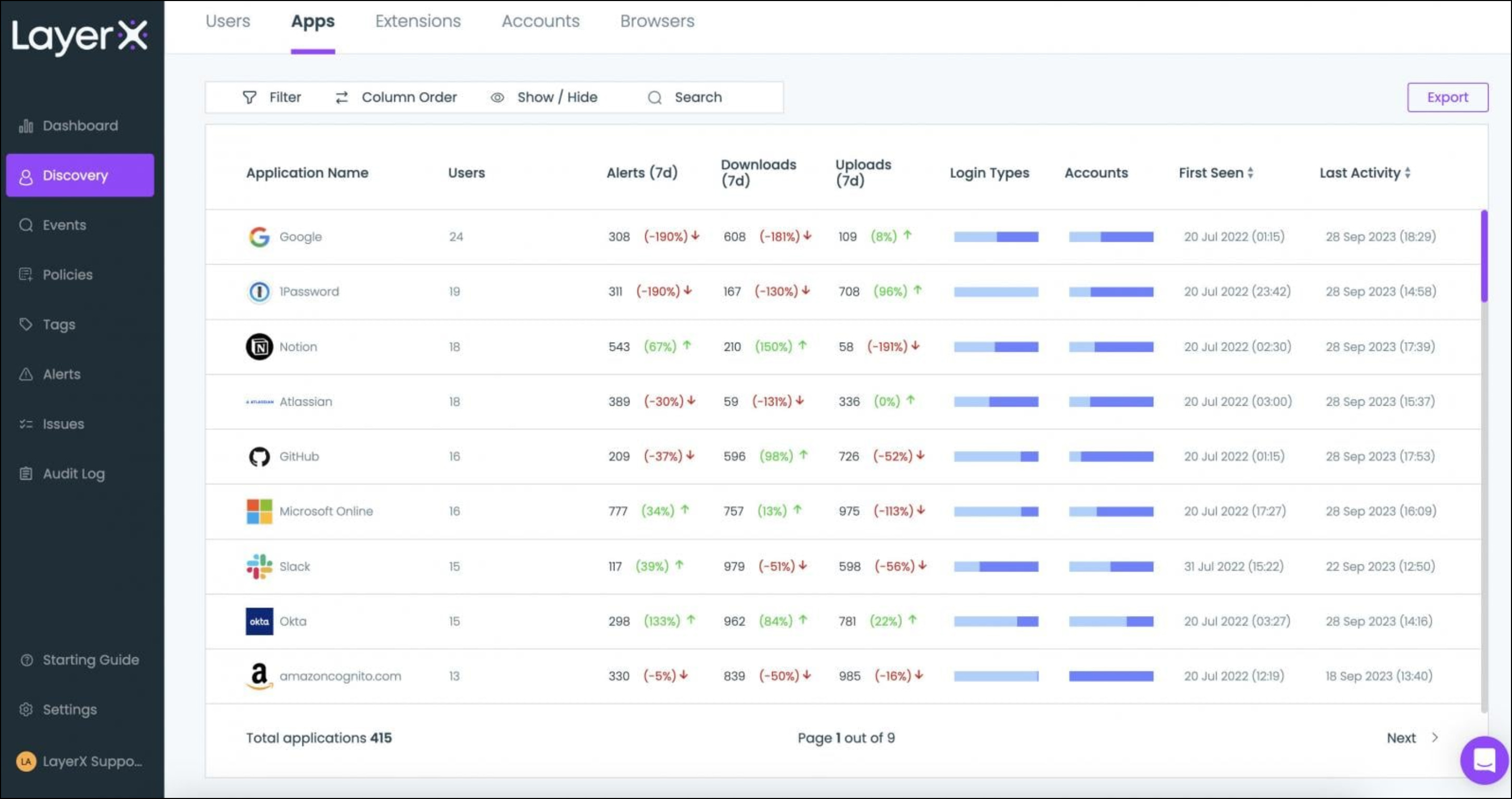
The LayerX agentless platform secures all last-mile user and agentic interactions with AI, SaaS & web applications and offers the most comprehensive visibility and enforcement capabilities for AI and browsing risks.
- Web/SaaS DLP & Insider Threat – Protect your organization from data loss and insider threats across web applications and SaaS platforms. Monitor user activities, detect suspicious behavior, and prevent unauthorized data sharing.
- Browser Extension Management – Discover all browser extensions in your organization and apply granular, risk-adaptive security rules to block risky extensions.
- Shadow SaaS & SaaS Security – Discover all SaaS tools in the organization, apply granular last-mile user guardrails to all SaaS apps, and eliminate ‘shadow’ SaaS.
- Safe Browsing – Use built-in AI protection to defend against zero-day web attacks such as malware, phishing, credential theft, and more.
- SaaS Identity Protection – Protect your organization from data loss and insider threats across web applications and SaaS platforms. Monitor user activities, detect suspicious behavior, and prevent unauthorized data sharing.
- BYOD & Secure Access – Secure remote web and SaaS access from unmanaged devices, BYOD, and 3rd-party users.
6. SURF Security
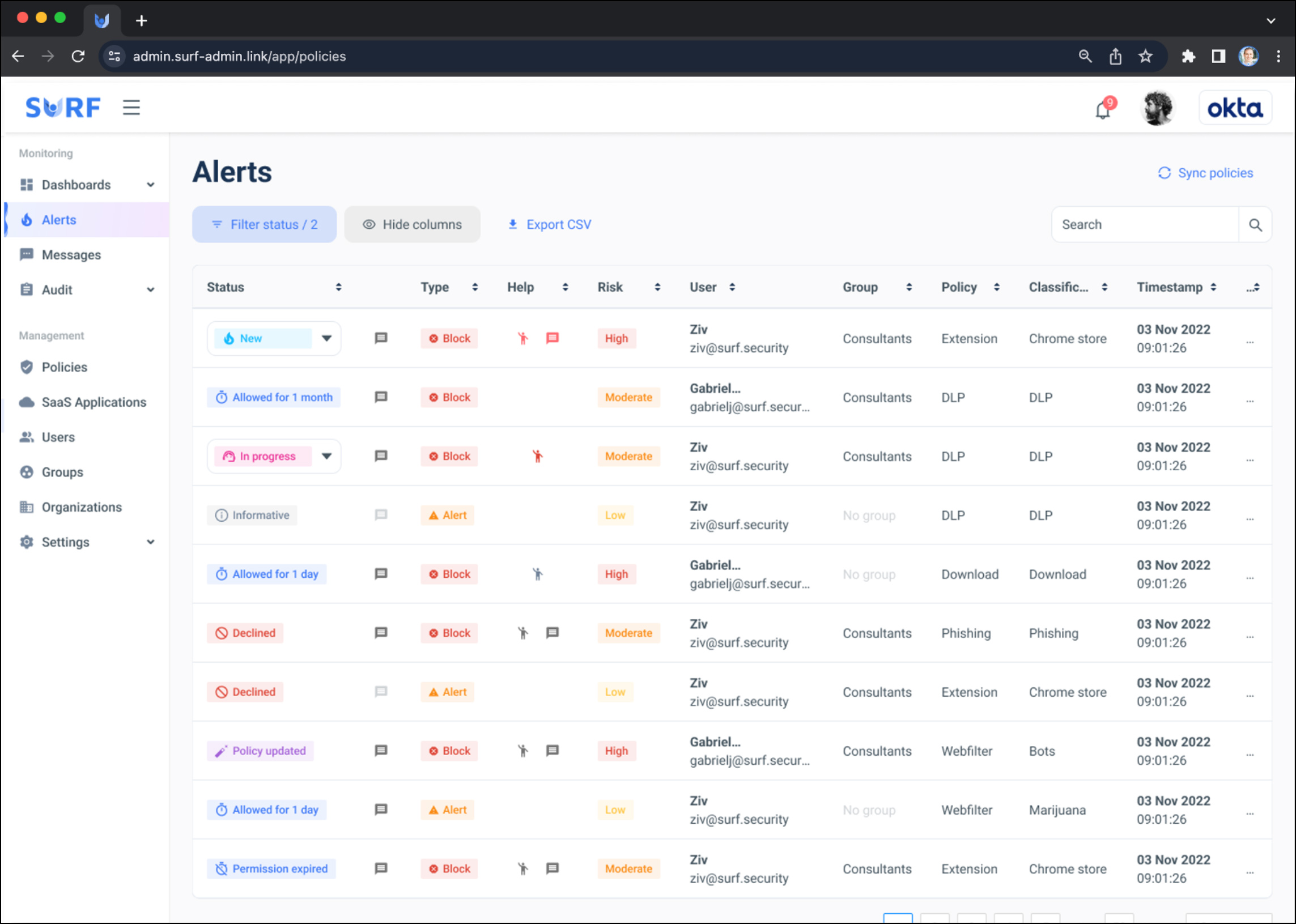
SURF’s end-to-end Zero-Trust enterprise browser is designed to secure the work environment for anyone, anywhere, on any device, with an exceptional user experience. Provide secure access to any company asset and application on prem or in the cloud.
By design, SURF is a powerful security tool requiring minimal maintenance. It protects the work environment regardless of physical location or device type and gives you full control over every aspect of the browser – add-ons, extensions, web filtering, transactional MFA, device posture checks, content rendering, and more.
- Data Leakage Prevention Made Easy – Take charge of your data security with just a few clicks. Our intuitive interface enables seamless enforcement of DLP policies, giving you the ability to enable or disable copy, paste, printing, and other essential functions within seconds.
- Secure Downloaded Data – Protect your downloaded data from theft, infections, and corruption. With SURF Security, users can work locally without any restrictions, regardless of the device being managed or unmanaged.
- Eliminate Social Engineering Threats – Managing social engineering threats can be a daunting task. However, SURF Security eliminates the human risk factor by providing unique techniques to prevent phishing attacks.
7. Ermes Browser Security Platform
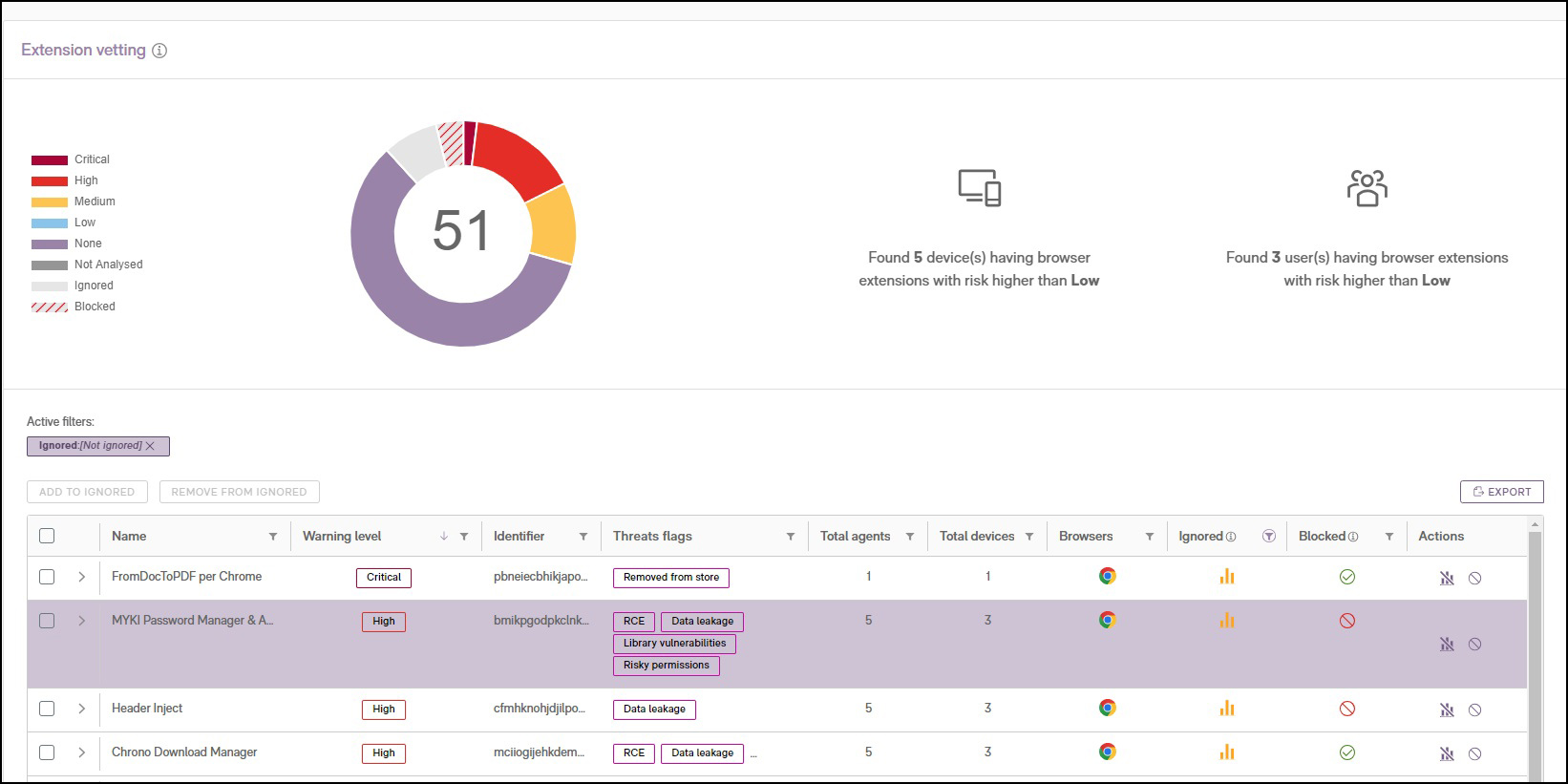
Ermes, powered by advanced AI and deep learning in your browser, goes beyond website reputation. Through behavioral analysis of websites, provide a comprehensive view of website interactions, tracing the ‘kill chain’ for unparalleled insight.
Their platform boosts security and efficiency, reshaping security solutions. Architecturally, we offer seamless adoption via MDM, quick cloud-based access, and integration with SIEM and XDR for added protection.
8. Microsoft Edge for Business
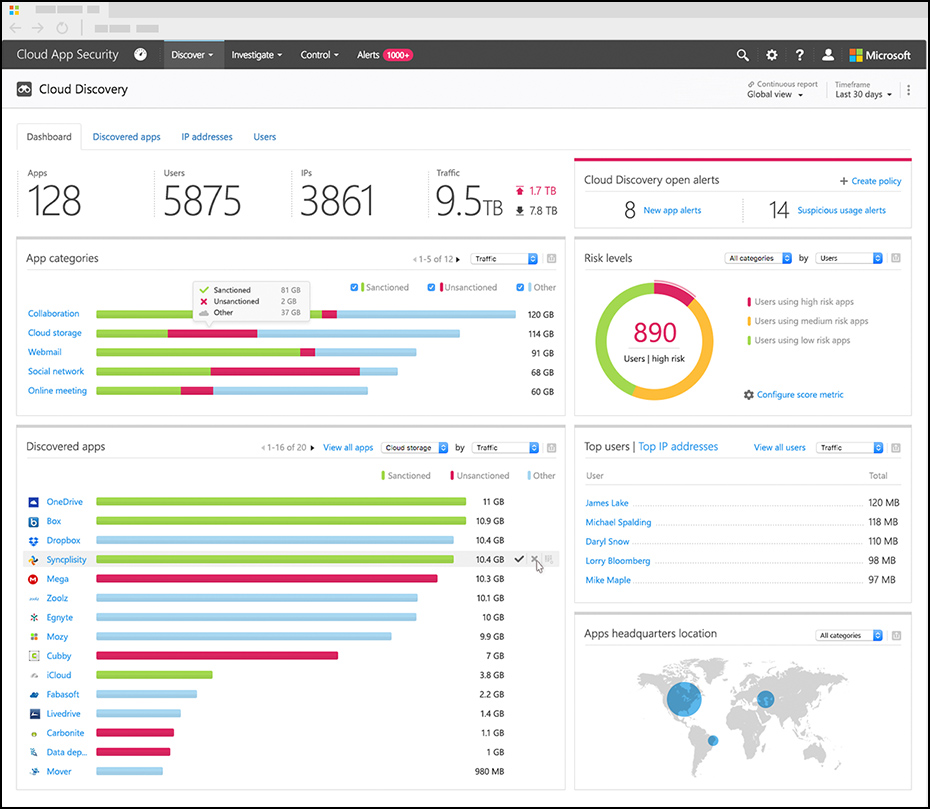
Download and deploy Microsoft Edge for Business. Get the latest version for your business, school, or organization with multi-platform support in over 80 languages. A simple sign in with Entra ID unlocks Edge for Business.
- Security – Like the regular Edge browser, it prioritizes security with features to protect your organization’s data. IT admins can leverage manageability tools to configure security policies.
- Productivity – It includes features to help users be more productive, like Workspaces for organizing tabs and Collections for grouping related content.
- AI Integration – It integrates with Microsoft AI features, including Copilot (formerly Bing Chat Enterprise) which offers AI-powered chat within the browser sidebar.
- Manageability – IT administrators have more control over browser settings and configurations within an organization.
- Work and Personal Browsing Separation – It allows for automatic switching between separate work and personal browsing windows, with distinct favorites, passwords, and settings.
- Unmanaged Device Support – With Intune Mobile Application Management, users can securely access work resources on personal devices.
- Legacy Application Support – It includes Internet Explorer mode (IE mode) for users to access older websites and applications built for Internet Explorer.
9. Citrix Secure Access
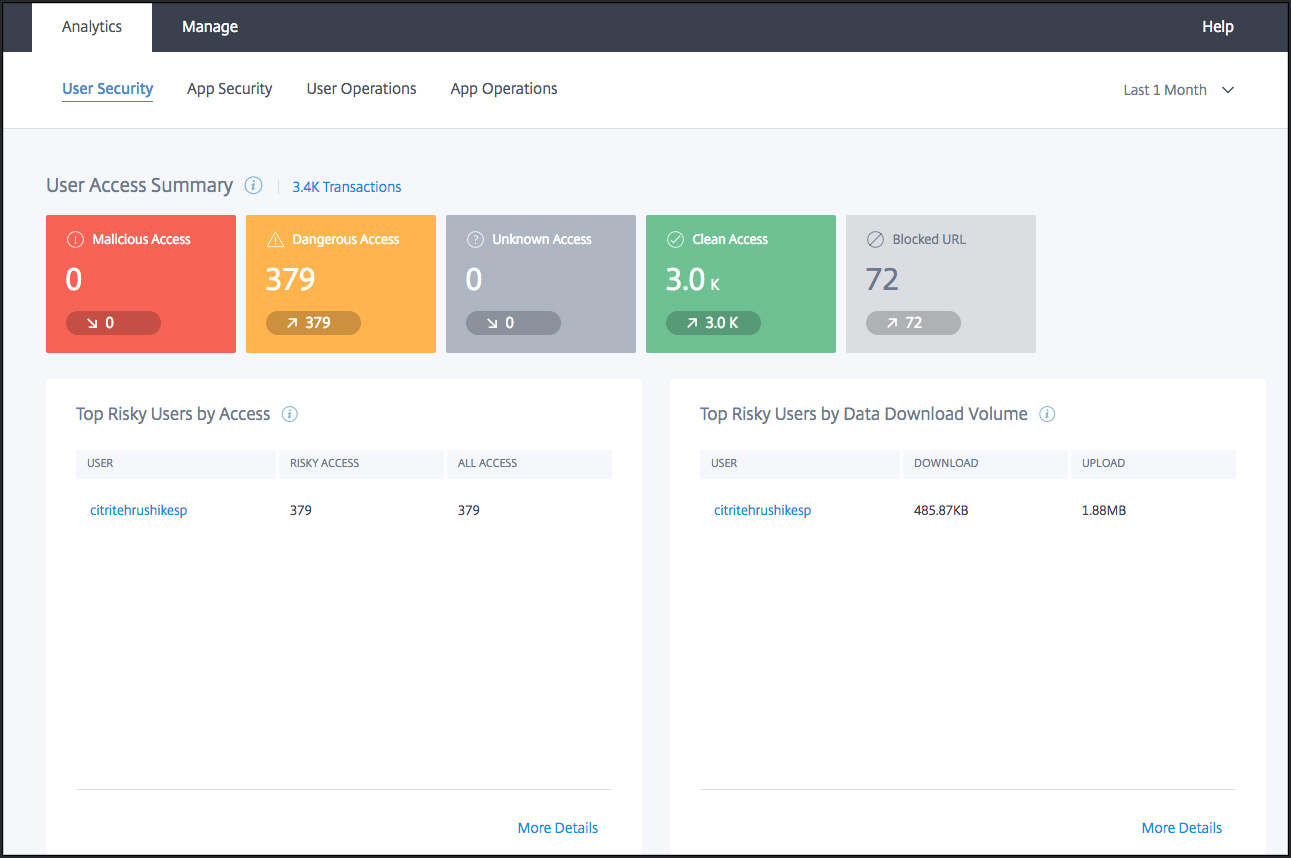
In the hybrid work world, sensitive business data flows through SaaS, internal apps, and unmanaged devices, making the browser the new attack surface. GenAI tools amplify the risk, with users pasting confidential data, plans, and code into LLMs without audit trails or protection. The browser has become the weakest link. Citrix Secure Access with Chrome Enterprise, a partnership between Citrix® and Google, solves this gap.
The browser is now the enterprise endpoint where users connect to data across SaaS and hybrid work. Despite strong identity, firewall, and email defenses, it remains a blind spot where sensitive data is copied, pasted, uploaded, and often exfiltrated with little oversight.
10. Zebra Enterprise Browser (For Android)
Zebra Enterprise Android Browser is a powerful Android-based application development tool that allows you to customise the functionality and maximise the capabilities of Zebra devices—enabling integration with leading ERP (Enterprise Resource Planning) systems such as SAP.