Category: Creative, Art, and Design
How do you create a very powerful and engaging presentations for your audience? Nobody knows this better than Guy Kawasaki. Guy Kawasaki sums it up the best, when presenting, always use the 10-20-30 rule. 10 slides, 20 minutes, and 30 point font size. The last thing you want to do in a presentation is to squeeze in so much text that it bores everyone. People can read faster than you can present. Remember, it is a presentation, not a kindergarten class reading hour.
Related Article 😍💰👉 25 Free Microsoft PowerPoint And Google Slides Presentation Templates
When it comes to choosing the type of font style, nobody explains it better than John Maeda. Watch the video above, in short, the font style you choose has to blend with the message, for example, if you are presenting a weight loss product, using a thin font makes more sense than a big bold font. If you are marketing something exclusive, avoid funky fonts such as papyrus.
With years and years of presenting, I’ve come to conclude that the following 7 fonts are some of the best fonts for presentation. You can download and use them in Canva, Powerpoint, Keynote and etc. There are many similar fonts you can choose from, just make sure the fonts are clear, sharp, easy to read from far. If possible, avoid script type of fonts as it takes sometime to read.
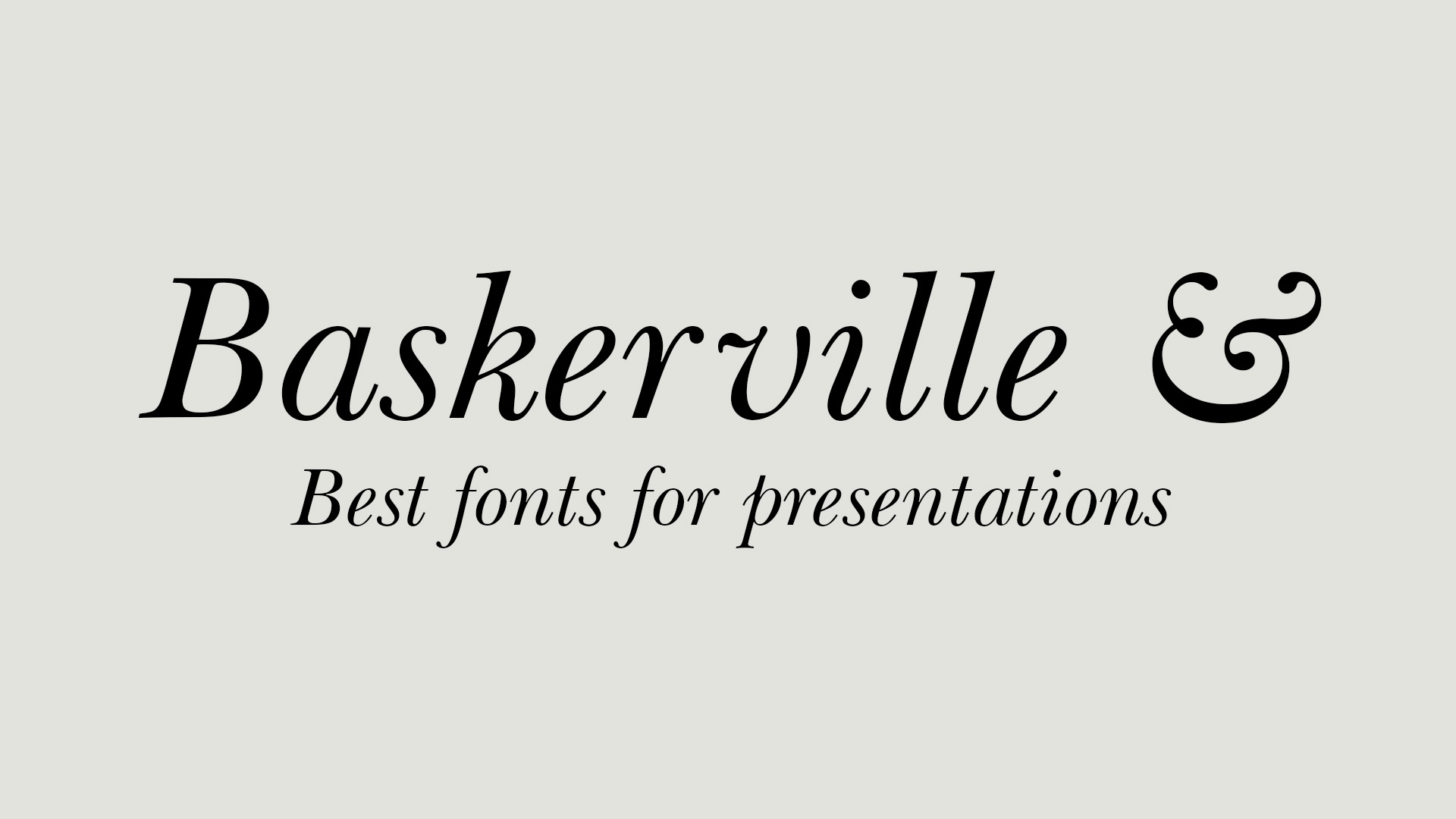
1. What makes Baskerville Display font unique is the ampersand (&), if your presentation titles uses quite a number of ampersand, using this font is a must, it gives a very elegant look to the title.
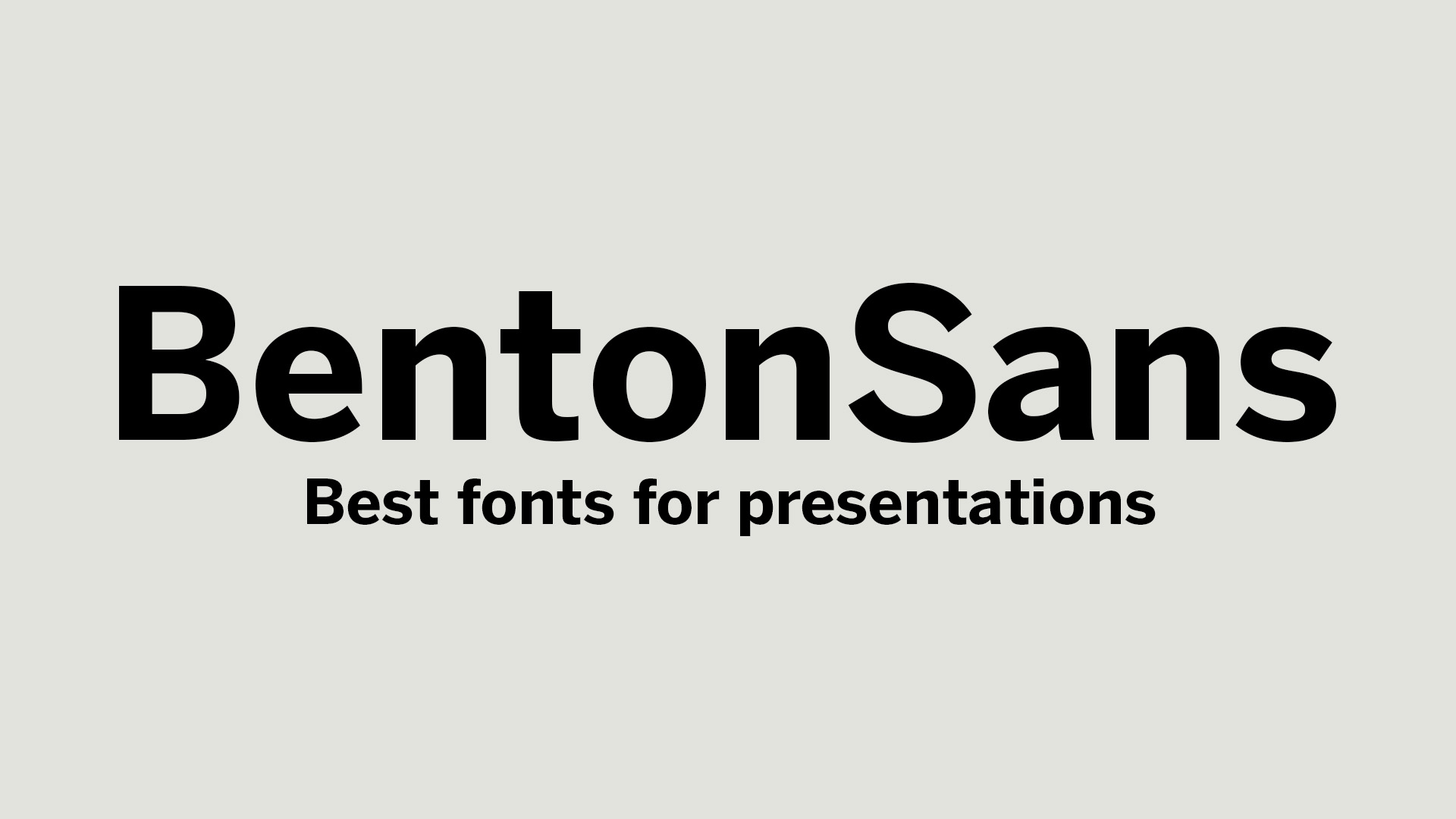
2. BentonSans Bold font is ideal for sports, motivation, achievements. This big bold font is solid, unmovable, and gives a confident vibe.
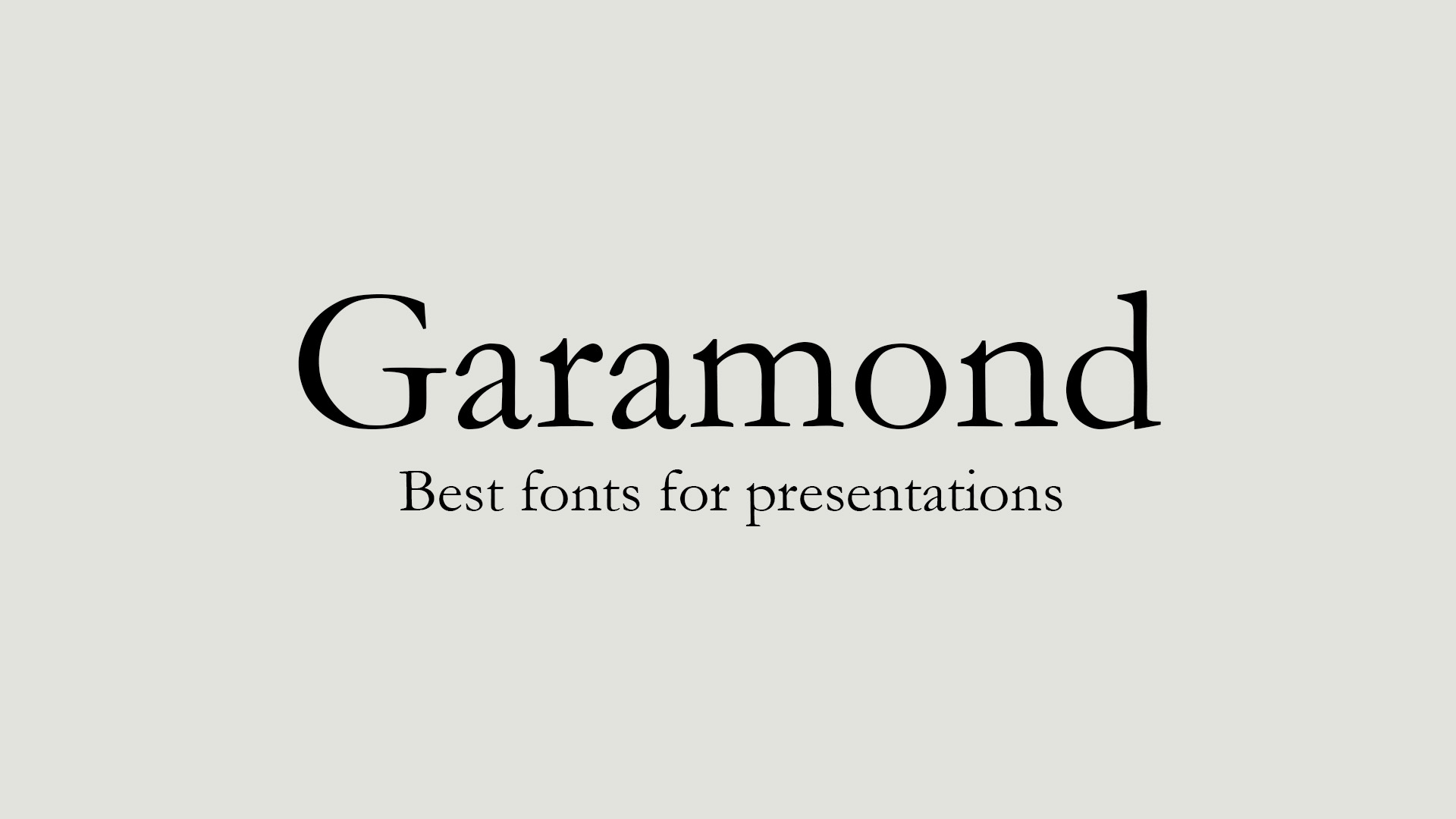
3. This Garamond font is perhaps ideal for banks, finance, jewellery related messages. It gives a very classic exclusive feel.
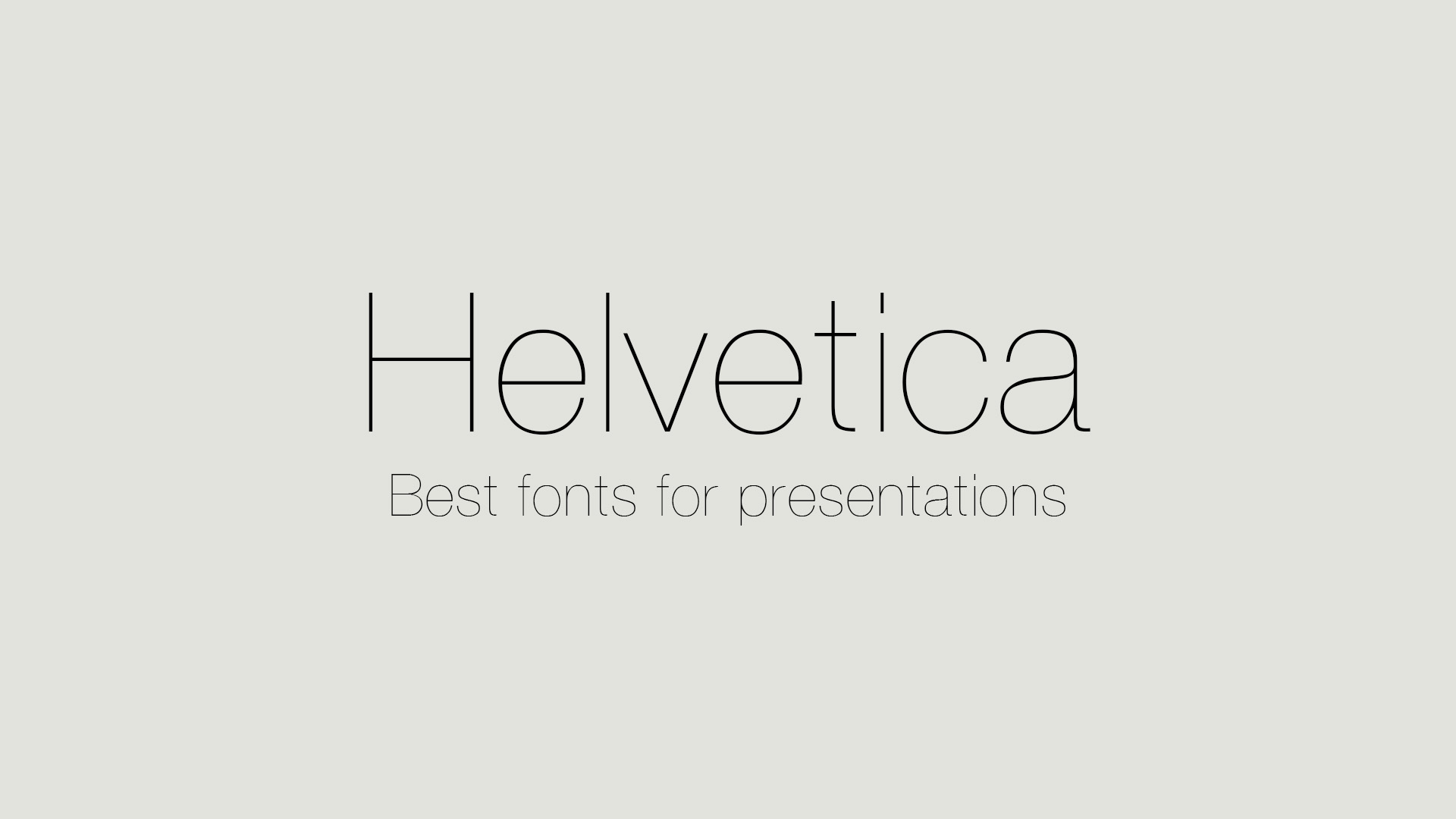
4. The Helvetica font is the classic all time favorite with most thing, you can never go wrong using it for most designs. For the Helvetica Thin, it works great for weight loss, fashion, women dress, makeups, diet etc presentation.
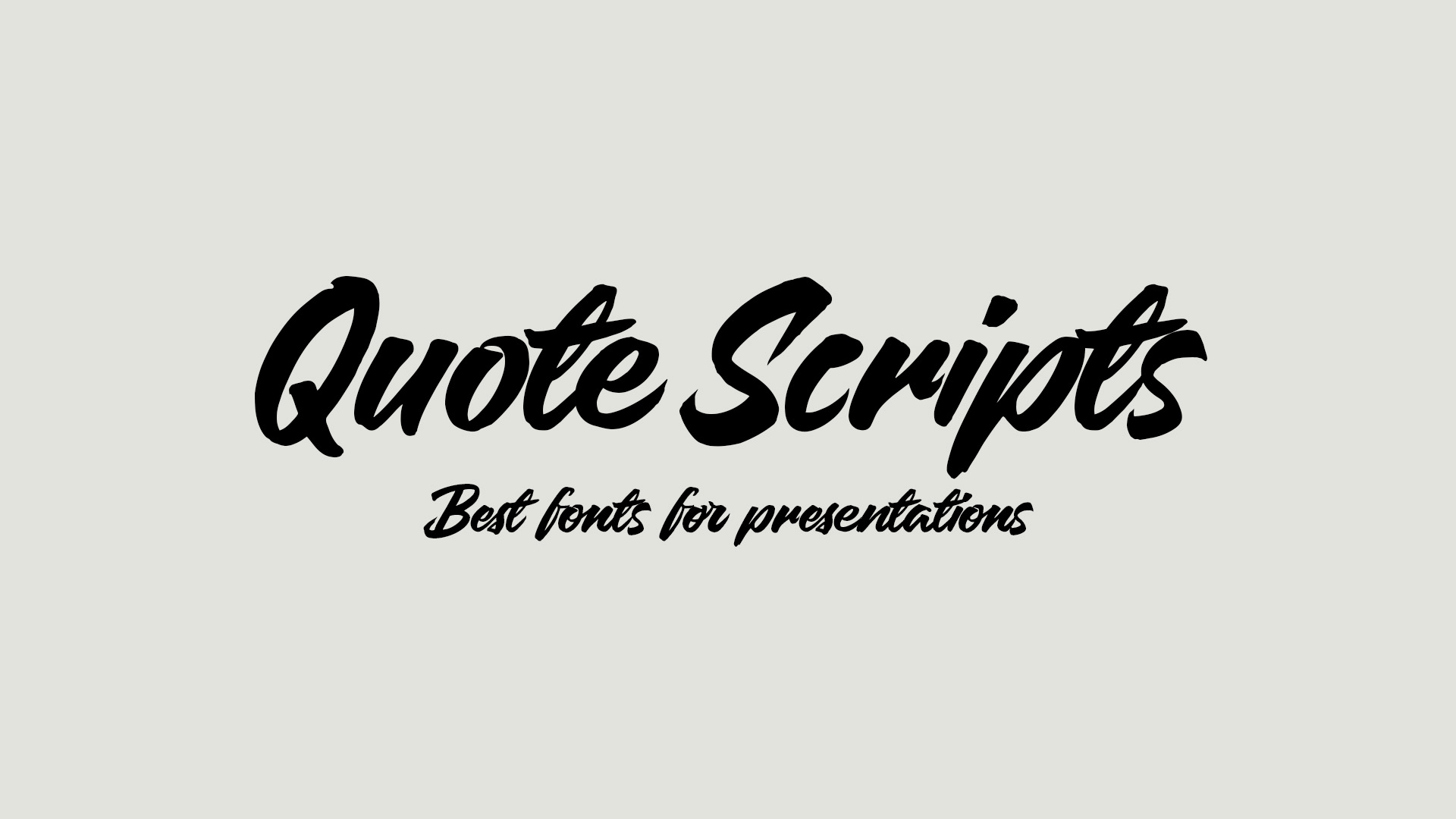
5. Unless you have a very good reason to use cursive styled fonts, such as a party message, or holidaying, Quote Script is perhaps one of the most beautiful font for a happy, cheerful, fun and happening presentation.
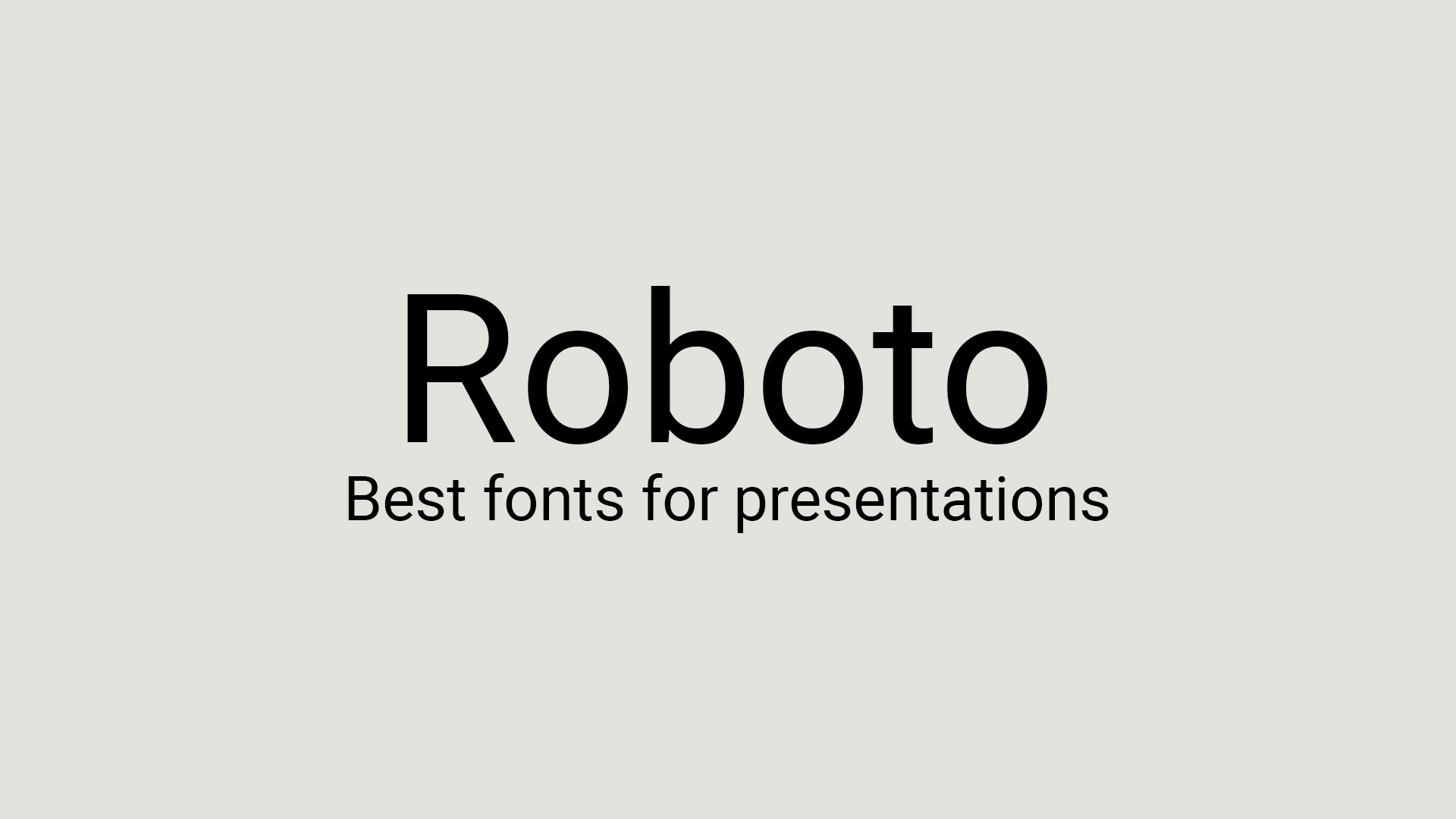
6. Roboto, I believe this font was created by Google for the modern again. It is supposed to be simple, clean, minimalist and easy to read font for browsing and presentation. All rounder that works in every presentation.
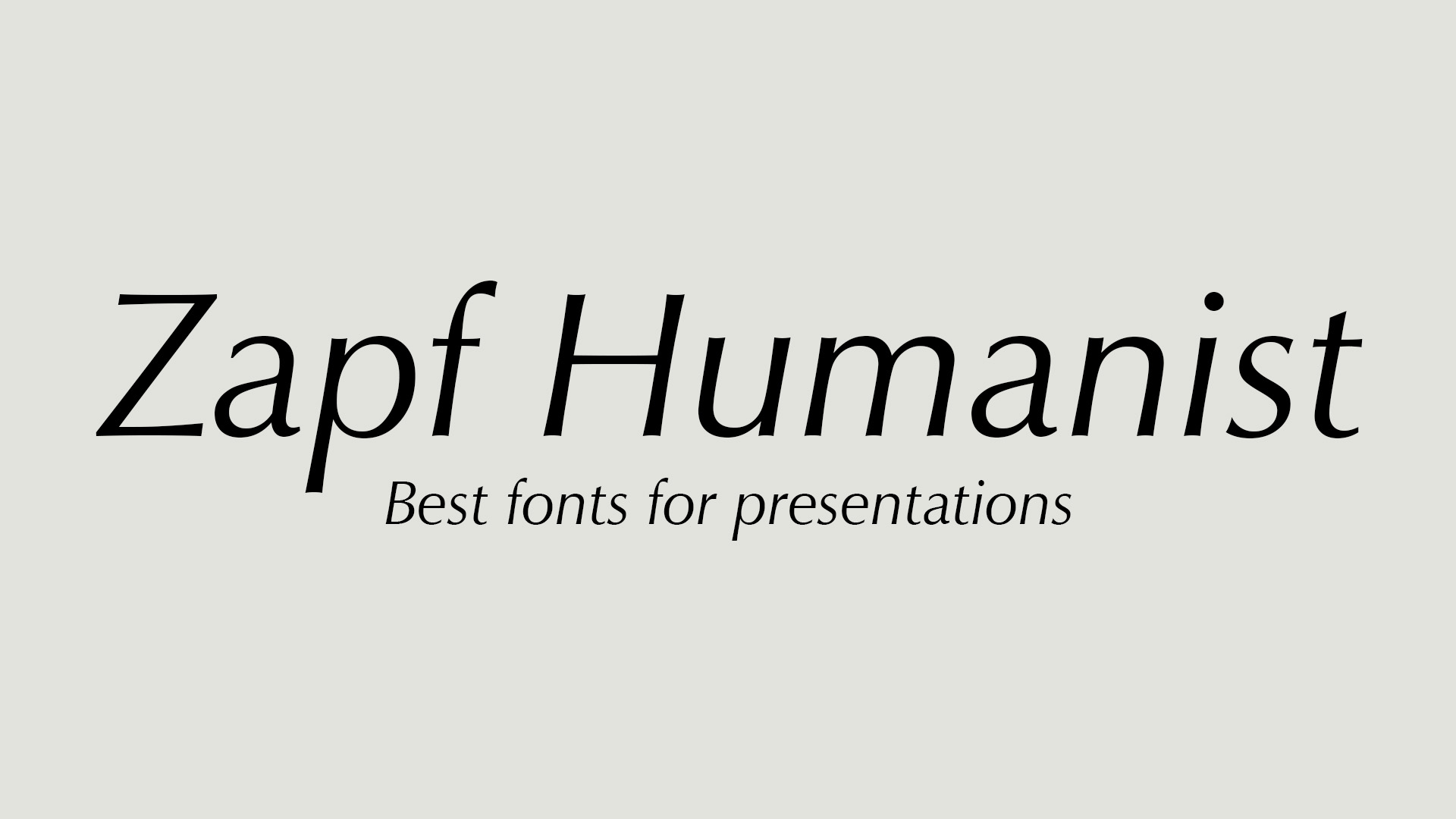
7. ZapfHumanist 601 is a great font for adventure related presentation. It has a human touch to it, ideal for medical presentation.