How to dual boot Microsoft Windows or Linux (Ubuntu, Sun Solaris, Debian, ArchLinux, KaliLinux, ReactOS) on your Apple MacBook laptop? There are many paid solutions such as Boot Camp, VMWare and Parallels Desktop, however, they are not free. UTM virtual machine app is completely free and open-source.
Related Article 😍💰👉 5 Free mac Antivirus And Best Malware Scanner
There is a paid version which cost USD10 on the app store, the difference is the paid version provides the convenience of automatic updates and directly supports the developers, that’s all. I dont see a point in paying when you can do it yourself.
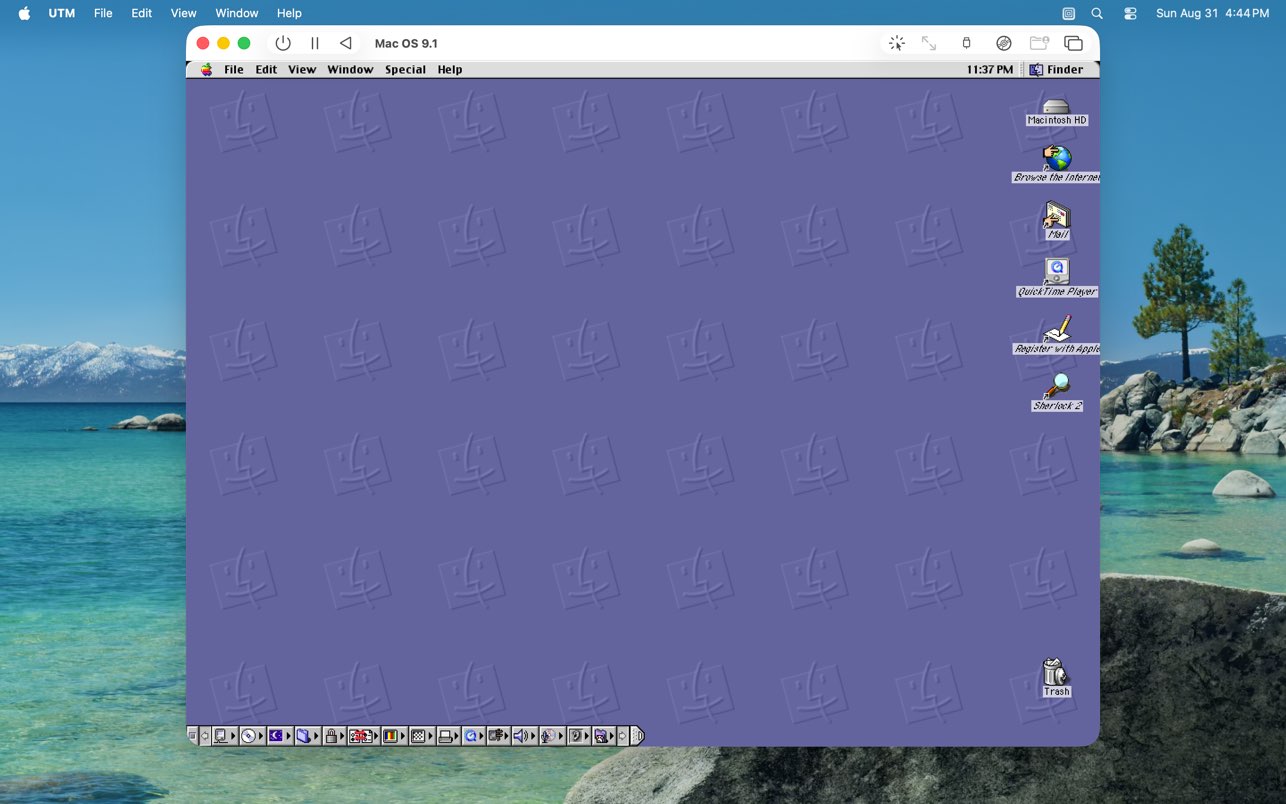
UTM uses the popular QEMU system emulator securely in a sandboxed environment to protect your data from viruses and malware in the emulated operating system. UTM is a full featured system emulator and virtual machine host for iOS and macOS. It is based off of QEMU.
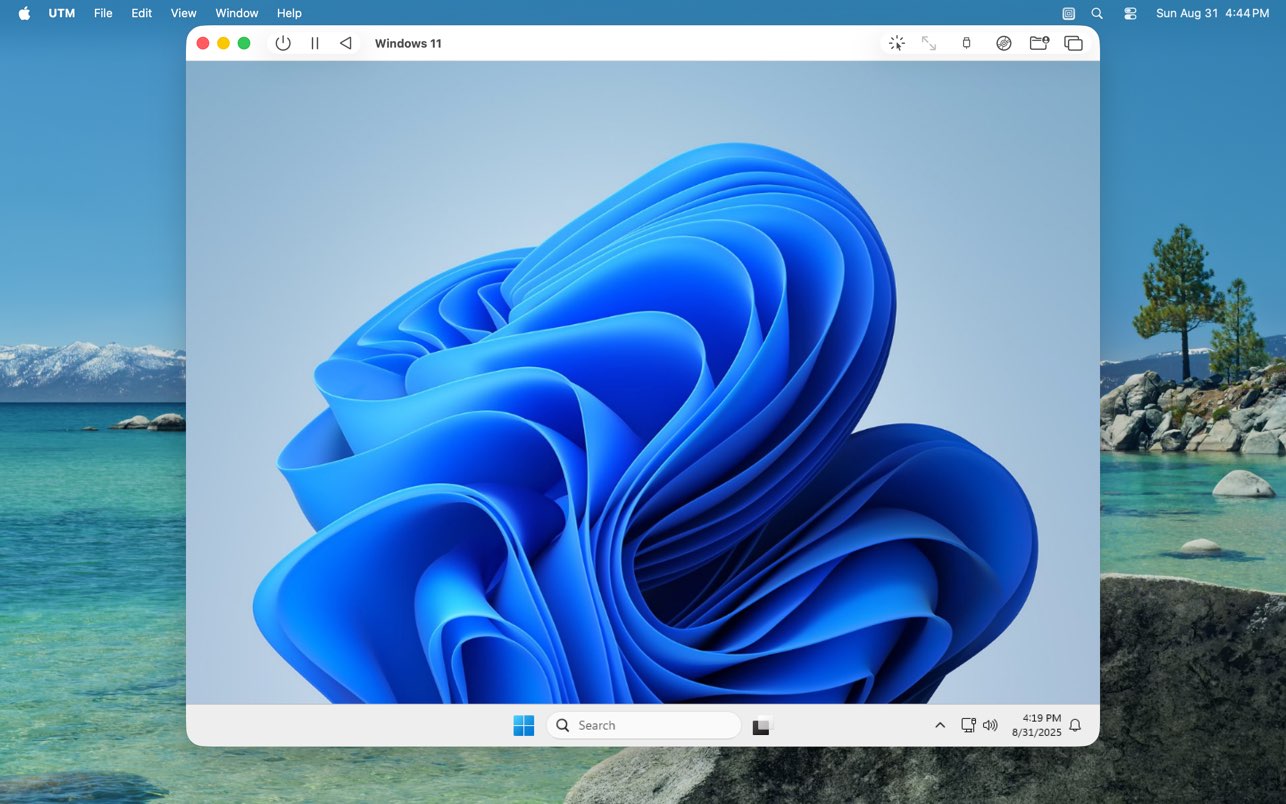
In short, it allows you to run Windows, Linux, and more on your Mac, iPhone, and iPad. Check out the links on the left for more information. Designed for macOS using the latest and greatest Apple technologies, UTM virtual machine app [ Download ] is built from the ground up with the Mac in mind. Features:
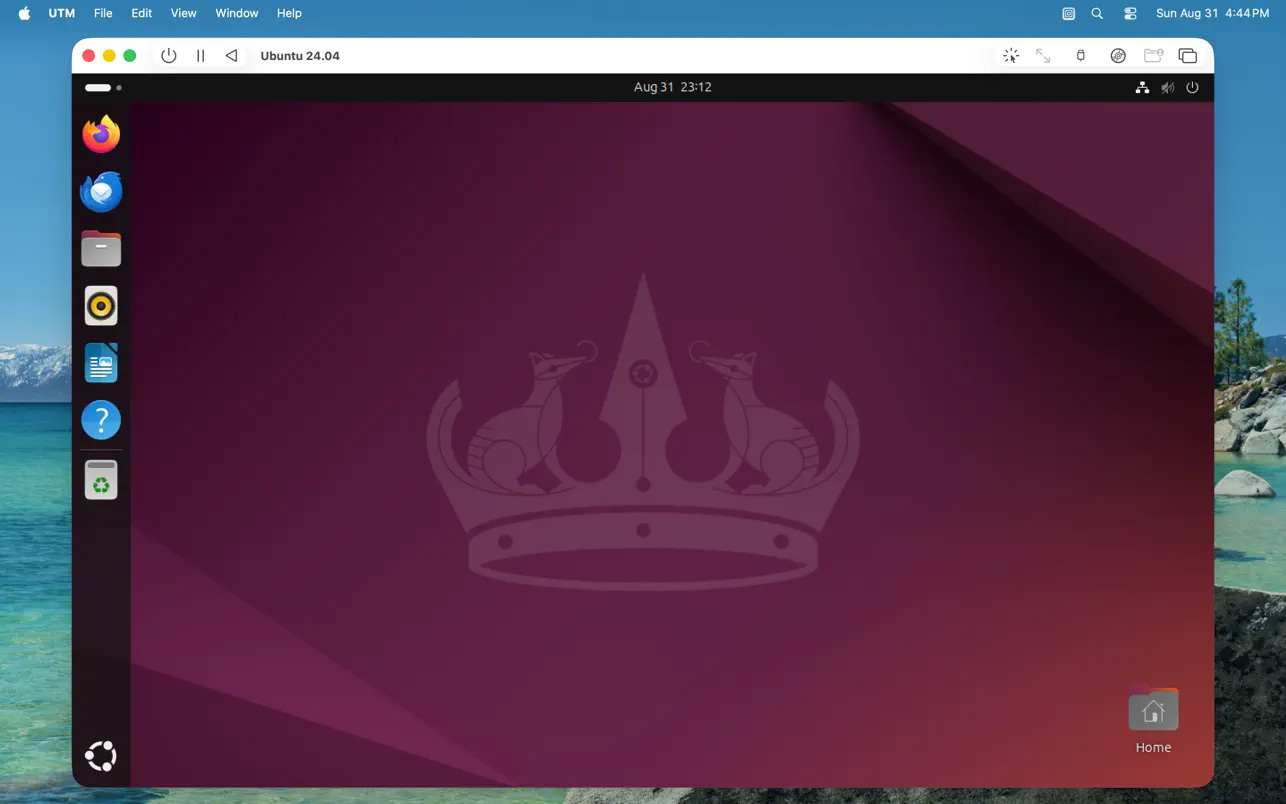
- Run ARM64 operating systems such as Windows® for ARM and Ubuntu® ARM on your Apple Silicon Mac fully virtualized at near native speeds
- Run Intel/AMD operating system such as Windows® 7, Windows® XP, Ubuntu® Linux, and more (emulated with limited performance on Apple Silicon Macs, fully virtualized on Intel Macs)
- Run macOS 12 or higher in a virtualized environment, macOS virtualization is only supported on Apple Silicon Macs running macOS 12 and up.
- Run Intel applications on Linux with Rosetta, Linux with Rosetta is only supported on Apple Silicon Macs running macOS 13 and up.
- Over 30 processors can be emulated by the QEMU backend including i386, x64, ARM32, ARM64, MIPS, PPC, and RISC-V for developers and enthusiasts
- Supports macOS Sandbox to protect your data from any viruses or malware infecting the emulated operating system (such as Windows®)
- GUI display mode, terminal console mode, and headless mode (with support for multiple displays)
- Attach USB devices to your virtual machine
- Experimental: GPU accelerated OpenGL on Linux VMs
- Bridged and shared networking support
- Run and store VMs from external drives
- Don’t know how to use QEMU? Confused at all the options QEMU provides? UTM provides an easy to understand UI for creating and configuring VMs that does not require knowledge of QEMU command line arguments
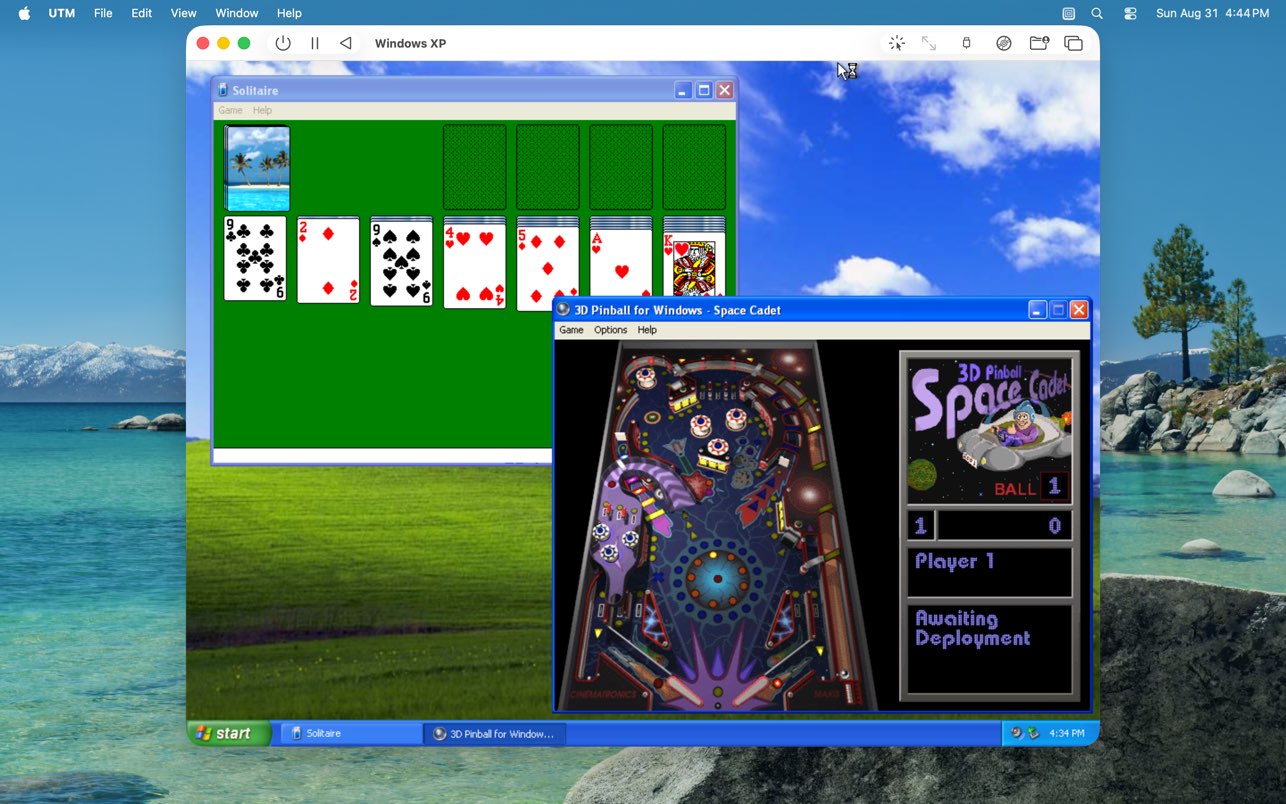
UTM employs Apple’s Hypervisor virtualization framework to run ARM64 operating systems on Apple Silicon at near native speeds. On Intel Macs, x86/x64 operating system can be virtualized. In addition, lower performance emulation is available to run x86/x64 on Apple Silicon as well as ARM64 on Intel. For developers and enthusiasts, there are dozens of other emulated processors as well including: ARM32, MIPS, PPC, and RISC-V. Your Mac can now truly run anything.
What is the main difference between UTM vs Boot Camp vs Parallels Desktop? UTM is not as polish and feature rich like the other two. They are:
- No direct mounting of external disks and drives, only mounting disk images is supported
- No drag & drop of files and data, only copy paste of text and sharing of a single directory is supported with tools installed
- No GPU acceleration for Windows® and only experimental OpenGL acceleration for Linux (most Windows® games will NOT run)
- macOS virtualization only runs on Apple Silicon Macs running macOS 12 and up. macOS 12 does not support USB sharing, copy/paste, or dynamic resolution.