
Category: Freeware and Software Reviews
How to download, install and run DeepSeek, Kimi, Nemotron on your Windows PC locally? For those new to AI, DeepSeek, Hy3, MiMo, GLM and any OpenSource AI are known as Large Language Models, aka LLM. The codes are available to download for free. In order to run them, you’ll need an agent, and this is where freeware such as Ollama or LM Studio comes in.
Related Article 😍💰👉 6 Tips To Get 5x Better Wifi Signal And Boost Speed
Here is a list of agents, download these agents and install them on your Windows computer. These agents allows you to run large language models offline, no internet required. AI can be very resource hungry and if you are into rendering movies or graphics, it is advisable to buy a powerful computer, for simple task like compiling data or chat, any laptop will do.
Here is the latest complete list of large language models. As for which LLM model is best, it depends on the task, some are good at image rendering, video generation, OCR, coding, writing articles and etc, it really depends on the model. To know which model is best suited for the task you required, here are three websites that ranks them based on their specific performance.
- SimpelBench
- Artificial Analysis on cost, speed, and performance
- OpenRouter LLM Rankings
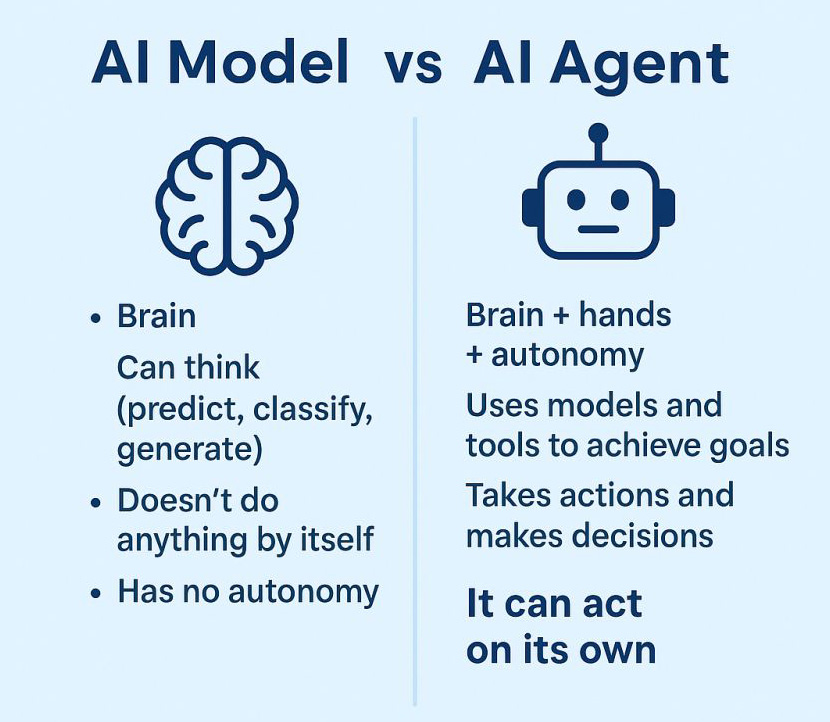
So, what is the difference between an AI Agent vs AI Model? Models are brains without bodies; agents are brains inside bodies with agency.
1. LM Studio Bionic
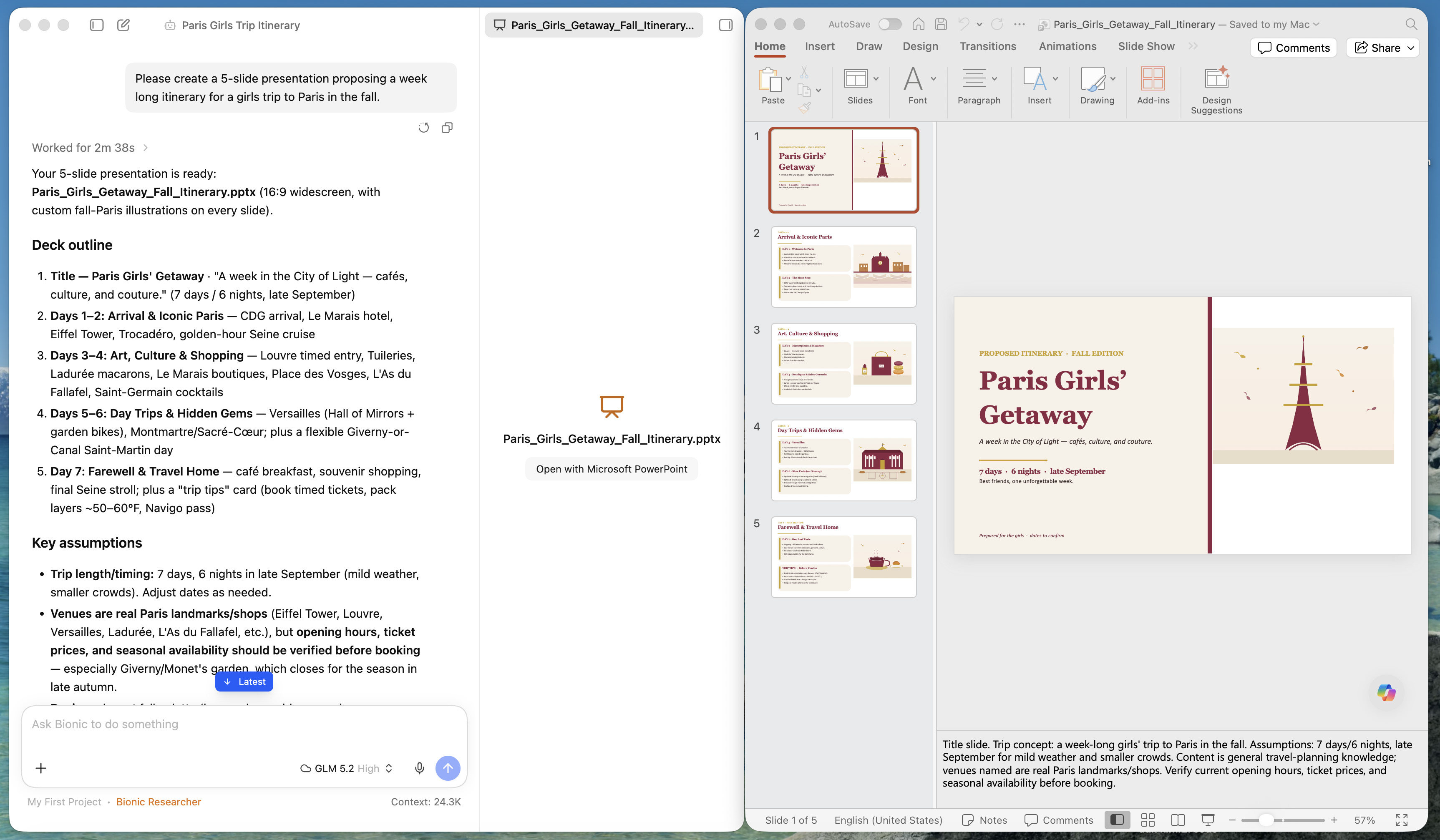
LM Studio is an agent made for Open Models, it is 100% natively local. It is built for creativity, work, and code. It enables you to run large language models entirely offline on desktop with integrated chat UI, OpenAI compatible server, Hugging Face downloads, model discovery, support for multiple LLM formats and more. Bionic has two project types:
- Work Projects for research, writing, analysis, and document work. Such as Microsoft Powerpoint presentation.
- Code Projects for working in a local codebase with file, search, Git, and shell tools.
2. Jan
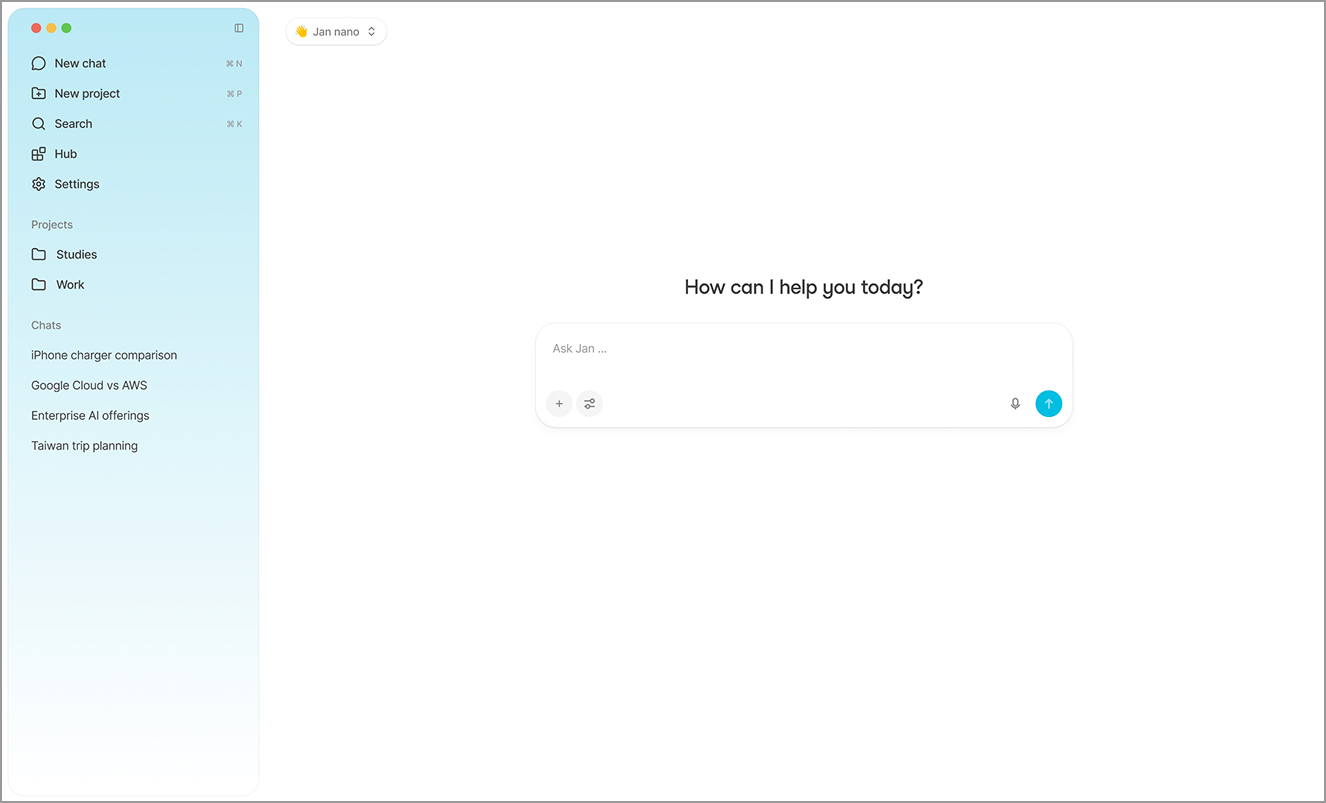
Jan is a general purpose AI agent that works on its own to get things done. Jan is an open-source replacement for Claude and ChatGPT. It comes with built-in foundation models and an application ecosystem that runs entirely on your hardware, keeping your data private and giving you full ownership over your AI.
3. AnythingLLM
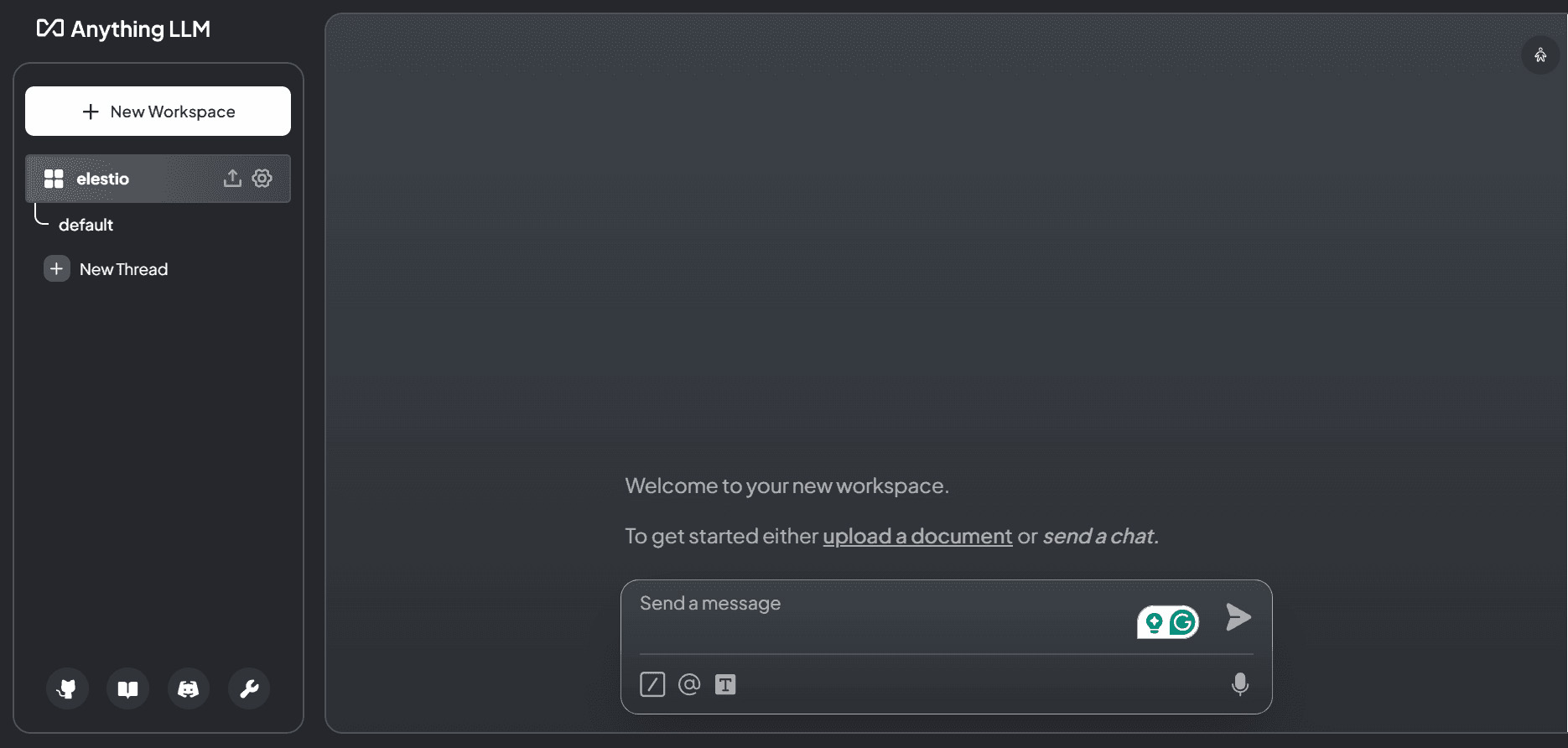
AnythingLLM comes with sensible and locally running defaults for your LLM, embedder, vector database, and storage and agents. Nothing is shared unless you allow it. AnythingLLM works on any operating system such as macOS, Windows, or Linux.
AnythingLLM is designed to be local by default. Everything from the model, documents, chats, all stored locally on your desktop. PDFs, word documents, CSV, codebases, and so much more make up your business – now you can use them all. Even import docs from online locations.
4. Open WebUI
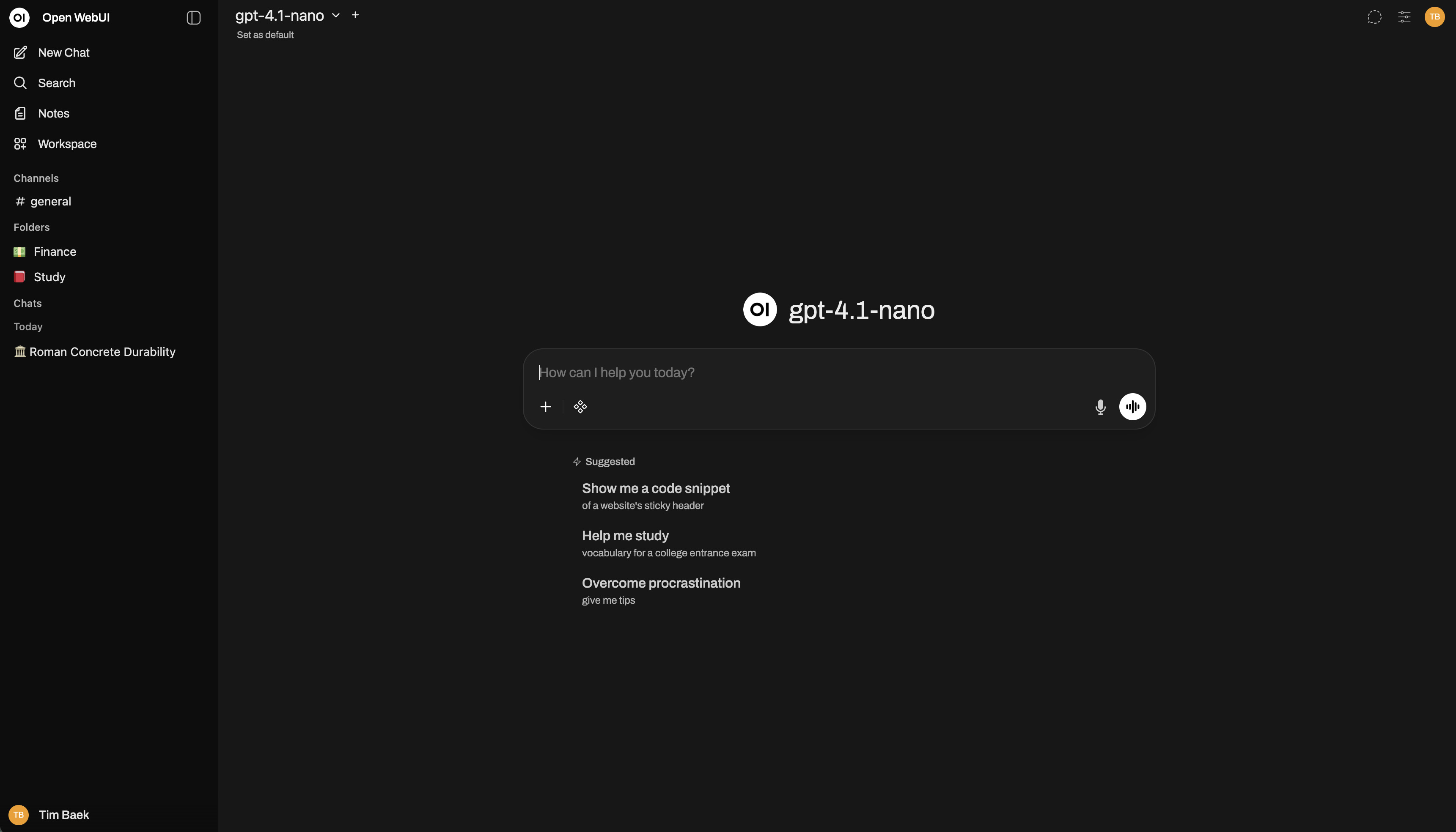
Open WebUI Computer is an agent harness that runs on your real machine. You install one app, add AI (an API key, a local model, or a coding-agent subscription you already have like Claude Code or Codex), and it works on your actual files and projects, from research and writing to code, with approvals and plan mode. It doesn’t spin up a throwaway sandbox and hand you a diff. The file the agent edits is the file on your disk.
Because it’s your whole machine, you get the rest for free: files, editor, terminal, and git in any browser, from your desk or your phone; an assistant you can message from Telegram or WhatsApp; scheduled agents that report back to you. Everything runs locally on hardware you own, nothing hosted elsewhere.
5. GPT4All
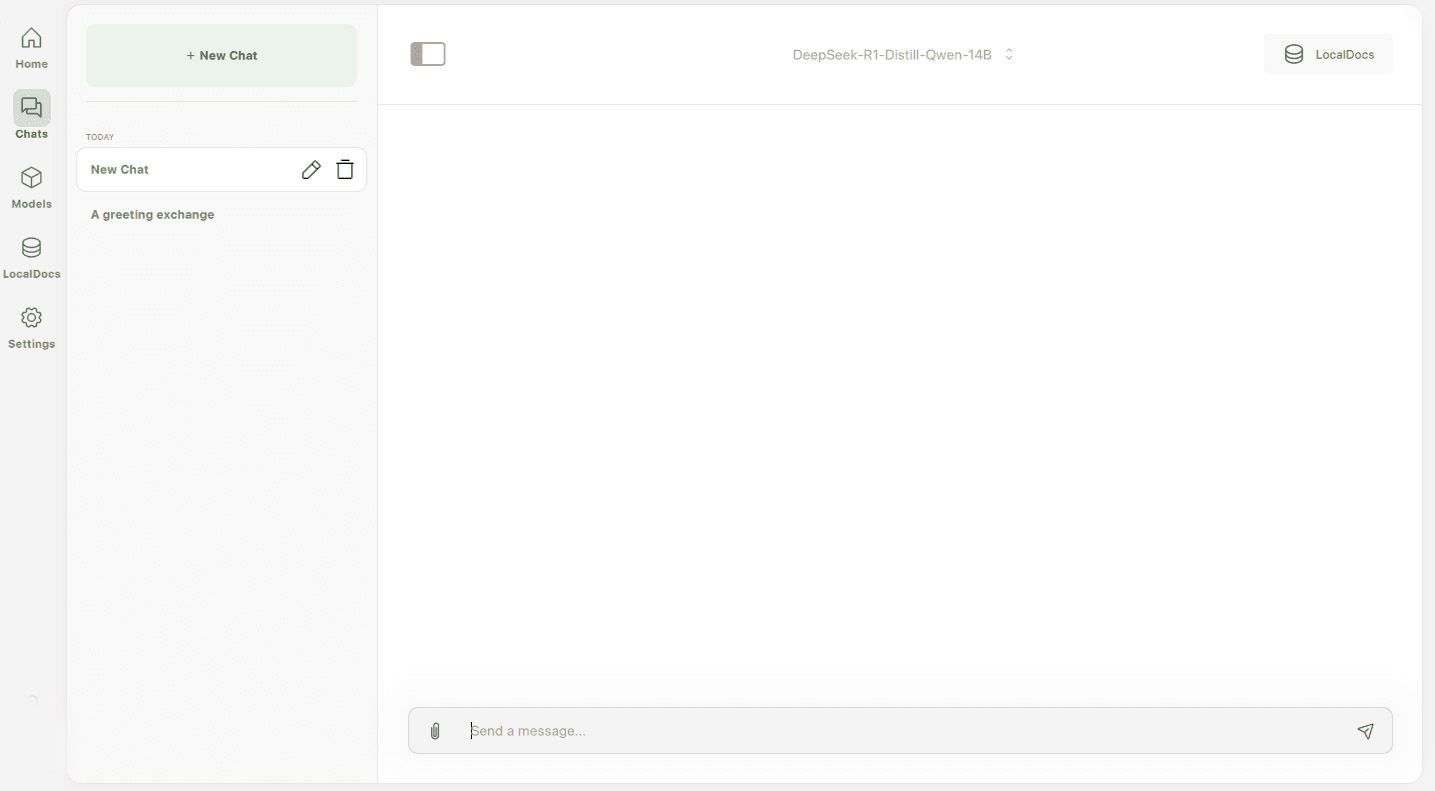
GPT4All delivers private, high-performance AI right on your device—no cloud required, no data leaves your machine. Designed for developers, teams, and AI power-users, GPT4All runs open-source language models on Windows, macOS, and Linux—with full customization, local document chat (LocalDocs), and support for thousands of models—empowering you to build assistants and workflows with maximum control, security, and speed.
6. Ollama
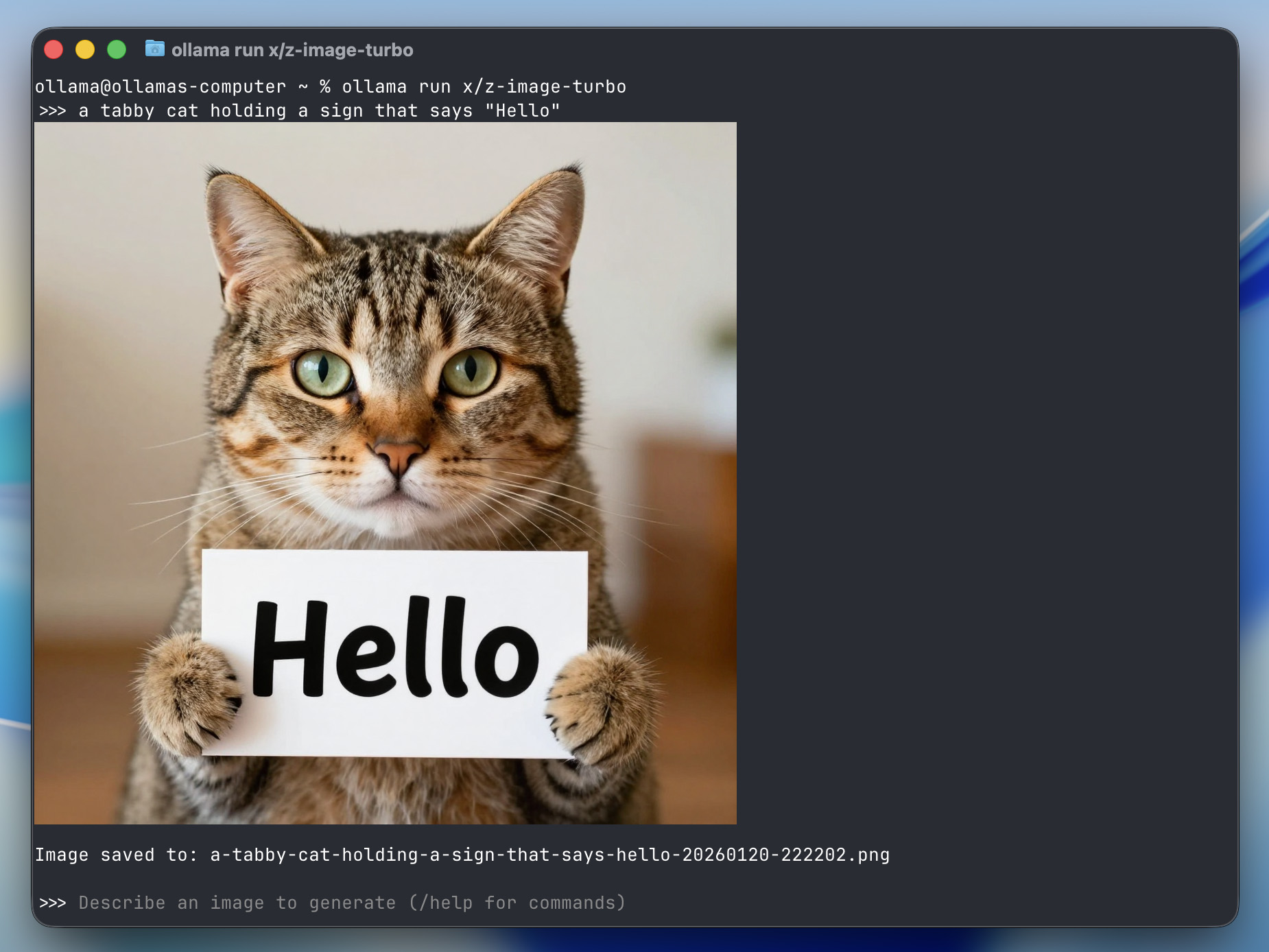
Use Ollama from coding agents, personal assistants, and editors. Get up and running with OpenClaw, Claude Code, and more in minutes using open models powered by Ollama. Supports local deployment of Llama 3, Code Llama, and other language models, enabling users to customize and create personalized models. Ideal for AI development, it offers flexibility for offline AI needs.




The Mixture-of-Experts design with 896 experts and only 16 activated per token is a clever way to keep inference manageable despite the 2.8T total parameters. At APIVALE, as we route multi-model API workloads, we’ve seen that MoE models can sometimes introduce unpredictable latency spikes when expert routing patterns shift mid-session—does the Kimi Delta Attention mechanism effectively smooth out those routing inconsistencies under concurrent user loads?