
Category: Freeware and Software Reviews » Adobe PDF
Download these free PDF editors for macOS and Windows. One of the most annoying thing is the lack of free software to edit PDF files. A large number of PDF editor are web based and this requires you to upload your documents to the internet, not knowing if the keep or delete your PDF files after editing.
Related Article 😍💰👉 12 Free PDF Password Recovery – Remove Protected & Unlock Secured PDF
Replace text in PDF files without uploading your PDF file to an online server, directly edit, replace or delete any text or images for free with no subscription, no conversion from PDF to DocX and back. These free editors runs on your laptop powered by macOS, Windows or Linux.
1. PdfCraft [ The Best ]
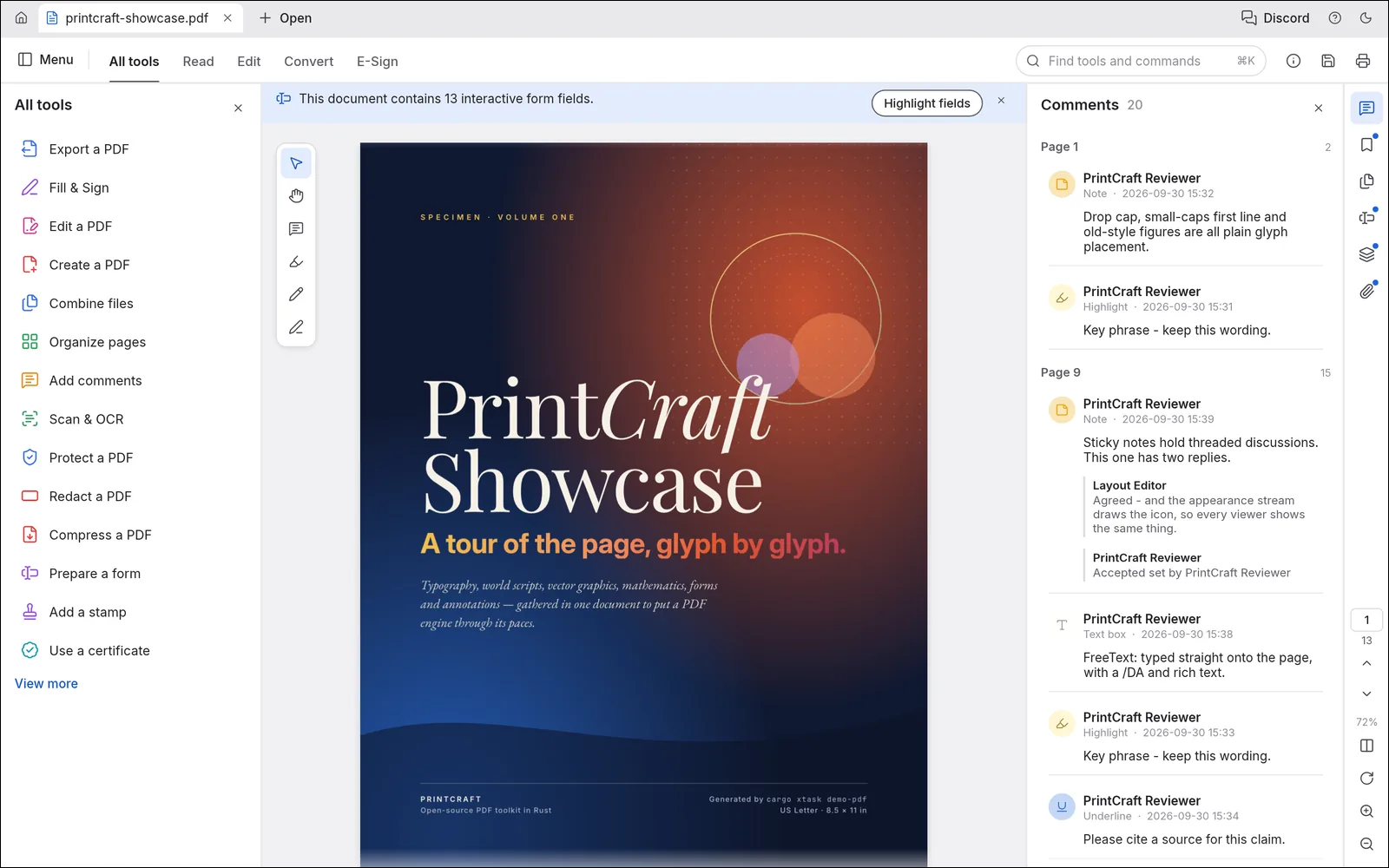
PdfCraft is an app for working with PDF files. You can read them, search them, add comments, reorder and combine pages, fill in and sign forms, and protect them with a password. It runs on Windows, macOS, Linux, FreeBSD.
PdfCraft opens and saves PDF files. When you save over a file, PdfCraft adds your changes to the end of it, so the original content is kept. It can also make a PDF from images, from other files, or from what’s on the clipboard.
- Forms and signing: fill in forms, add your signature or initials, make your own forms, and sign with a digital ID. See Forms and signing.
- Protect: password protection, redaction, and removing hidden information.
- Convert: export to Word, PowerPoint, RTF, HTML, text or images, make PDFs from images, and reduce file size.
- Scan & OCR: recognize text in scanned pages, so you can search and copy it.
2. Pdfgear
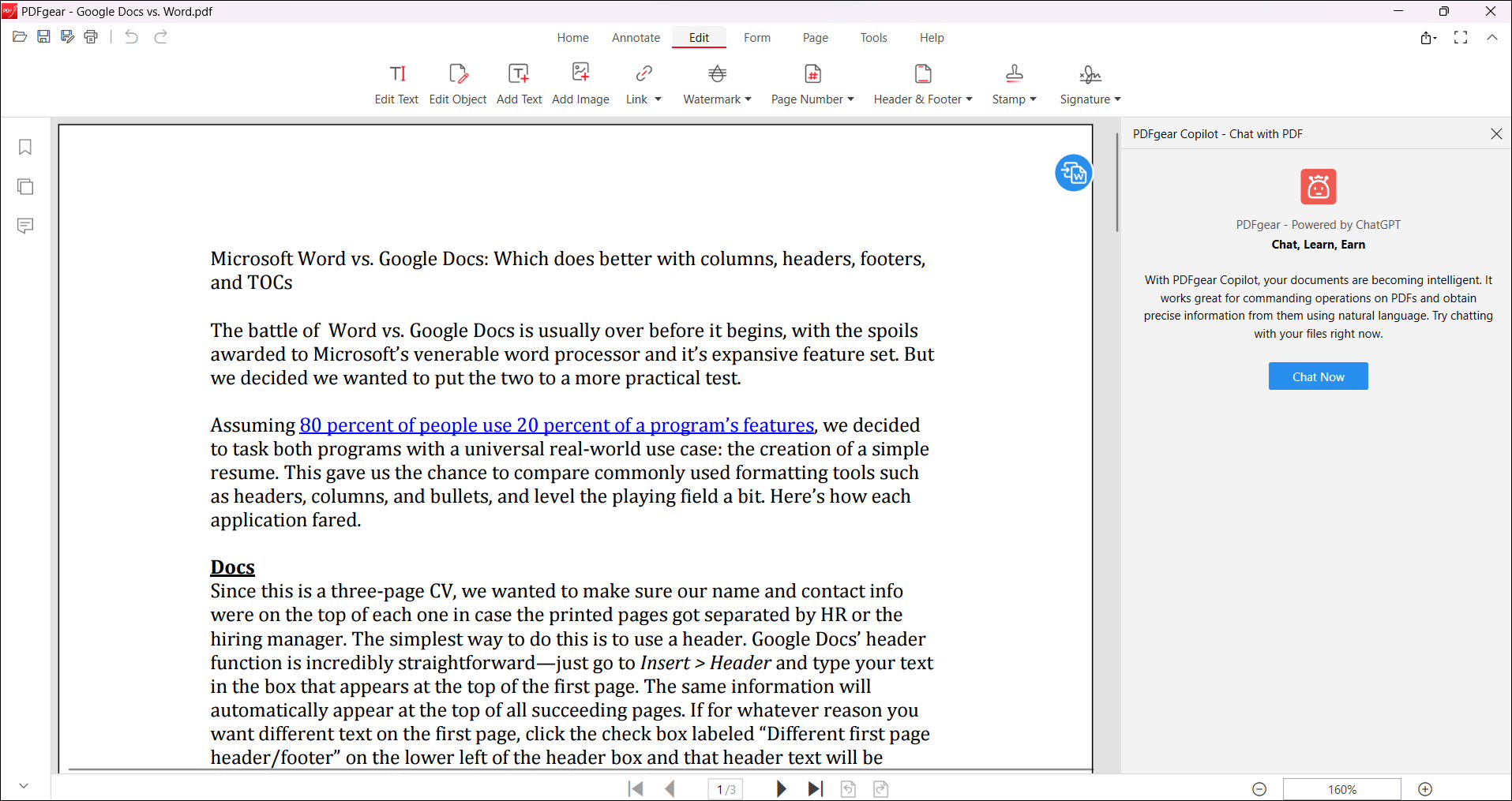
Read, edit, convert, merge, and sign PDF files across devices, for completely free and without signing up. Freely edit text, images, shapes, signatures, links, fillable form fields, etc.
Highlight text/areas, underline/strikethrough text, add notes/comments/stamps, insert shapes/text boxes, and more. Convert between PDF, Word, TXT, JPG, Excel, PPT, and more without compatibility issues. A batch conversion mode is provided, and lossless conversions are ensured.
THe build in powerful OCR enables you to precisely extract text from image-based documents or convert scanned PDFs into fully editable Word or TXT, with 30+ languages supported.
3. OpenOffice Writer + Extension
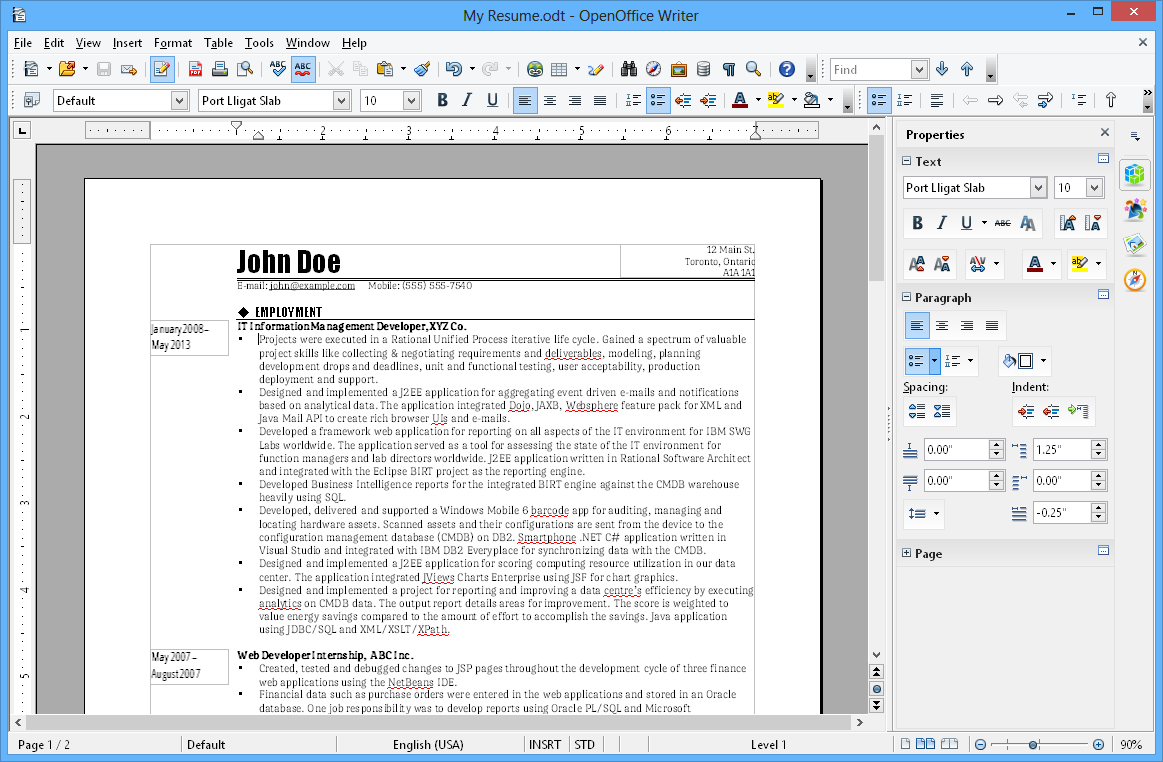
OpenOffice is a free alternative to Microsoft Office Word, with a simple extension, you can edit PDF in OpenOffice. The PDF Import Extension allows you to import and modify PDF documents. Best results with 100% layout accuracy can be achieved with the “PDF/ODF hybrid file” format, which this extension also enables.