

Two heads is better than one, here is a list of free antivirus services that provide users with multi-engine online scanners. There is not much of a difference between having 40 antivirus engines as opposed to 20, the most important thing about this service is to have various opinions instead of one.
Related Article 😍💰👉 5 Free Antivirus With 60+ Multi-Engines – The Best Antivirus Protection
If you have a suspicious file you can submit it to the following websites and their system will analyze your file, these services will analyze suspicious files and facilitate the quick detection of viruses, worms, Trojans, and all kinds of malware detected by antivirus engines. Upload And Scan Suspicious Files, these online scanners scan individual files on demand. It does not offer permanent protection for the user’s system either.
1. Kaspersky Threat Intelligence Portal
URL + Files | Max 35MB | 1 Engine
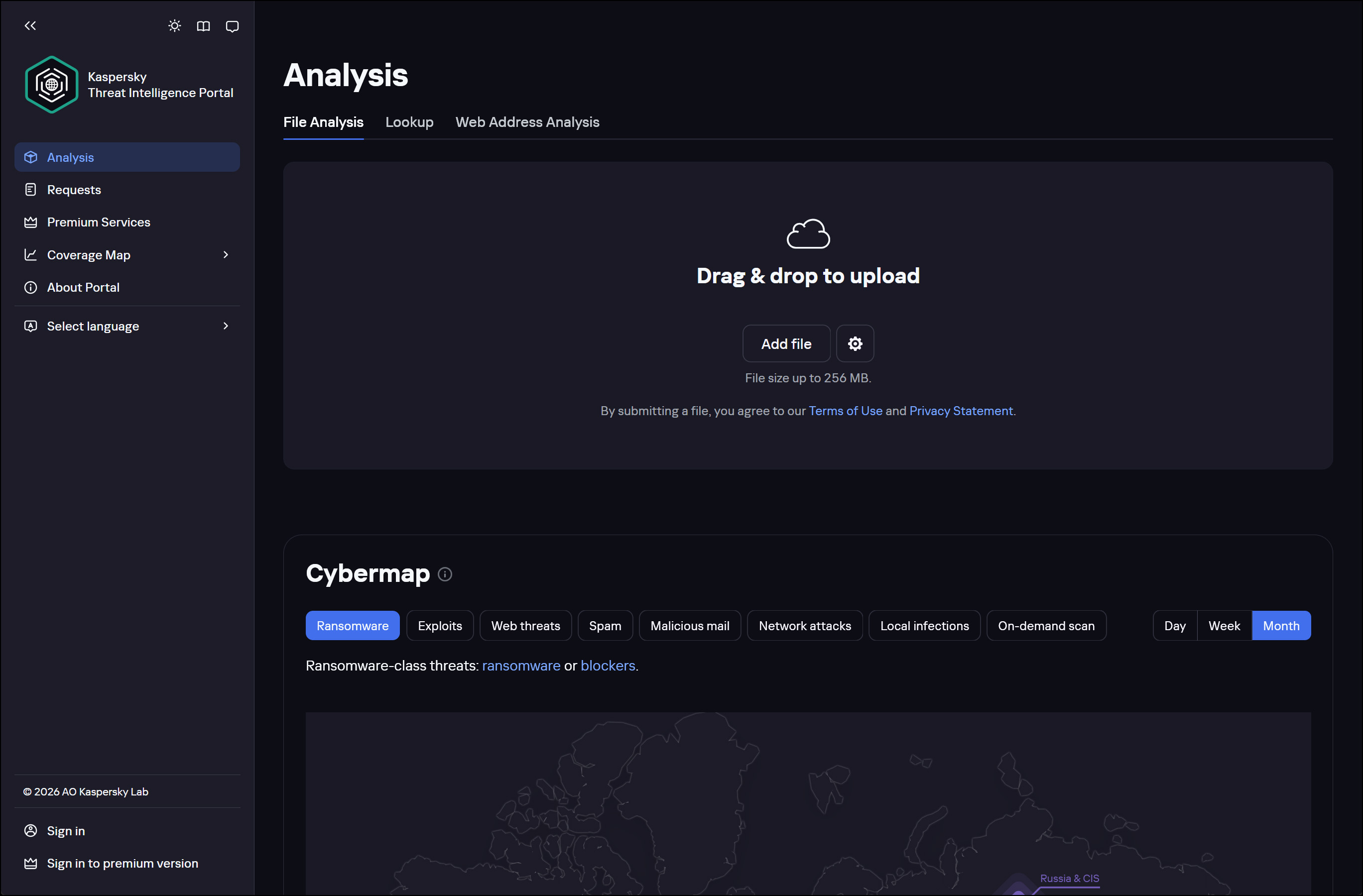
Kaspersky VirusDesk uses antivirus databases and reputation information from Kaspersky Security Network. It notifies about known threats detected in the file and shows detailed information about each threat. Kaspersky Virus Desk does not disinfect files. Important: Kaspersky VirusDesk cannot be used for protection against viruses and threats.
The results of a scan performed by Kaspersky VirusDesk may differ from scan results of other Kaspersky Lab antivirus solutions due to differences in their settings. Kaspersky VirusDesk scans files and archives up to 50 MB in size. To scan multiple files, compress them to an archive with the word “virus” or “infected” as a password. If you want to scan a larger file, use Kaspersky Whitelist, which checks files’ reputation by their checksum.
2. VirusTotal
URL + Files | Max 128MB | 54 Engines
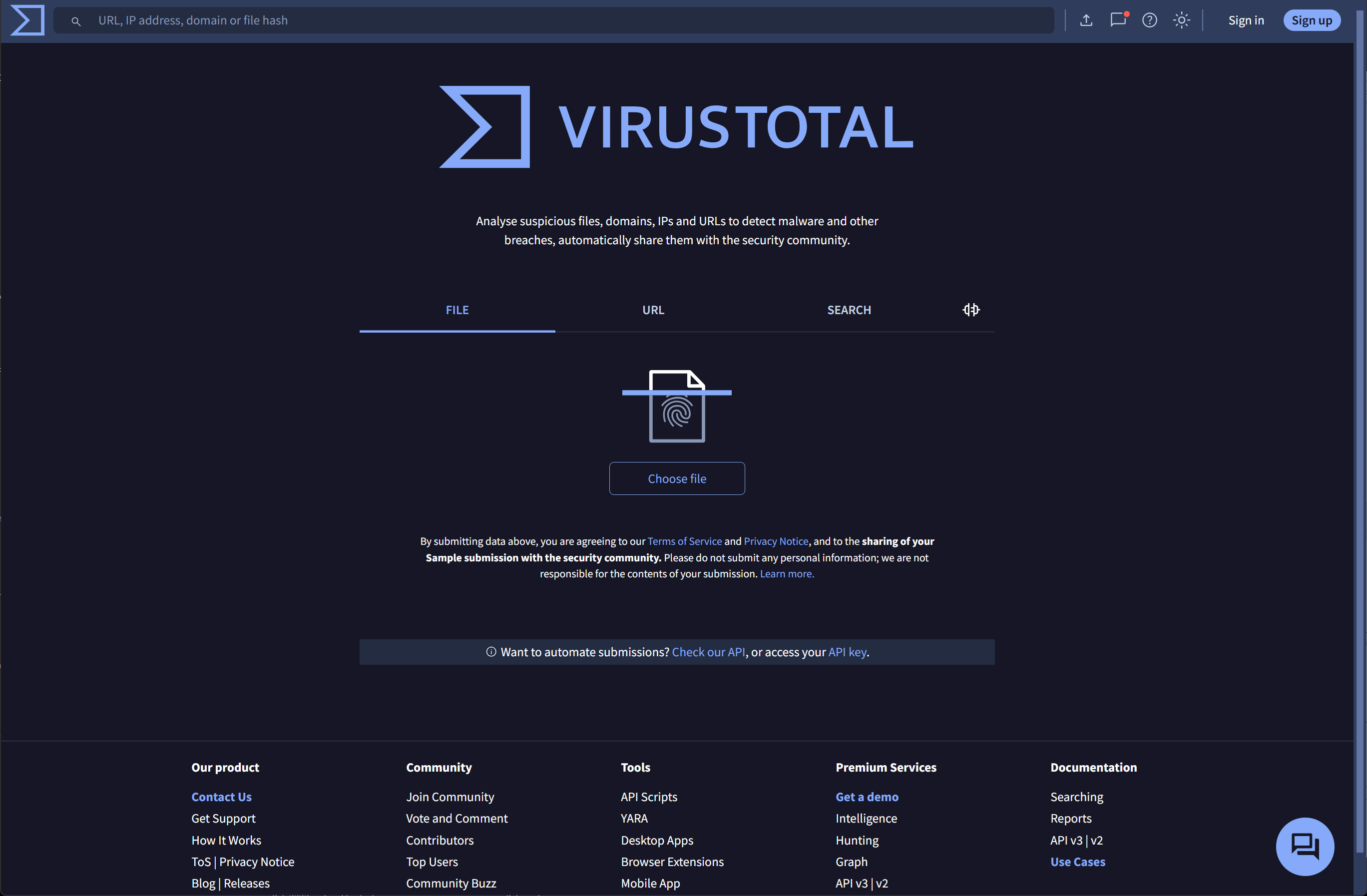
VirusTotal is a free service that analyzes suspicious files and URLs and facilitates the quick detection of viruses, worms, trojans, and all kinds of malware. VirusTotal, a subsidiary of Google, is a free online service that analyzes files and URLs enabling the identification of viruses, worms, trojans and other kinds of malicious content detected by antivirus engines and website scanners. At the same time, it may be used as a means to detect false positives, i.e. innocuous resources detected as malicious by one or more scanners.
3. MetaDefender Cloud
URL + Files | Max 140 MB | 43 Engines
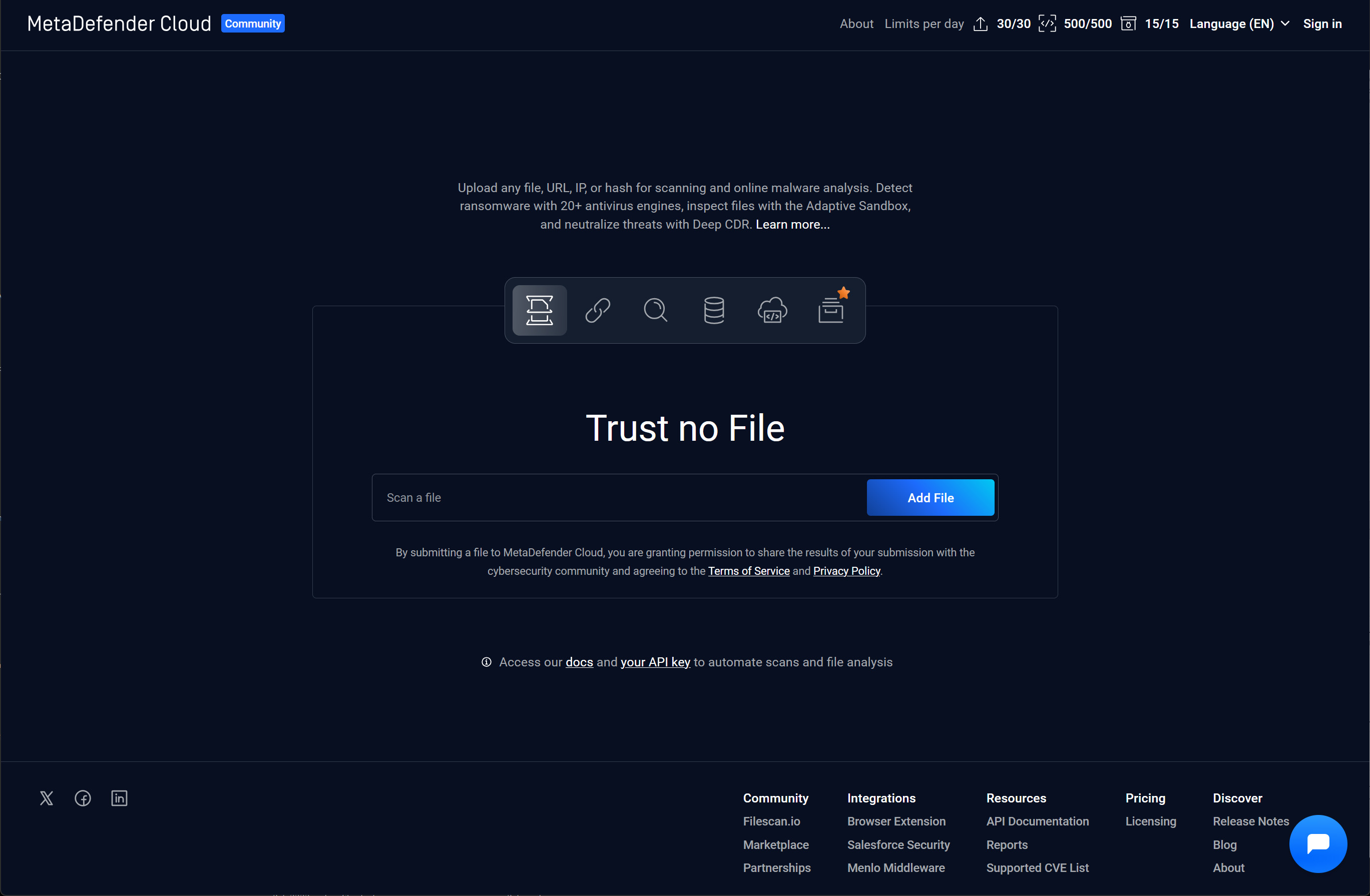
Metascan Online is a free online file scanning service powered by OPSWAT’s Metascan technology, a multiple engine malware scanning solution. Metascan is a powerful and flexible solution for detecting and preventing known and unknown threats. ISVs, IT admins and malware researchers use Metascan to get easy access to multiple anti-malware engines at a single time, via a rich set of APIs.
4. Internxt Virus Scanner
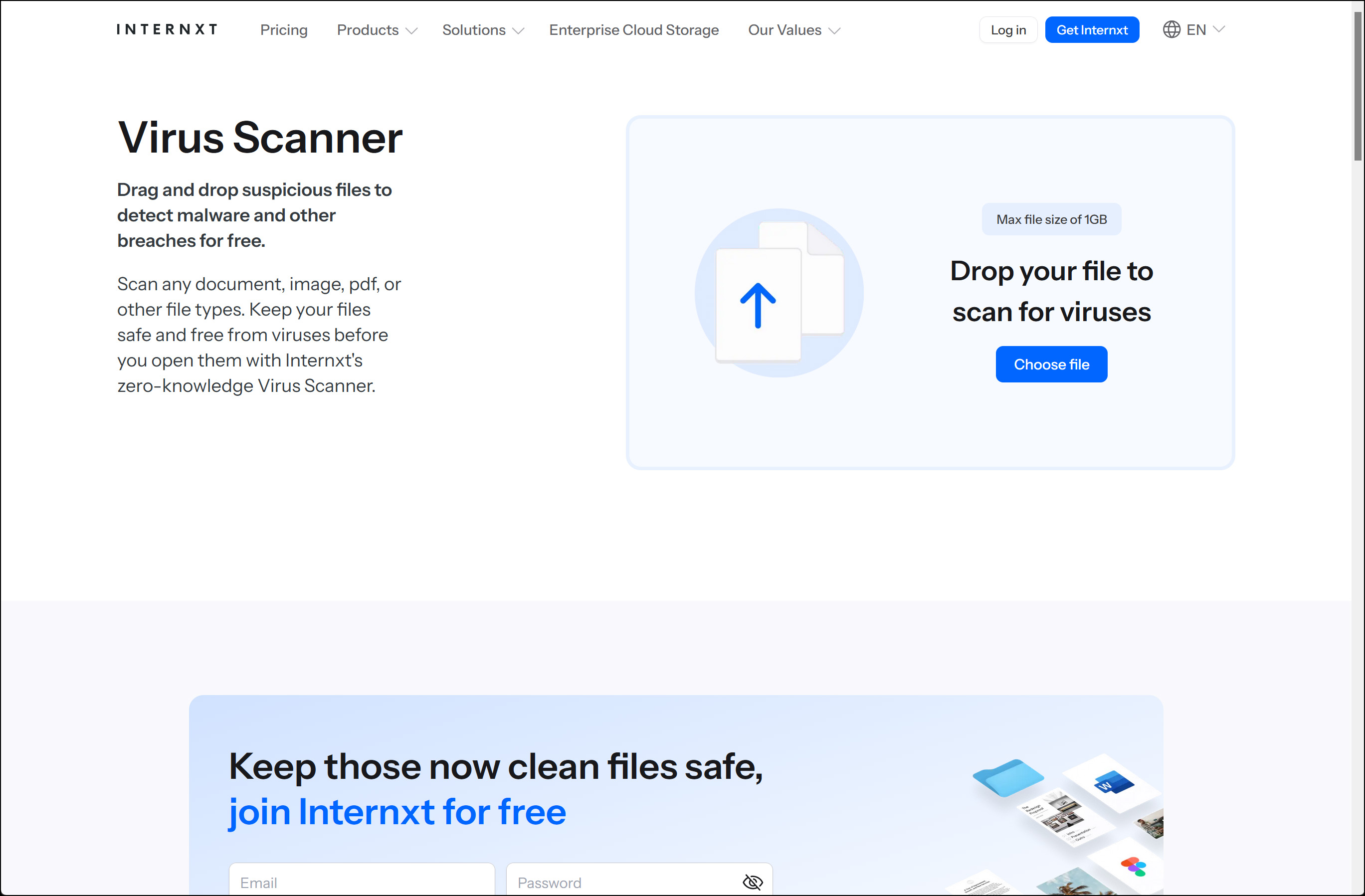
Drag and drop suspicious files to detect malware and other breaches for free. Scan any document, image, pdf, or other file types. Keep your files safe and free from viruses before you open them with Internxt’s zero-knowledge Virus Scanner. Scan files for viruses in complete confidence.
5. NordVPN File Checker
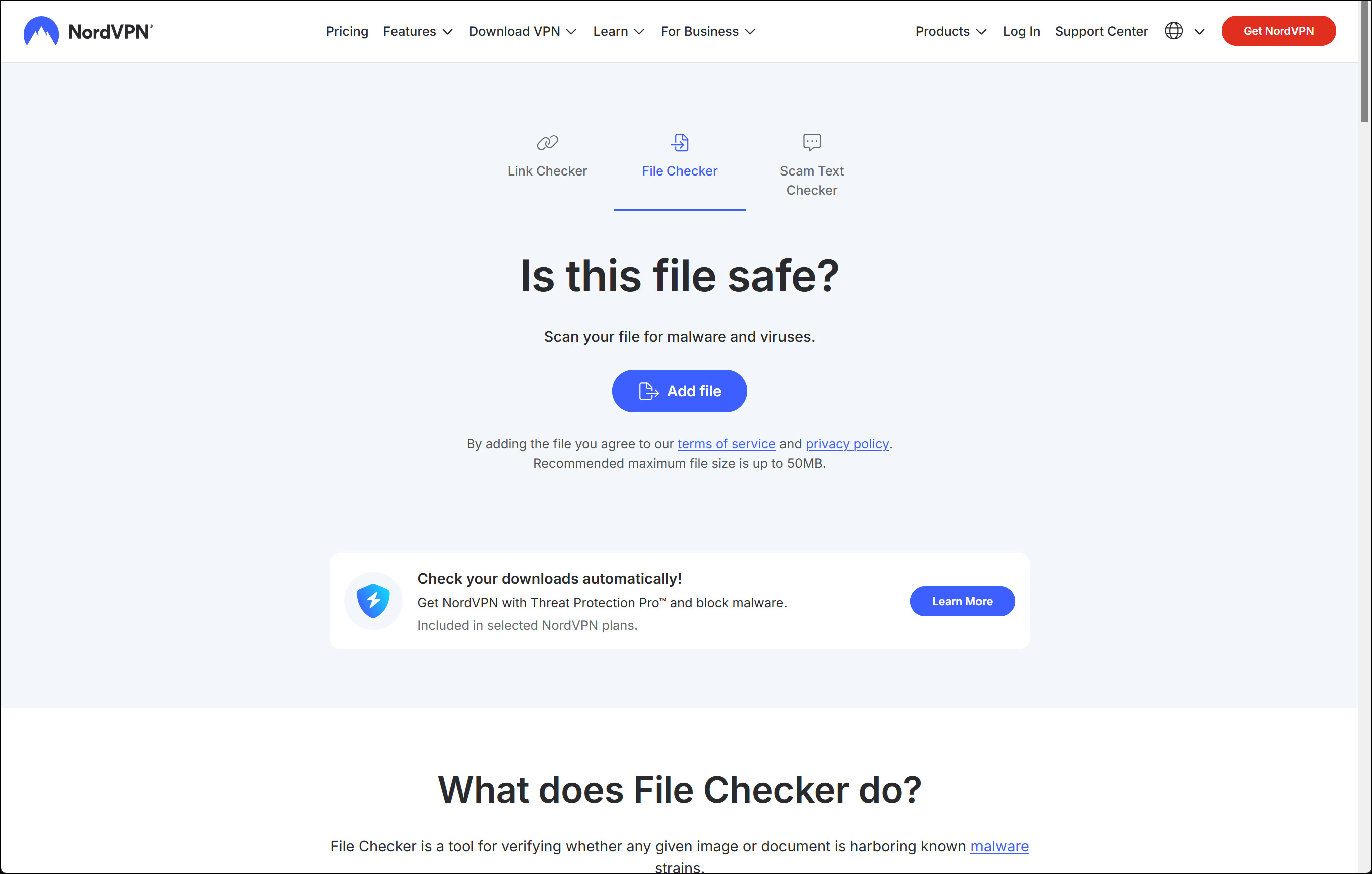
File Checker is a tool for verifying whether any given image or document is harboring known malware strains. Check attachments for phishing, you can get viruses by opening infected attachments to phishing emails — so don’t. You can download the file without opening it and scan it with File Checker to see if it’s secretly harboring malware.
Scan downloads before opening, even files you download from seemingly-legitimate online repositories can be infected. Use the free File Checker tool to upload a hash of the file to our servers and scan it for hidden malware.
6. Avira
URL + Files | Max 50 MB | 1 Engine
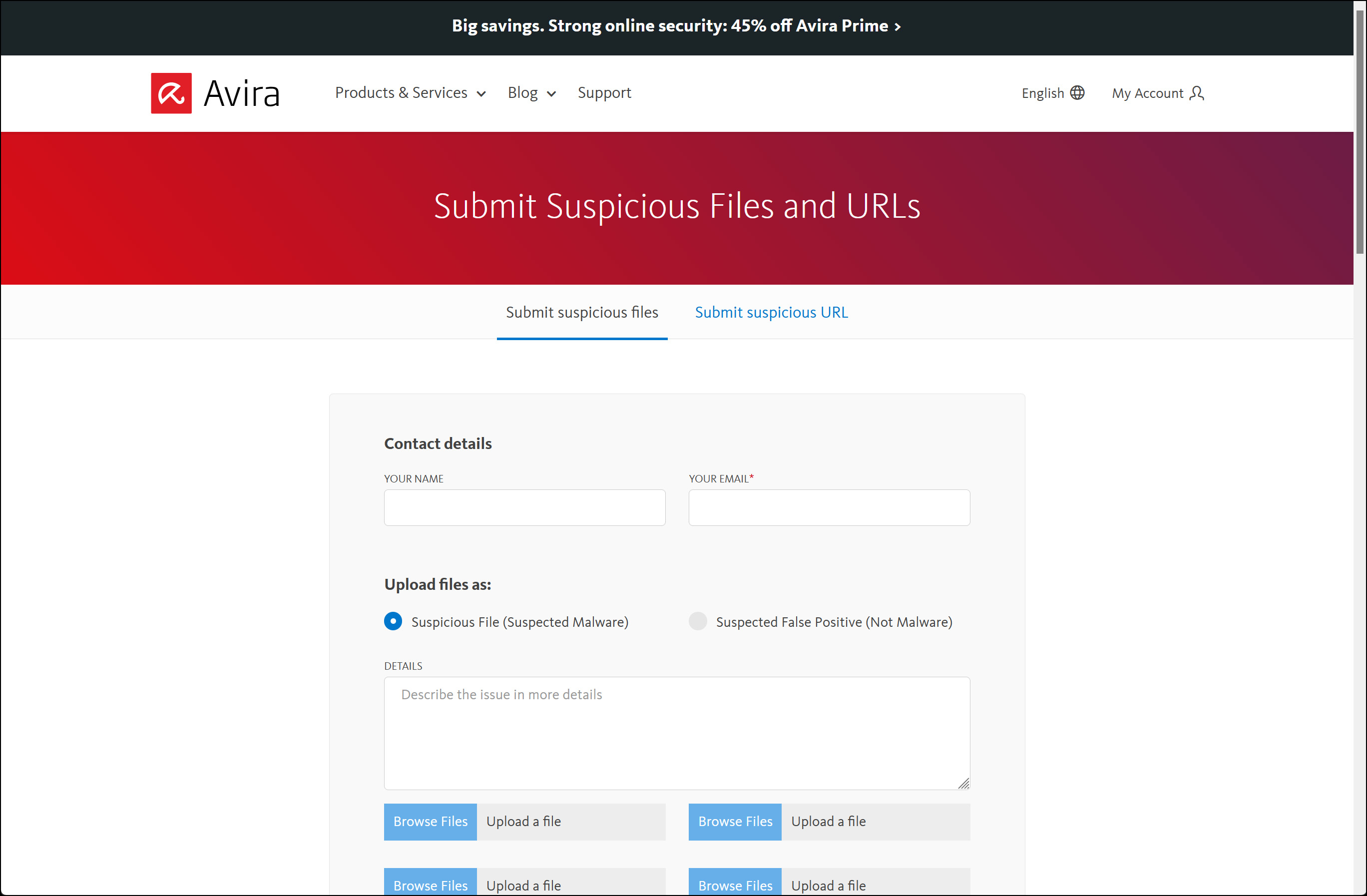
Avira’s online virus scanner uses the same antivirus engine as the popular Avira AntiVirus program to scan submitted files and URLs through an online form. The form asks for your contact details so the URL of the results can be sent to you. A maximum of five files no larger than 50 MB each can be uploaded.
If the suspicious files contain new malware which is unknown to us at this moment, they will update their signature database. After that we’ll be able to detect and – if technically possible – remove it.
7. FortiGuard Online Scanner
URL + Files | Max 1 MB | 1 Engine
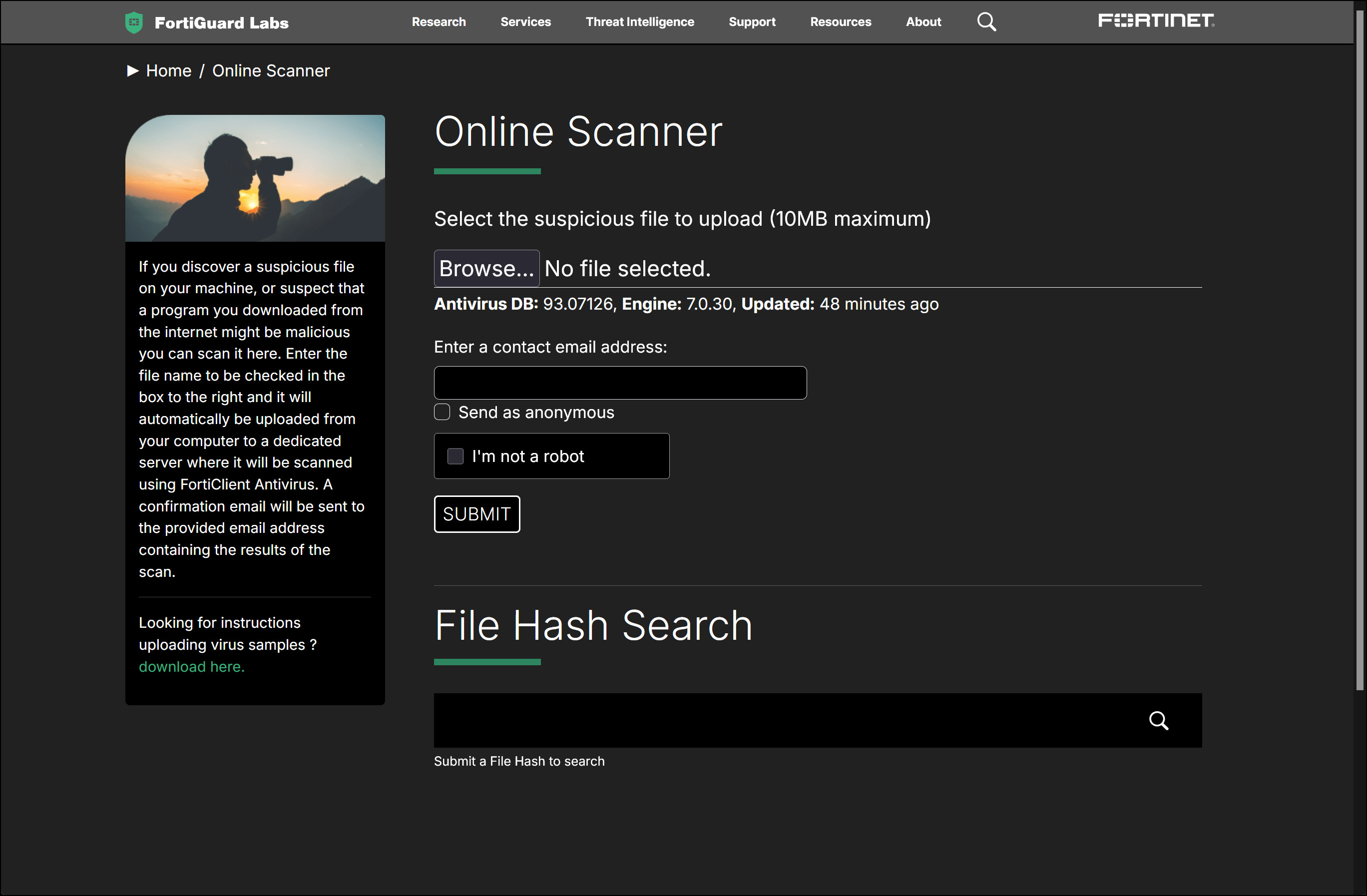
If you discover a suspicious file on your machine, or suspect that a program you downloaded from the internet might be malicious you can scan it here. Enter the file name to be checked in the box to the right and it will automatically be uploaded from your computer to a dedicated server where it will be scanned using FortiClient Antivirus. A confirmation email will be sent to the provided email address containing the results of the scan.
Upload a file to FortiGuard Online Virus Scanner for a quick check against its scanner. After you upload the file, enter your name and email address in case they need to send you a message about the file. After you submit the file for review, wait for the page to refresh and you’ll see the results at the top.
8. VirSCAN
Files | Max 20 MB | 49 Engines
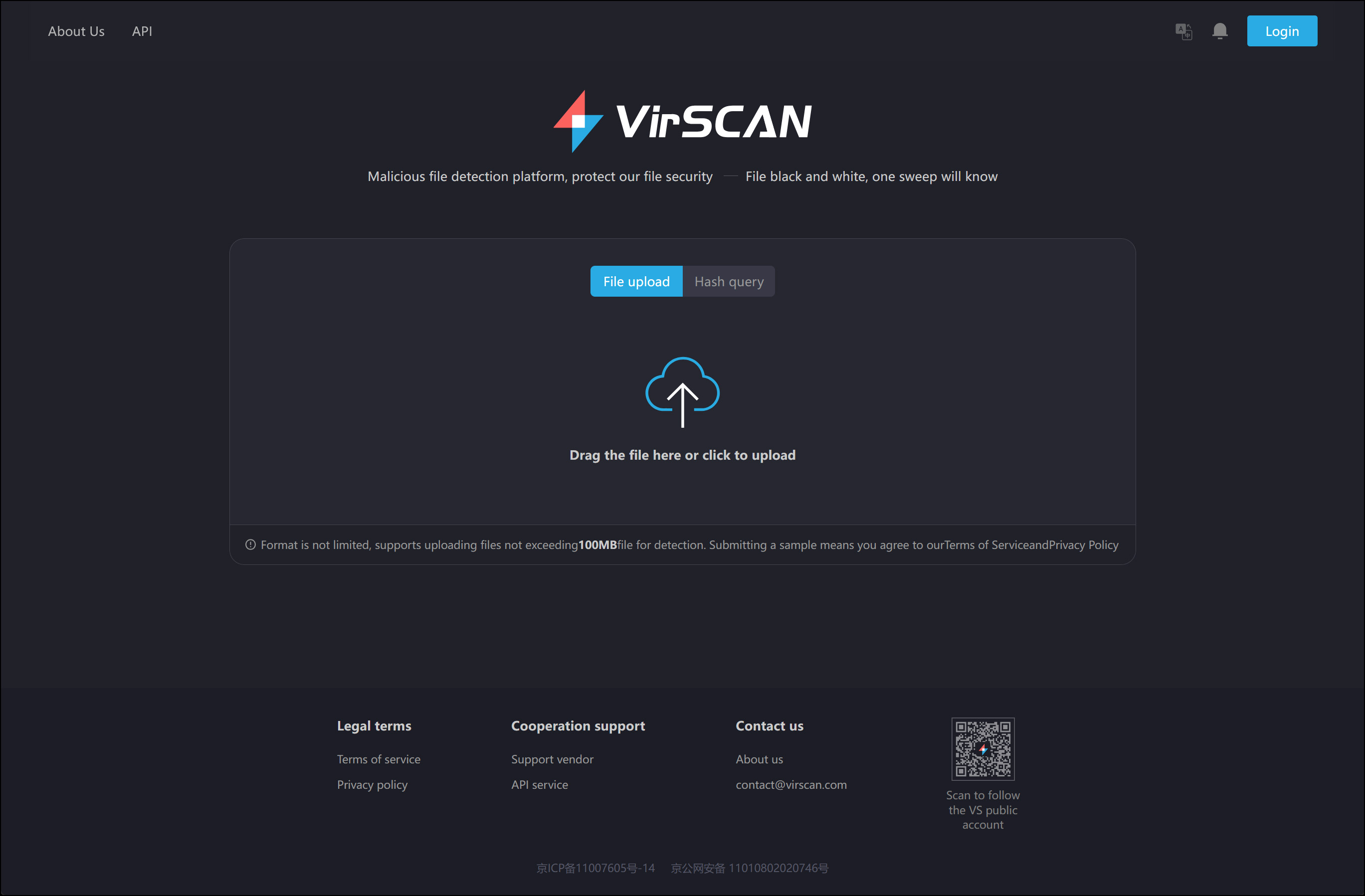
VirSCAN.org is a FREE on-line scan service, which checks uploaded files for malware, using antivirus engines, indicated in the VirSCAN list. On uploading files you want to be checked, you can see the result of scanning and how dangerous and harmful/harmless for your computer those files are.
VirSCAN.org cannot replace antivirus software on your computer. VirSCAN is not supposed and able to protect your computer from malware. VirSCAN only scans files, which may contain viruses, trojans, backdoors, spyware, dialers. However, VirSCAN does not bear responsibility for the results of scanning. Even if all the AV engines, included to VirSCAN fail to detect any kind of malware in the file you upload, it does not guarantee its being clean and safe for your computer. Some antivirus engines may define the files you will upload as malware, but it may turn out to be a false positive.
The list of antivirus engines used are ahnlab, alyac, antivir, antiy, arcabit, avast, avg, baidu, baidusd, bitdefender, clamav, comodo, ctch, cyren, defenx, drweb, emsisoft, fortinet, fprot, fsecure, gdata, hauri, hunter, ikarus, jiangmin, k7, kaspersky, kav4fs, kingsoft, nano, nod32, panda, pcc, qh360, qqphone, quickheal, rising, sophos, sunbelt, sxf, symantec, systweak, tachyon, thehacker, tws, vba, virusbuster, xvirus.
9. Hybrid Analysis
URL + Files | 42 Engines
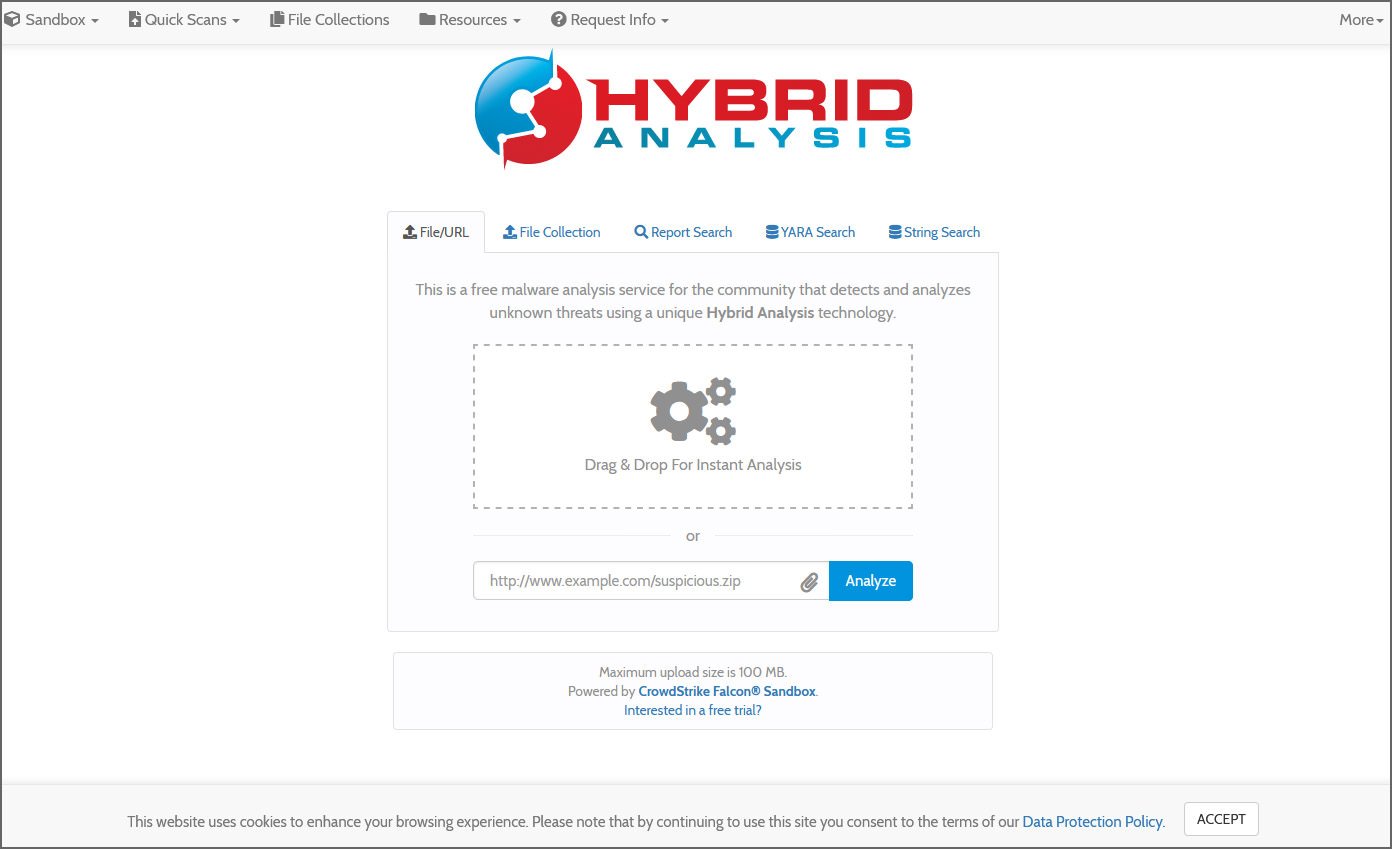
This is a free malware analysis service for the community that detects and analyzes unknown threats using a unique Hybrid Analysis technology. Upload and share your file collections. Receive instant threat analysis using CrowdStrike Falcon Static Analysis (ML), reputation lookups, AV engines, static analysis and more. All files uploaded will be made available to the community YARA/String search.
10. BitBaan MALab
URL + Files | 23 Engines
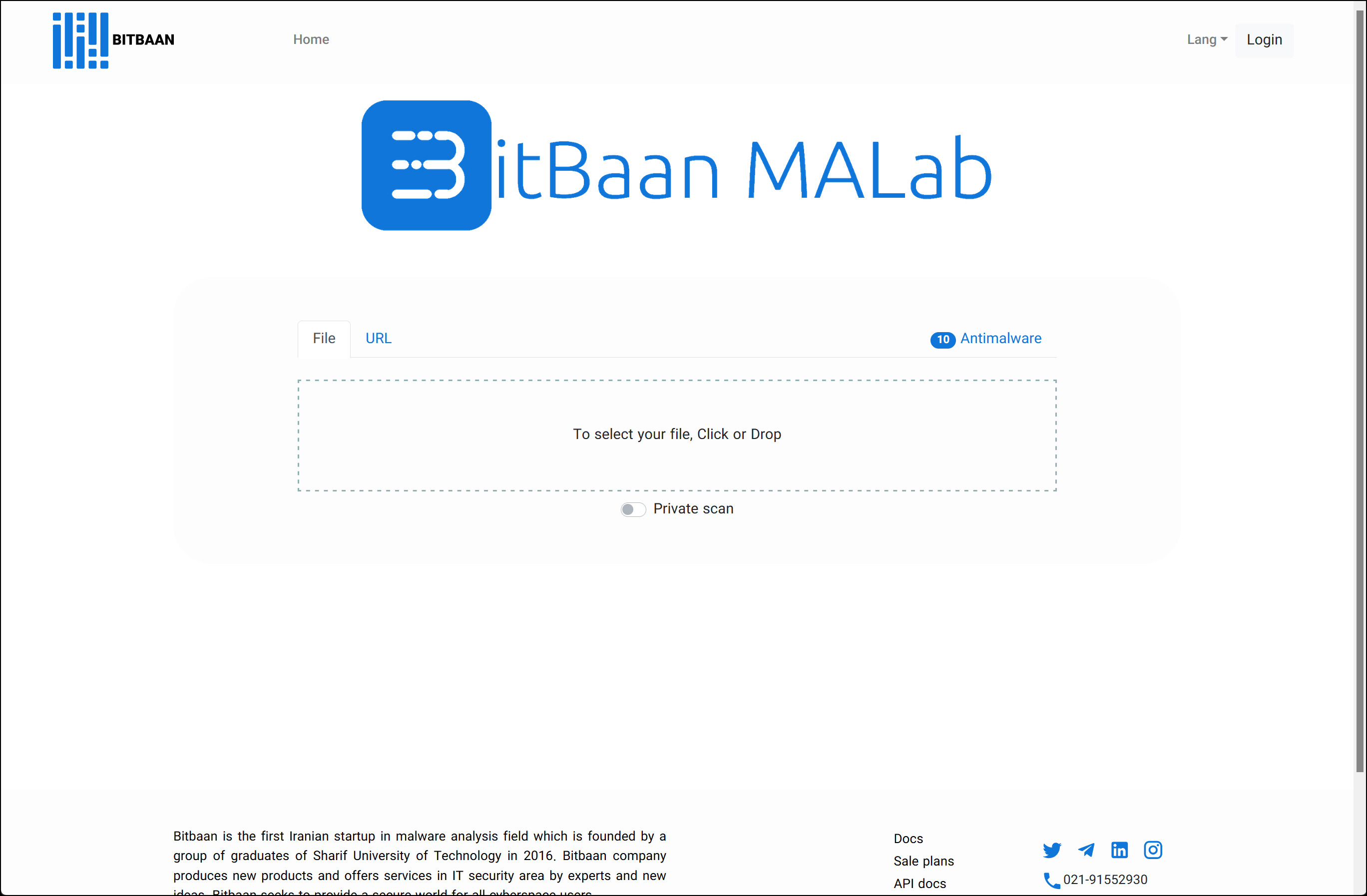
Bitbaan is the first iranian startup in the malware analysis field which was founded by a group of graduates of Sharif University of Technology in 2016. Bitbaan produces new products and offers services in the IT security area by experts and new ideas. Bitbaan seeks to provide a secure world for all cyberspace users.
11. Dr.Web Scan File
URL + Files | Max 128MB | 1 Engine
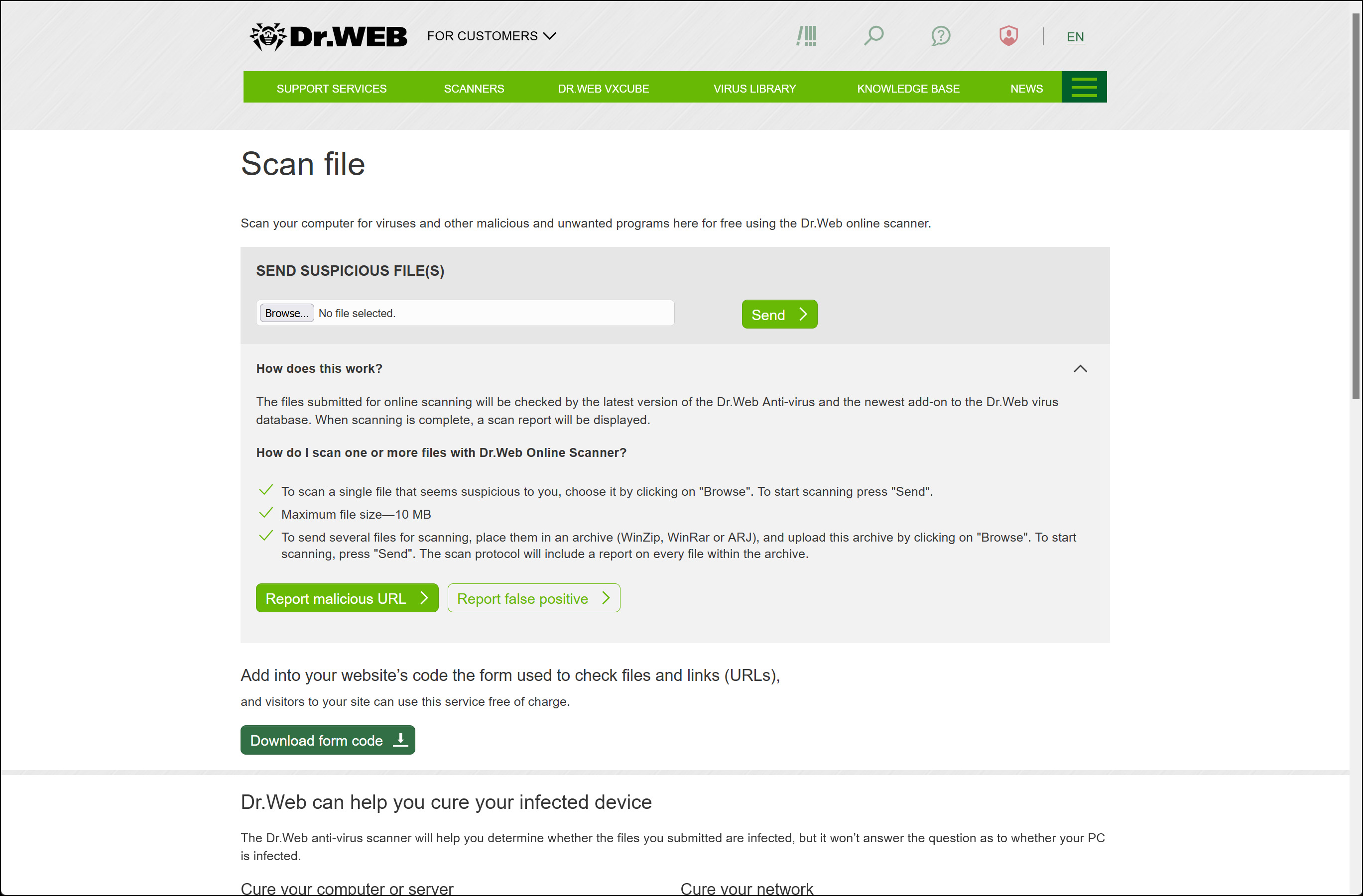
Everyone knows that once you are on malicious or fraudulent websites, your PC can easily become infected, especially if your computer or mobile device does not have anti-virus software installed. But could this be avoided? Yes, and it’s as simple as this: if a website looks suspicious, you check it on this web page before clicking on the unknown link.
Scan your computer for viruses and other malicious and unwanted programs here for FREE. The files submitted for online scanning will be checked by the latest version of the Dr.Web Anti-virus and the hottest add-on to the Dr.Web virus database. Upon scanning completion, a scan report will be displayed.
12. Jotti’s Malware Scan
Files | Max 50 MB | 15 Engines
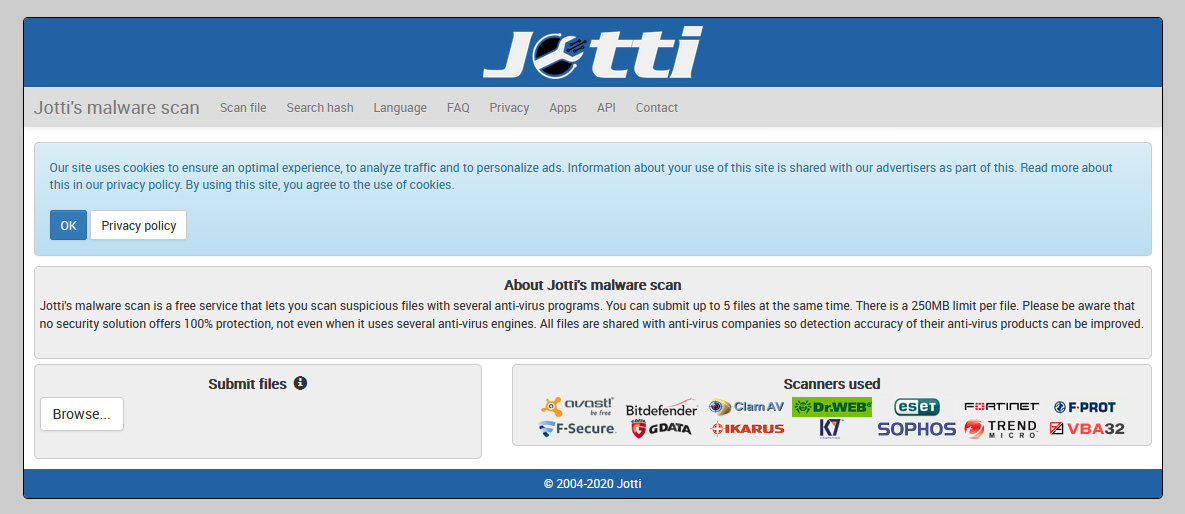
Jotti’s malware scan is a free service that lets you scan suspicious files with several anti-virus programs. You can submit up to 5 files at the same time. There is a 50MB limit per file. Please be aware that no security solution offers 100% protection, not even when it uses several anti-virus engines. All files are shared with anti-virus companies so detection accuracy of their anti-virus products can be improved.
13. VirusCheckMate
URL + Files | 42 Engines
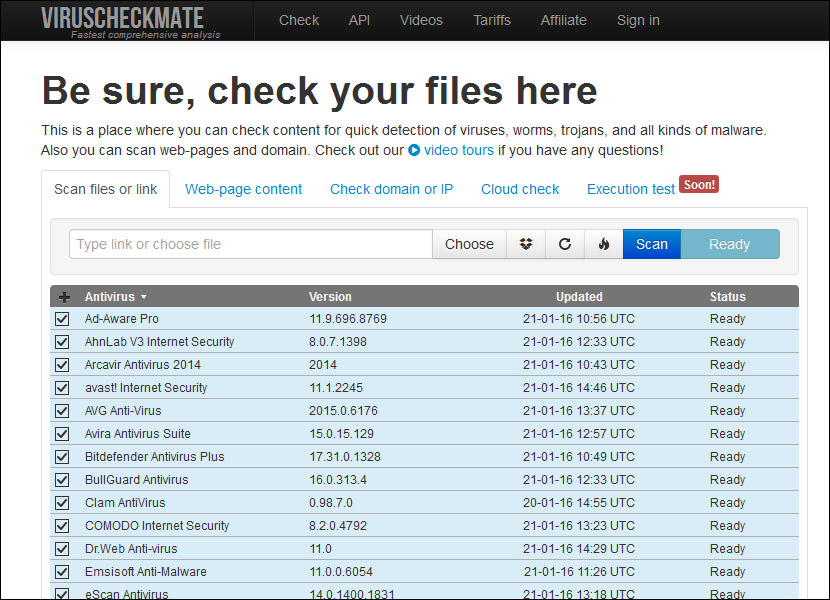
[ Discontinued ] This is a place where you can check content for quick detection of viruses, worms, trojans, and all kinds of malware. Also you can scan web-pages and domains.




Bitdefender Online Scanner is a free virus scanner
HouseCall is a free virus scanner offered by Trend Micro
Do a quick free online anti virus scan and check your computer for malware
try NanoScan Scans Your Computer for Virus Online… thanks
Kaspersky Online Virus Scanner
free online system scan virus removal
symantec port scan
online scan my computer for viruses
what about Computer Associates Online Virus Scanner ? are they good?
Test your computer’s exposure to online security threats
thanks for the list of services!
what the best antivirus for online security ?
Being as there are plenty of executables, installers, etc, out in there which are larger than 500 MB and even over 1 GB, this is all pretty useless.