

Below are 4 software that enables you to create individual user names and login passwords for your customers. These types of virtual hotspot software are useful for those renting out rooms, providing lodging, running a hostel, hotel, or cybercafe. Some are more powerful than others, do check them out.
See More ▼ 9 Virtual WiFi Wireless Router Software for Hotels to Share Internet
Who needs this? Say if you have free internet access via LAN network for your desktop or laptop in a hotel or hostel or student dorm. These software will enable your smartphone to access the internet.
1. Connectify Hotspot
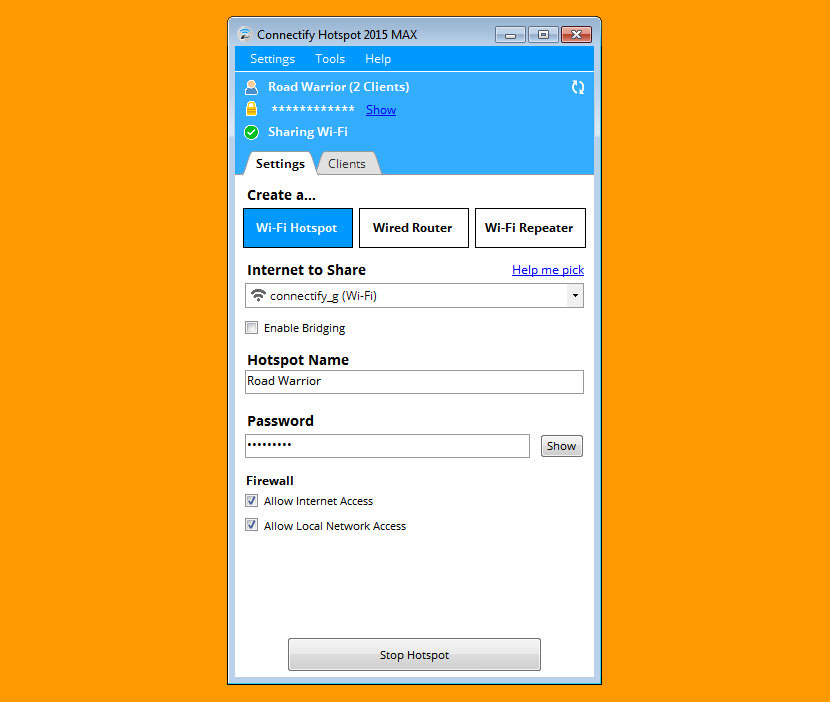
Connectify Hotspot is perhaps the best software solution to wifi sharing, it comes with lots of features when you purchase the Pro or Max package. If you’re looking for a basic Wifi sharing software, this is the most stable among all of them. The WiFi repeater is not a long term solution, do note that it costs more to run a computer than a router/repeater. Primary features:
- Monitor Network Usage By Device
- Share Internet from Ethernet Networks
- Share Internet from 3G or 4G Networks (PRO & MAX)
- Firewall Controls for Connected Devices (PRO & MAX)
- WiFi Repeater Mode (MAX)
2. MyPublicWifi
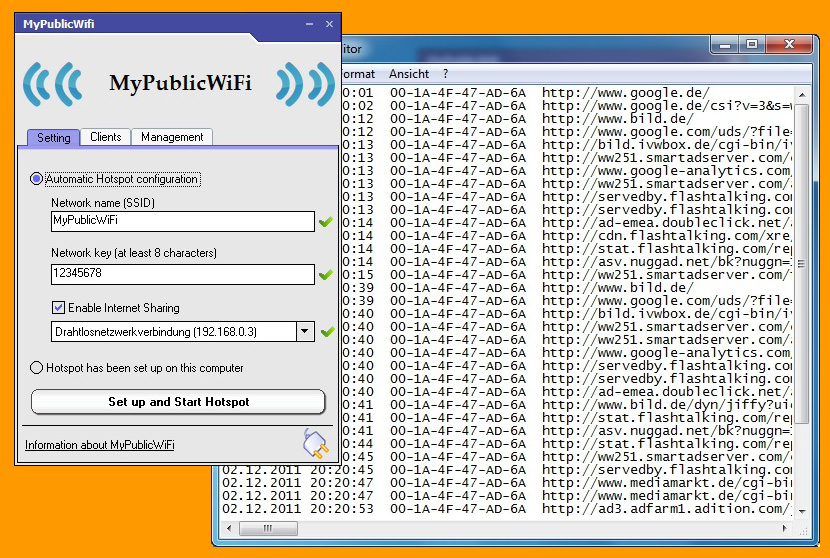
MyPublicWiFi is an easy-to-use software that turns your laptop/PC into a Wi-Fi wireless access point. Anyone nearby can surf the Internet through your sharing. This is also an ideal solution for setting up a temporary Access Point in a hotel room,meeting room,at home or the like. Works great on Microsoft’s Windows 10 and Apple’s macOS. Primary features:
- The MyPublicWiFi-Firewall can be used to restrict user access to specific servers.
- You can also prevent the use of certain Internet services (e.g. file sharing programs).
- MyPublicWiFi allows you to record and track all visited url pages on your virtual WIFI-Hotspot.
3. mHotspot
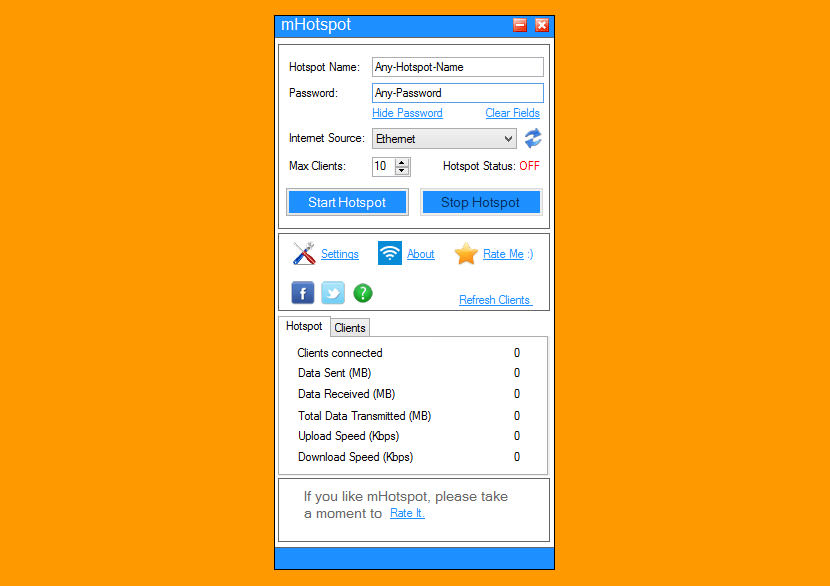
Just like all the other hotspot creators, this software enables you to share your internet connection with others. The best part is, there is no paid version and it is 100% free. Works on Windows, Android & Ubuntu.
- Stream videos and shares files to clients
- See the details of the connected device(Name, Ip Address, Mac Address)
- See the network usage(Upload and Download Speed, Transfer Rates)
- Secures your wireless hotspot with WPA2 PSK password security
- Extends your Wifi range(Acts as a repeater)
- Works with Microsoft Windows 7,8,10, Google Android and Linux Ubuntu
4. HostedNetworkStarter
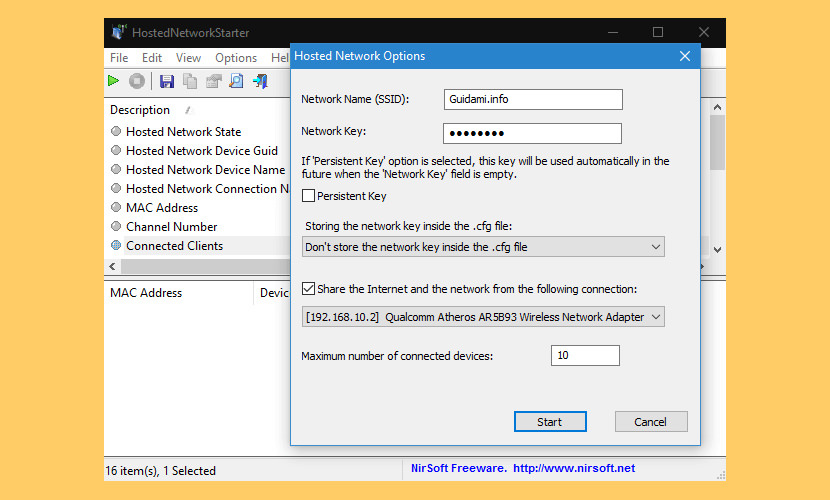
HostedNetworkStarter is a simple tool for Windows and later that allows you to easily create a wifi hotspot with your wireless network adapter, using the Wifi hosted network feature of Windows operating system. With the wifi hotspot created by this tool, you can allow any device with wifi support to access the network and the Internet connection available in your computer.
5. Maryfi
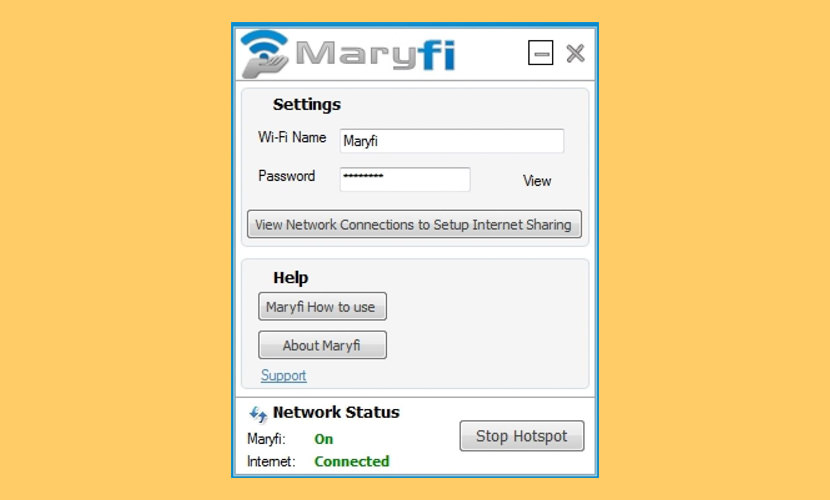
Maryfi is a free and easy to use virtual router software creator for Windows 7 , 8 and 8.1 computers. With Maryfi, users can wirelessly share any Internet connection: a cable modem, a cellular card, or even another Wi-Fi network.
Other Wi-Fi enabled devices including laptops, smart phones, music players, and gaming systems can see and join your Maryfi hotspot just like any other Wi-Fi access point and are kept safe and secure by password-protected WPA2 Encryption. MaryFi works in case you are using proxy or even vpn connection.
6. Microsolut WiFi HotSpot Manager
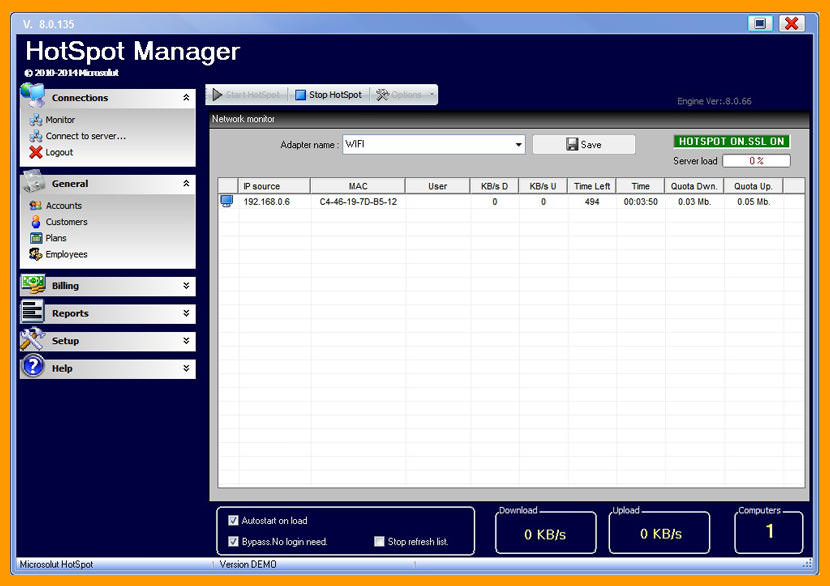
[ Discontinued ] This is perhaps the most advanced WiFi sharing and billing software for Hotel Billing. Ideal for those operating a temporary lodging that requires proper tracking, especially those into AirBnB.
- Complete wifi billing system – Setup invoices, tickets, printers, taxes and much more.
- Paypal integration
- Control time and bandwidth usage of wired and wireless laptops without any client software installations.
- Create logs of URL addresses that customers visit
- Charge by data transfer, specified time usage, or download and upload rate. You can also set pricing profiles so when a customer refills their account they are charged the same way
7. OSToto Hotspot
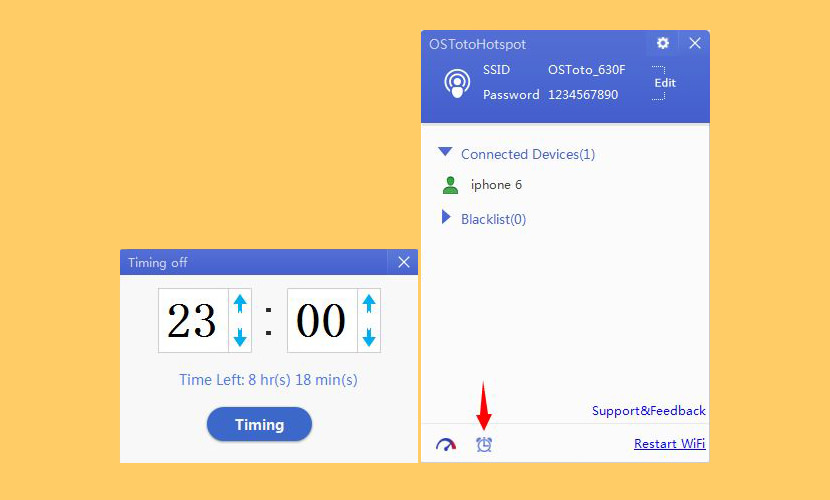
[ Discontinued ] OSToto Hotspot is a free and professional WiFi hotspot creator tool for computers. It enables you to build a stable and personal (or public) hotspot without a wireless router. You can freely share your computer Internet connection with all WiFi-enabled devices, like phones, tables, laptops, etc.
8. Baidu WiFi Hotspot
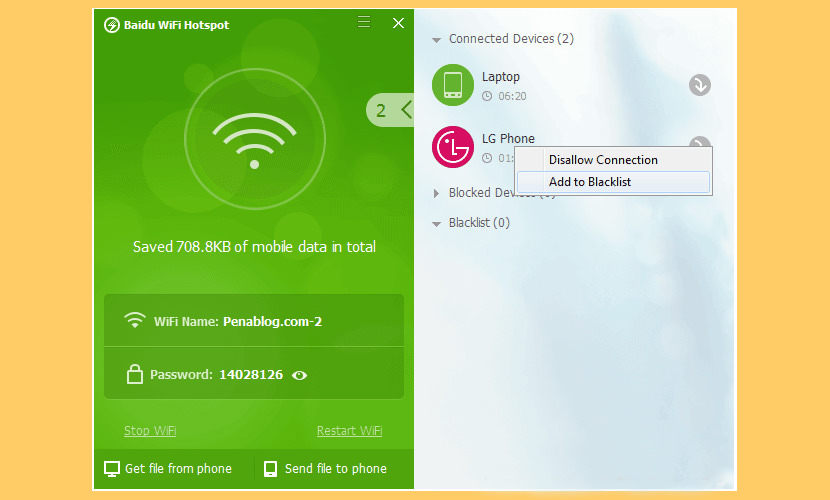
[ Discontinued ] Baidu WiFi Hotspot conveniently turns a computer into a wireless router for sharing both Internet connection and files. Whether you are using a cable network or USB dongle, you will easily share your Internet with compatible devices. The program allows you to set your preferred nickname and password and determine the people with whom you want to share the hotspot. Depending on your hardware, the software may create the free WiFi hotspot in adhoc mode, which may prevent some phones from connecting.
Recommended for you:
 2 Free Tools – Fix “This Site Can’t Be Reached” Internet Connection Error
  11 Best ISO Mounting Free Software For Creating Virtual CD DVD Drive in Microsoft Windows
  8 Free Sandboxing, Virtual Machine And Rollback Software For Windows
  4 Free P2P Intranet Software – Create Home Office File Sharing Network
The first and most important in the list should be http://www.antamedia.com/hotspot software.
It’s powering hotspots for almost a decade and all the listed software are just a toys comparing to the Antamedia Hotspot.
That stuff sounds great still having trouble on the HP laptop I bought the XfinityWifi is not that bad if you have the proper wireless adapter
One of the Best WiFi Hotspot Software which I know are
1. HostedNetworkStarter
2. MaryFi
3. My WiFi Router
4. MyPublicWiFi
5. 160WiFi
That stuff sounds awesome as yet experiencing difficulty on the HP portable workstation I purchased the XfinityWifi isn’t that awful on the off chance that you have the correct remote connector. It’s fueling hotspots for very nearly 10 years and all the recorded programming are only a toys contrasting with the Antamedia Hotspot.
I have been using mhotspot and I must say that it is a good tool. But, whenever I share the internet thorugh it with more than 5 connections, I start getting issue with Internet speed. Is there any way to keep it maintained?
tried Baidu WiFi Hotspot. light software just 5 mg, easy to use and worked fine