

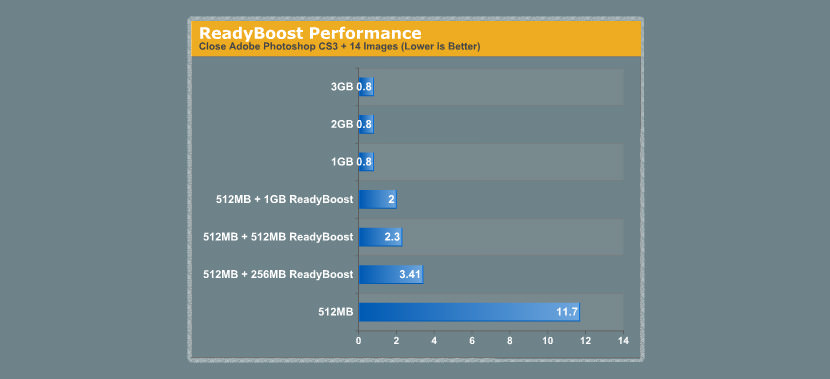
Want to speed up your computer without upgrading your RAM? Microsoft ReadyBoost technology in Windows Vista has the ability to boost your system by utilizing any type of flash memory from SD card to USB Thumbdrive. I was hoping that Windows XP service Pack 3 comes with ReadyBoost technology but I doubt that is going to happen. ReadyBoost is a great technology when you’re low on RAM, especially when you’re into graphics, multimedia and gaming, it is not as responsive as a RAM but good enough to increase responsiveness and performance to a certain level.
See More ▼ 6 Free Registry Cleaner for Microsoft Windows XP, 7 and 8
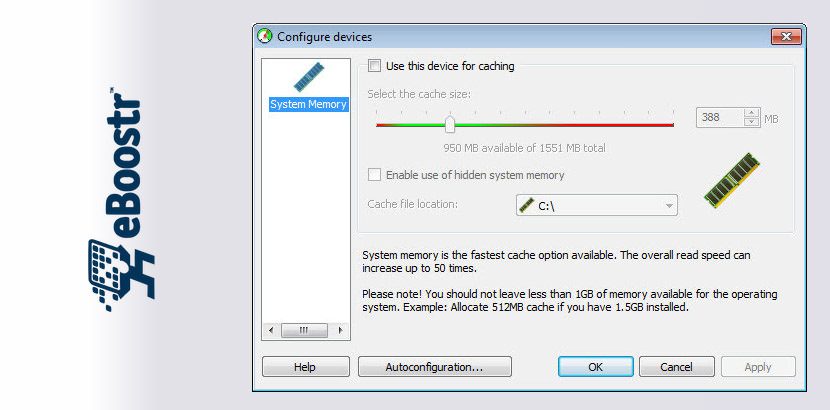
Fear not, eBoostr is here to save the day. eBoostr offers such an easy and relatively cheap solution to the problem of insufficient RAM, that you will have absolutely no need to buy additional memory. All you need to boost your computer performance: is plug in a flash drive, choose it as a device to speed up your computer and set the amount of the memory space to be used. Highlights.
- Vista’s ReadyBoost benefits on your Windows XP® machine;
- Smart caches frequently used applications and files for maximum performance speed up;
- Supports both USB and non-USB removable media devices, as well as additional hard disks;
- Allows up to 4 devices for simultaneous smart caching;
- Cache file size of up to 4GB on each device;
- Compatible with all ReadyBoost® ready devices.
eBoosts is such a great application, for a person that is into graphic designing and still stuck in Windows XP, I would say eBoost 1.1 is a good investment, it is just 29 dollars. Don’t go on Google for Cracks, Serial or Keygen, it is not worth it, support the author.
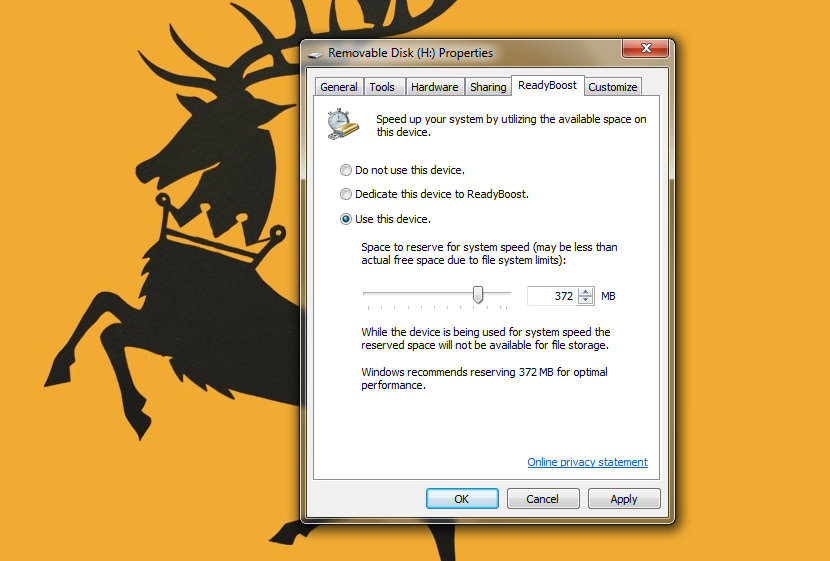
Another option besides eBoostr is to reconfigure your Windows Pagefile system, right click on ‘my computer’ properties and proceed to change your default Pagefile system drive from C: to the one assigned by Windows for your computer, it can be E: or F: depending on the numbers of storage drives you installed in your system.
ReadyBoost | Watch Ready Boost Work
Which Is The Fastest Readyboost Peripheral?
As shown in the table below, CF card is the fastest followed by USB 3.0. Since you will be using Windows XP, USB 2.0 flash drive is the best option unless your laptop has a build in CF card reader. A USB CF card reader won’t have the same speed as a build in reader.
| Average Read MB/s | Average Write MB/s | |
|---|---|---|
USB Thumbdrive USB 2.0 | 18 | 7 |
USB Thumbdrive USB 3.0 | 31 | 14 |
SD Class 2 | 2 | 2 |
SD Class 4 | 4 | 4 |
SD Class 5 | 4.8 | 5 |
SD Class 6 | 6 | 6 |
SD Class 10 | 10 | 10 |
SD UHS-I | 62 | 41 |
Portable USB 2.5" Hard Drive(Not supported by ReadyBoost, for comparison purpose) | 32 | 25 |
CompactFlash l | 167 | 167 |
CompactFlash ll | 167 | 167 |


Is ReadyBoost Worth Using in windows 8?
how to use Windows ReadyBoost to Increase Performance in Windows 8?
Readyboost didnt do much for Vista… maybe Windows 7 will be better ?
SD Card for Ready Boost?
How to Use ReadyBoost to Speed Up Windows 7
Using an SSD as a ReadyBoost device