

‘Setup did not find any hard disk drives’ error during Windows installation is due to the unsupported storage controller that isn’t found in Windows XP, and on some cases, in Windows Vista. This is because Windows XP is a really old operating system, albeit still the most popular among everyone due to its stability.
See More ▼ Internet Connection Error: Unable to Connect to the Proxy Server
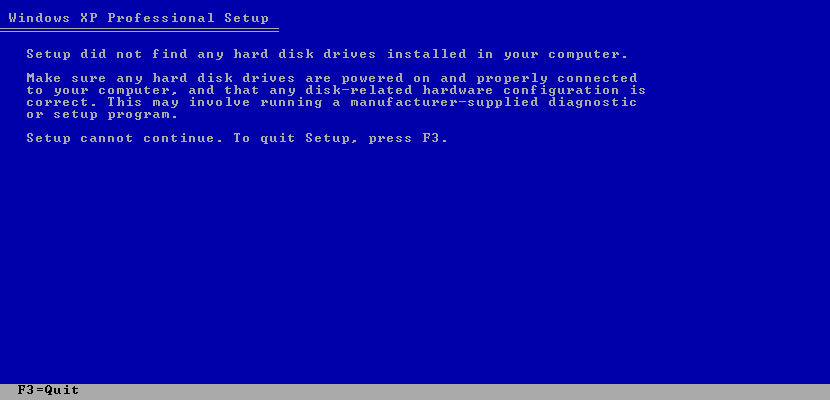
The reason for the missing hard disk error is because of the relatively new SATA (Serial ATA) controller, introduced many years ago before the availability of Windows XP.
- Step 1 – Download the SATA or PATA driver for your motherboard.
- Step 2 – Extract and save the files to your floppy disks or USB flash drive.
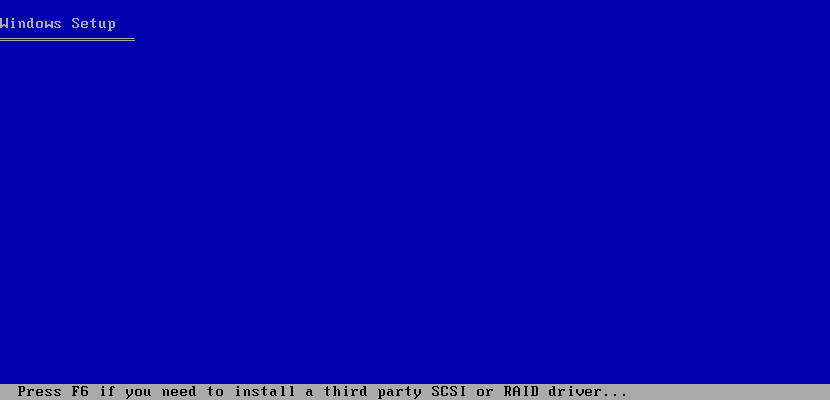
- Step 3 – Install Windows, press ‘F6’ if you see the following message ‘Press F6 if you need to install a third party SCSI or Raid driver’ as shown in the screenshot below:
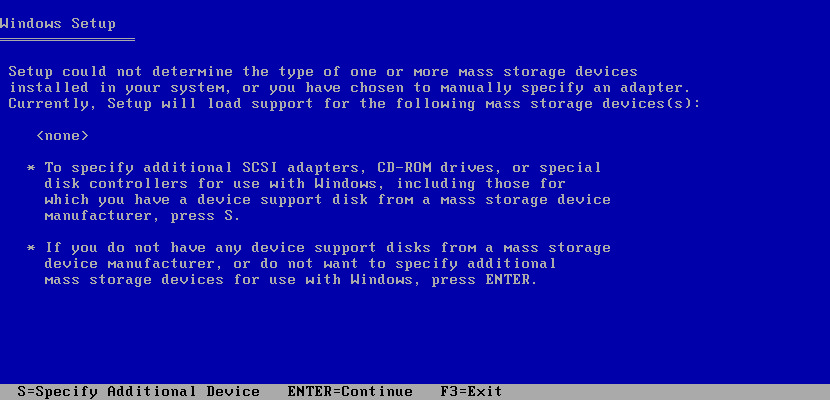
- Step 4 – Press ‘S’ to specify additional devices.
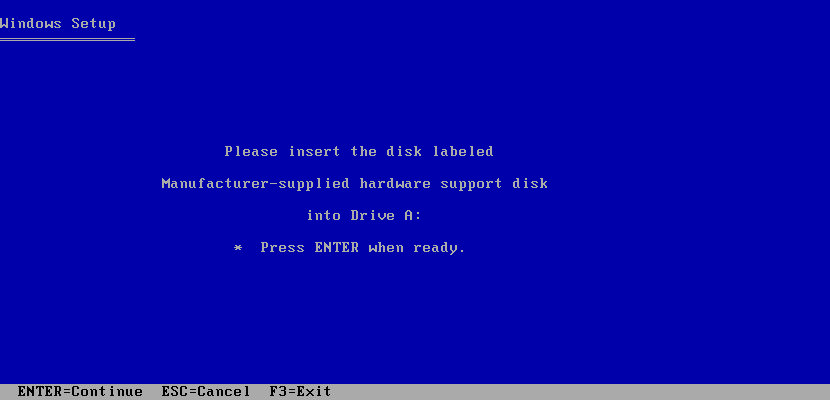
- Step 5 – Insert your floppy disk/USB flash drive, hit ‘enter’ and load the SATA (Serial ATA) controller for your motherboard. Choose the right driver for your motherboard, Windows will load the driver.
What if you don’t have a floppy drive? Who does in today’s computing environment? Fear not, nlite. Customize your Windows installation files with the right SATA controller driver.
Recommended for you:
 11 Freeware To Detect Fake USB Flash Drives, SD Cards And SSD Disk
  Canon LiDE 20, 25, 30, 35, 60, 100 and 110 Scanner Driver For Microsoft Windows 64-bit
  3 Free Adobe PDF Printer Driver For Microsoft Windows 10 & Apple Mac
  11 Best ISO Mounting Free Software For Creating Virtual CD DVD Drive in Microsoft Windows