
Probably by now you know how to use the ‘Print Screen’ key. Just in case you have no idea on how to use it, simply press the ‘Print Screen’ key and execute your favorite image editing software, e.g. Photoshop, open a new window/document/template and hit ‘Ctrl + v’ to paste the captured screenshot into the new window.
See More ▼ 10 Free Screen Capturing Tools For Windows, Mac & Linux
How To Capture a Screenshot with Microsoft Windows
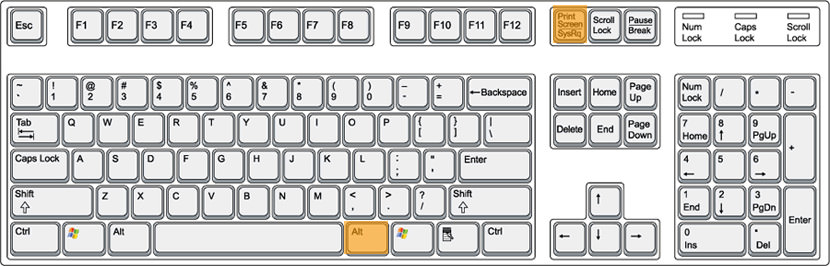
How do you capture an active window? To capture an active window, use the combination of ‘Alt + Print Screen’. This command captures the current active screen on your screen. No more cropping! Forget about those expensive Windows screenshot software, tools, and utilities. Why pay for something that comes for free in Windows? Summary:
- Alt + Print Screen – Capture active Windows
- Print Screen – Capture entire screen
How To Capture a Screenshot with macOS
The Macintosh operating system has always made it easy to capture a screenshot (an image of your computer desktop or an active window). Here’s a summary of all the methods you can use to capture your screen using macOS.
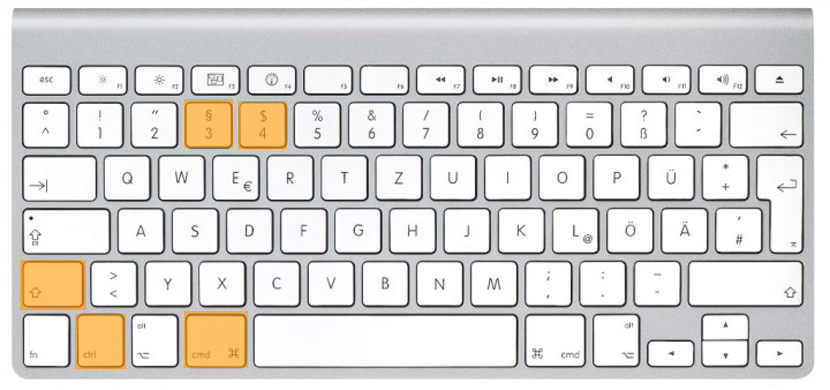
- Command+Shift-3 – To capture the entire desktop.
- Command+Control+Shift+3 – To copy the entire desktop.
- Command+Shift+4 – To capture a portion of the desktop.
- Command+Shift+4+Spacebar – To capture a specific application window.
How To Capture a Screenshot with macOS
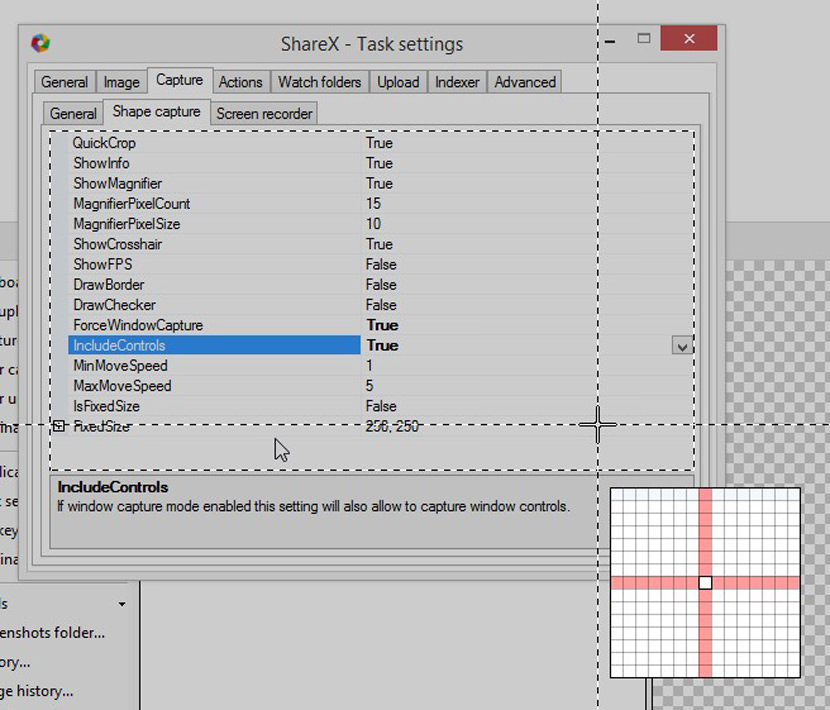
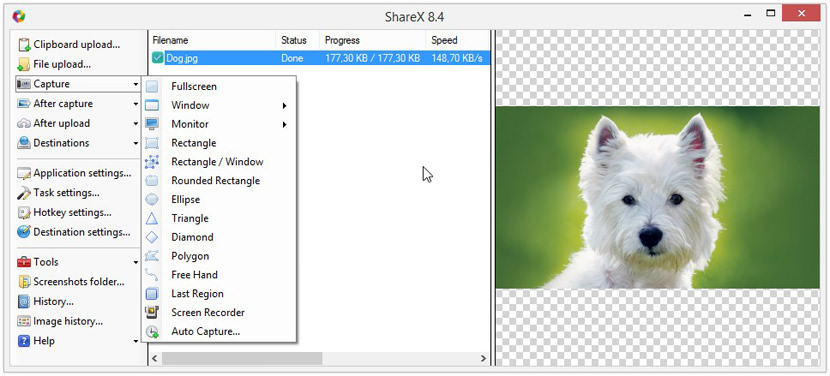
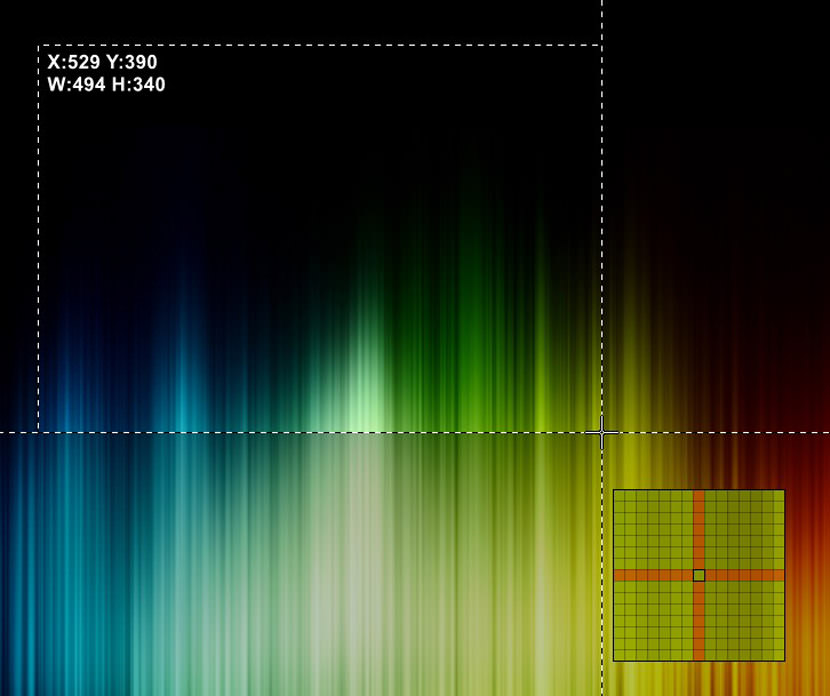
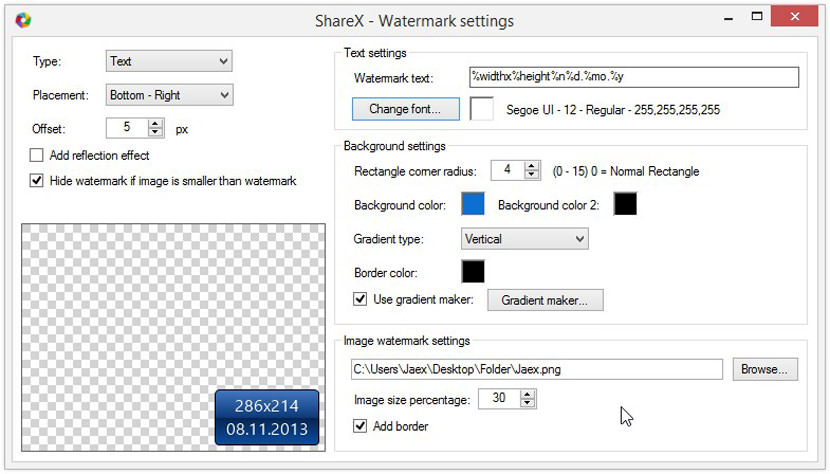
ShareX is an open source program that lets you take screenshots of any selected area with a single key, save them in your clipboard, hard disk or instantly upload them to over 25 different file hosting services.
ShareX can capture screenshots with different shapes: rectangle, rounded rectangle, ellipse, triangle, diamond, polygon and also freehand. It can upload images, text files and all other different file types. It is able to capture screenshots with transparency and shadow. The program also supports clipboard upload and drag-and-drop. This is perhaps one of the most advanced Windows capture software. Download ShareX.